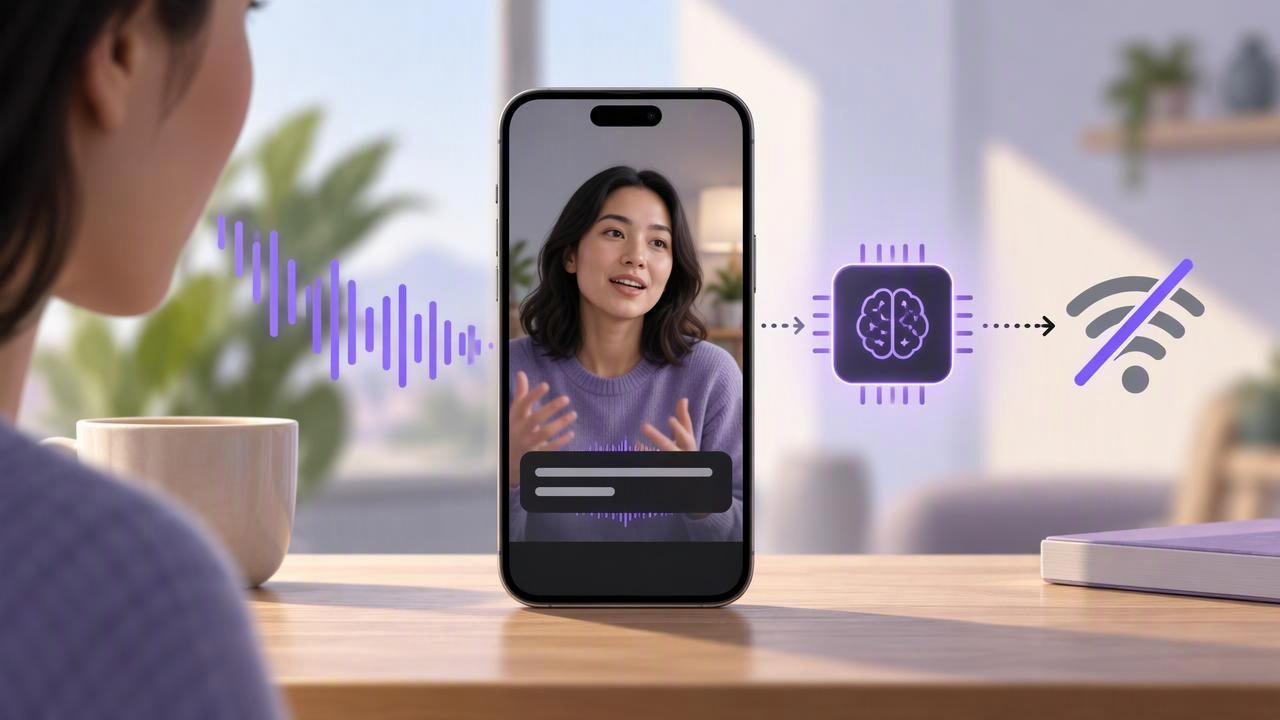
On-Device Subtitles Without Internet: How They Work
Learn how on-device subtitles work without internet, what affects accuracy, and how to record and check captions offline on your iPhone.
October 25, 2026
CueCam is a teleprompter and video creation app for iPhone designed to help creators read scripts while maintaining eye contact with the camera. It offers voice-following word tracking, fixed-speed, and timed scrolling modes. The app supports pro camera recording up to 4K/60fps, external mics, and stabilization. CueCam also includes built-in editing tools like trimming, resizing, background replacement, clean audio, and watermark options. It generates on-device subtitles in 60+ languages with no internet required and optimizes exports for platforms like TikTok, Instagram, and YouTube. Privacy-focused by design, scripts and videos stay on the user’s phone with no sign-up required.
Visit website
Learn how on-device subtitles work without internet, what affects accuracy, and how to record and check captions offline on your iPhone.
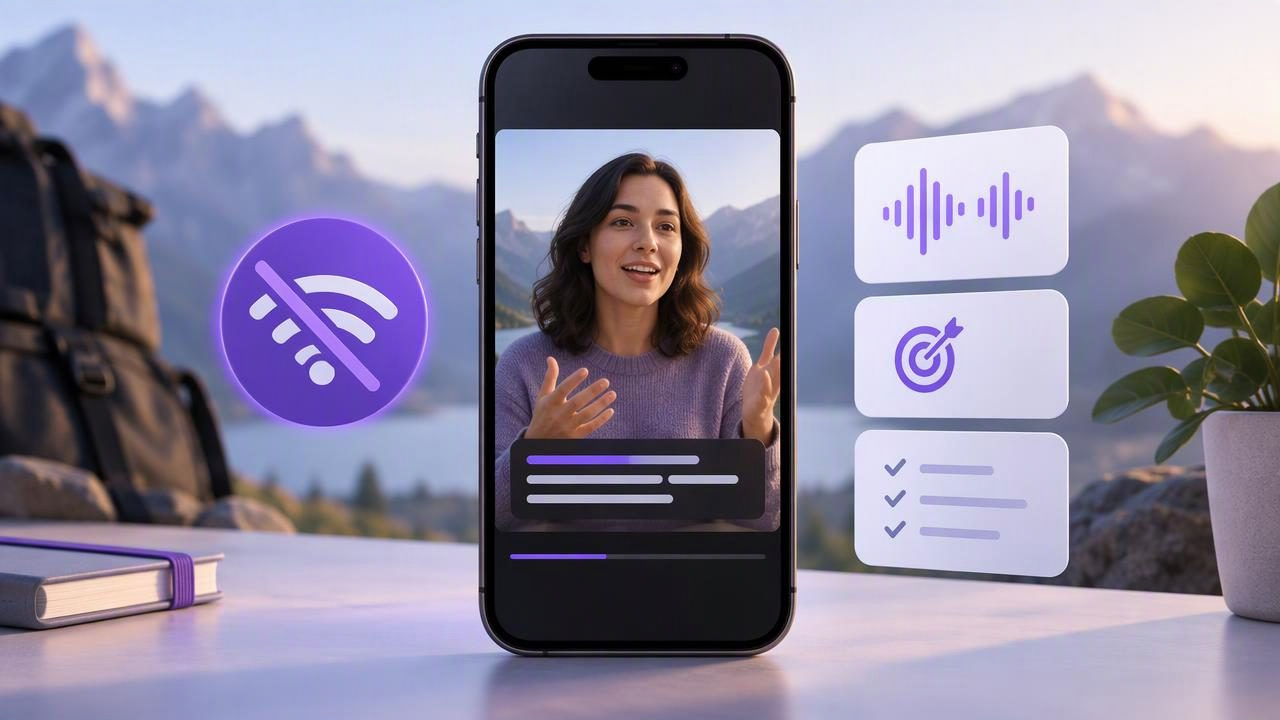
Learn how offline auto subtitles work on iPhone, how to improve caption accuracy, and what to check before recording without internet.
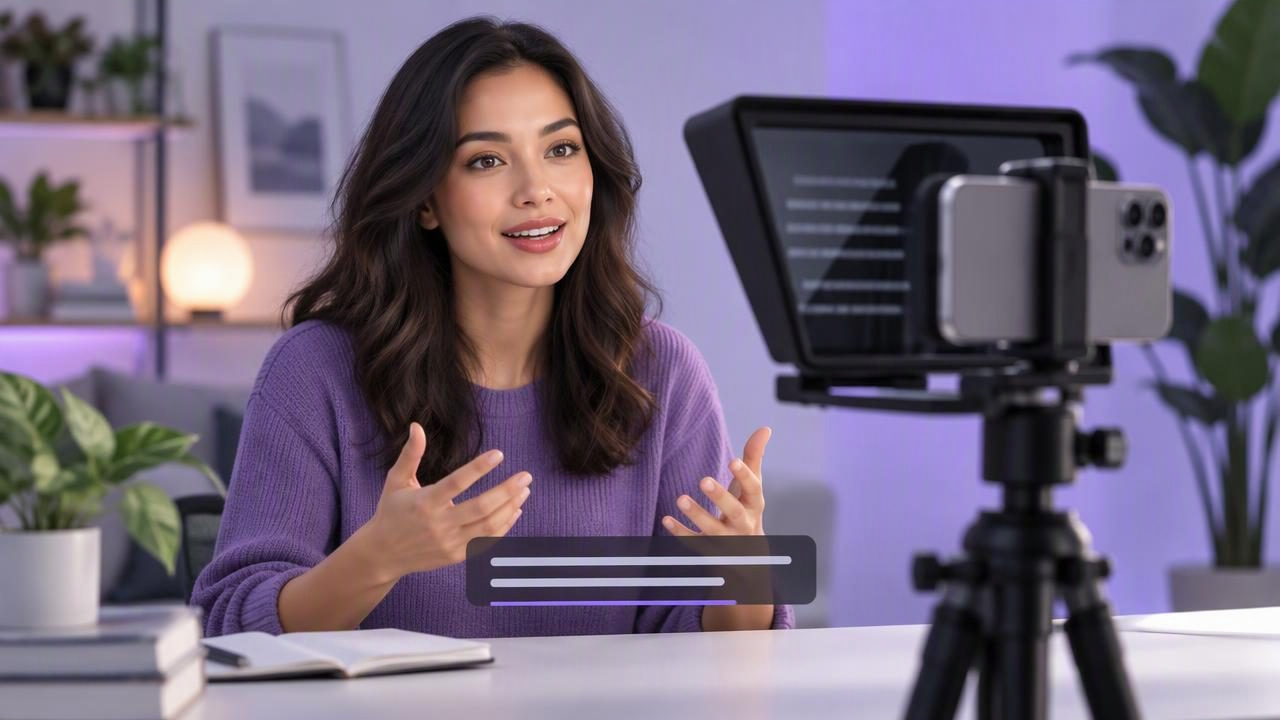
Learn how to script, record and caption an iPhone video with a teleprompter, natural eye contact and a cleaner creator workflow.

Learn how to read a script while recording on iPhone, with practical tips for camera placement, scrolling pace, audio checks, and captions.
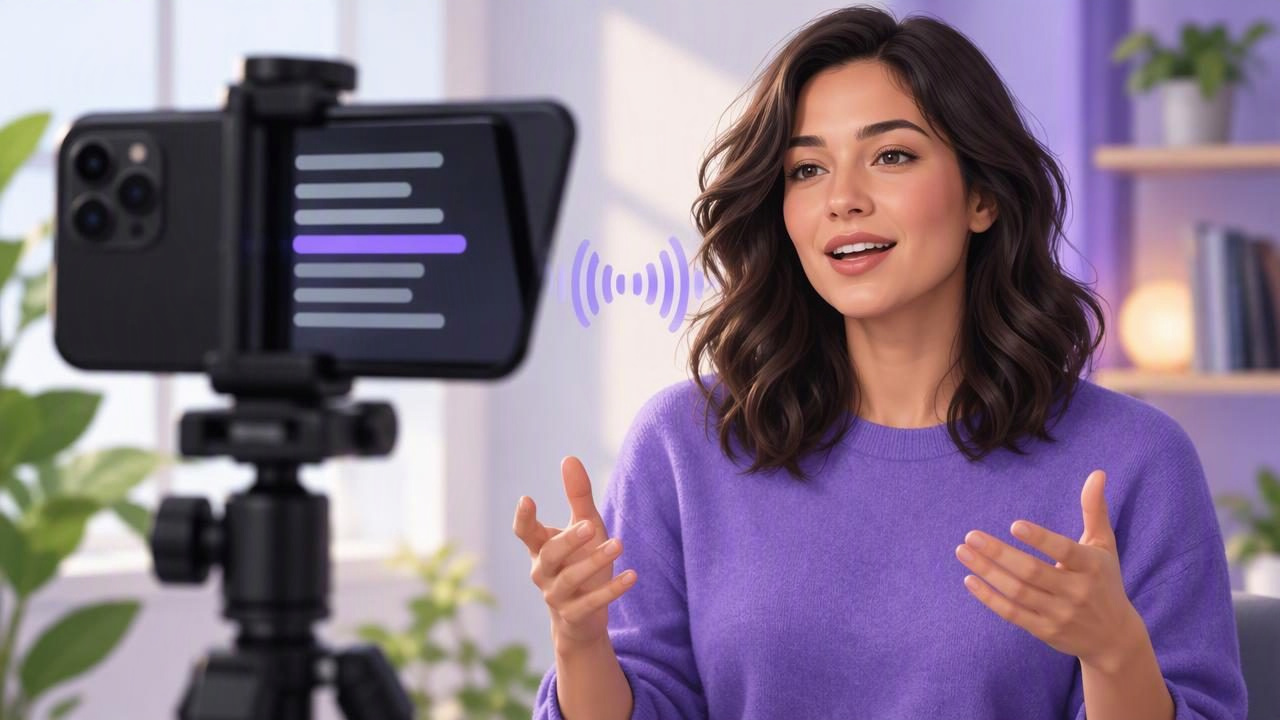
Learn how voice tracking works in an iPhone teleprompter app, prepare a script, set your camera position, and record more naturally.
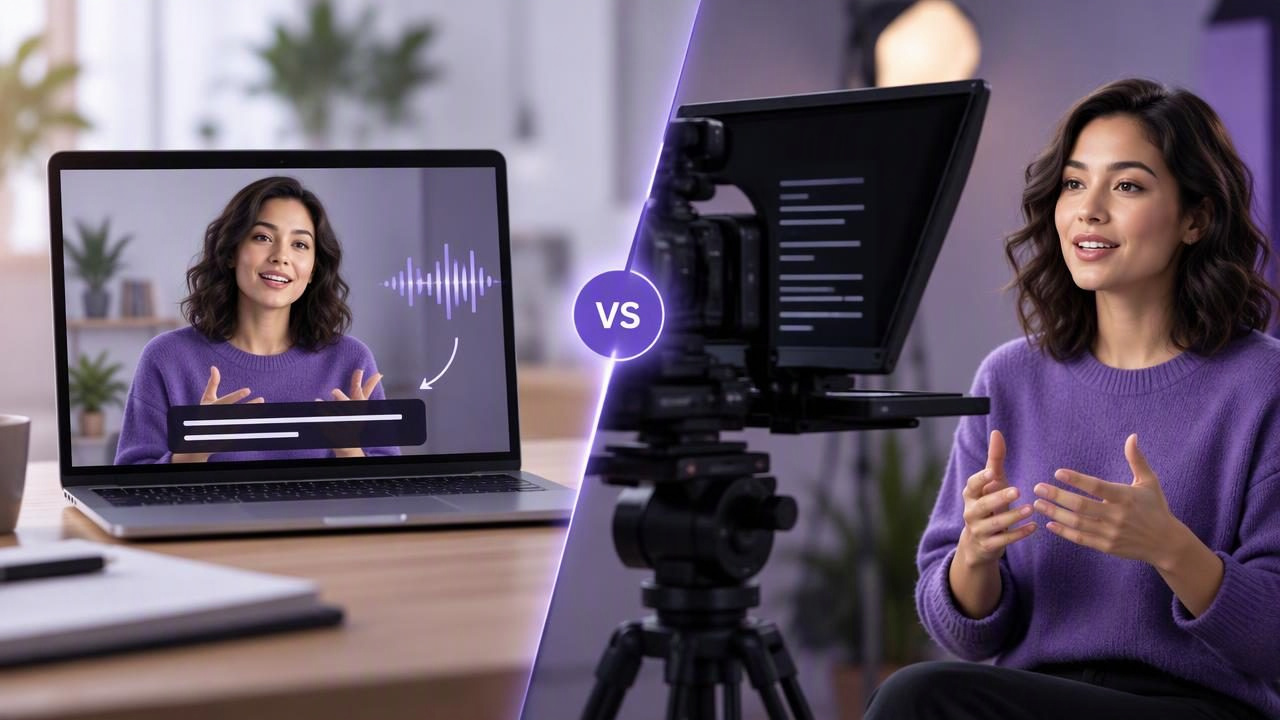
Compare an automatic caption tool and a hardware teleprompter to find the right setup for clearer, more natural scripted videos.
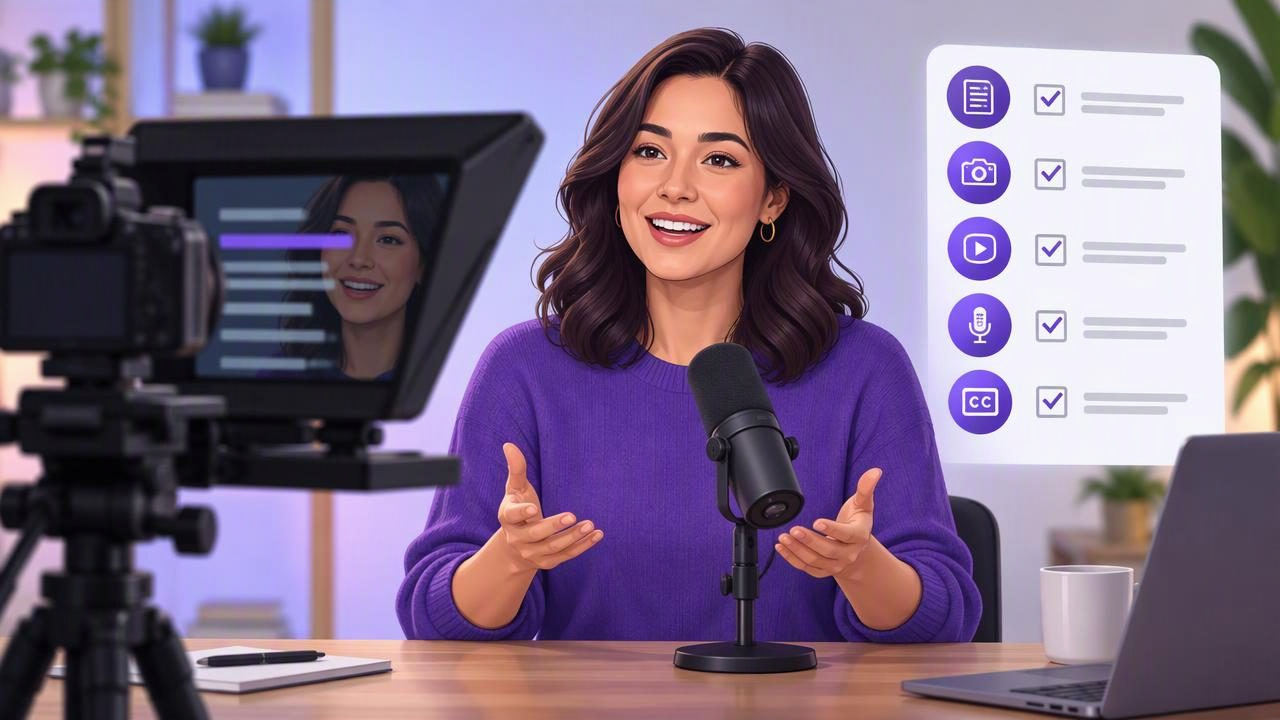
Film a podcast introduction with a video teleprompter using this practical checklist for scripting, camera setup, pacing, audio, and captions.
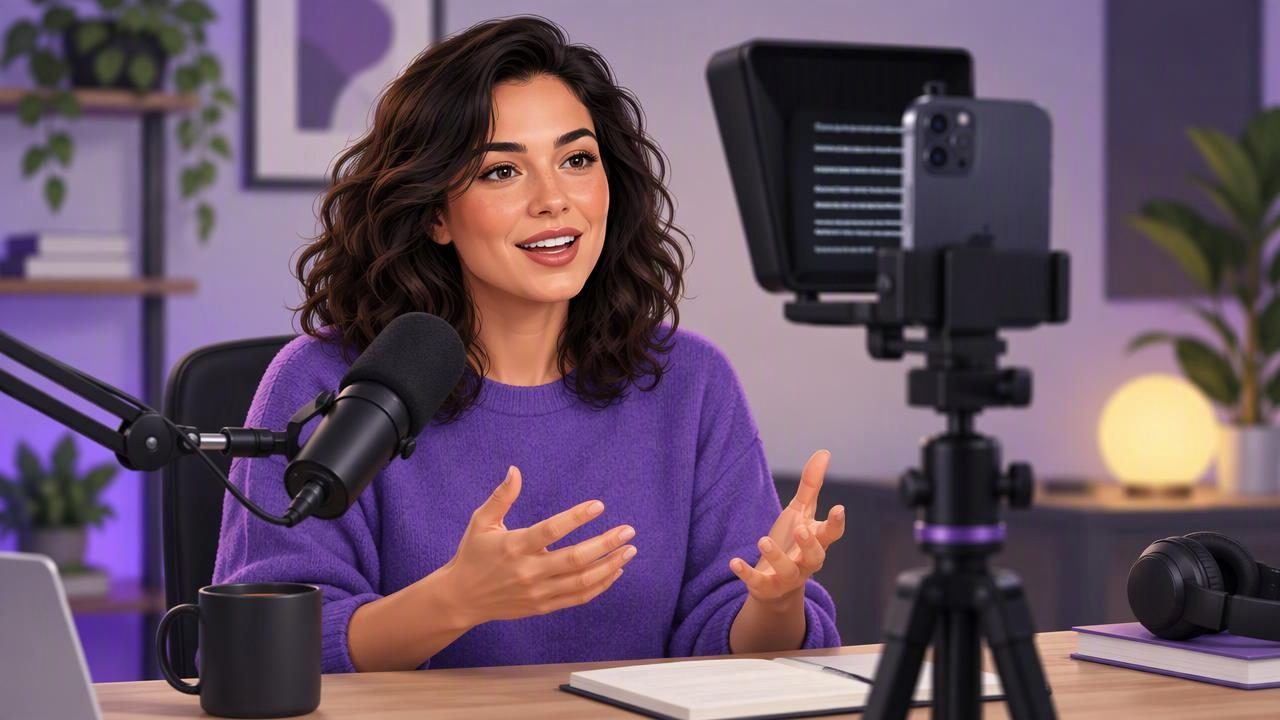
Learn how podcasters can use an iPhone video teleprompter to read naturally, keep eye contact, test audio, and make clearer video episodes.
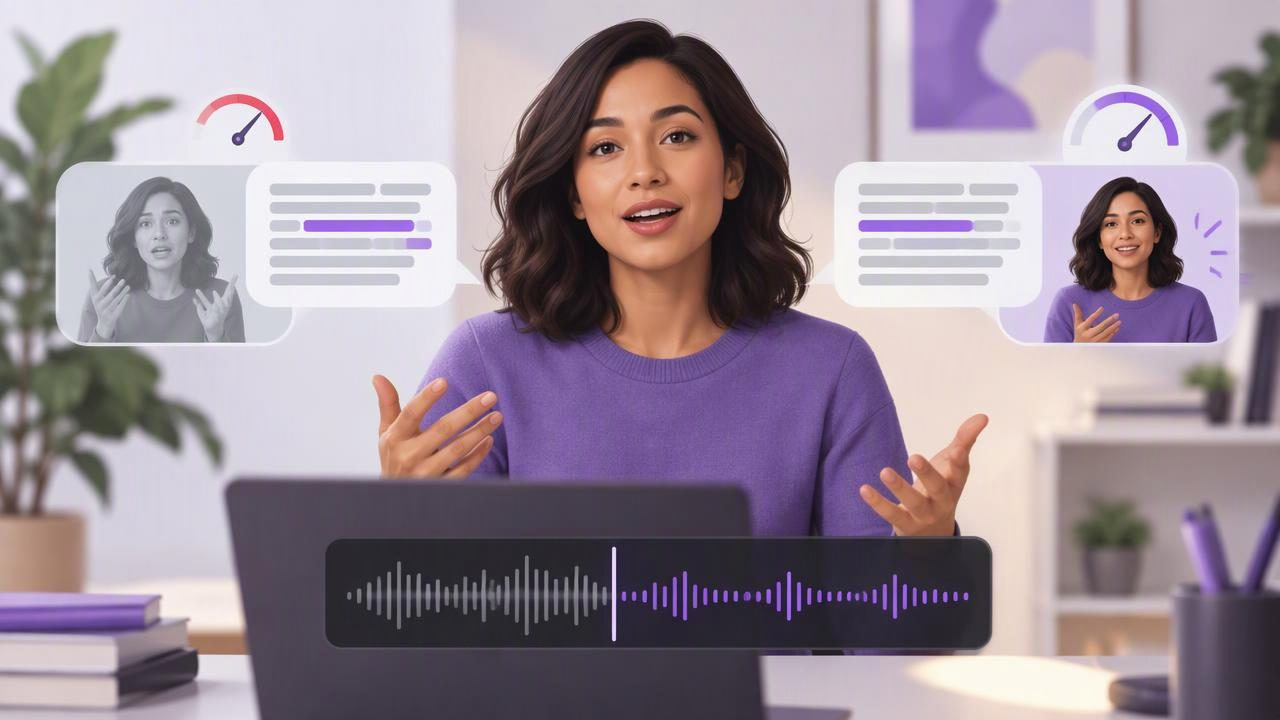
Use automatic captions to spot rushed lines, improve pauses and refine your presentation pace before you share a video.
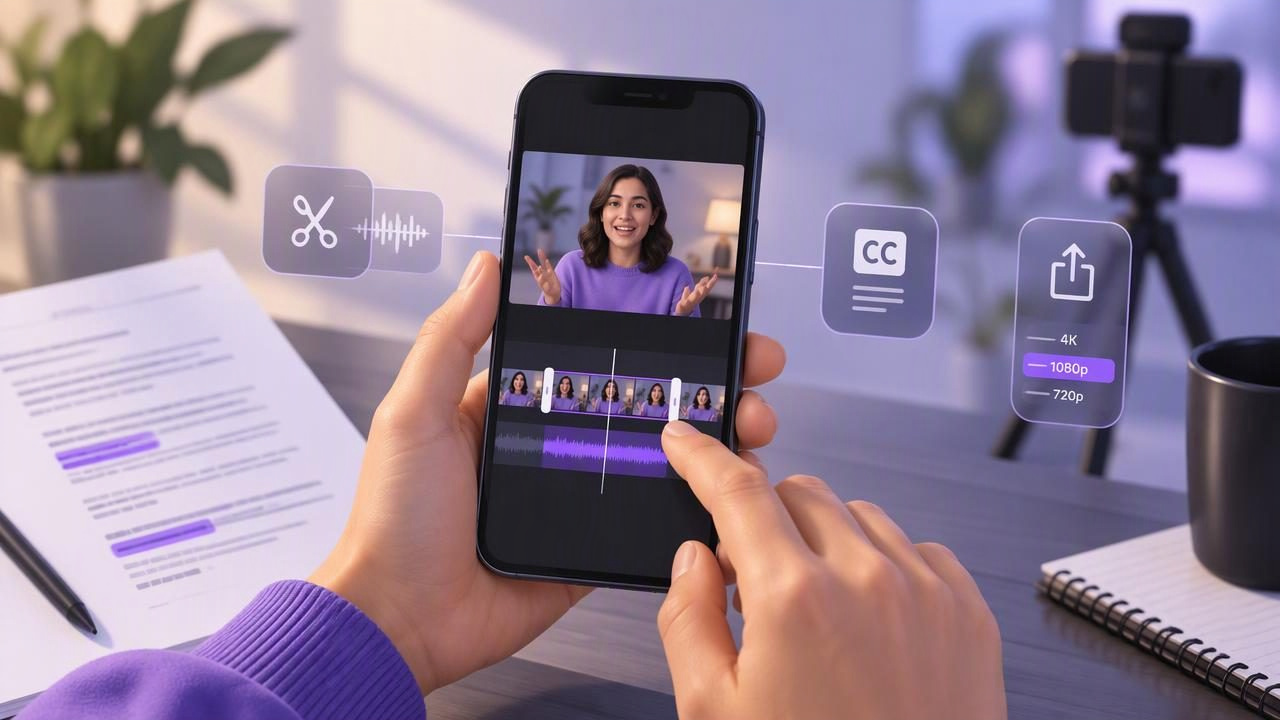
Learn how to edit a scripted video on iPhone, from trimming pauses and checking captions to choosing the right export settings.
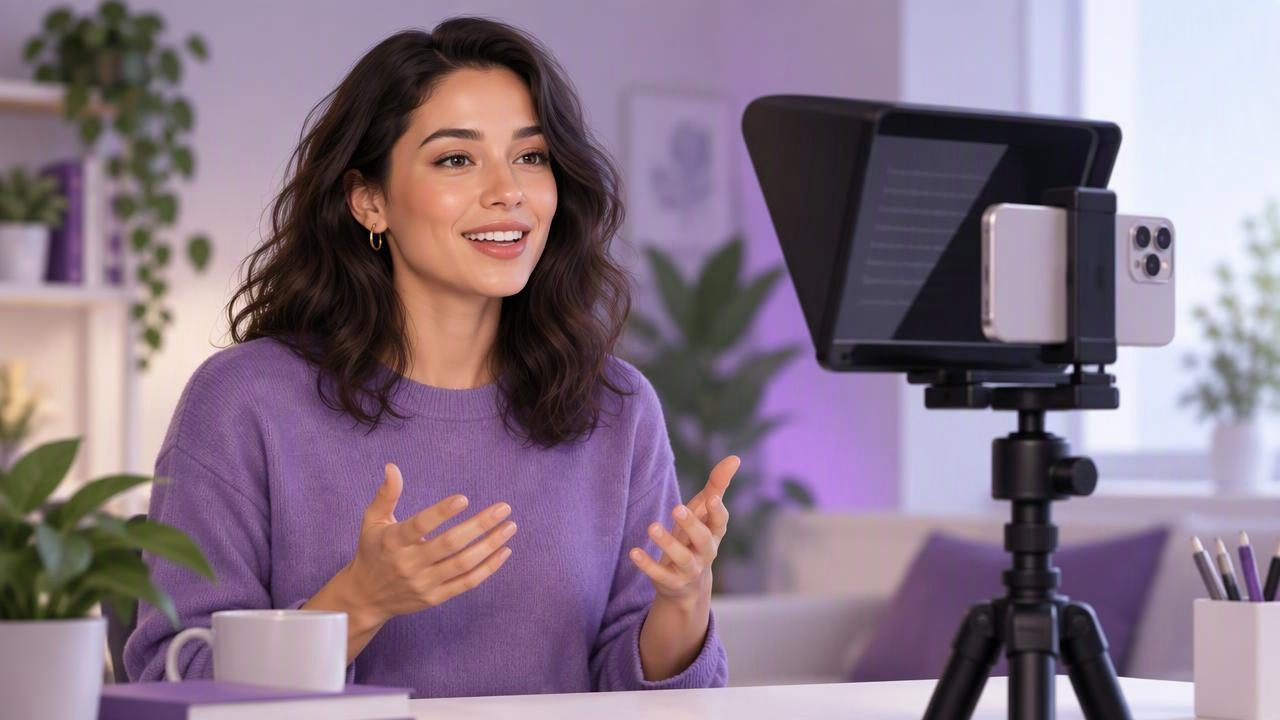
Use a video teleprompter to sound natural, keep camera eye contact, and record more confident videos with a practical iPhone workflow.
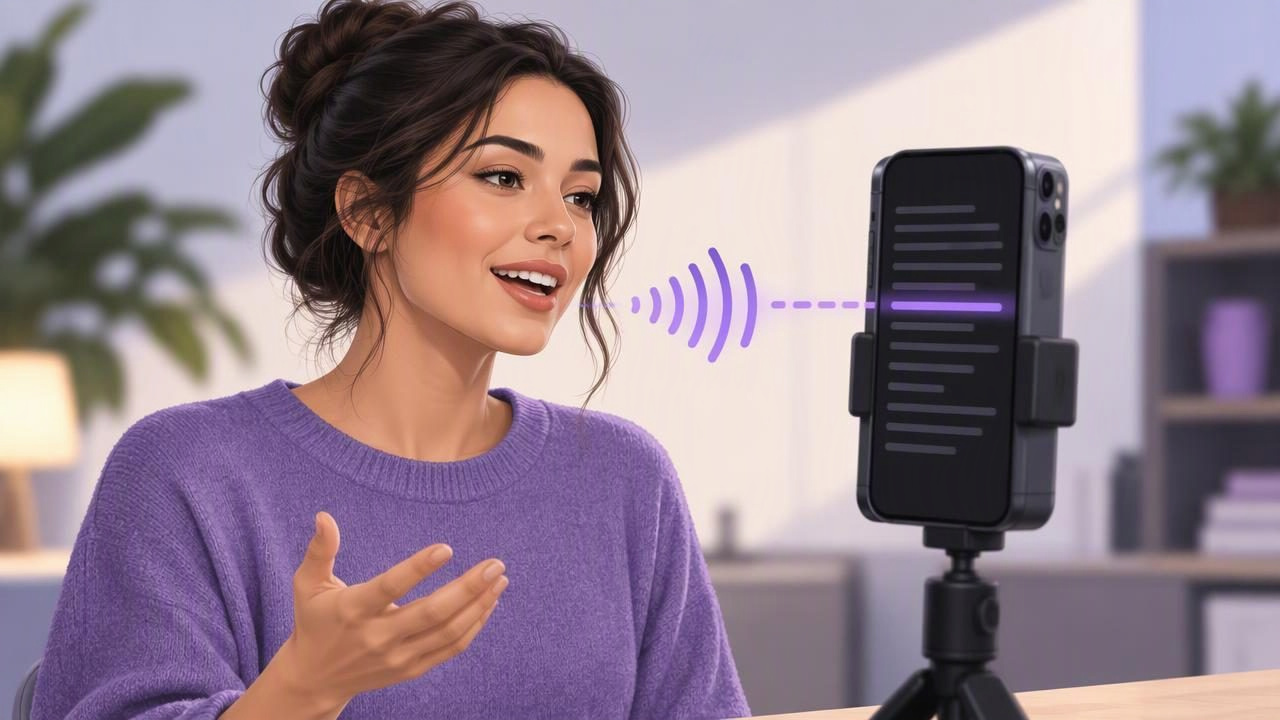
Learn how voice-following mobile script readers work, how to set one up, and how to keep your delivery natural while recording on an iPhone.
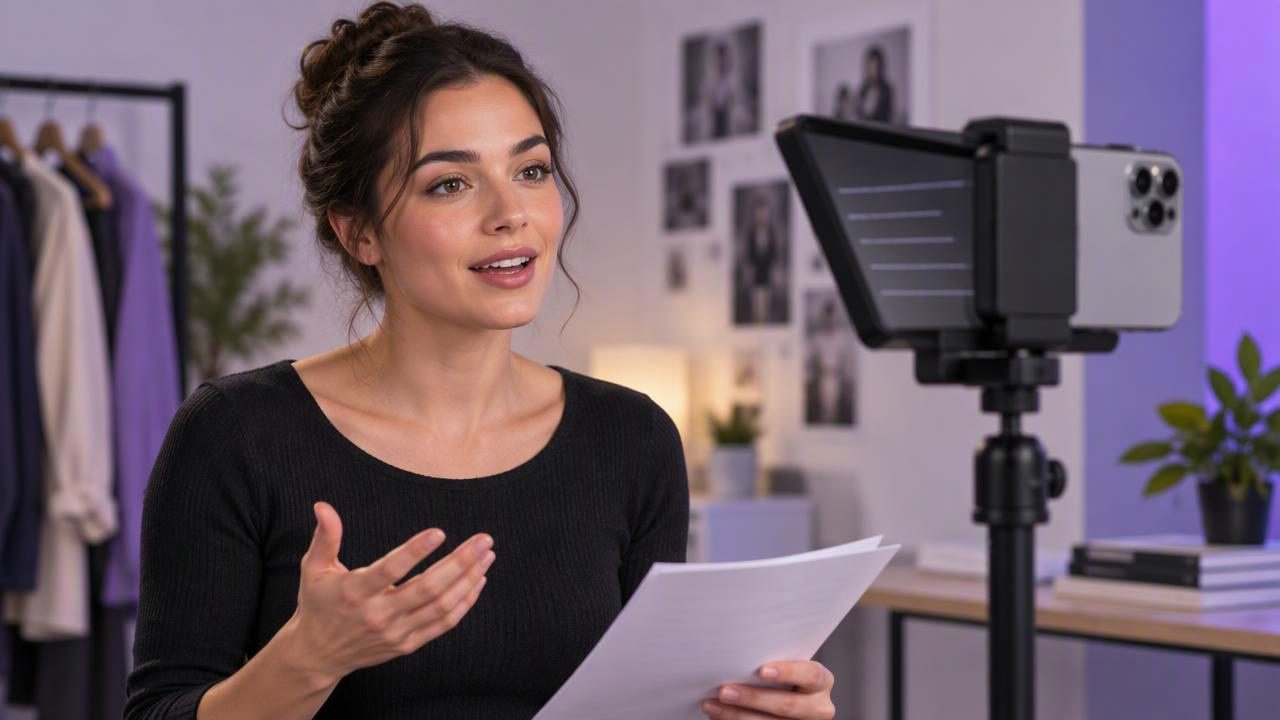
Find the best self-tape teleprompter for audition prep. Learn when to use one, how to set your eye line, and how to test your recording.
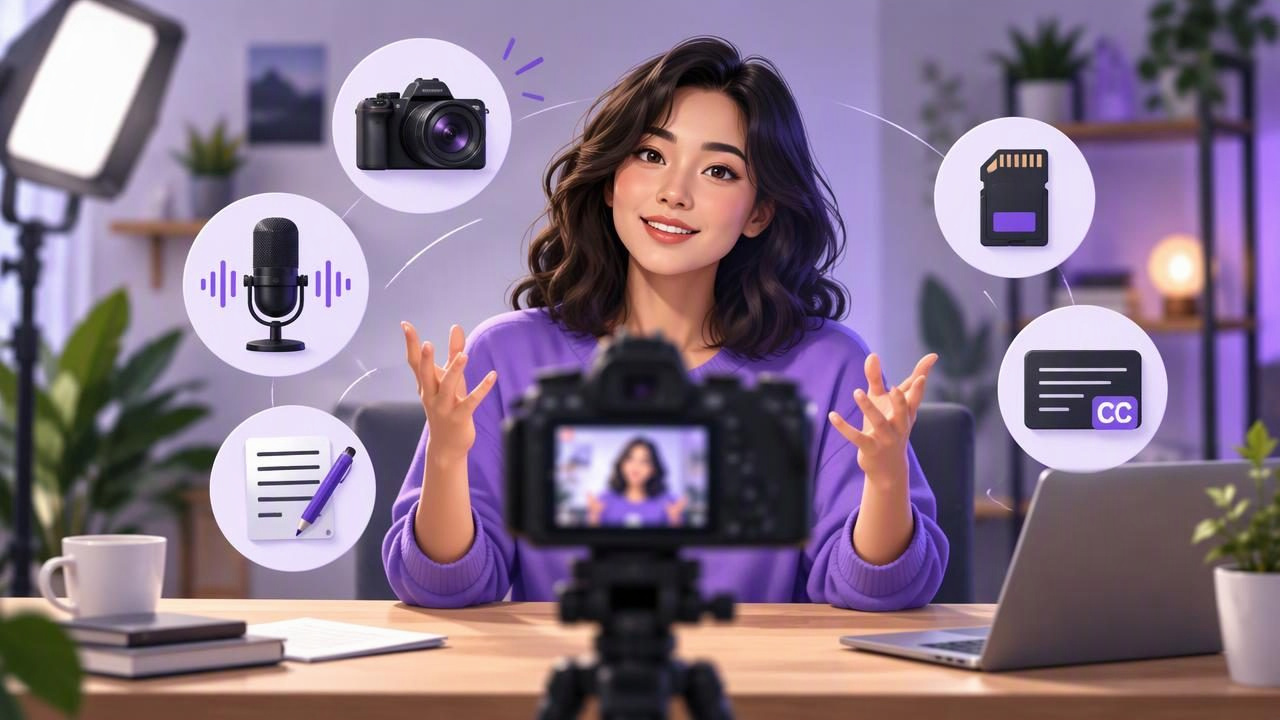
Learn what to look for in a 4K recording app for YouTube creators, from camera setup and audio tests to scripts, storage, and captions.
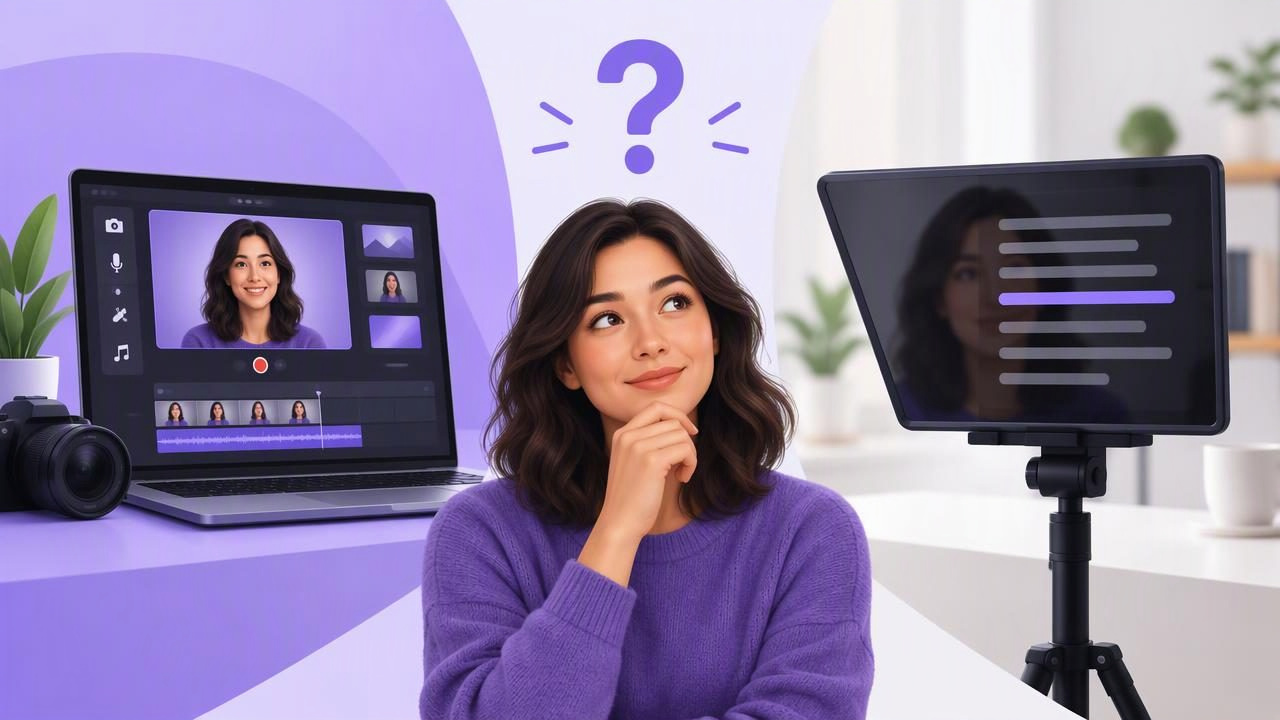
Compare an all-in-one video app vs an online teleprompter for scripted videos. Learn what each does, what to check, and when to choose one.
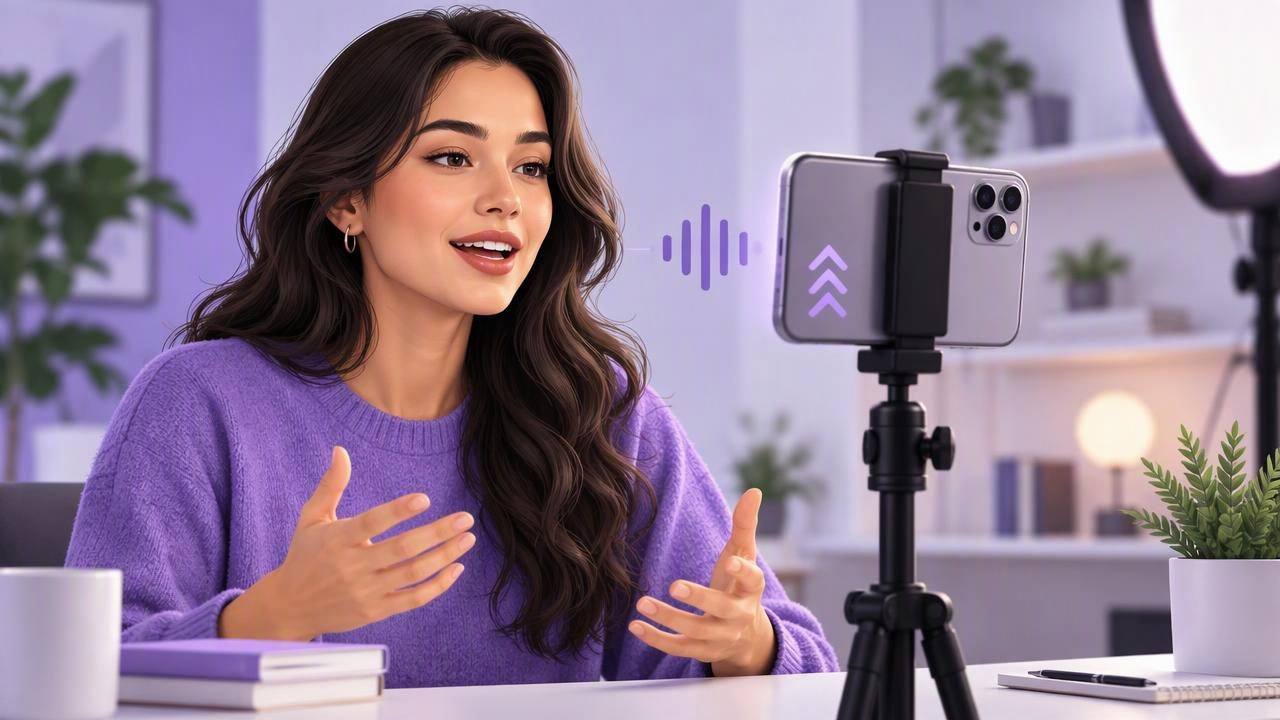
Learn how a voice scrolling teleprompter works, how to prepare a script, and how to improve pacing, camera placement, and recording quality on iPhone.
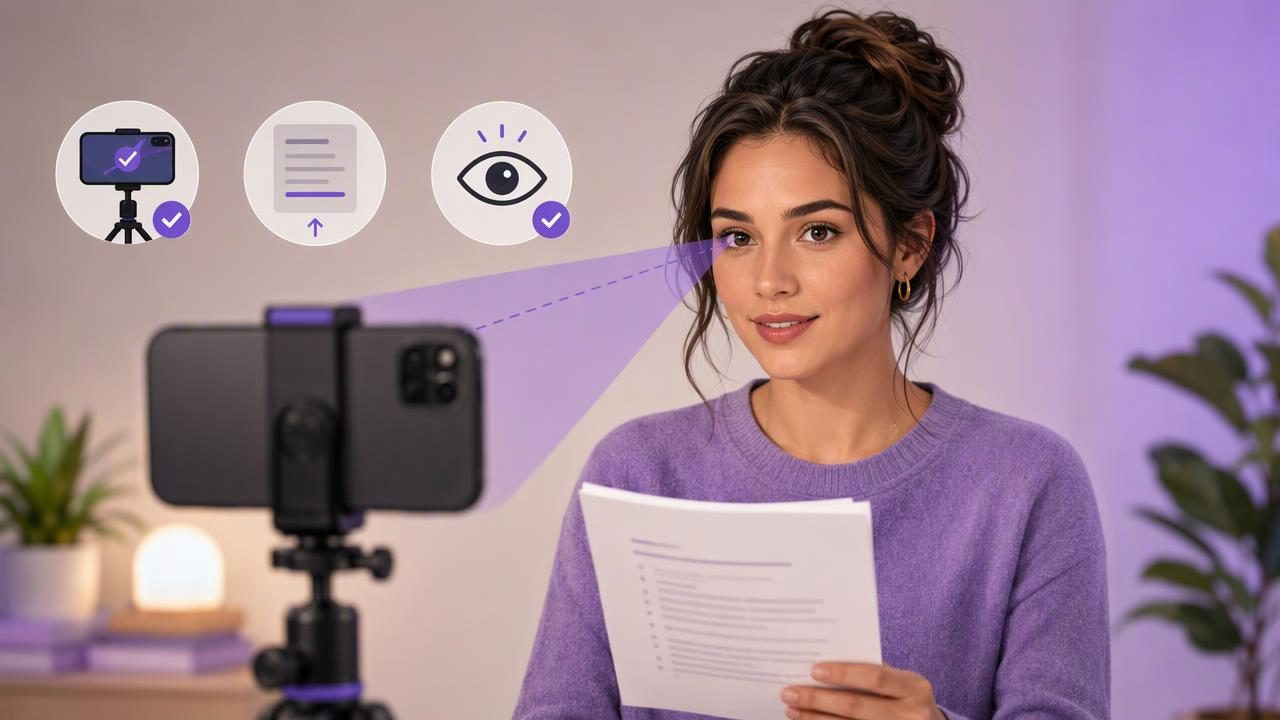
Learn how to maintain natural eye contact with the camera while reading a script on iPhone, with practical setup, pacing, and teleprompter tips.
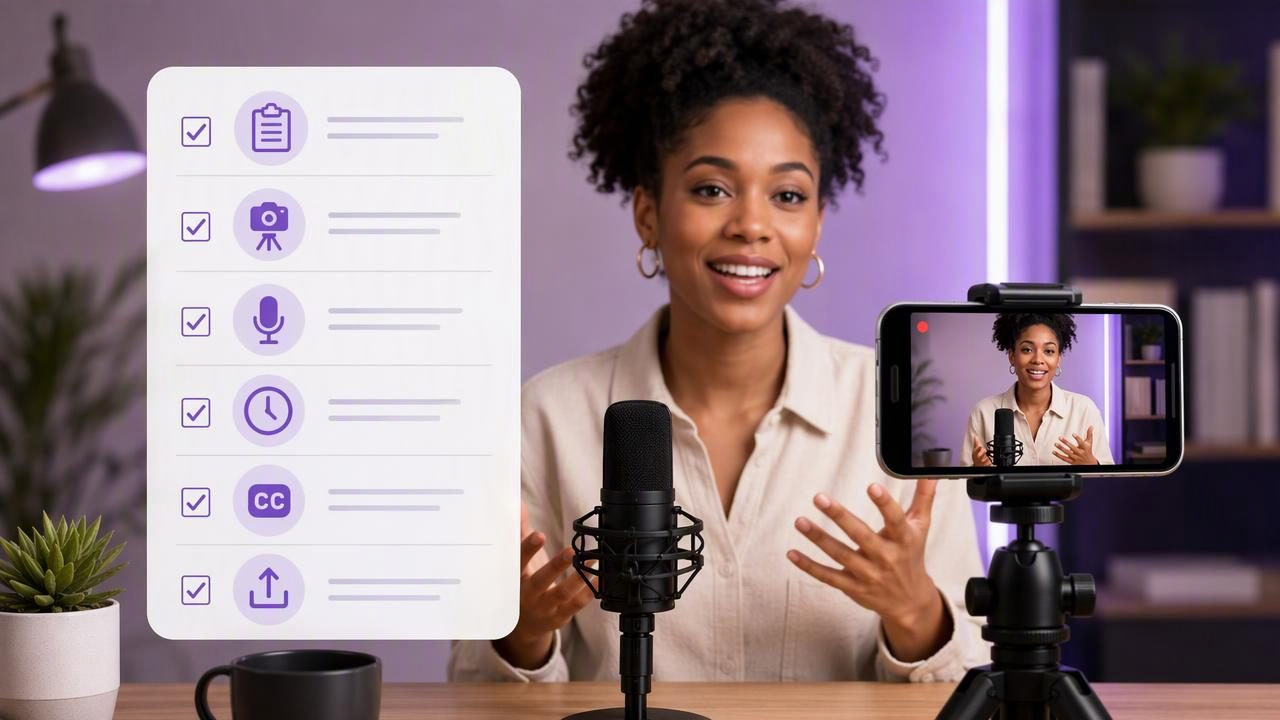
Film a polished podcast introduction on iPhone with this checklist for scripts, camera placement, audio, pacing, subtitles, and exports.
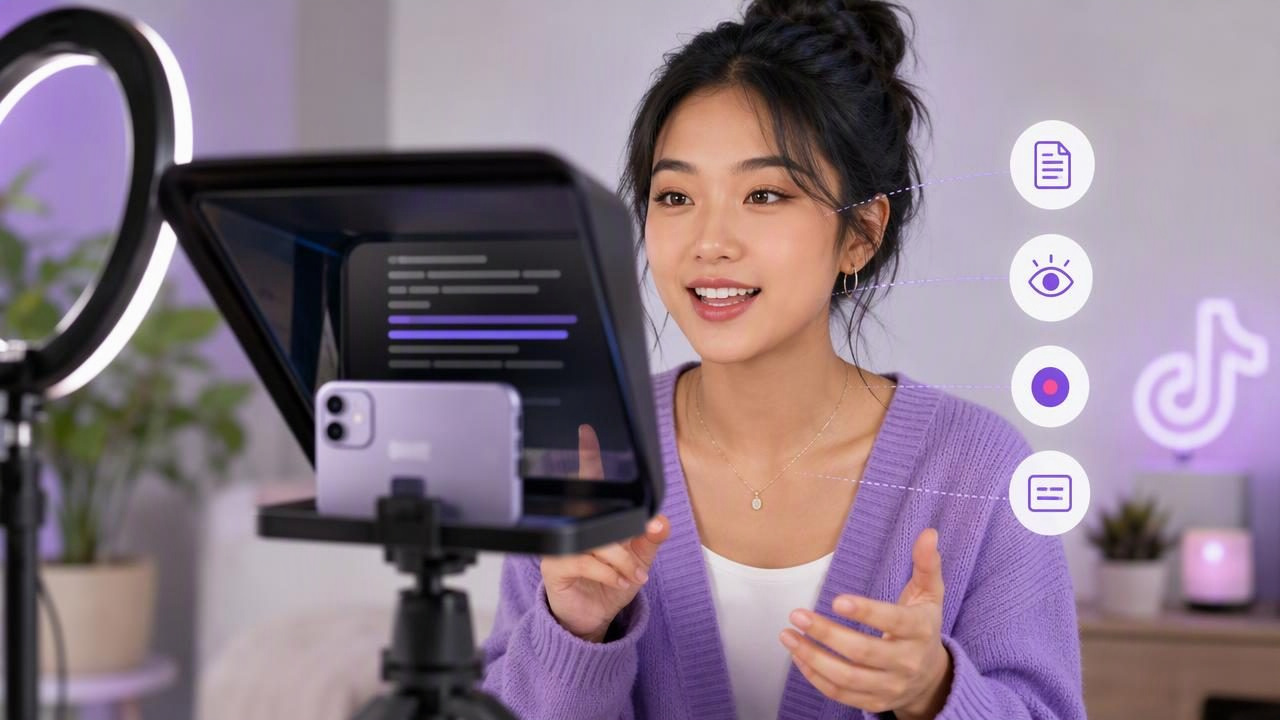
Learn how TikTok creators can use an iPhone teleprompter app to read scripts naturally, maintain eye contact, record clearly, and add captions.
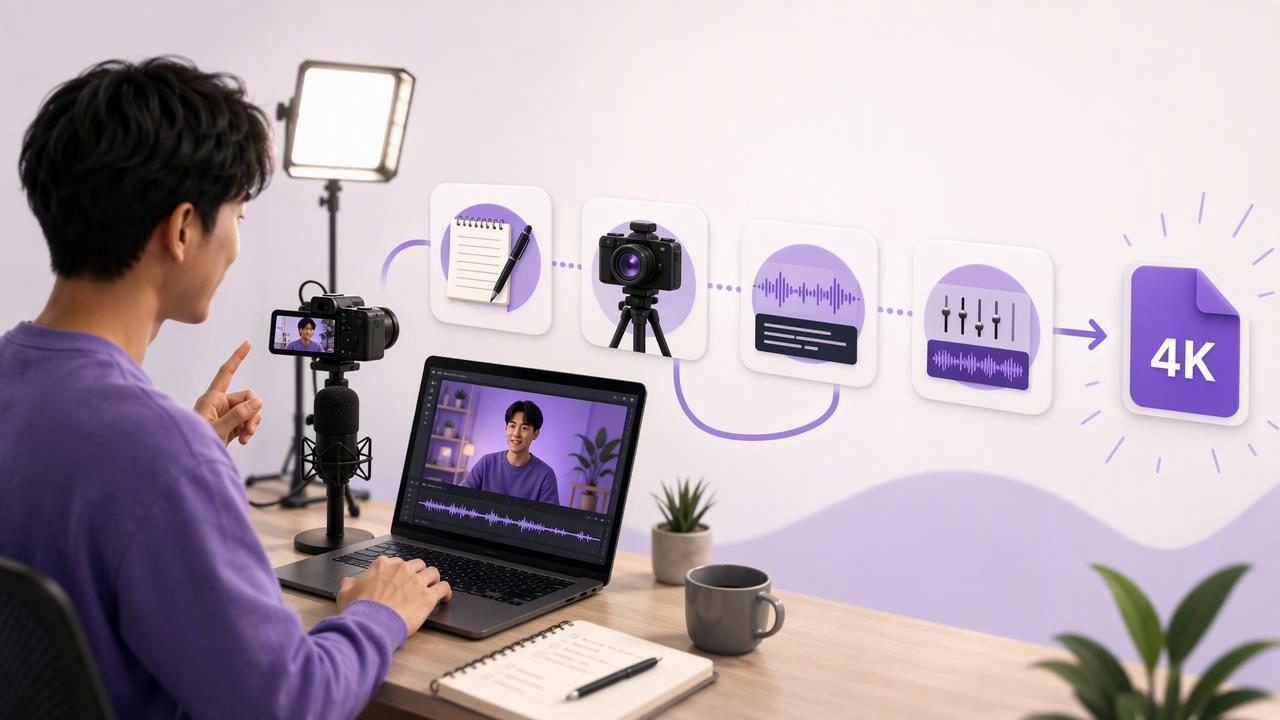
Learn how to get simpler creator workflows with a 4K recording app, from scripting and filming to captions, audio, and exports.
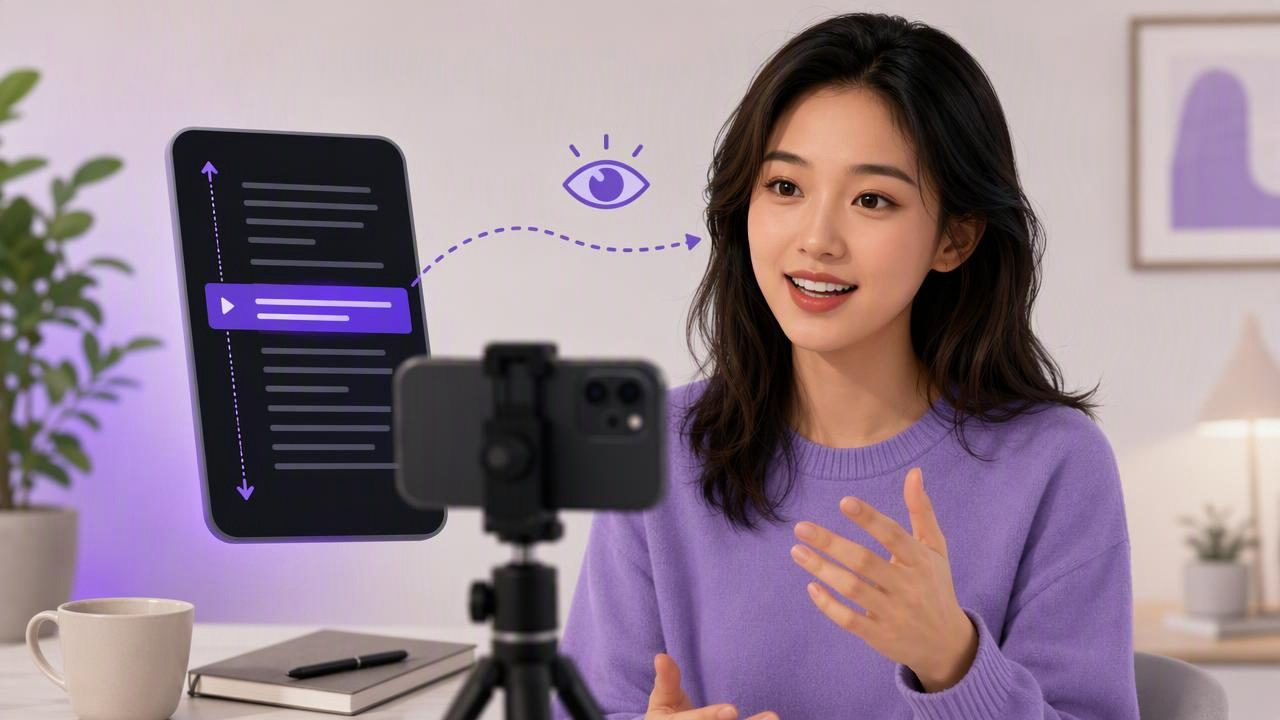
Learn how a script scrolling app helps you record clear iPhone videos with fewer memorized lines, natural pacing, and better eye contact.
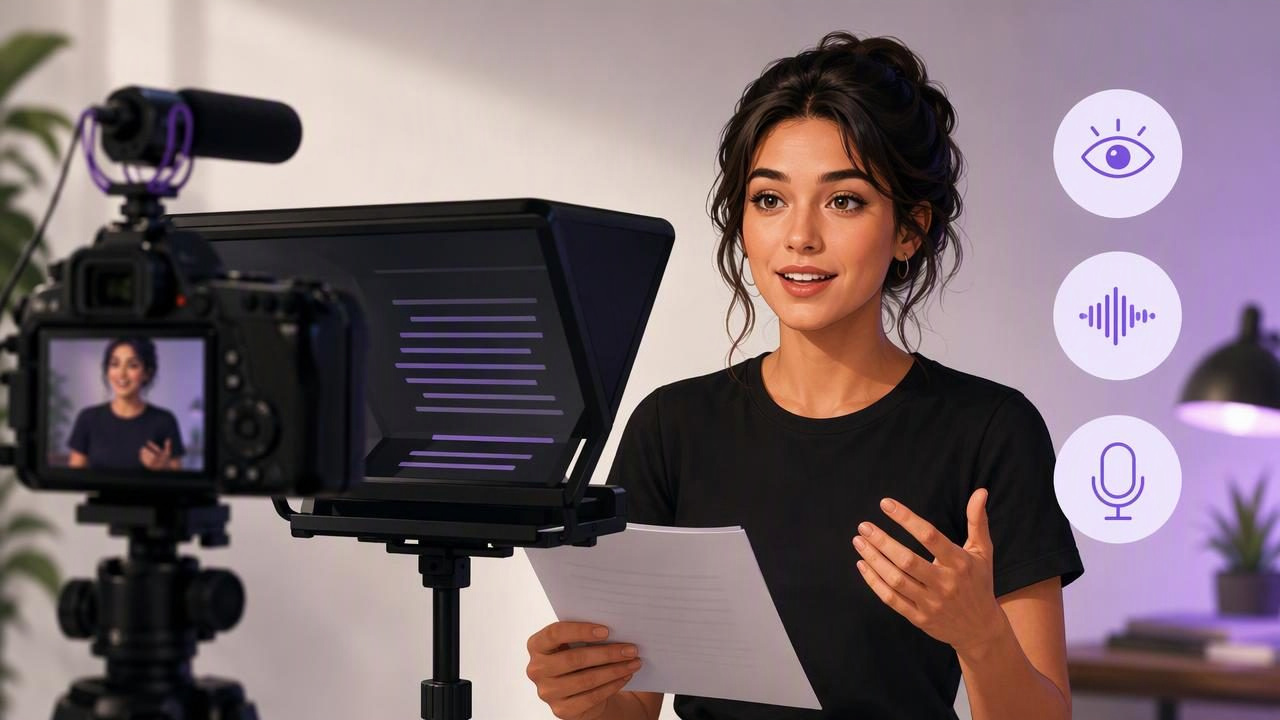
Learn how to record while reading a script with a self-tape teleprompter, maintain eye contact, improve pacing, and capture clear audio.
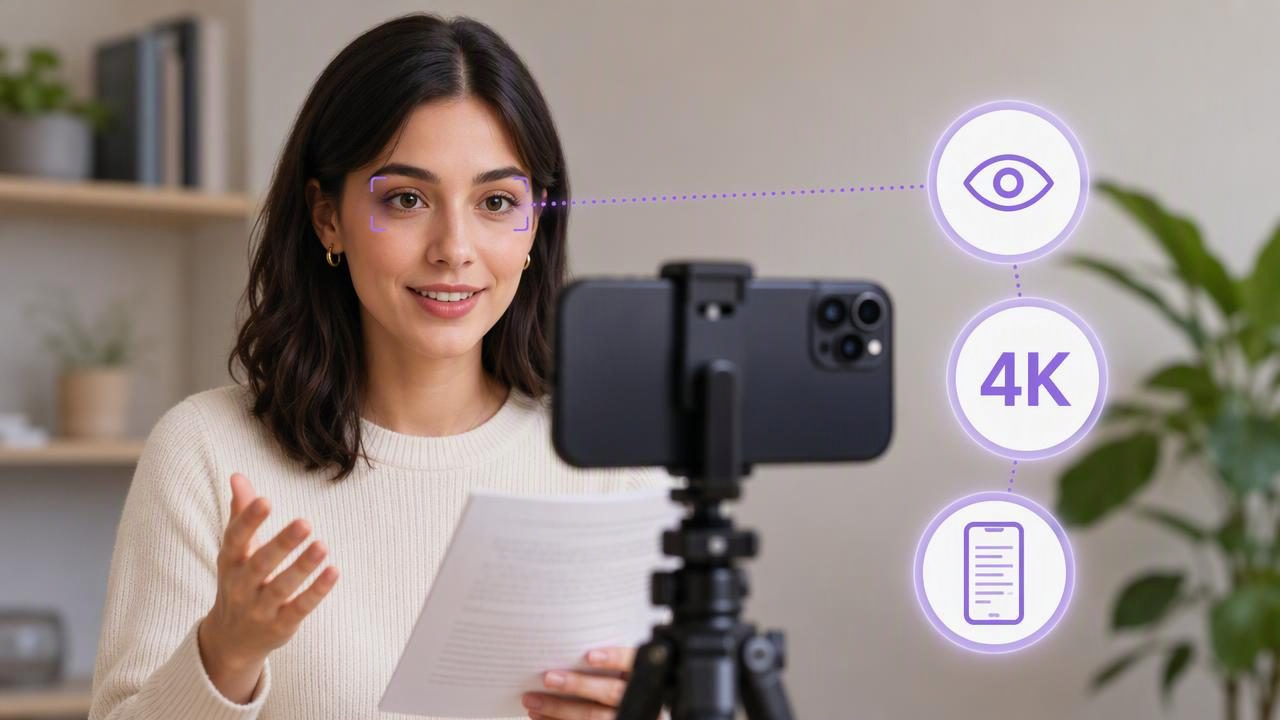
Learn how to choose a 4K recording app that helps you maintain natural eye contact while reading a script on iPhone.
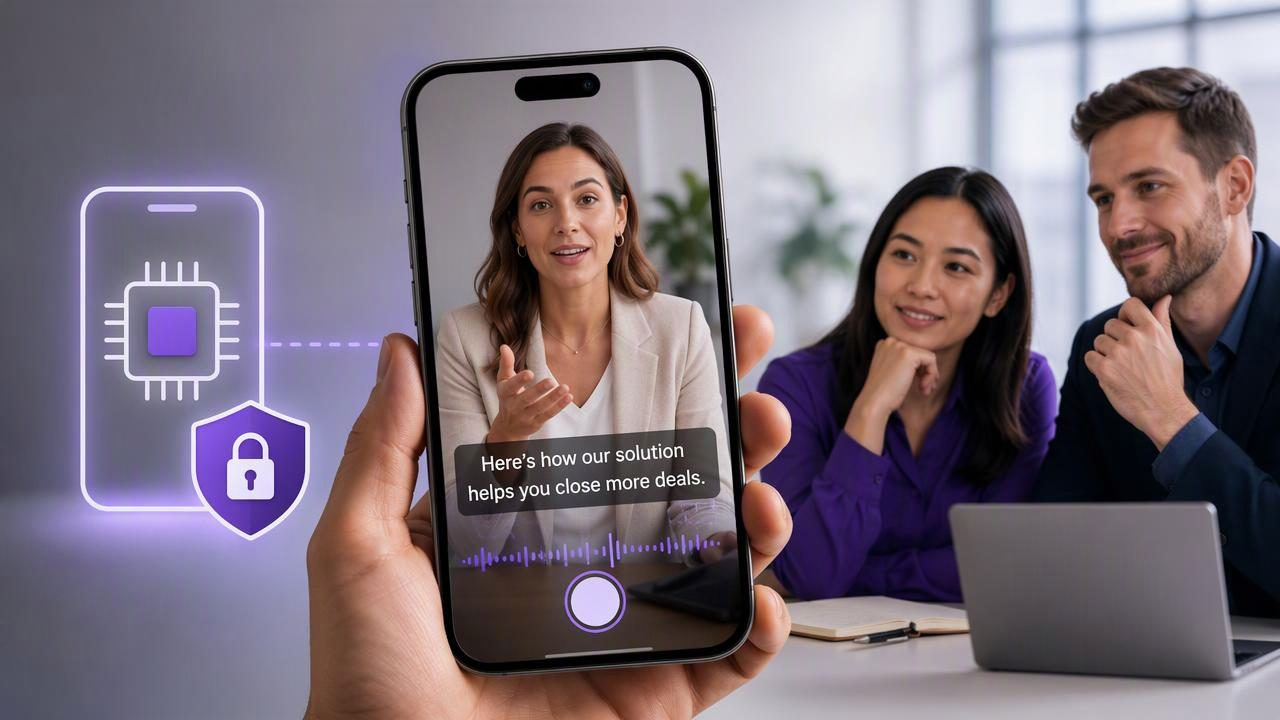
Learn how sales teams can create clear, private captioned videos on iPhone with an on-device subtitle workflow.
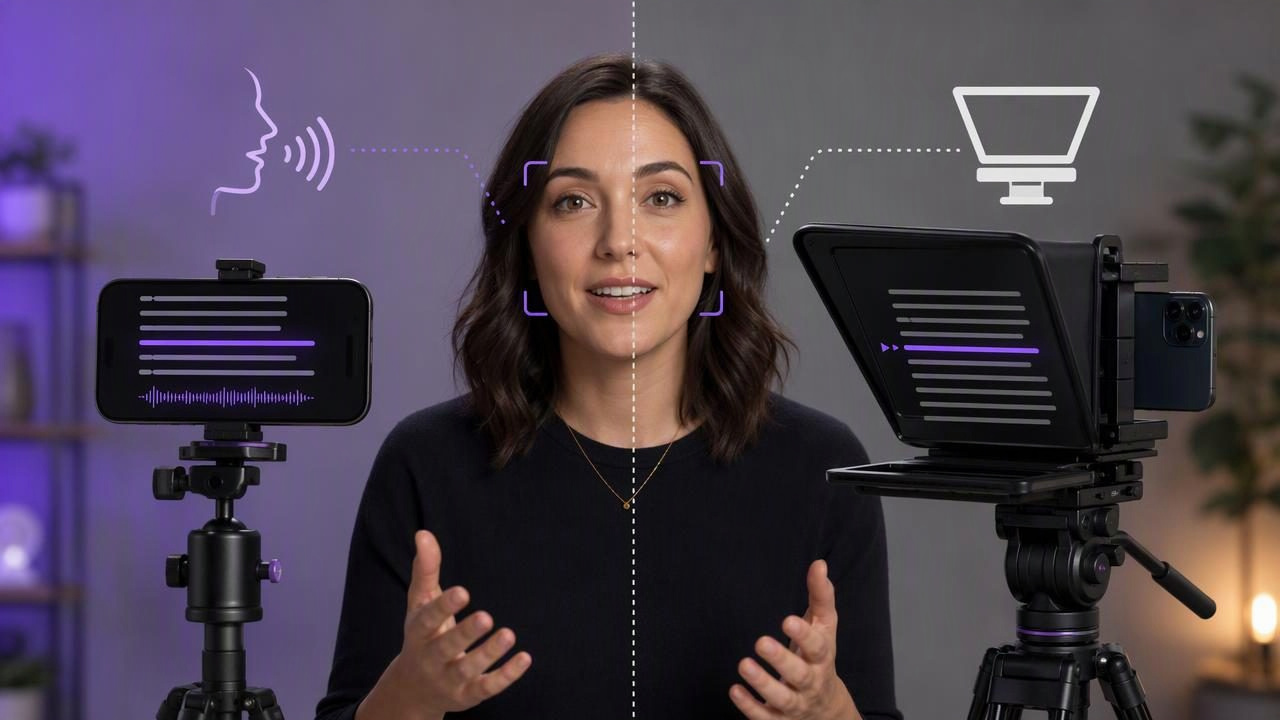
Compare voice tracking teleprompters and hardware teleprompters for iPhone video, including setup, eye contact, pace, cost, and workflow limits.
Learn how to choose a privacy-focused teleprompter app with no sign-up, prepare scripts securely, and record polished iPhone videos.
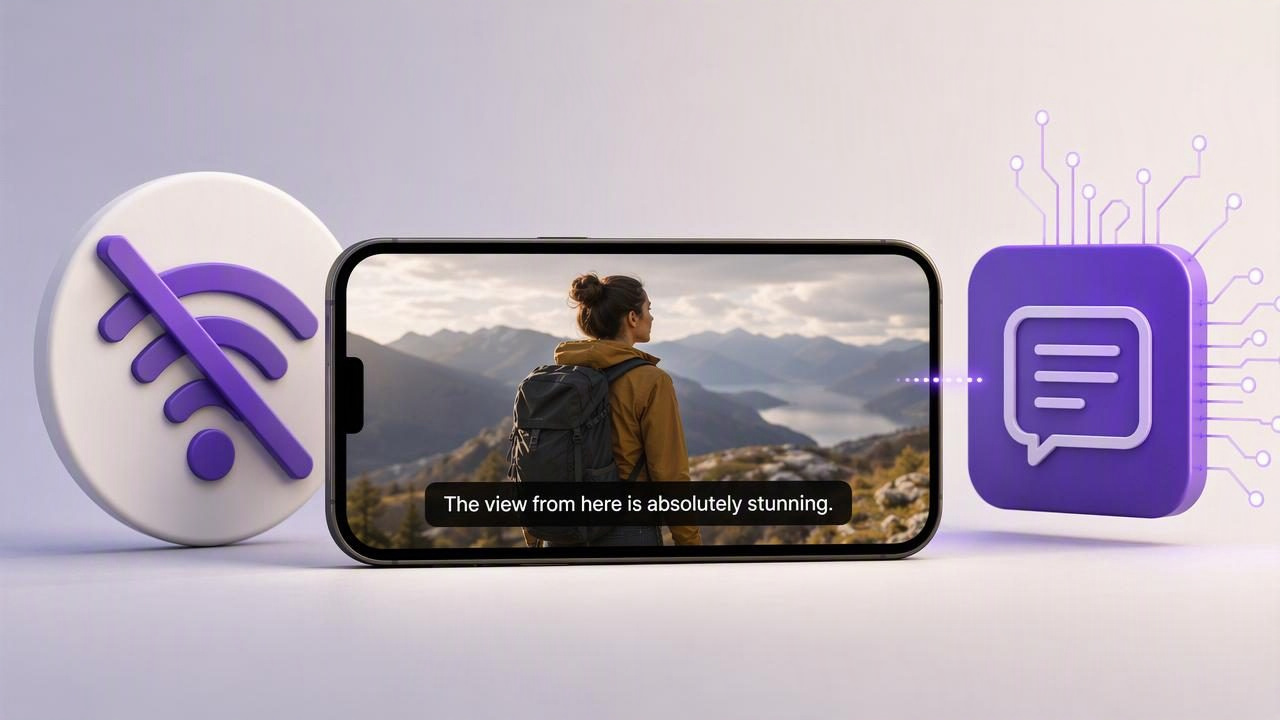
Learn how an offline subtitles app works, when to use on-device captions, and how to create clear video subtitles without internet.
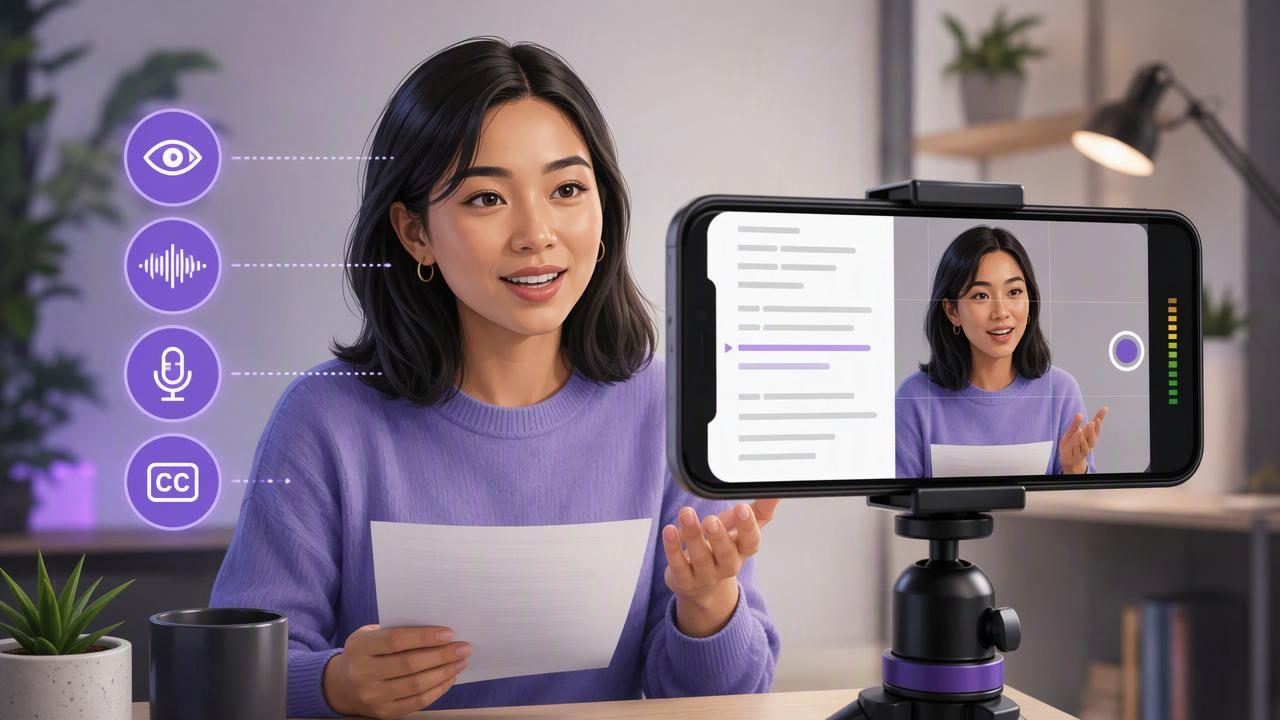
Learn how to use an app to read scripts and record video on iPhone with better pacing, eye contact, audio, and captions.
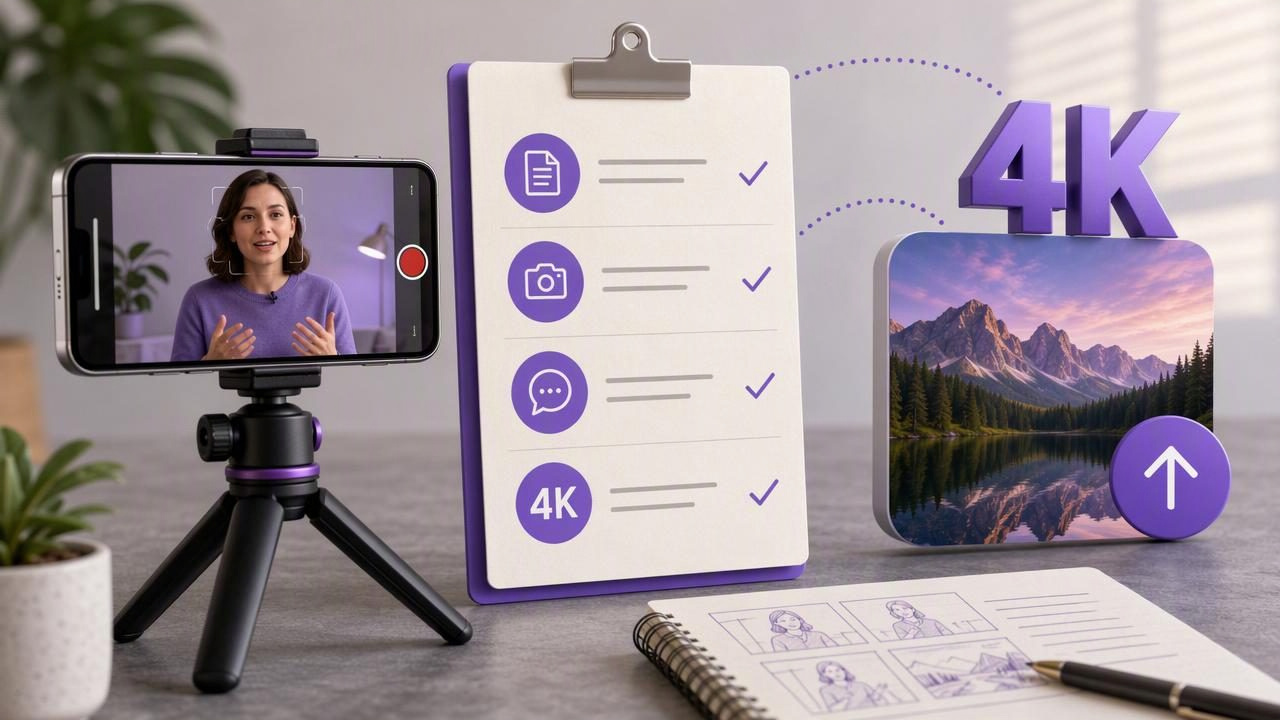
Use this practical creator video recorder checklist to script, record, caption, and export a clear 4K video from iPhone.
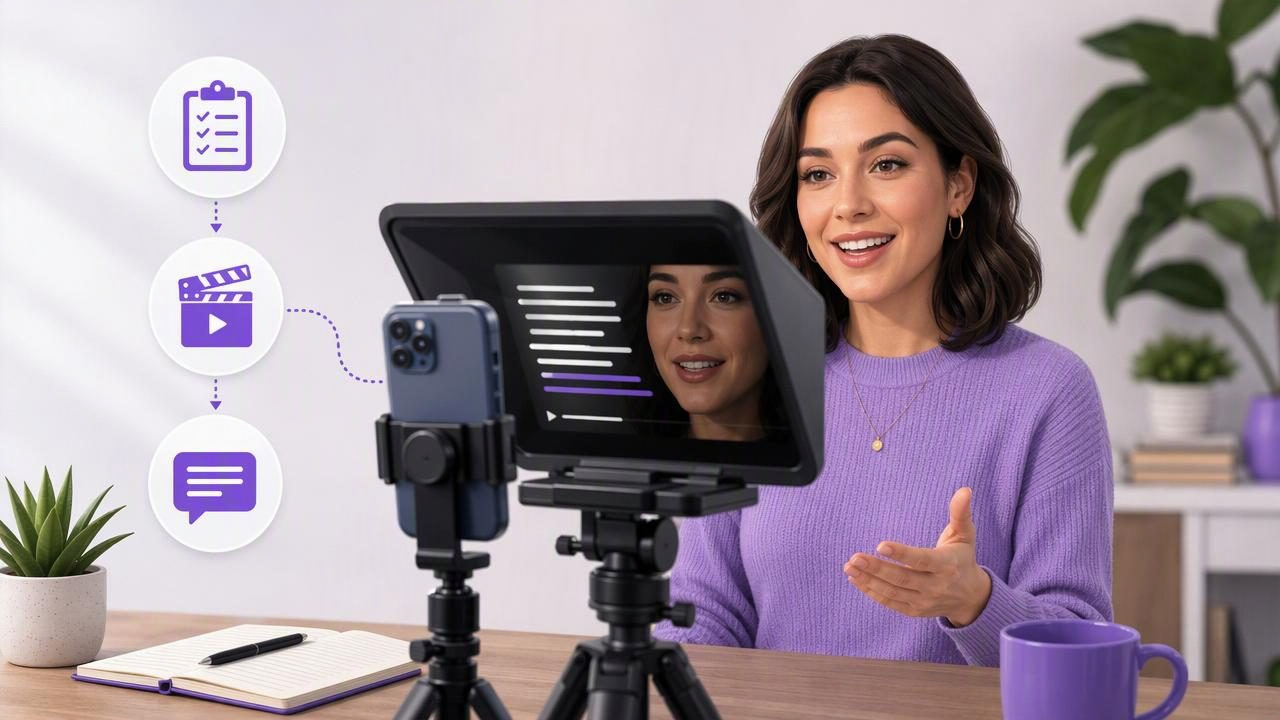
Use a video teleprompter to plan, record, and caption consistent social videos while keeping natural eye contact on camera.
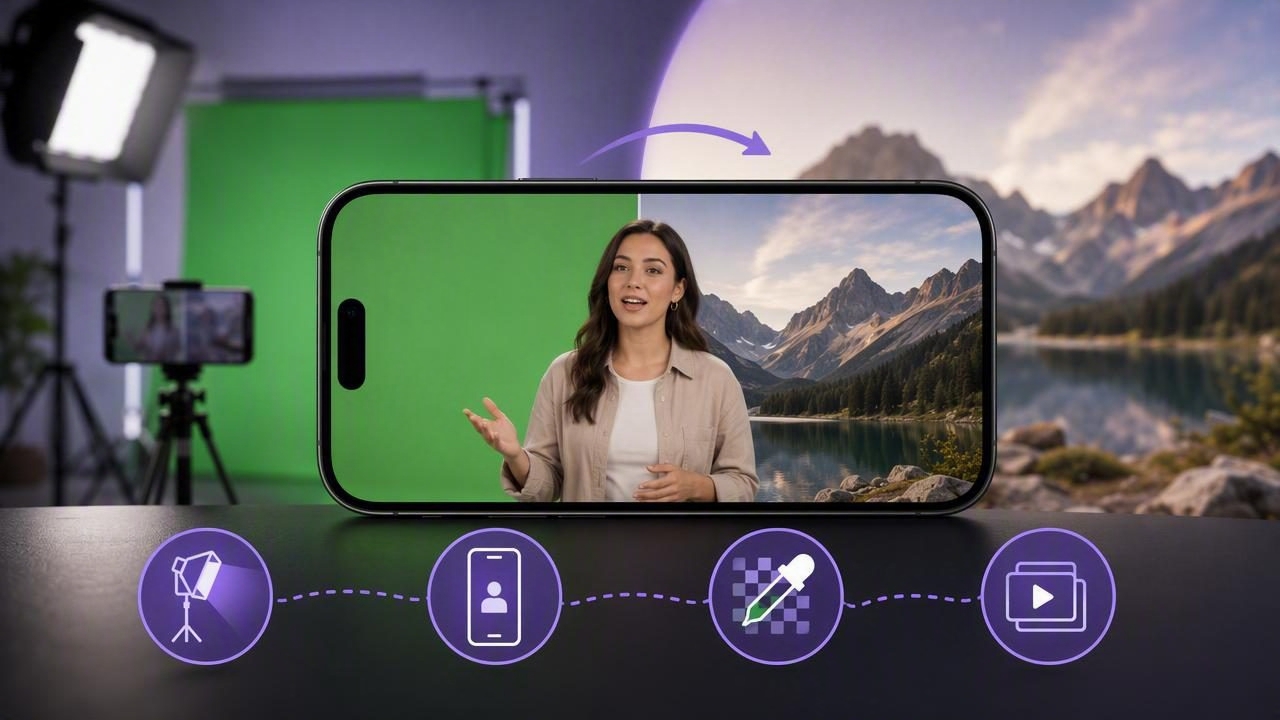
Learn how to use a green screen video editor for cleaner iPhone videos, including lighting, filming, keying, and common fixes.
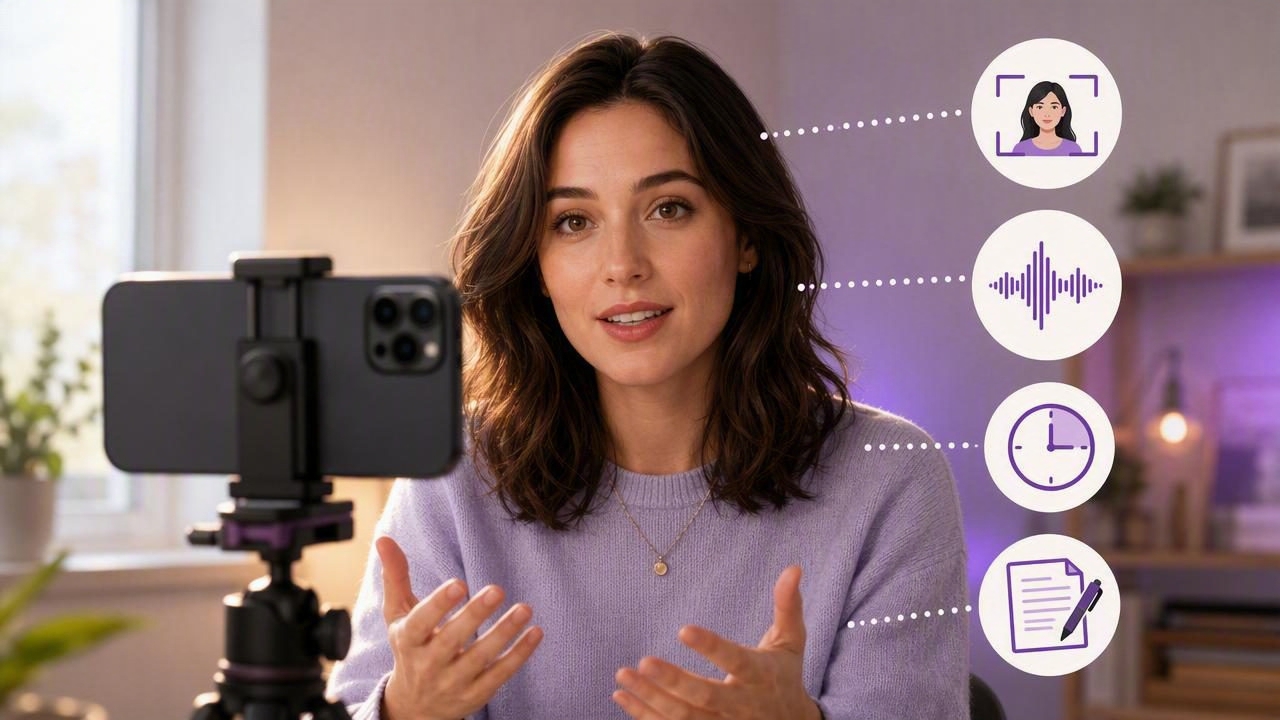
Learn how to maintain natural camera eye contact while recording in 4K on iPhone, with script, framing, pace, and audio tips.
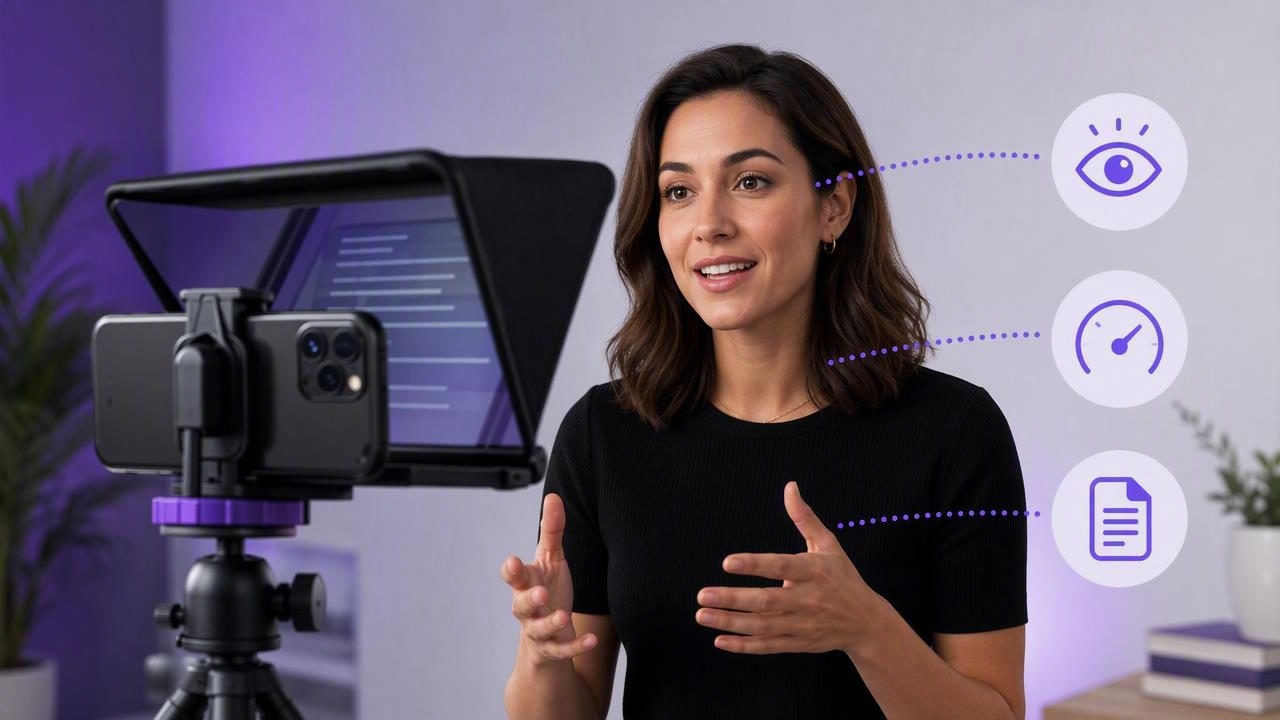
Learn how a video teleprompter improves presentation pacing, eye contact, and script delivery with practical iPhone recording tips.
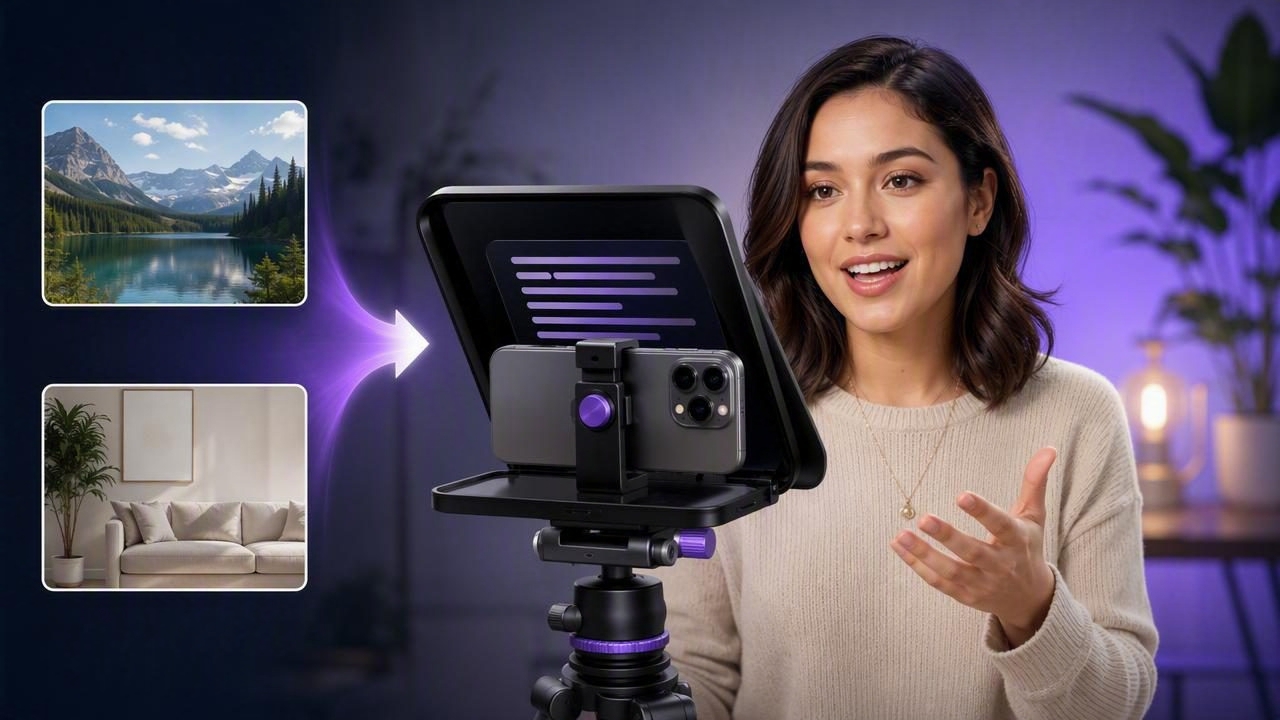
Learn how to replace a video background with an iPhone teleprompter app while reading a script naturally and maintaining eye contact.
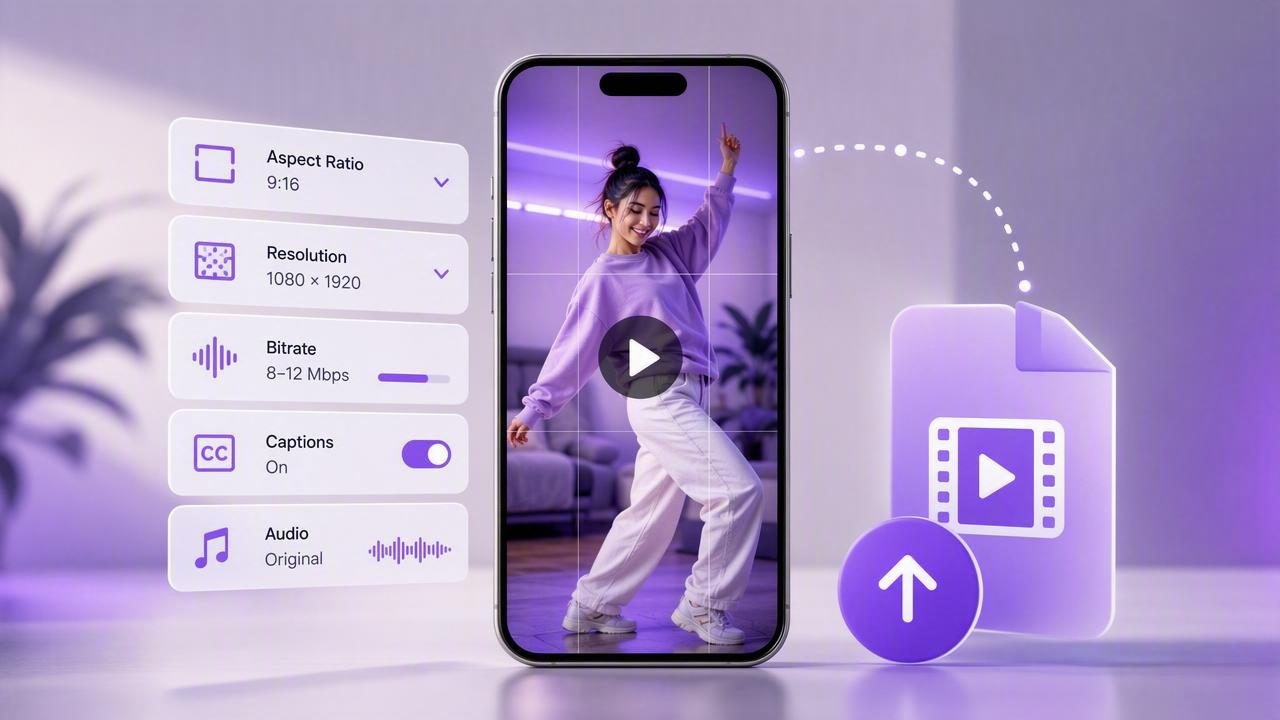
Learn TikTok video export settings for iPhone: aspect ratio, resolution, bitrate, captions, audio, and a practical upload checklist.
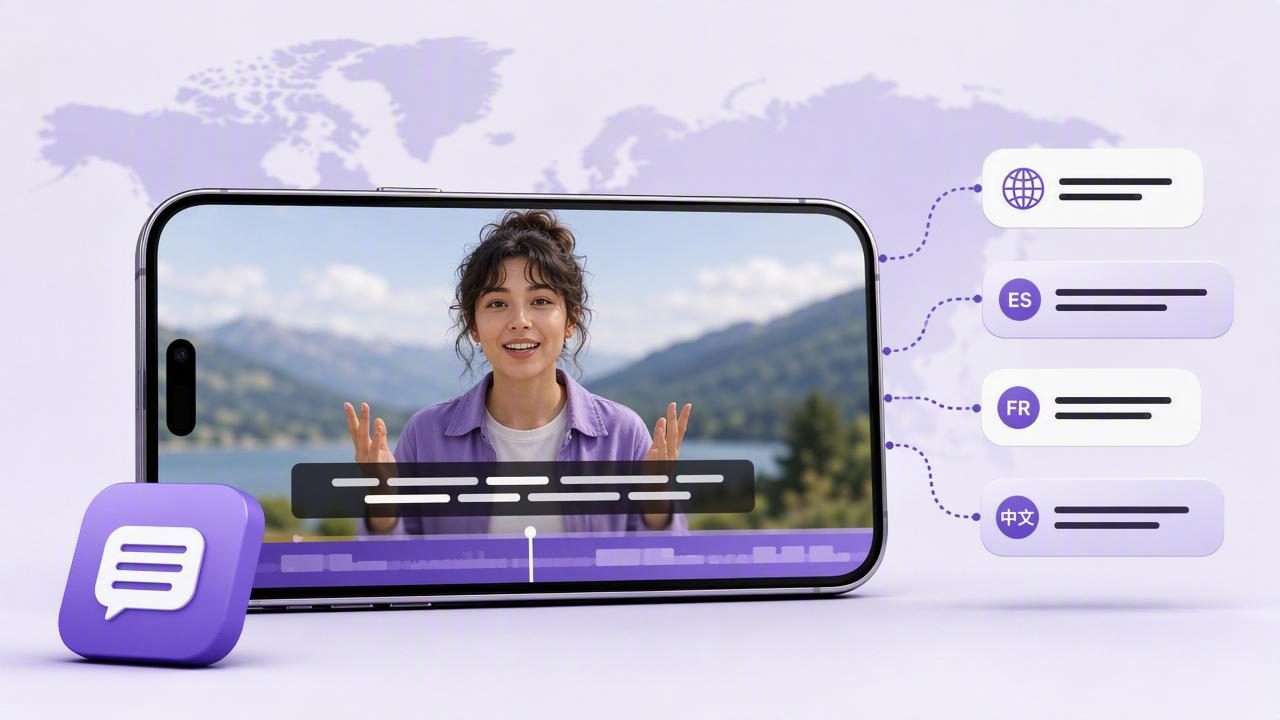
Learn how to plan, create, review, and publish subtitles in multiple languages for clearer, more accessible iPhone videos.
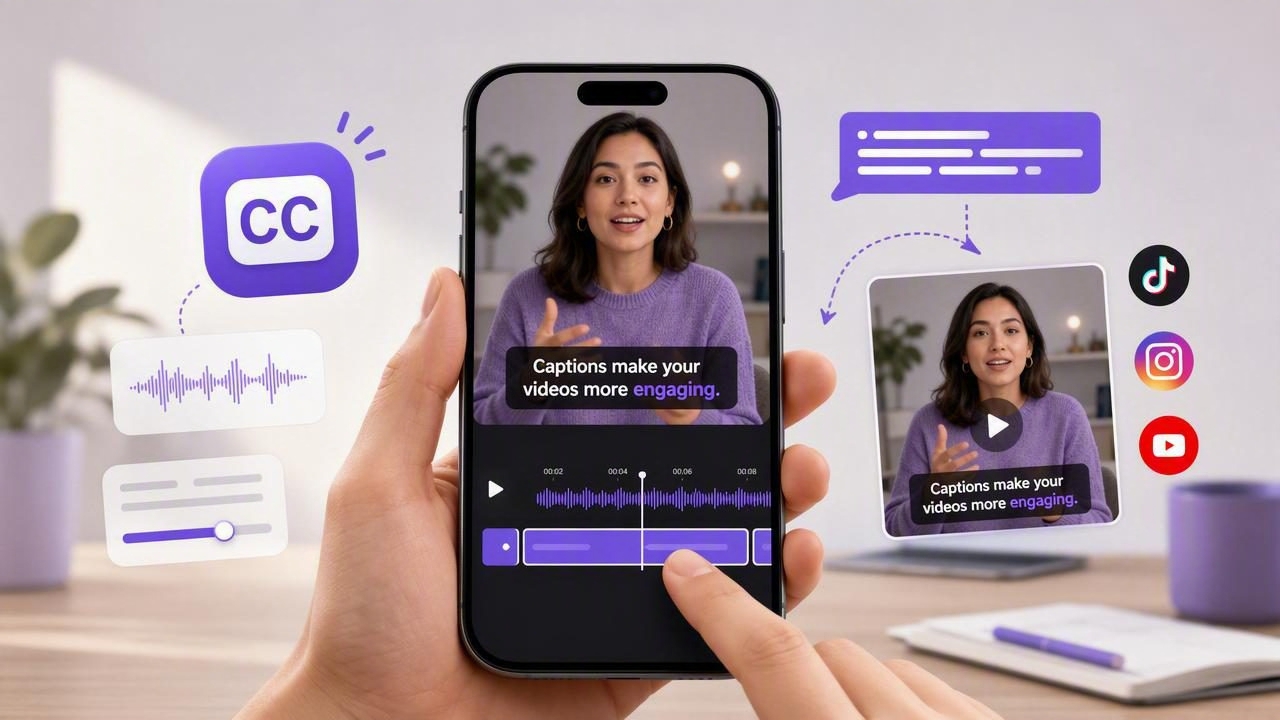
Learn how to use an automatic captions app on iPhone, review subtitle accuracy, edit timing, and create clearer social videos.
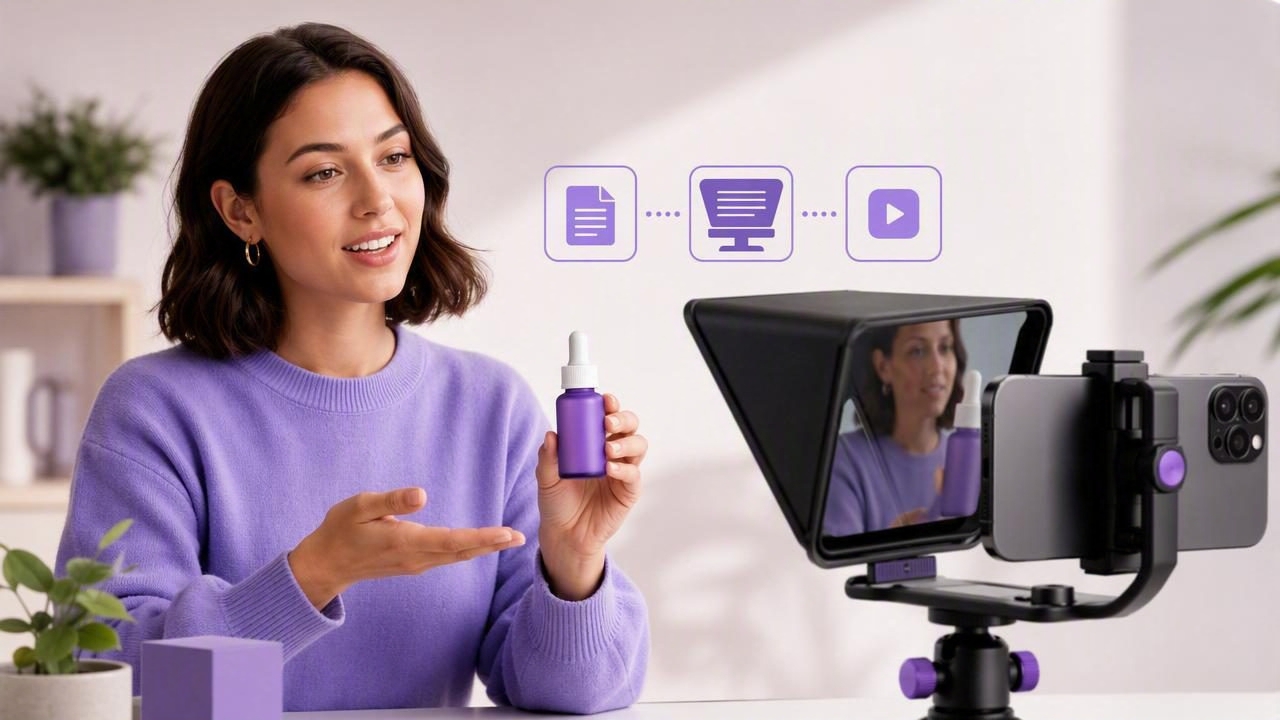
Learn how to choose and use the best iPhone teleprompter app to create a clear, natural product demo with a practical script workflow.
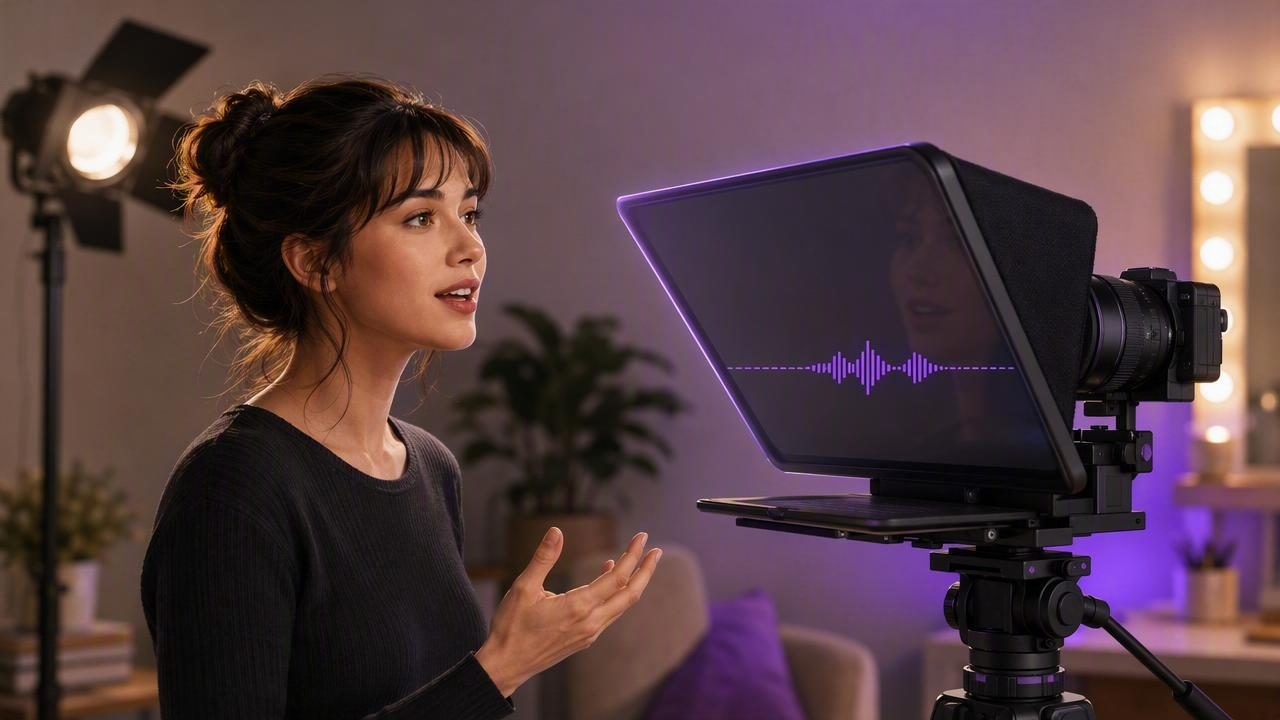
Learn how actors can use a voice tracking teleprompter for natural self-tapes, auditions, rehearsals, and scripted video.
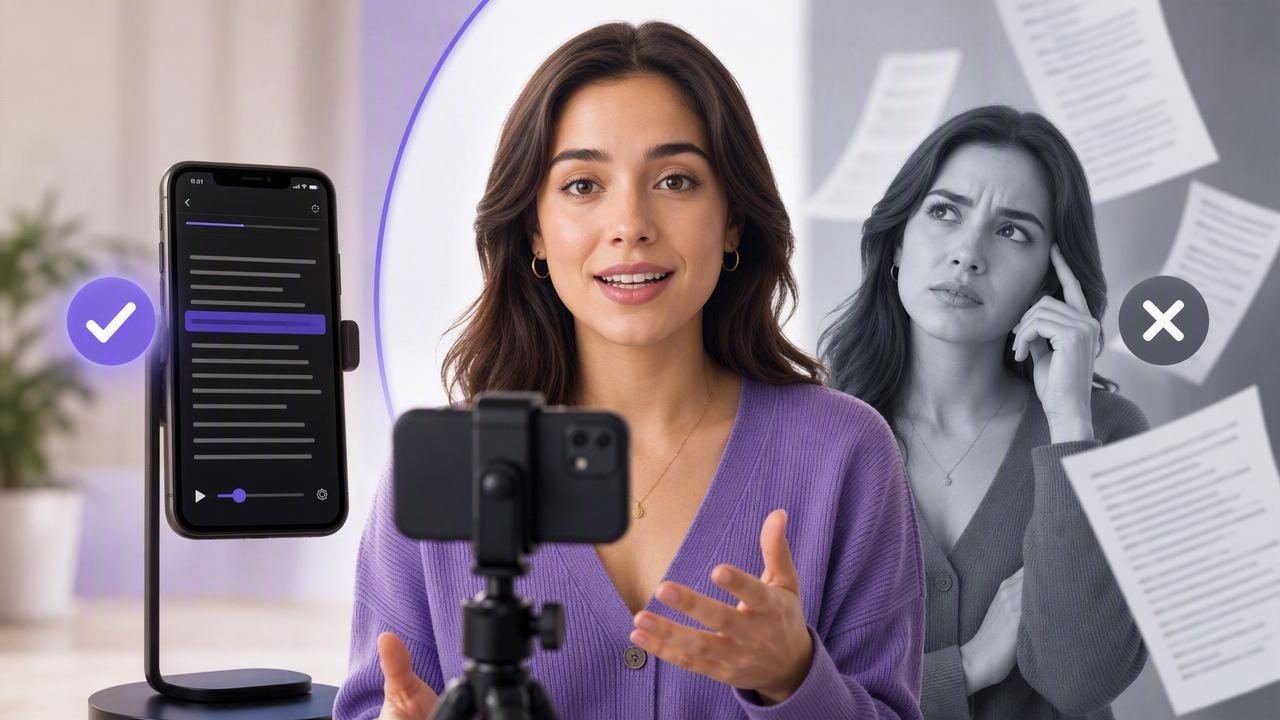
Compare a script scrolling app vs. memorizing scripts to create natural, accurate iPhone videos faster with better eye contact.
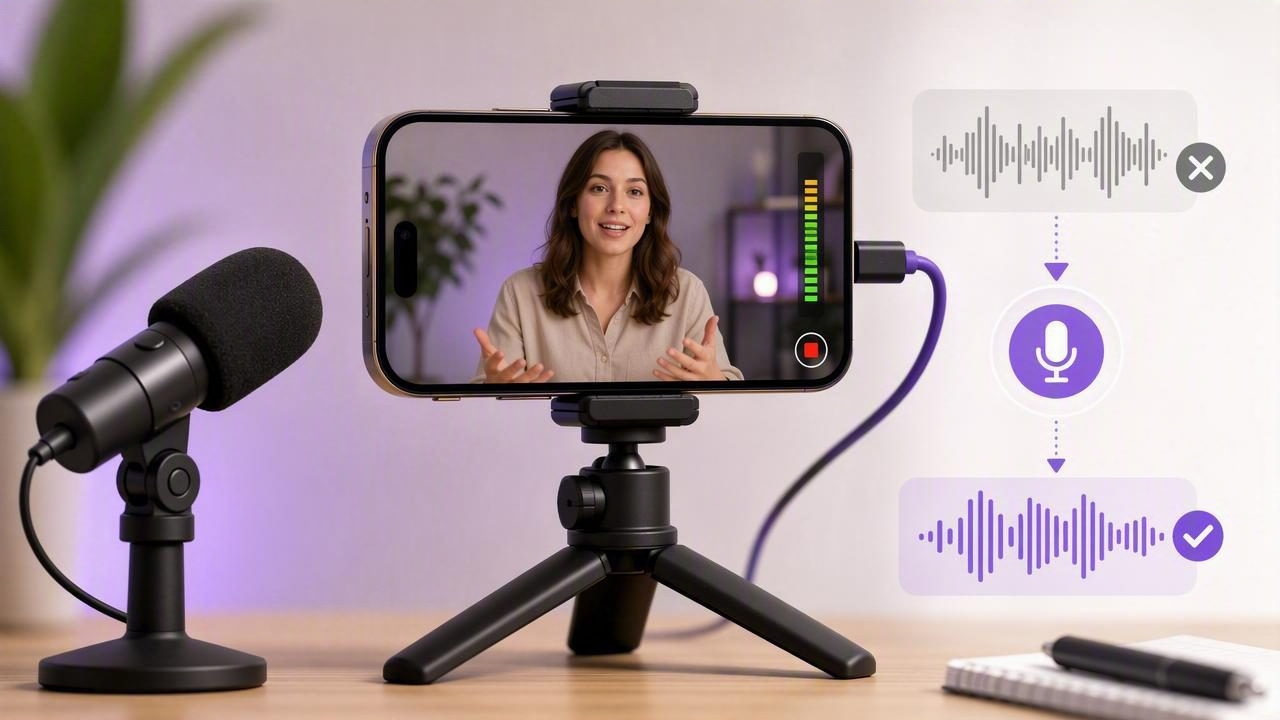
Learn how to set up an external mic video app on iPhone, fix audio issues, record clean sound, and streamline your creator workflow.
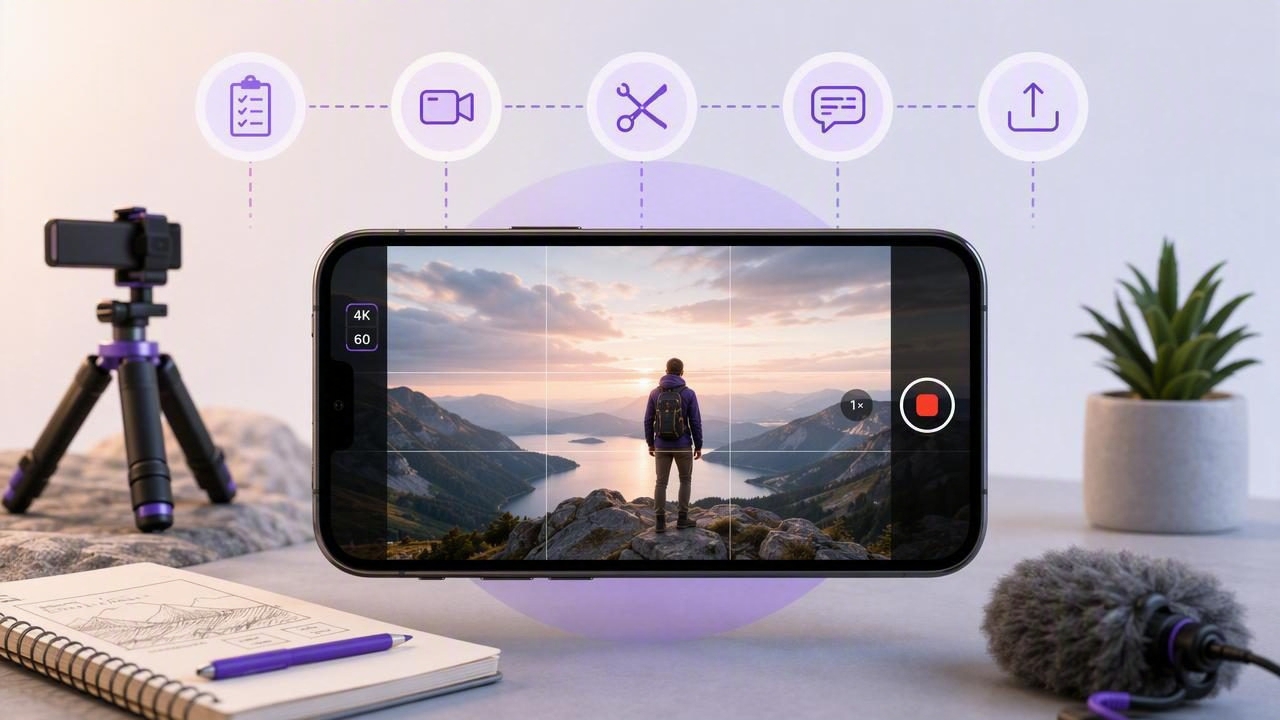
Learn how to plan, record, edit, caption, and export polished content with a 4K 60fps video app on iPhone.
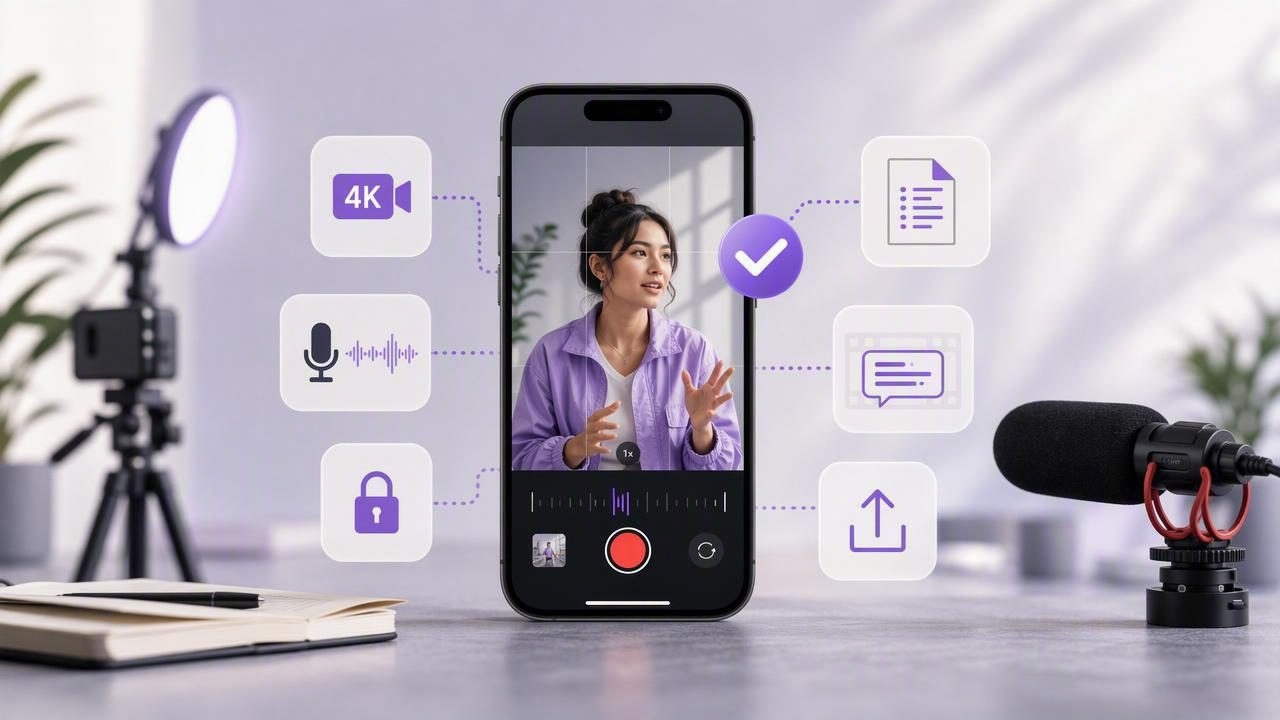
Learn what to look for in a pro camera video app for iPhone, from 4K recording and audio to scripts, subtitles, privacy, and exports.
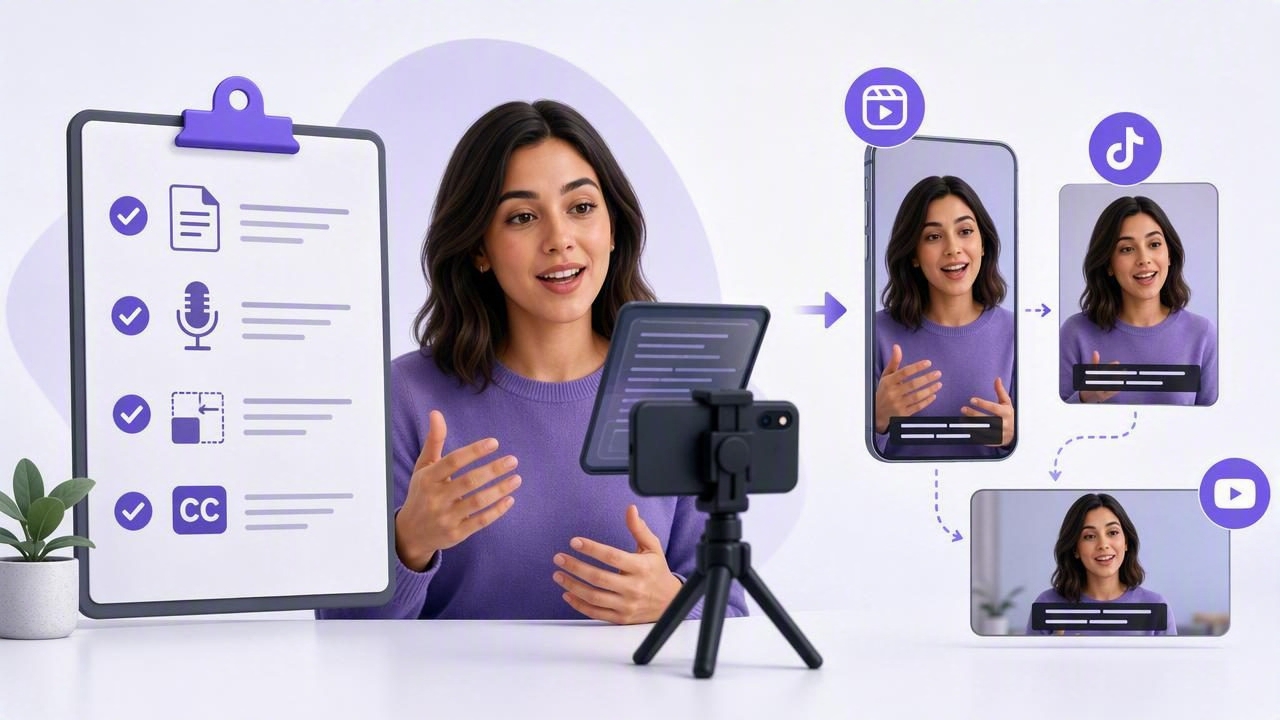
Use this script-to-video checklist to resize video for social platforms, record naturally with a voice tracking teleprompter, and add subtitles.
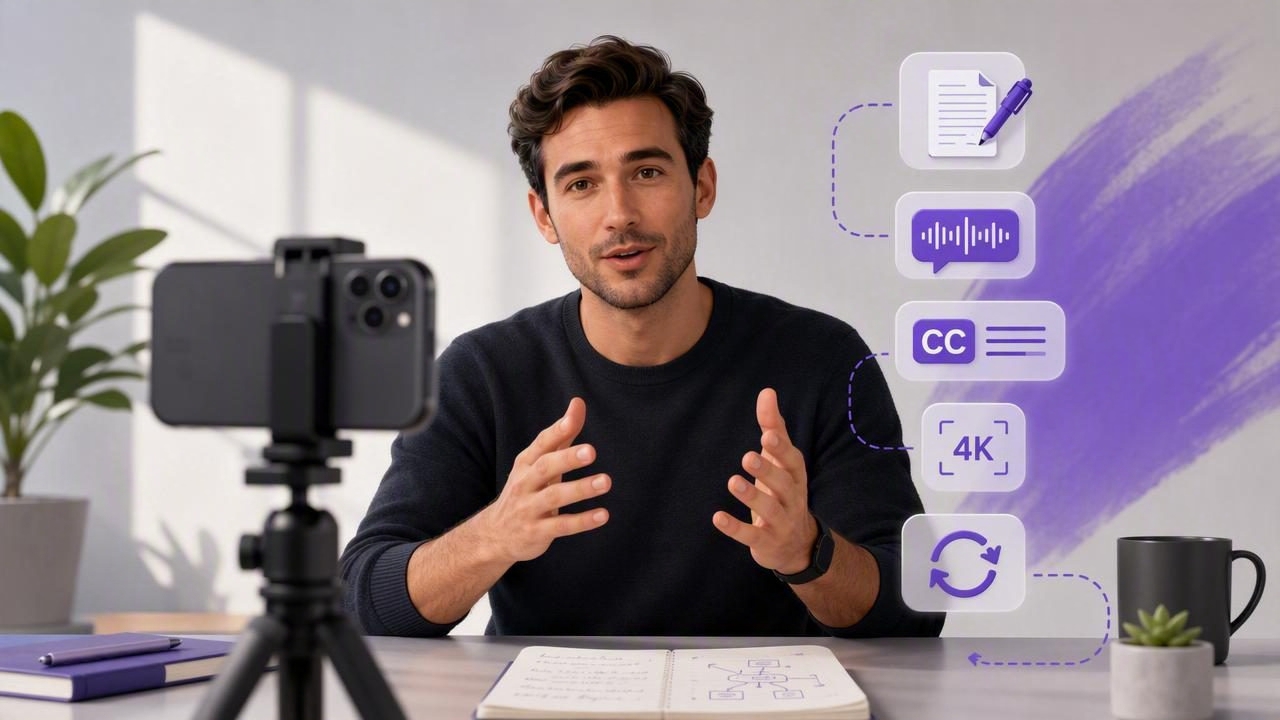
Learn how startup founders can record polished creator videos with an iPhone, scripts, subtitles, 4K settings, and a repeatable workflow.
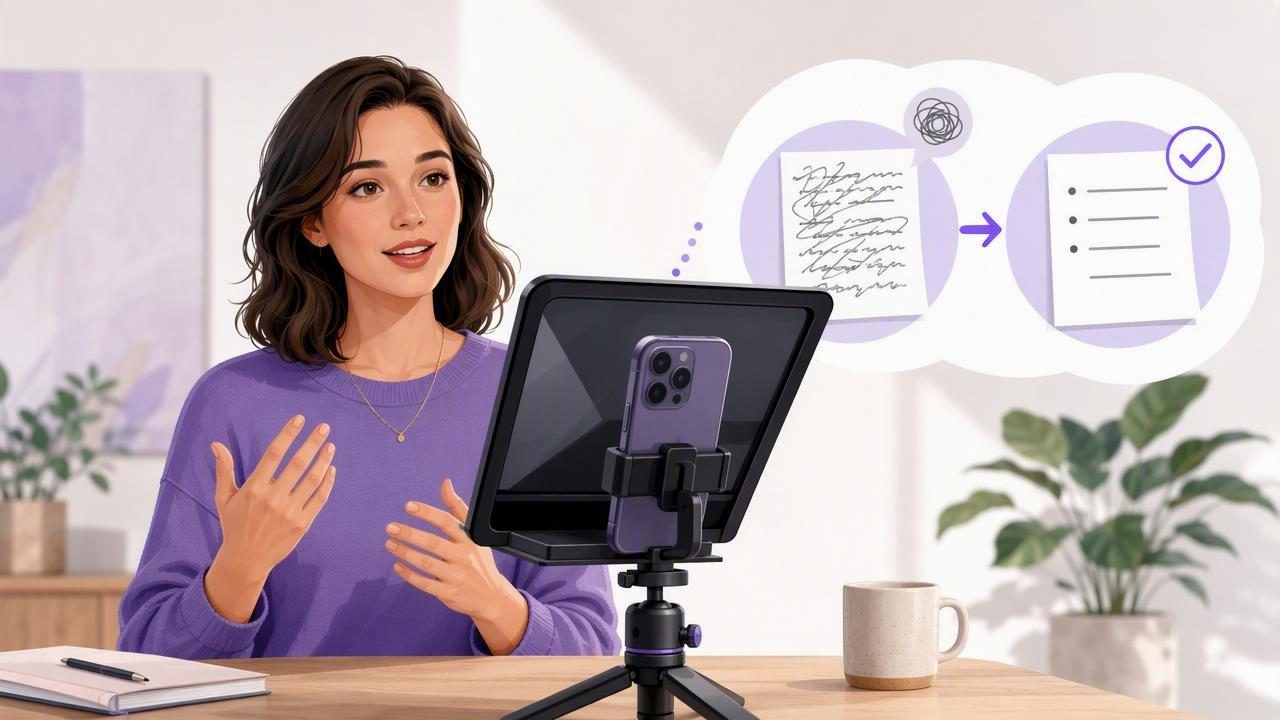
Learn how to get fewer memorized lines with a video teleprompter while creating natural, confident iPhone videos.
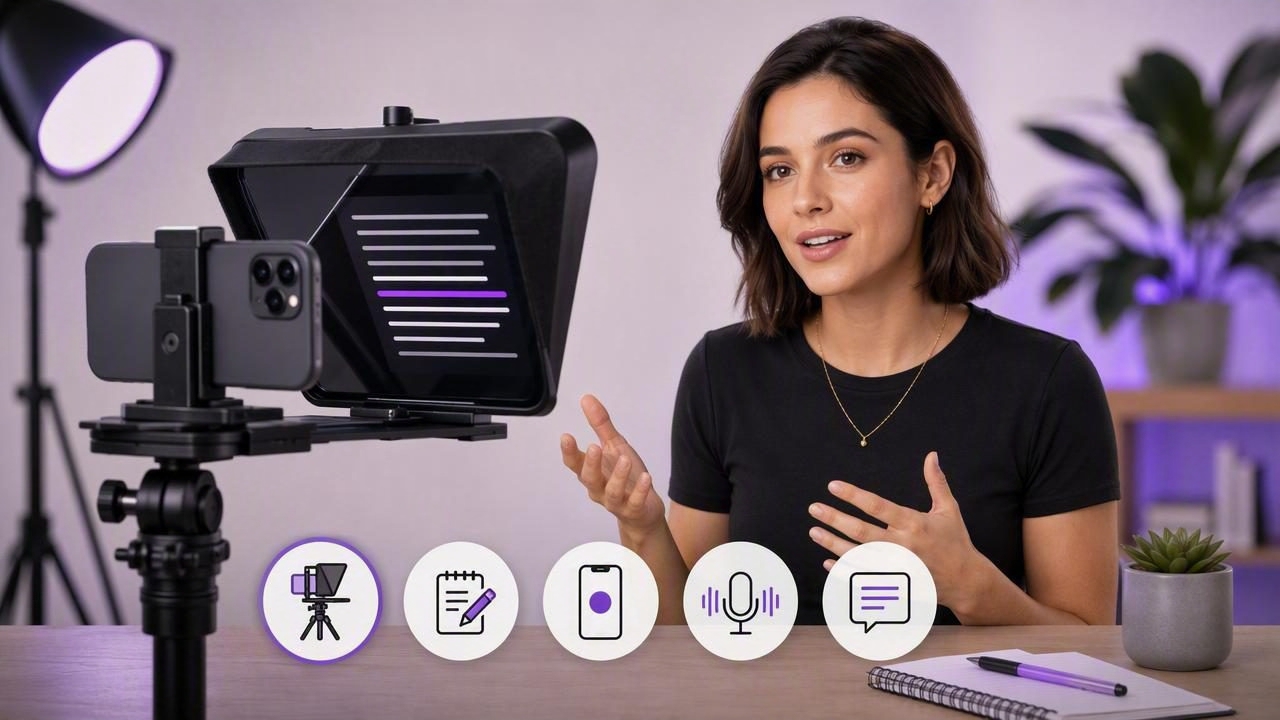
Learn how to use a self tape teleprompter for professional iPhone videos, with setup, scripting, recording, audio, and subtitle tips.
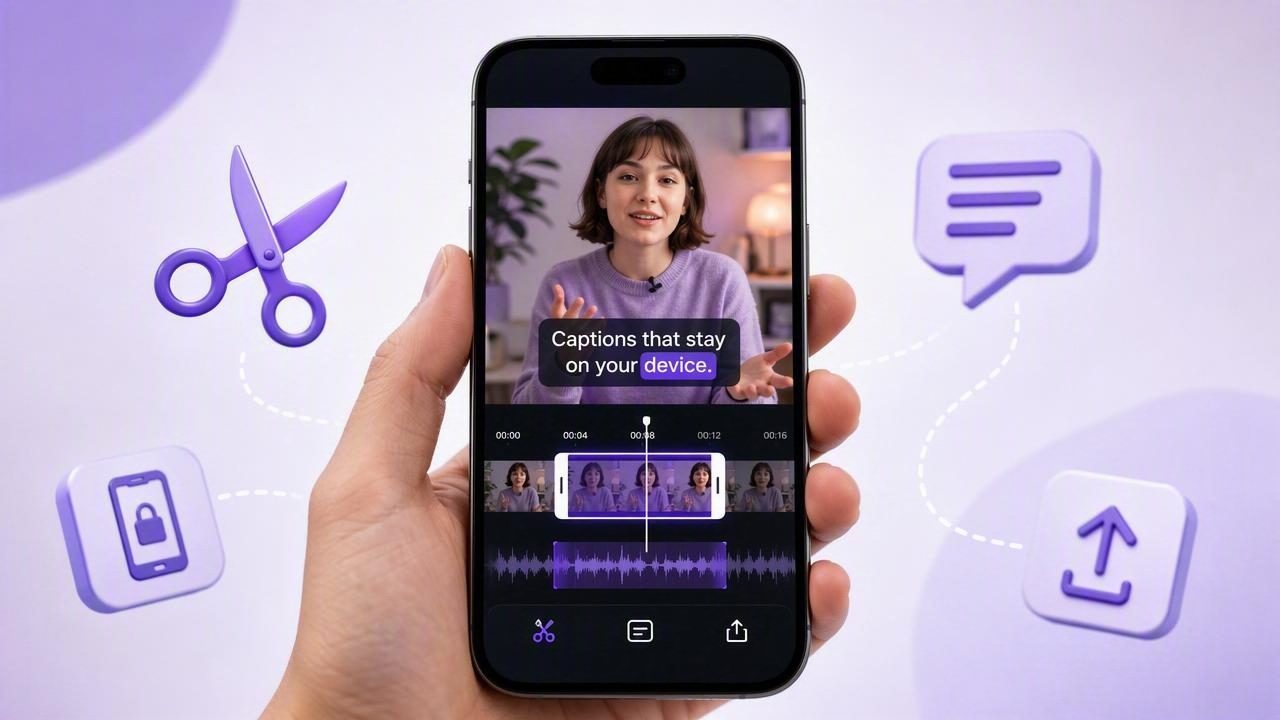
Learn how to trim a take on iPhone with an on-device subtitle app, refine captions, protect privacy, and export polished social videos.
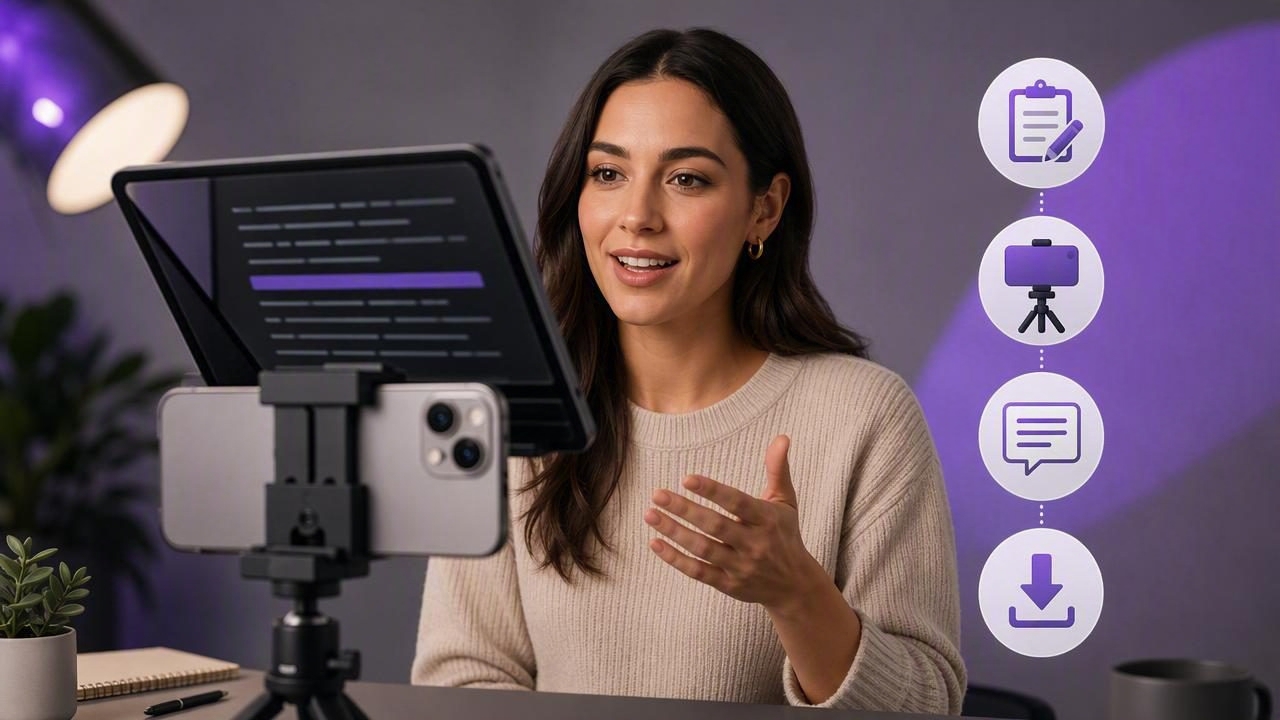
Learn how to plan, record, caption, and export teleprompter videos on iPhone for polished, natural-looking content.
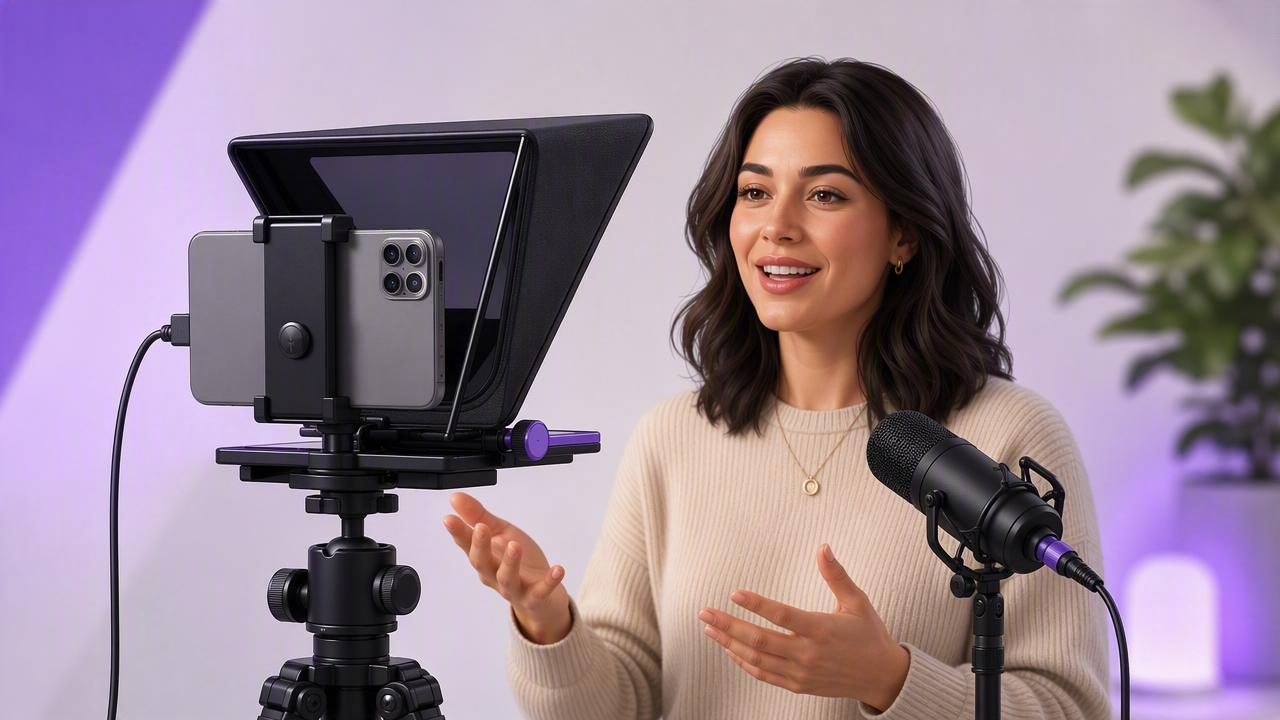
Learn how to choose the best video teleprompter to record with an external microphone on iPhone, with setup tips for clear audio and natural delivery.
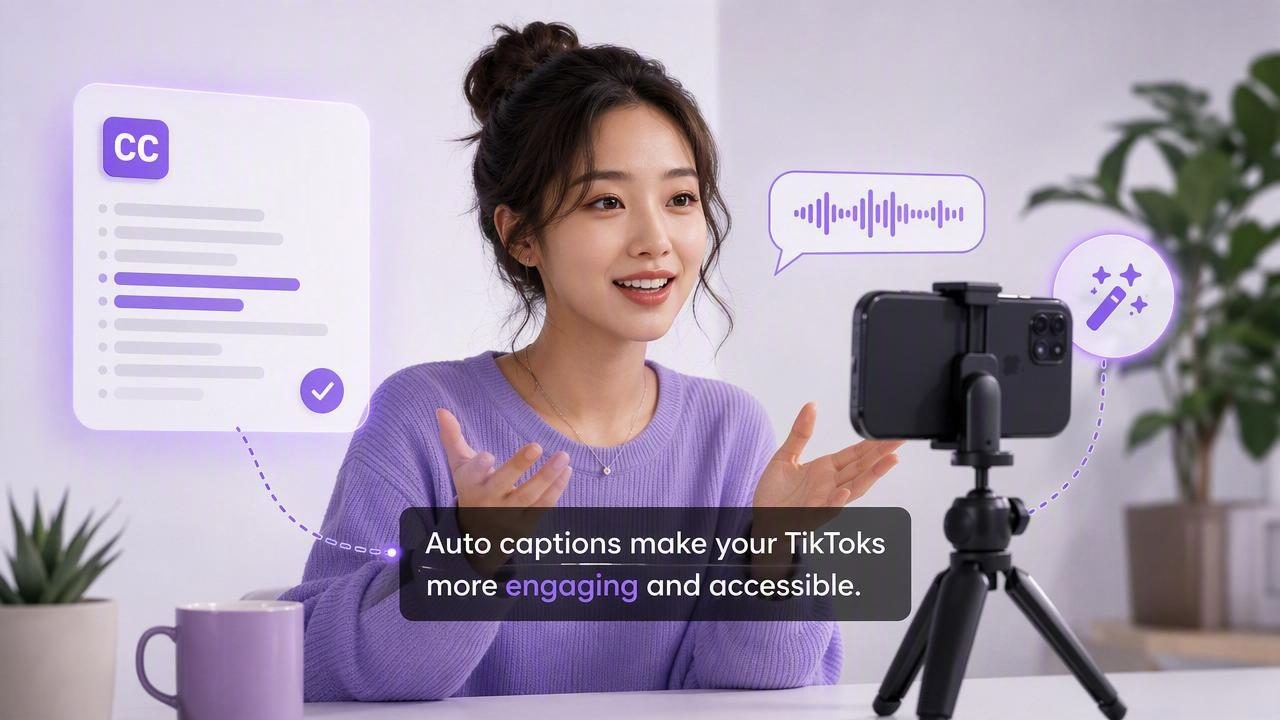
Learn how to choose and use an automatic caption tool for TikTok creators, with tips for accurate, readable, private subtitles.
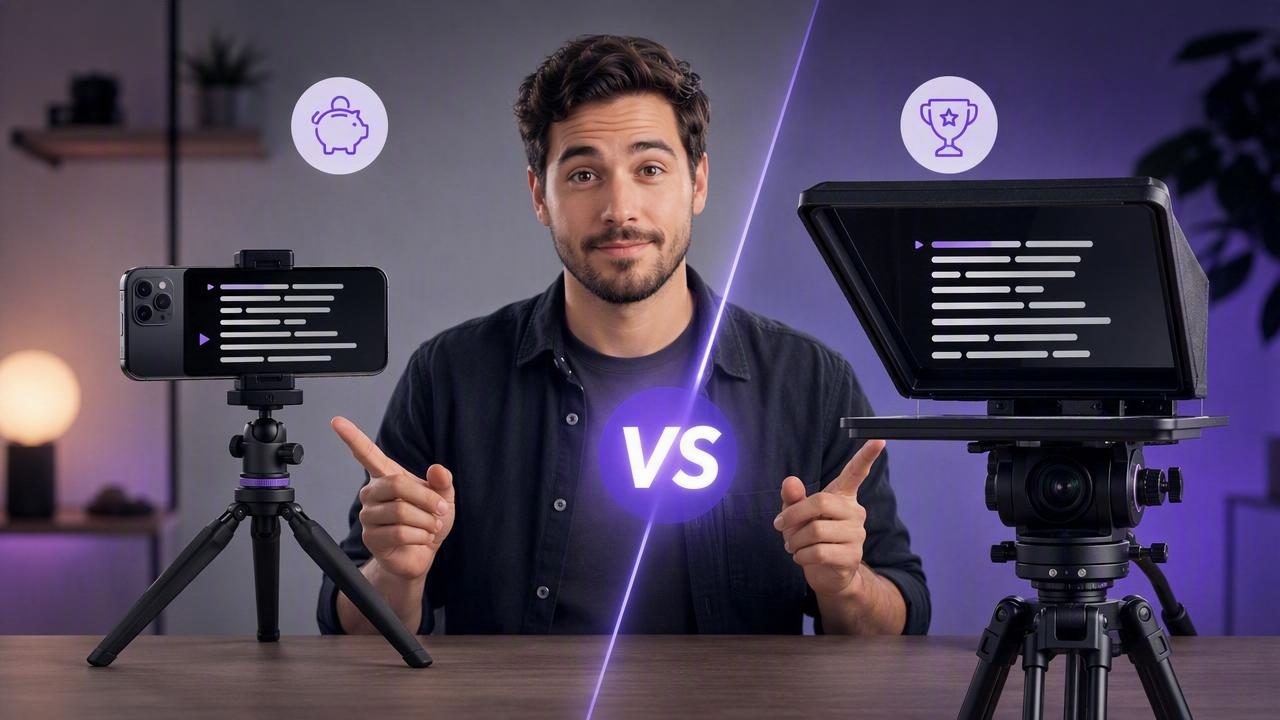
Compare an iPhone teleprompter app vs hardware teleprompter for cost, setup, eye contact, video quality, and creator workflow.
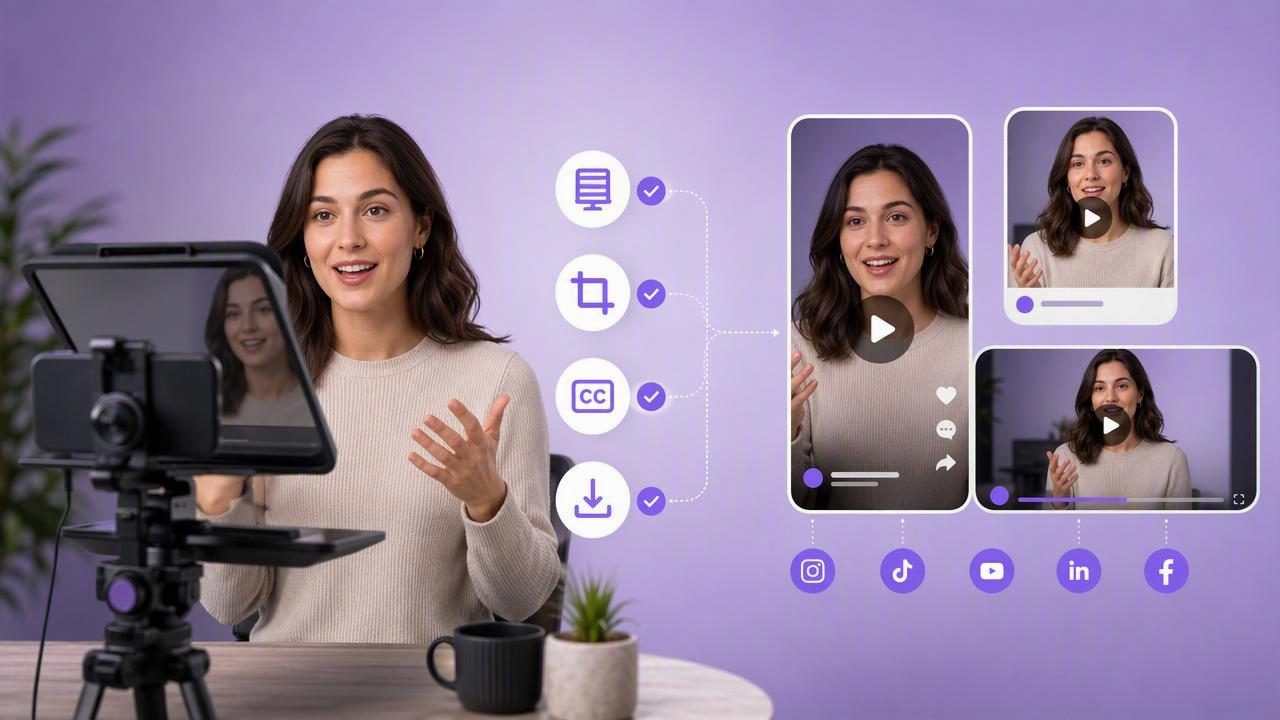
Use this resize video for social platforms checklist to film, crop, caption, and export teleprompter videos without losing quality.
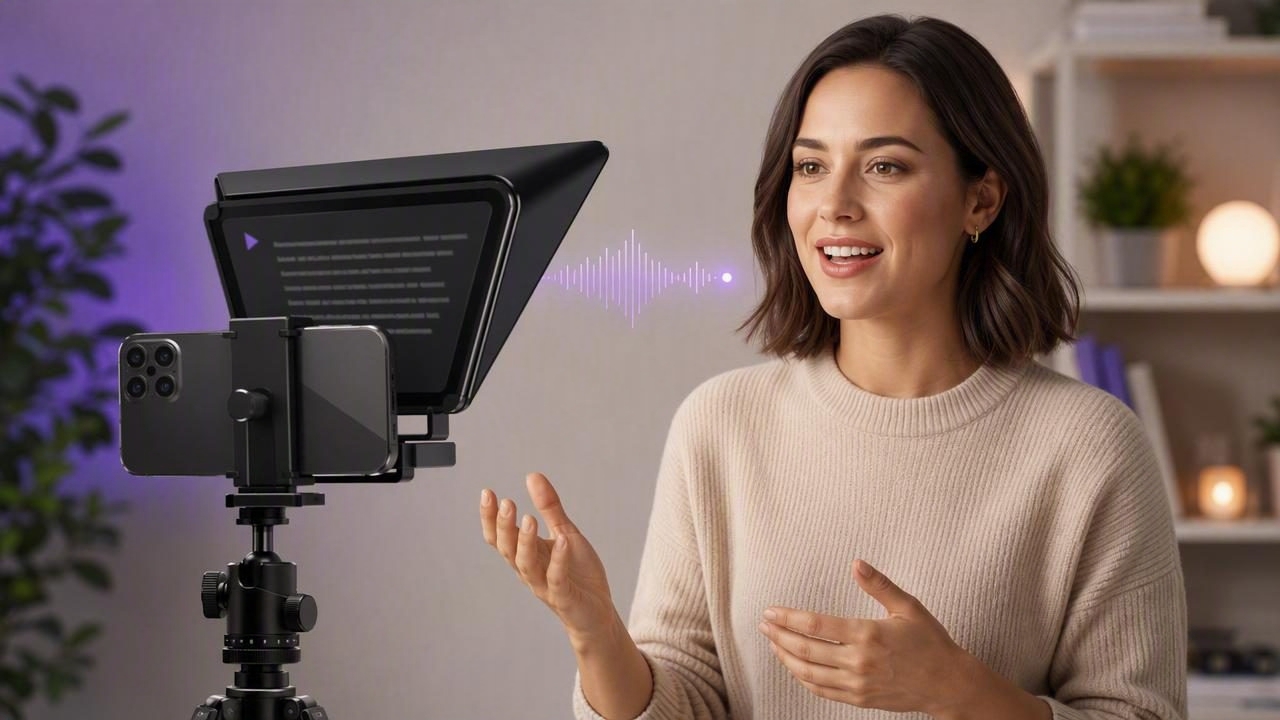
Learn how course creators can use a voice tracking teleprompter to record natural, polished lessons faster on an iPhone.
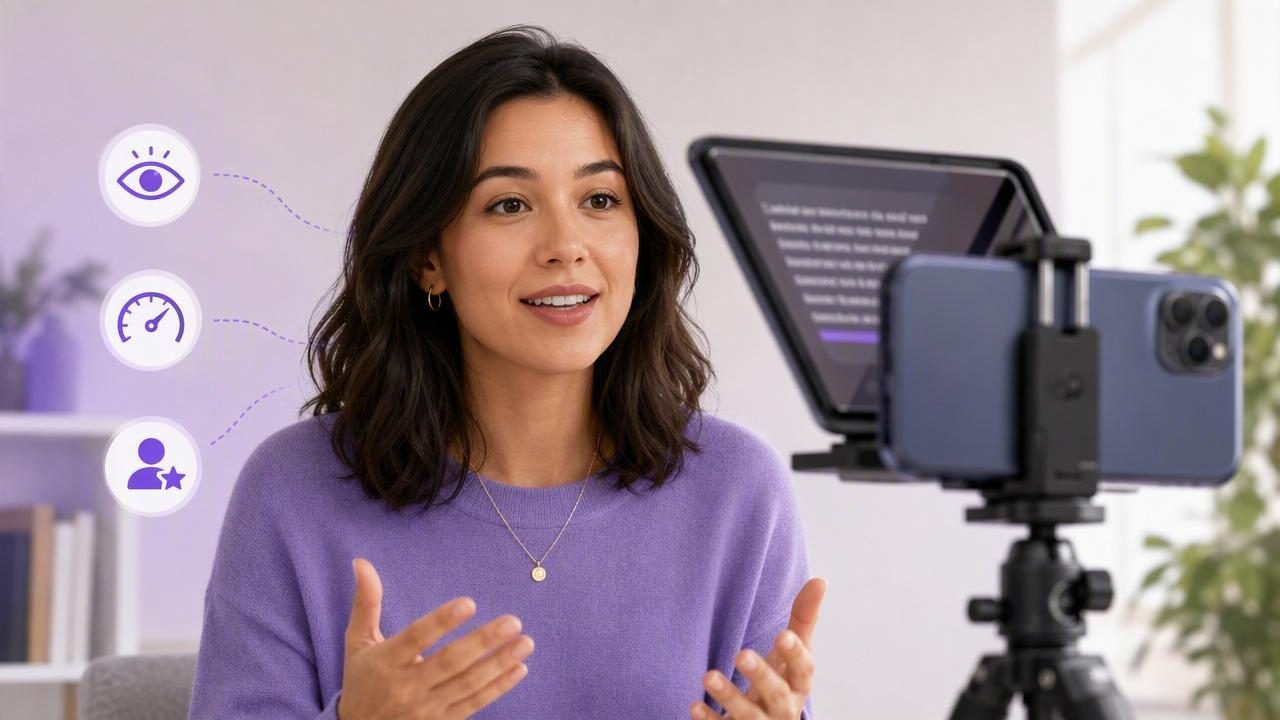
Learn how to use a teleprompter app on iPhone to deliver natural scripted videos with better eye contact, pacing, and confidence.
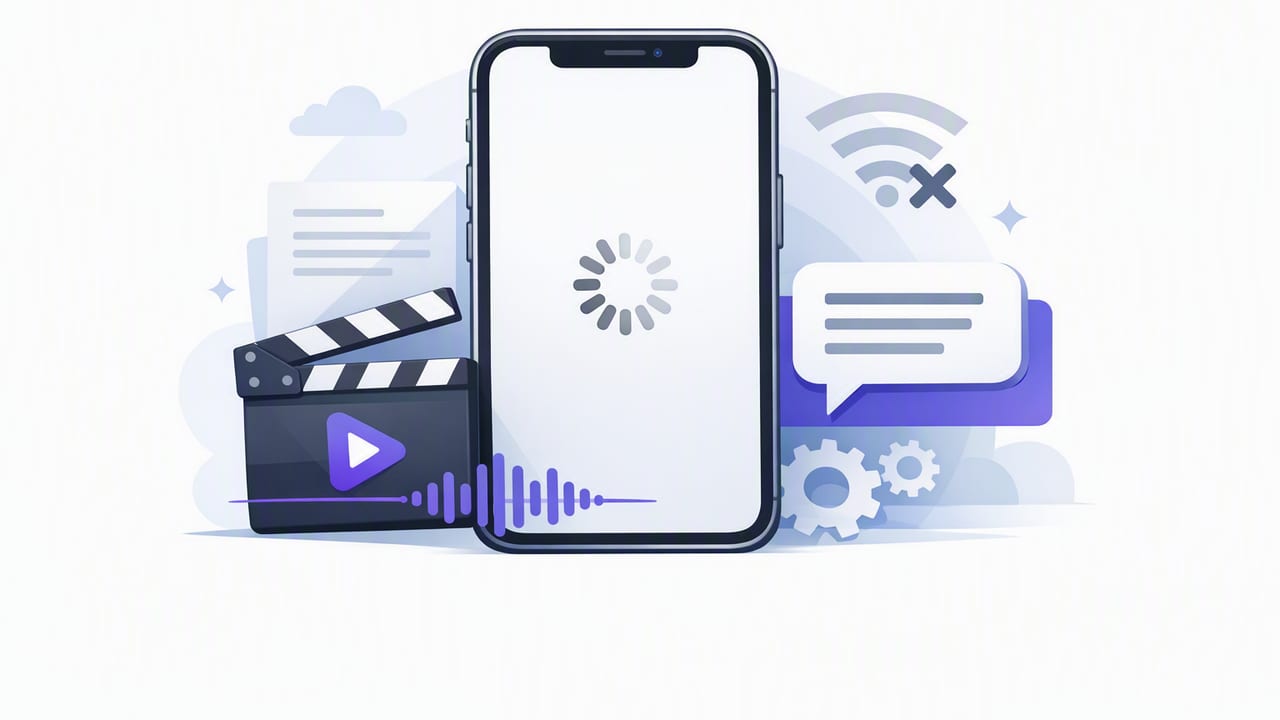
Learn how to create accurate, private captions with an offline subtitle generator for iPhone—best practices, formats, and export tips.
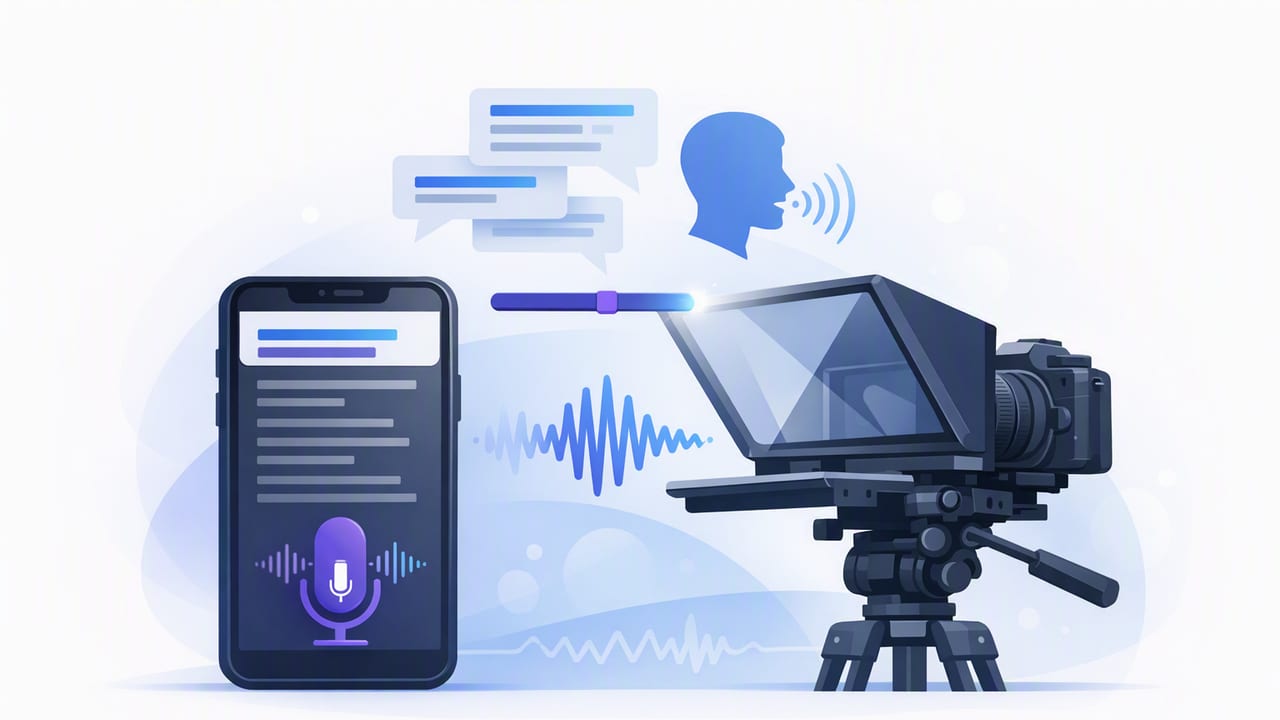
Learn how to use a teleprompter app with voice tracking on iPhone—better delivery, fewer retakes, clean audio, and faster script-to-video.
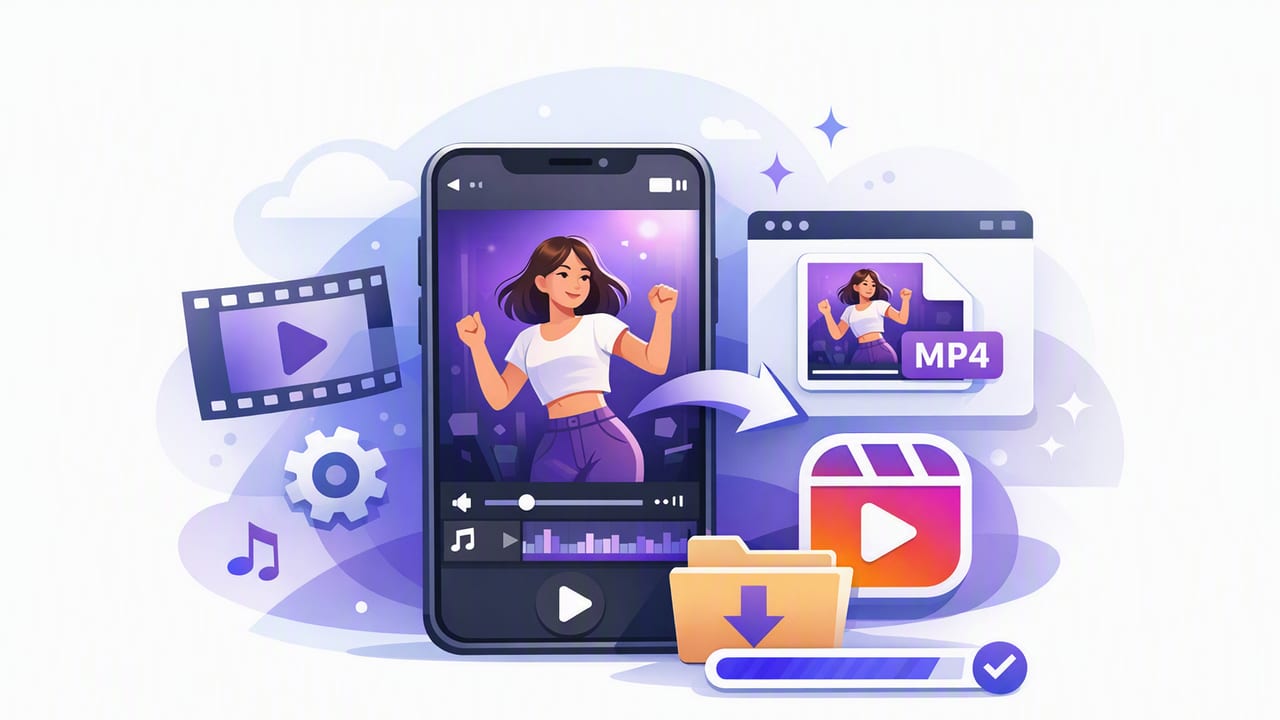
Learn how to export video for Instagram Reels from iPhone with the best resolution, aspect ratio, bitrate, captions, and audio settings.
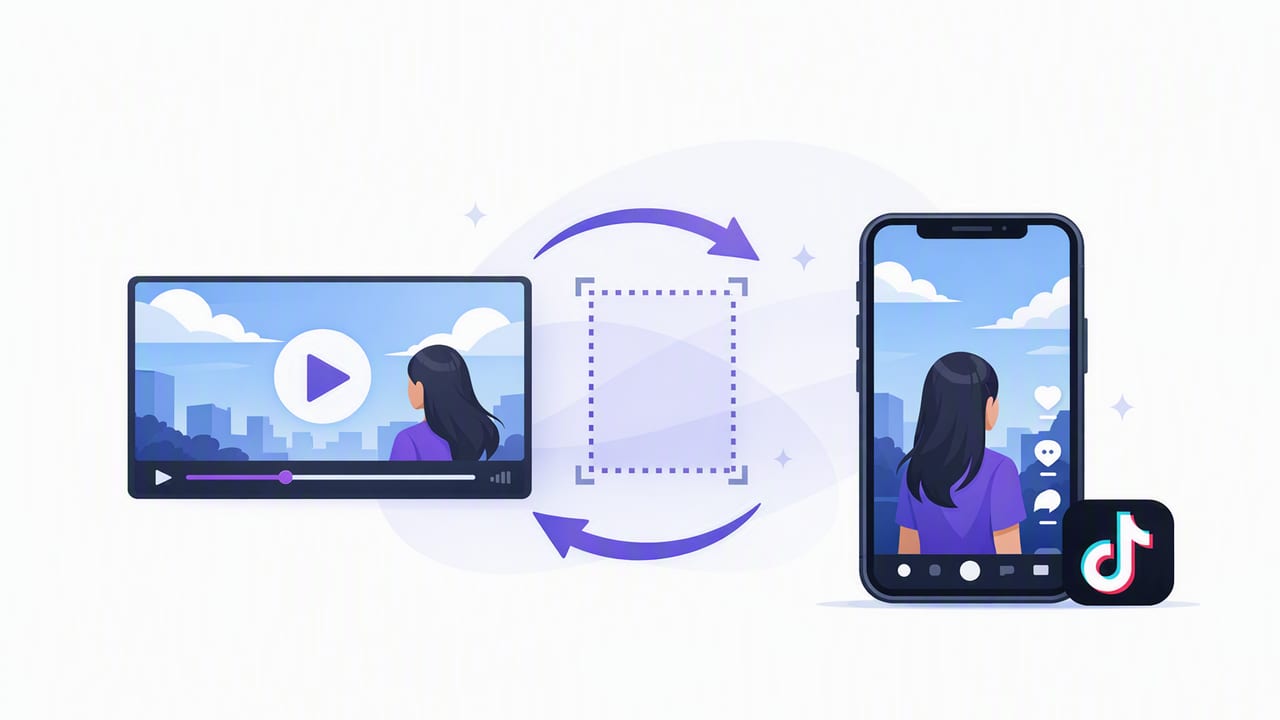
Learn how to resize video for TikTok on iPhone: correct aspect ratios, safe areas, captions, and export settings for crisp, vertical uploads.
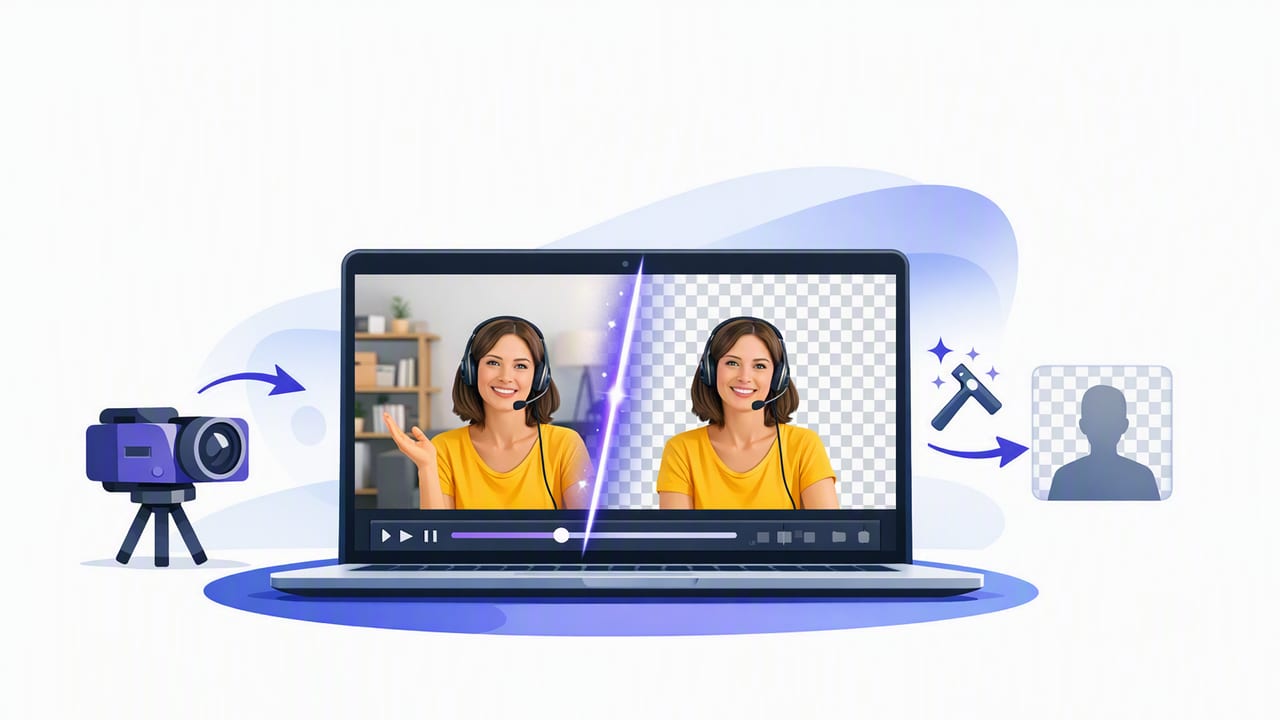
Learn how to remove background from video on iPhone: best methods, lighting tips, export settings, and a faster script-to-video workflow.
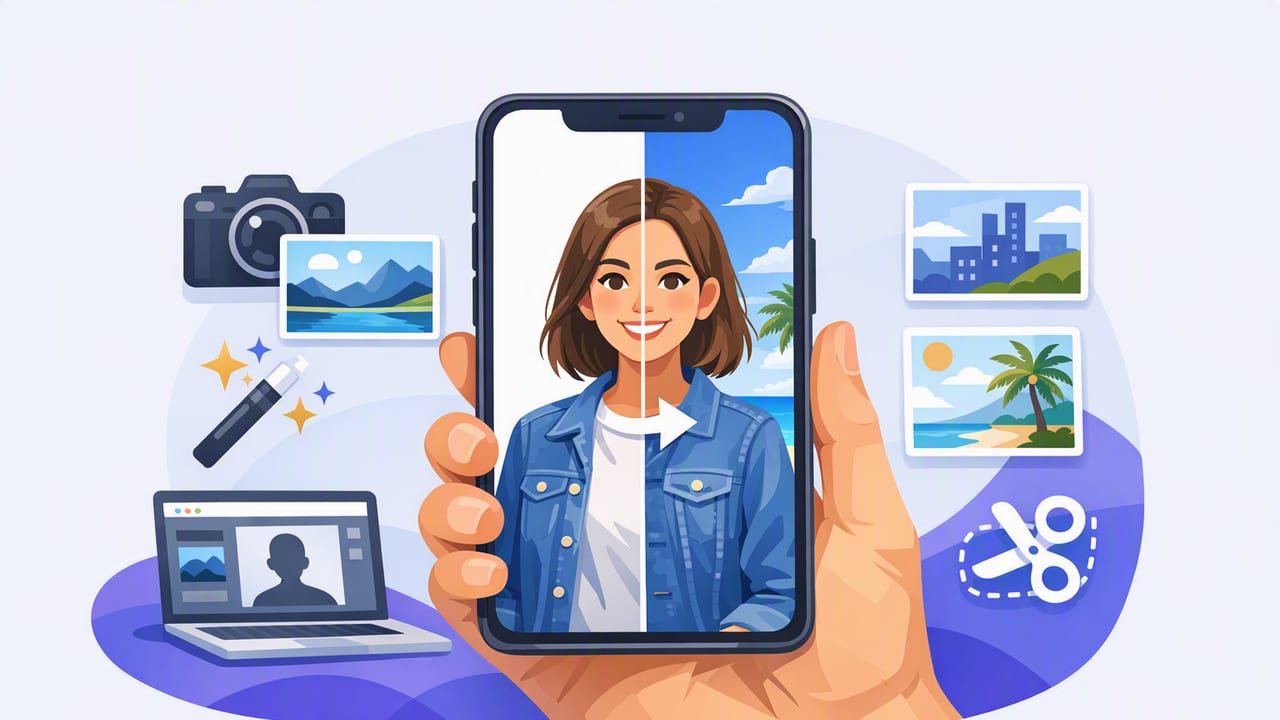
Learn how to choose a background replacement app for iPhone, plus lighting, framing, and export tips for clean, pro-looking creator videos.
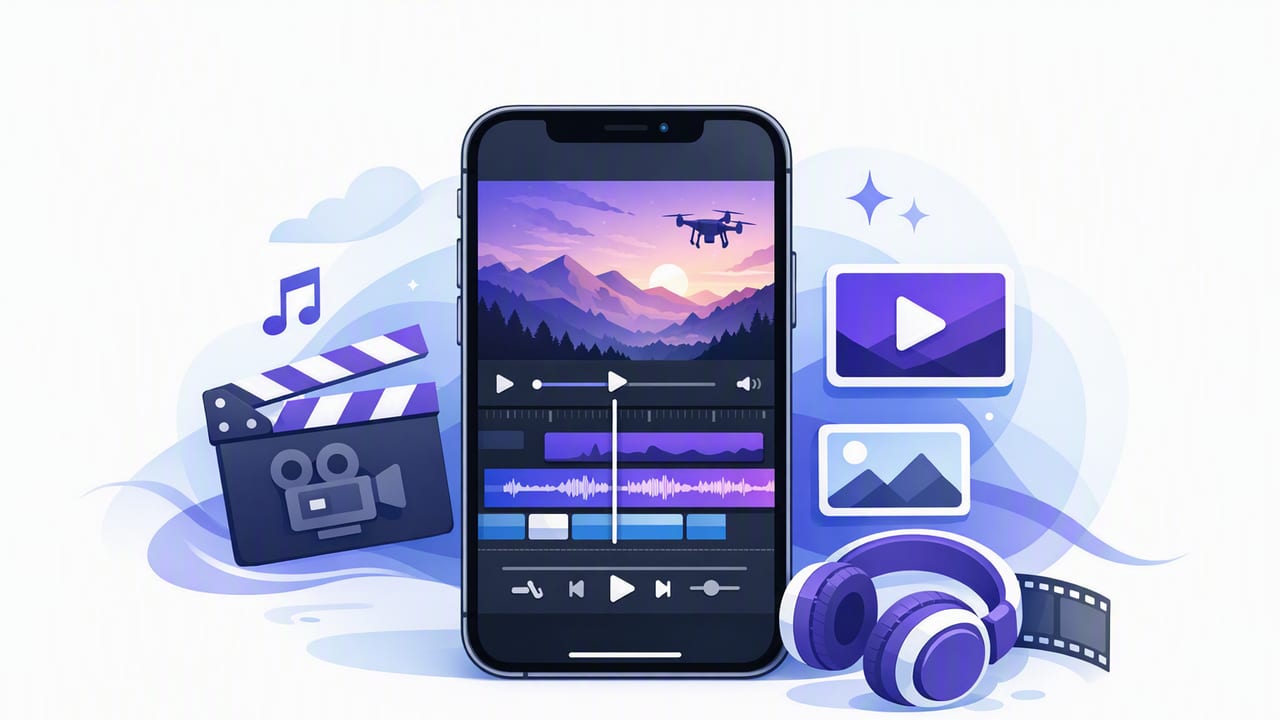
Pick a video editor app for iPhone with 4K, captions, audio tools, and privacy. Follow this script-to-video workflow for faster posts.
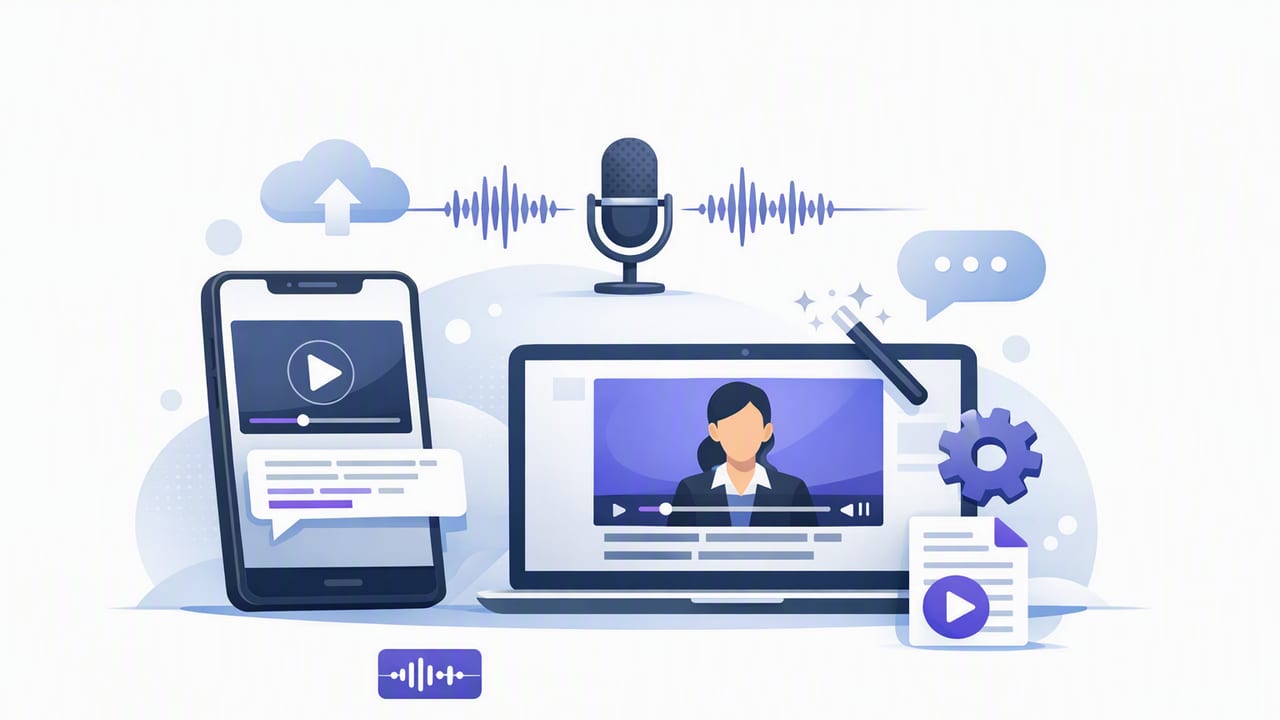
Choose the right auto captions app for iPhone: accuracy, on-device privacy, styling, exports, and a fast script-to-video workflow for creators.
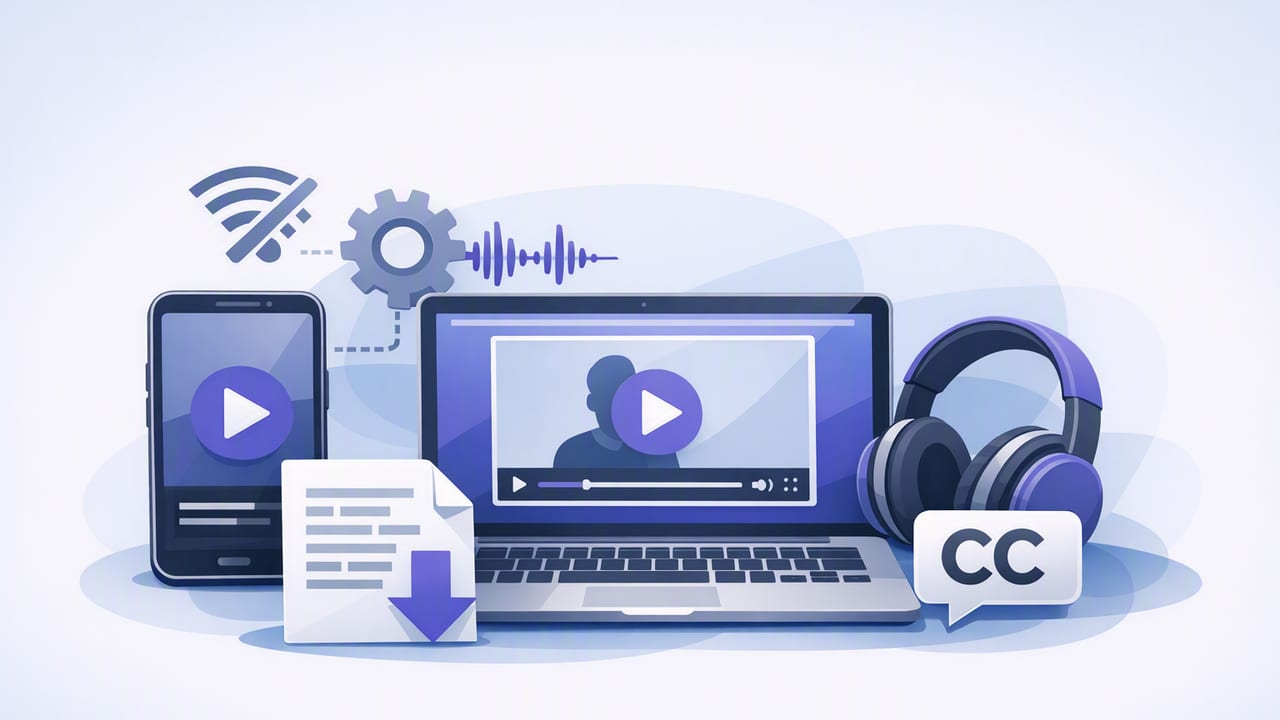
Learn how an offline subtitles app makes private, accurate iPhone captions—plus workflow tips, formats, and export settings for creators.
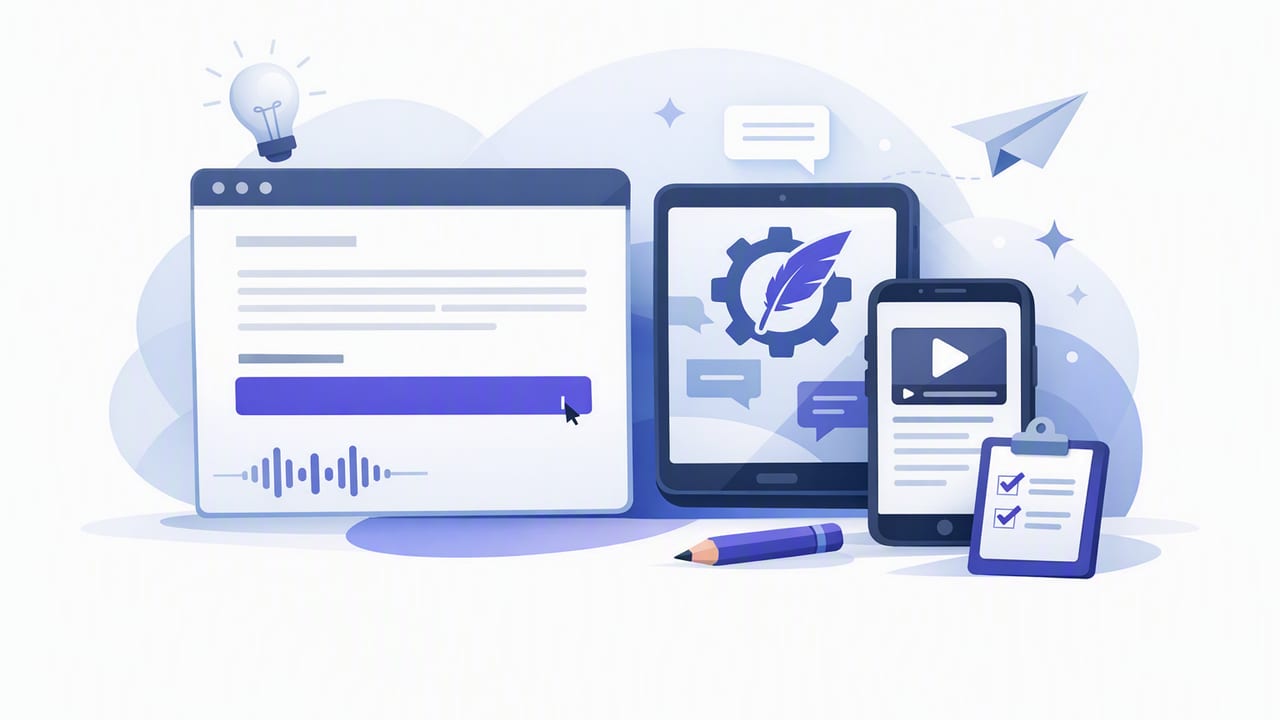
Learn how to choose and use a subtitle generator app on iPhone for fast, accurate captions—plus editing tips, privacy checks, and export settings.
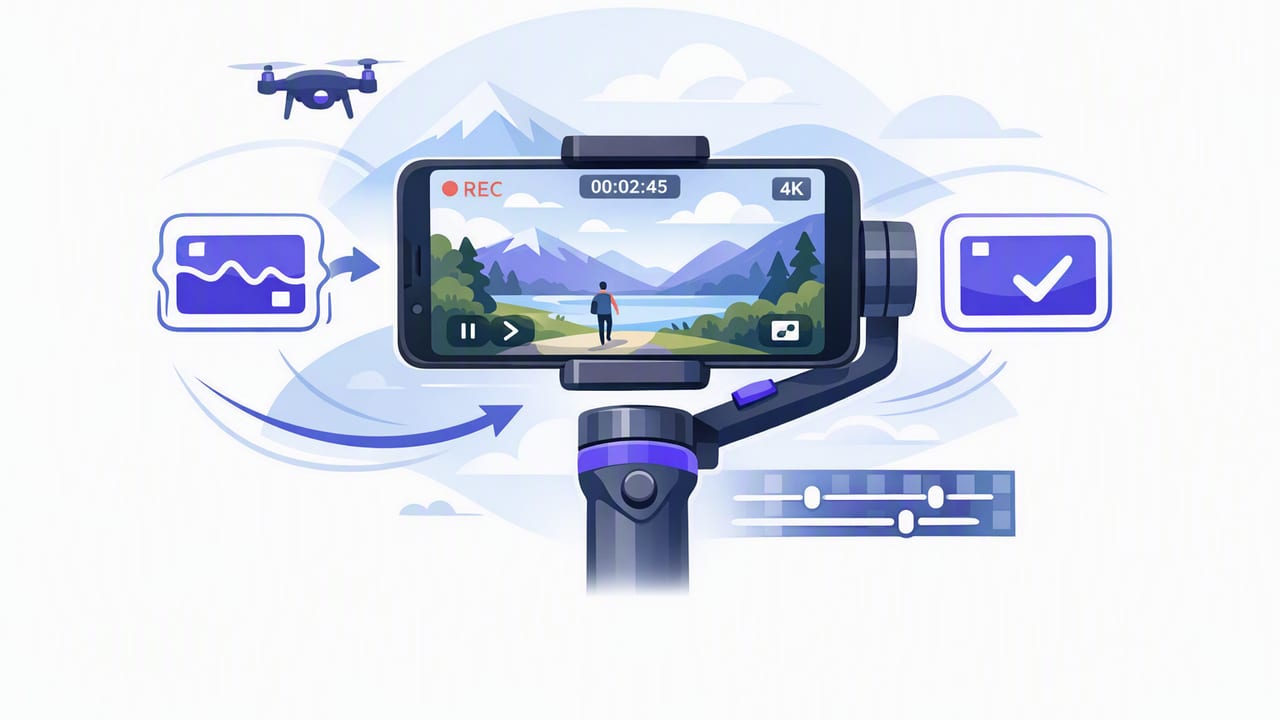
Get smooth iPhone footage with app-based stabilization, 4K settings, mic tips, and a script-to-video workflow that keeps shots steady.
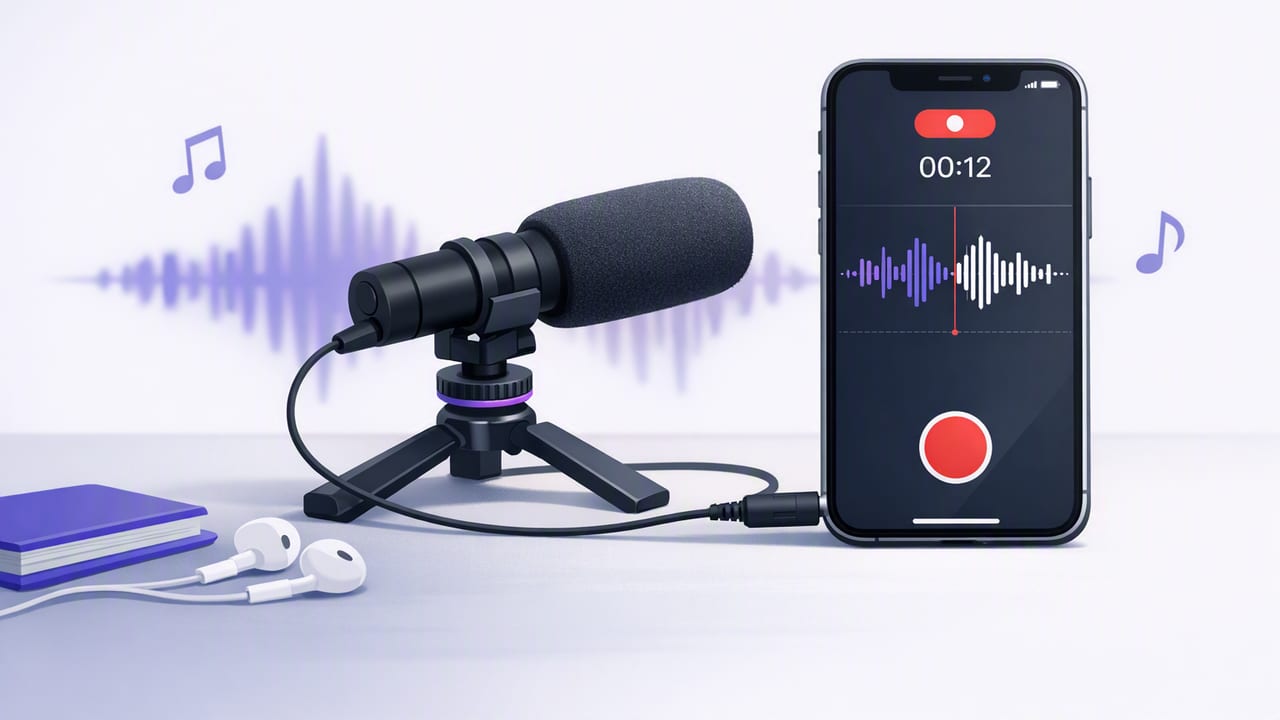
Learn external mic recording on iPhone: best mic types, adapters, settings, monitoring, and a clean script-to-video workflow with subtitles.
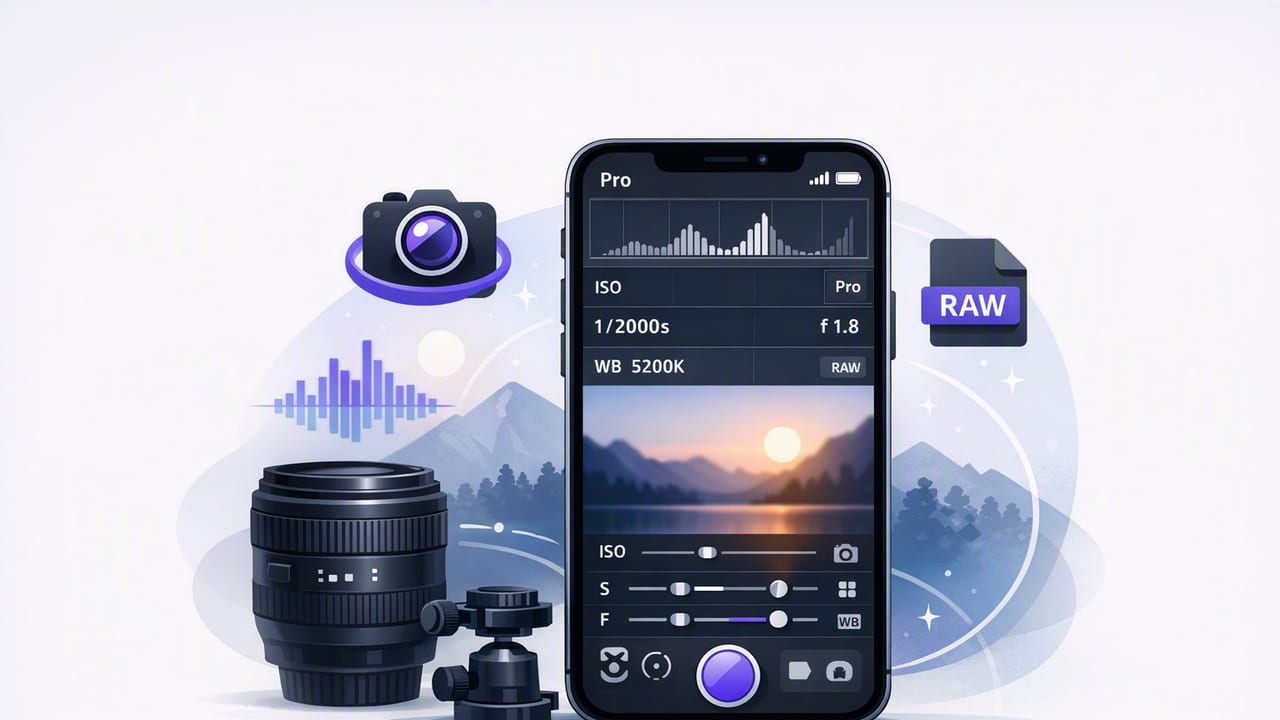
Learn a pro camera app iPhone setup for scripted videos: 4K settings, audio, teleprompter pacing, on-device subtitles, and export presets.
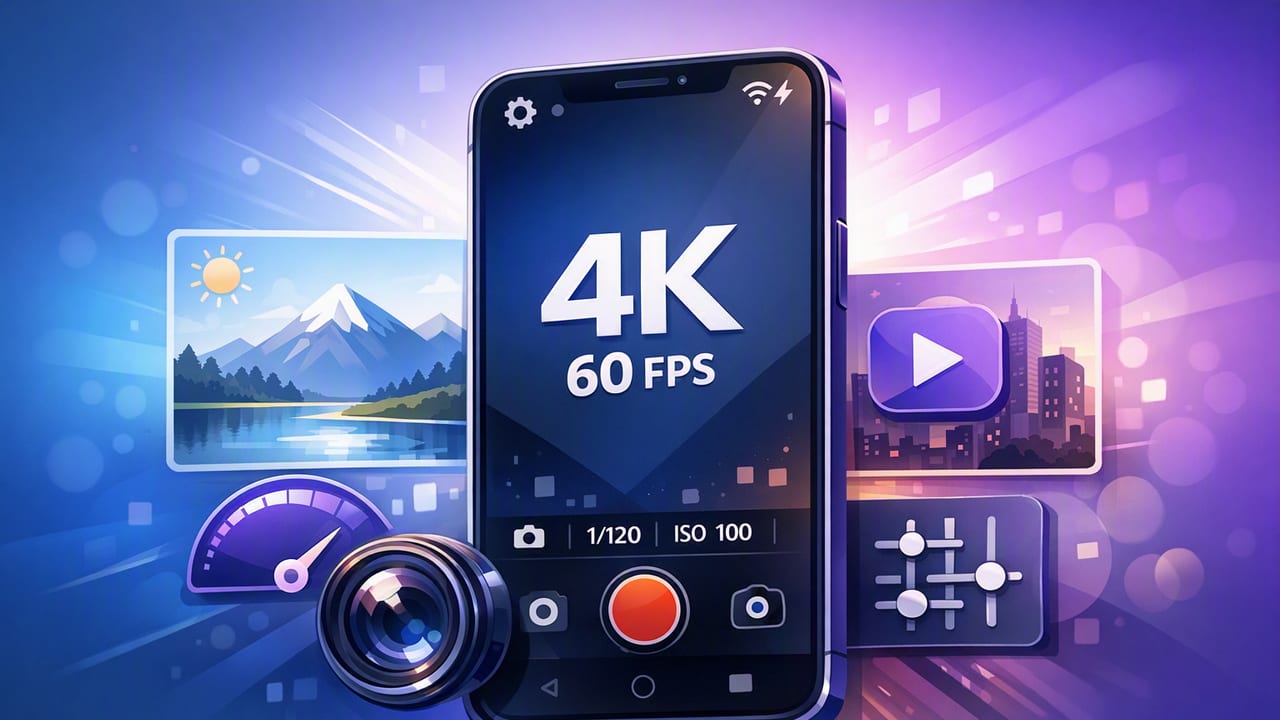
Pick the right 4K 60fps camera app for iPhone: pro settings, audio, stabilization, teleprompter workflow, subtitles, and export presets.
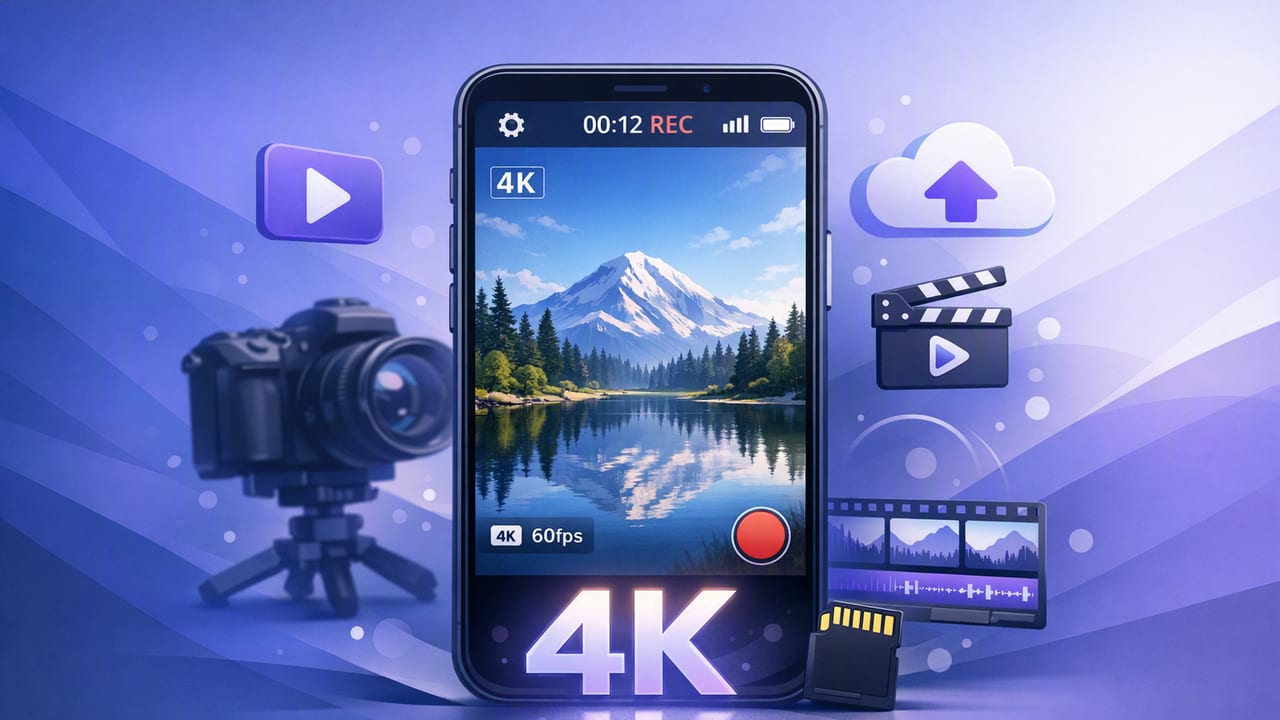
Build a reliable iPhone workflow with a 4k video recording app: camera settings, audio, teleprompter delivery, subtitles, and exports for each platform.
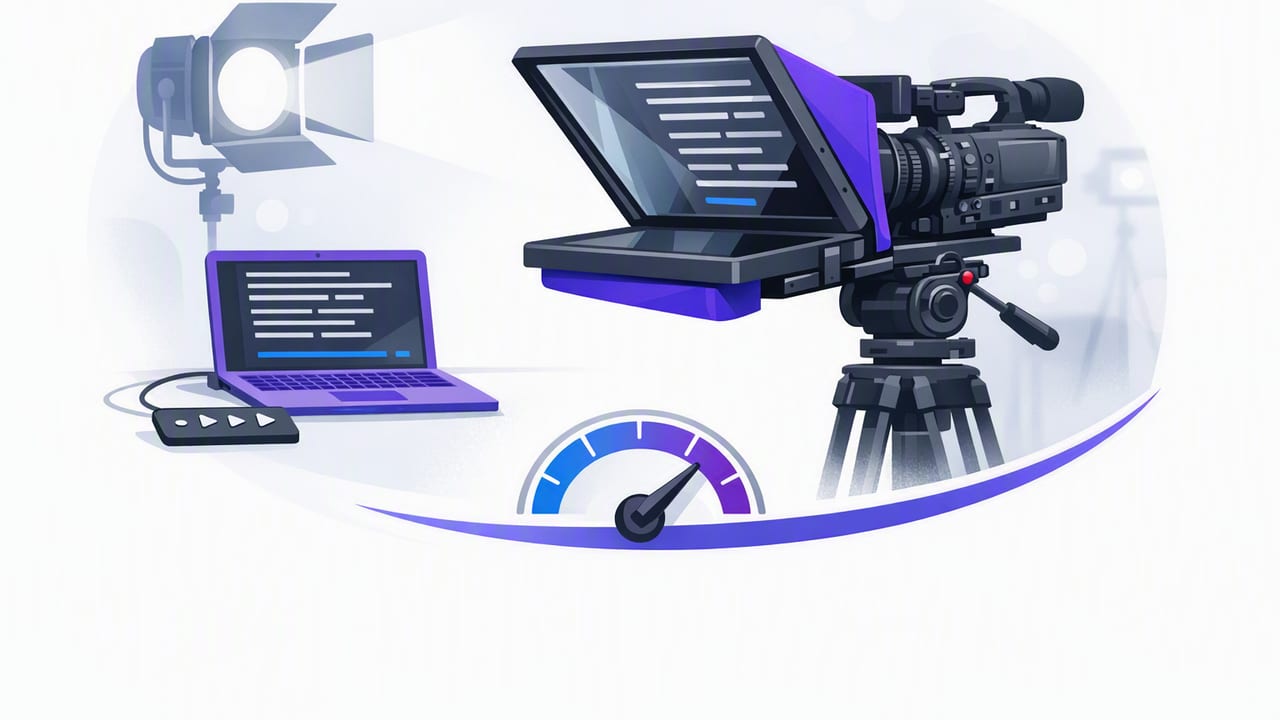
Learn how to set fixed-speed teleprompter scrolling for natural delivery, steady eye contact, and faster iPhone filming—plus pacing tips and checks.
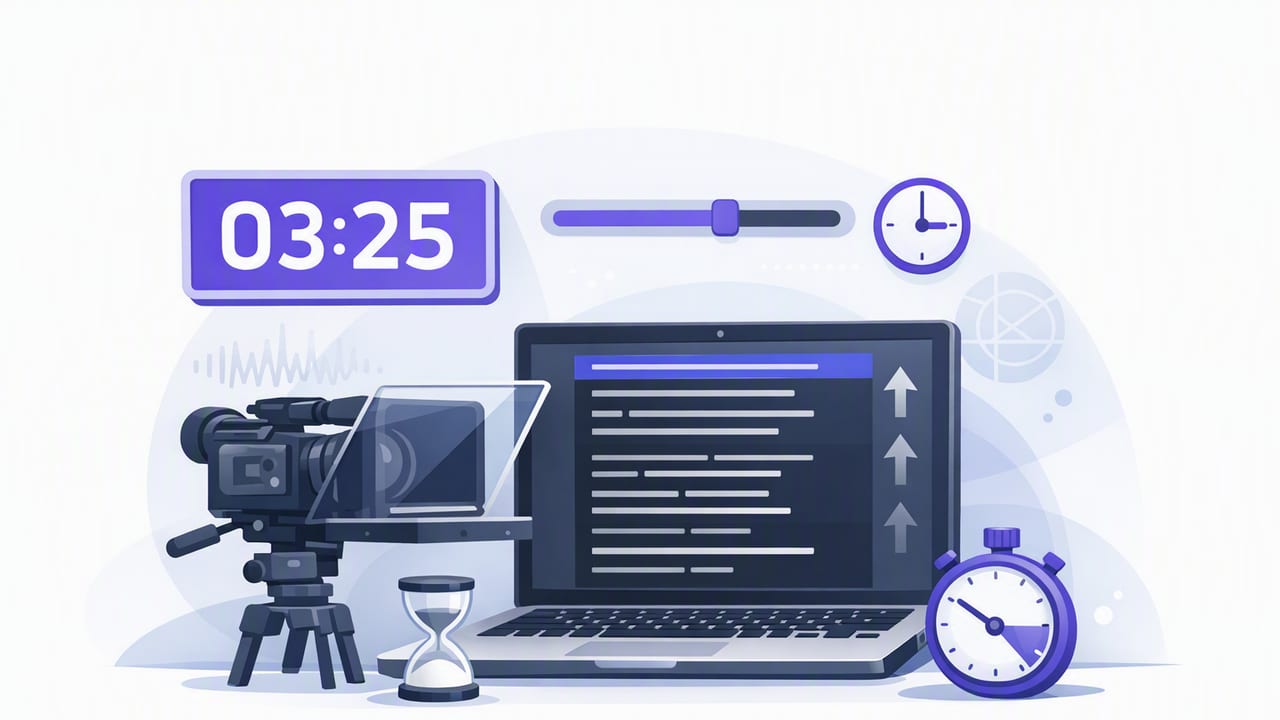
Learn timed teleprompter scrolling on iPhone: pacing, WPM math, rehearsal steps, and recording tips for smooth, natural scripted videos.
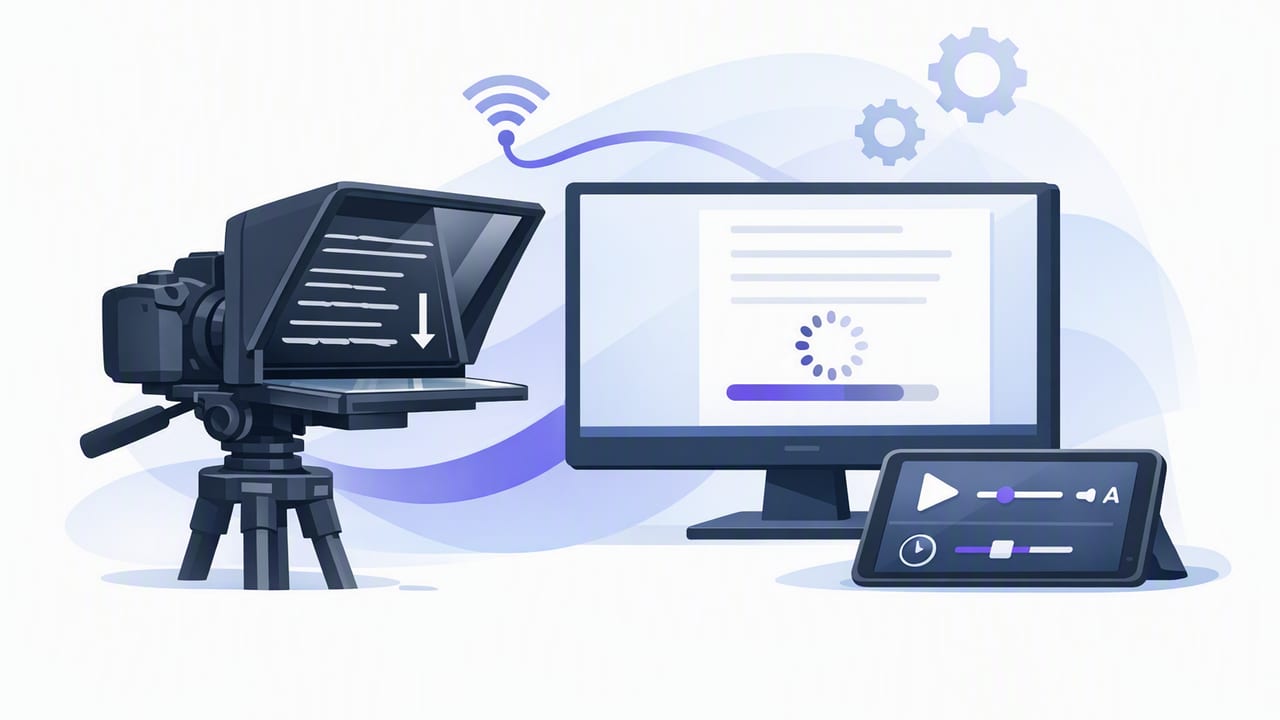
Learn how to use an auto scrolling teleprompter on iPhone for natural delivery, better pacing, 4K recording, and fast subtitles—privacy-friendly.
Learn a voice follow teleprompter workflow on iPhone: setup, script formatting, 4K recording, subtitles, exports, and troubleshooting for natural videos.
Learn how to use a voice tracking teleprompter on iPhone for natural delivery, eye contact, 4K recording, and fast subtitles—without cloud uploads.
Learn a practical iPhone prompter app workflow: script formatting, scroll modes, 4K setup, audio tips, and fast subtitles—without sounding robotic.
Learn a repeatable iPhone workflow for scripted videos: teleprompter pacing, 4K recording, on-device subtitles, clean audio, and exports.
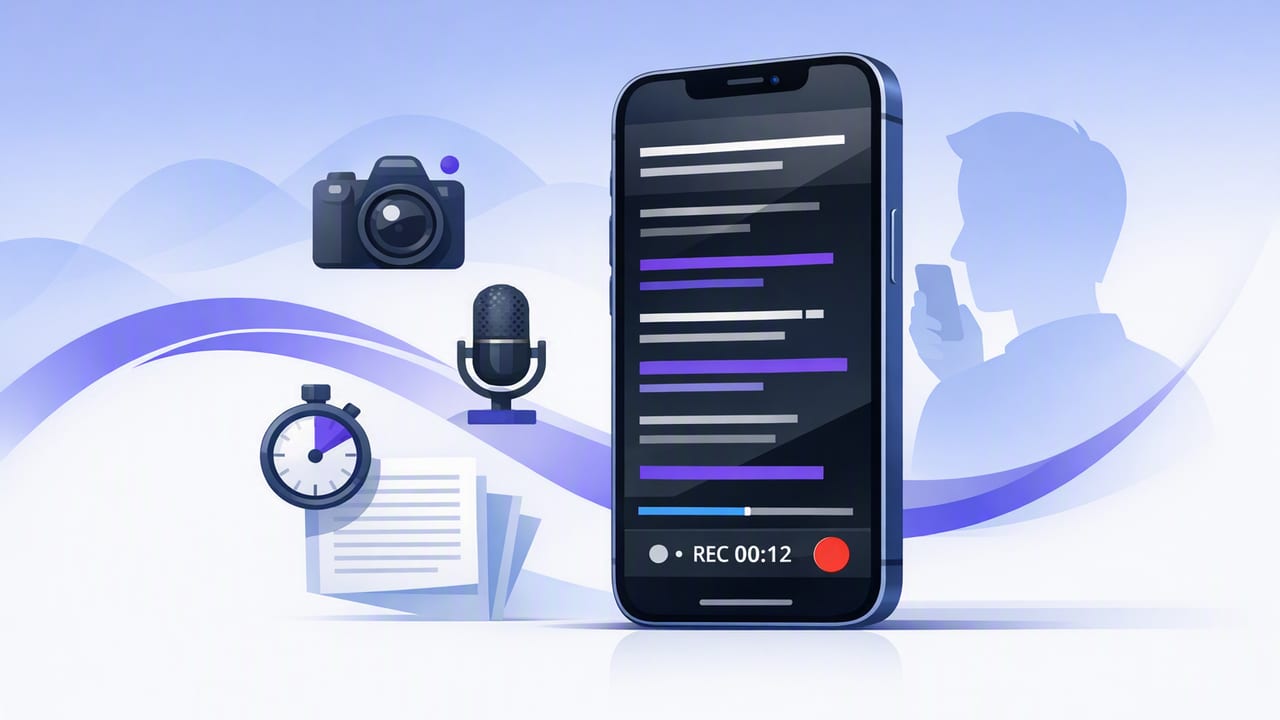
Learn how to pick a teleprompter app for iPhone, set pacing, format scripts, record 4K, and add offline subtitles—without breaking eye contact.
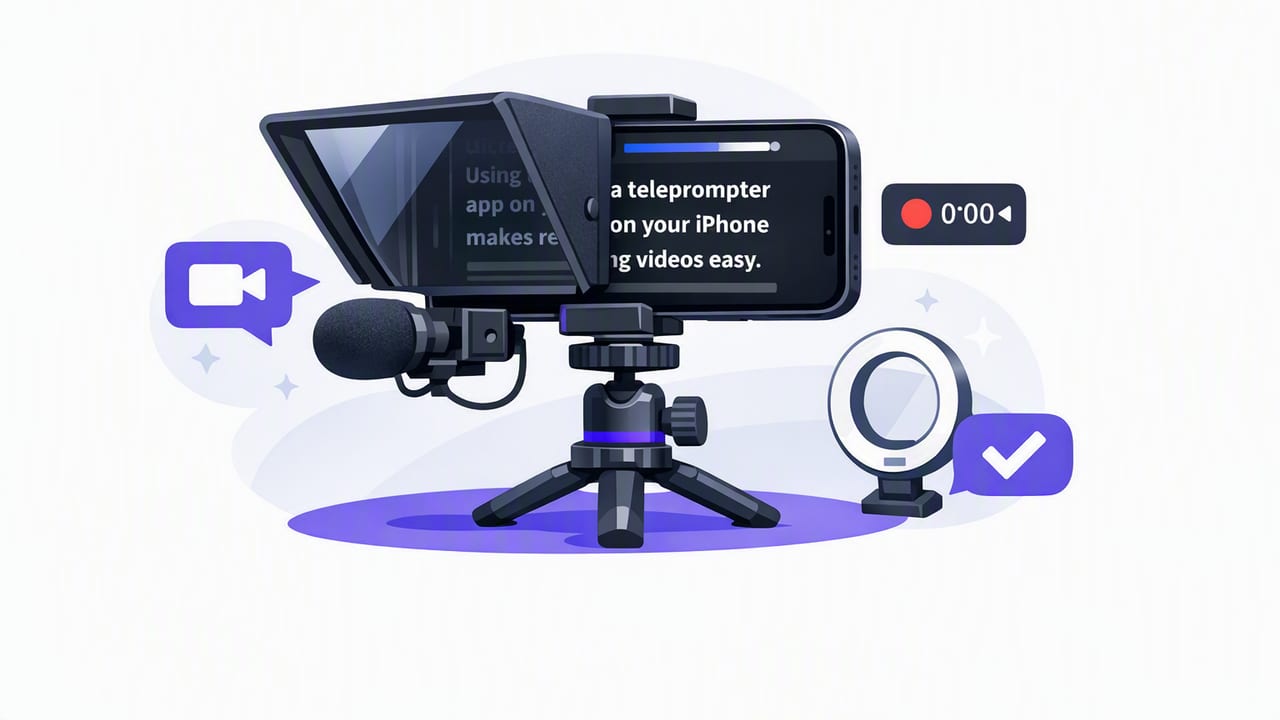
Learn how to use a teleprompter for iPhone: setup, script formatting, pacing, audio, lighting, and subtitles for natural, pro videos.
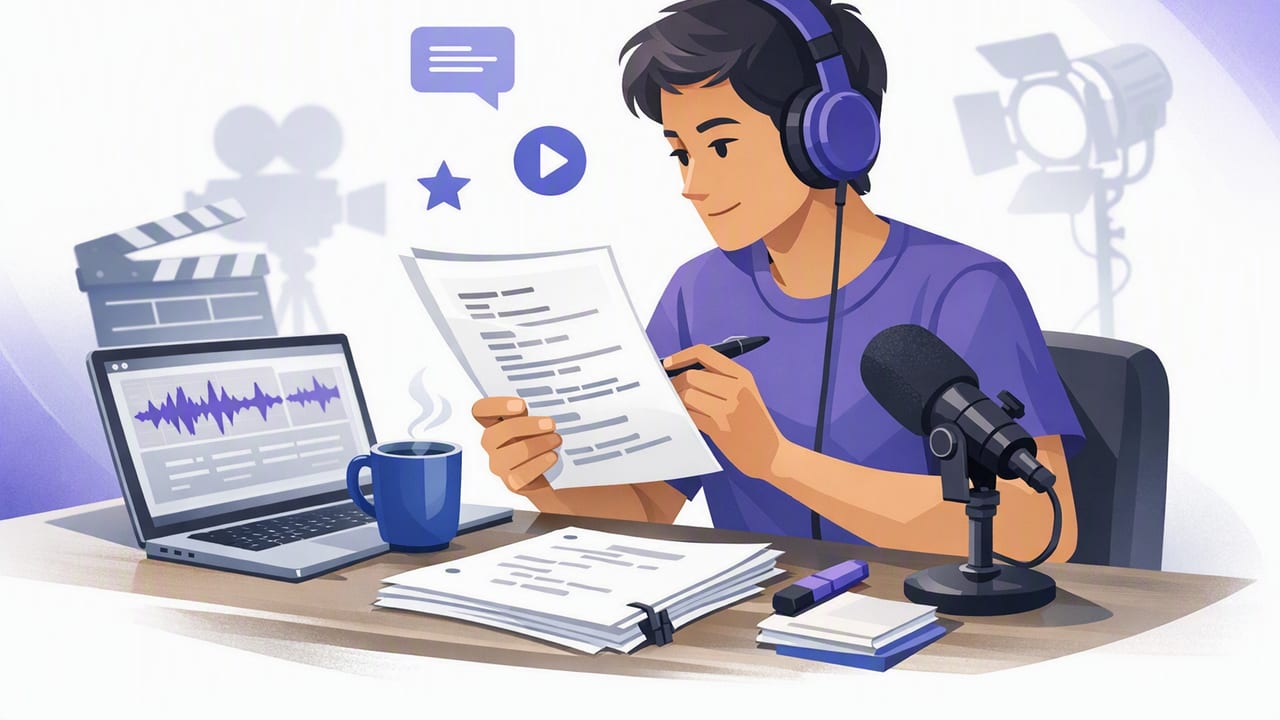
Learn a creator-friendly iPhone script reader workflow: formatting, pacing, eye contact, 4K recording, clean audio, and on-device subtitles.
Build a creator-ready iPhone video recorder setup: teleprompter pacing, 4K audio tips, offline subtitles, privacy, and clean exports.
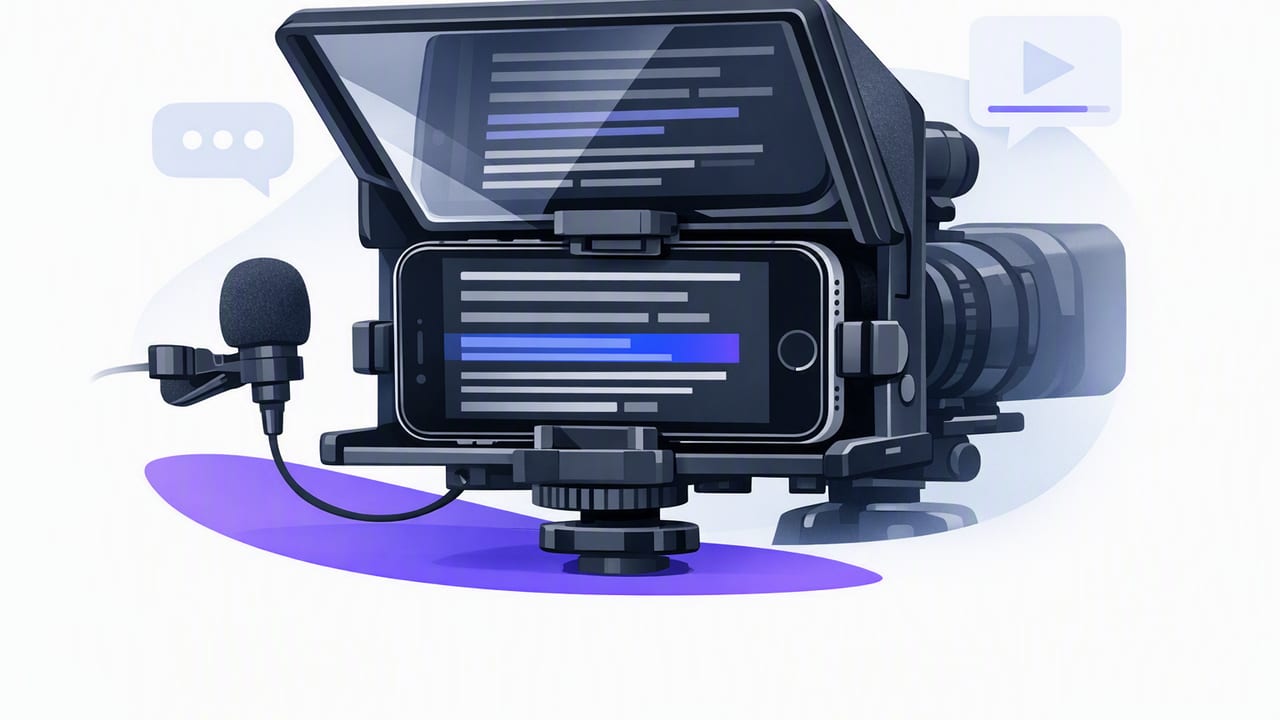
Learn how to use an iPhone teleprompter for natural delivery, clean audio, 4K recording, and fast subtitles—without a complicated setup.
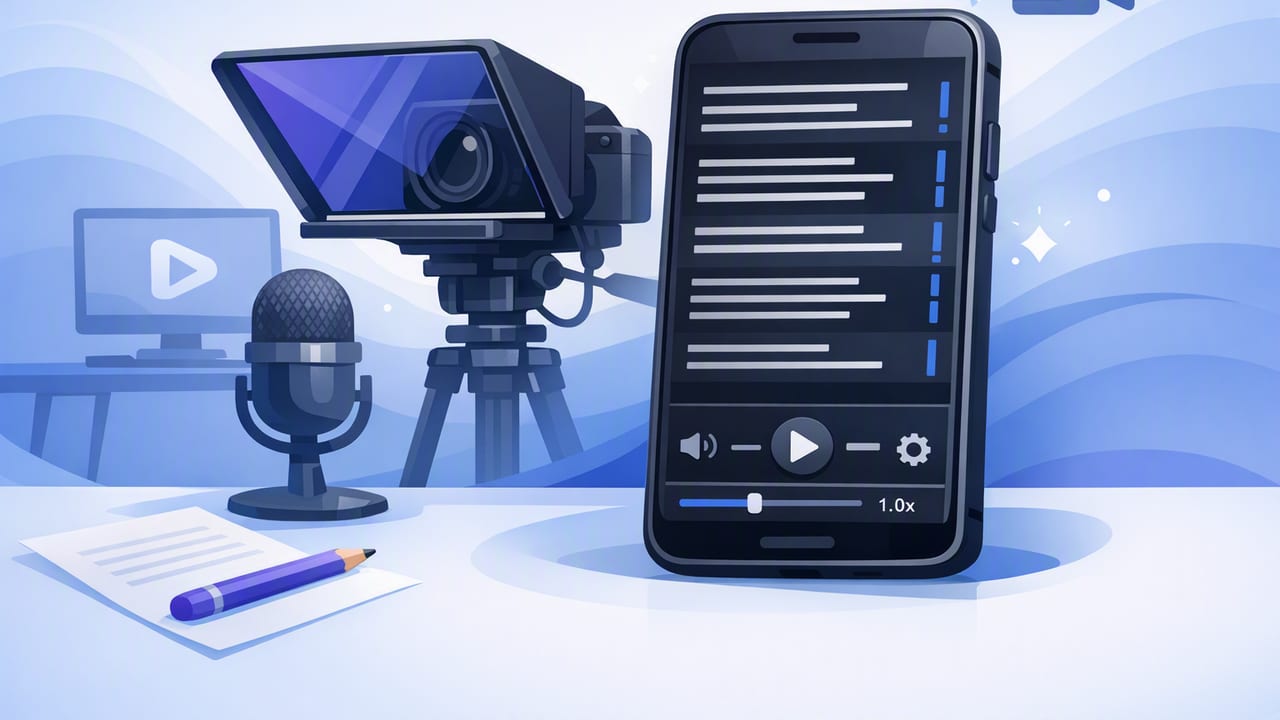
Build a repeatable teleprompter app workflow: write scripts, record clean 4K, maintain eye contact, and add on-device subtitles fast.
Learn teleprompter script formatting, pacing, and iPhone setup for natural delivery, clean audio, and subtitle-ready videos.
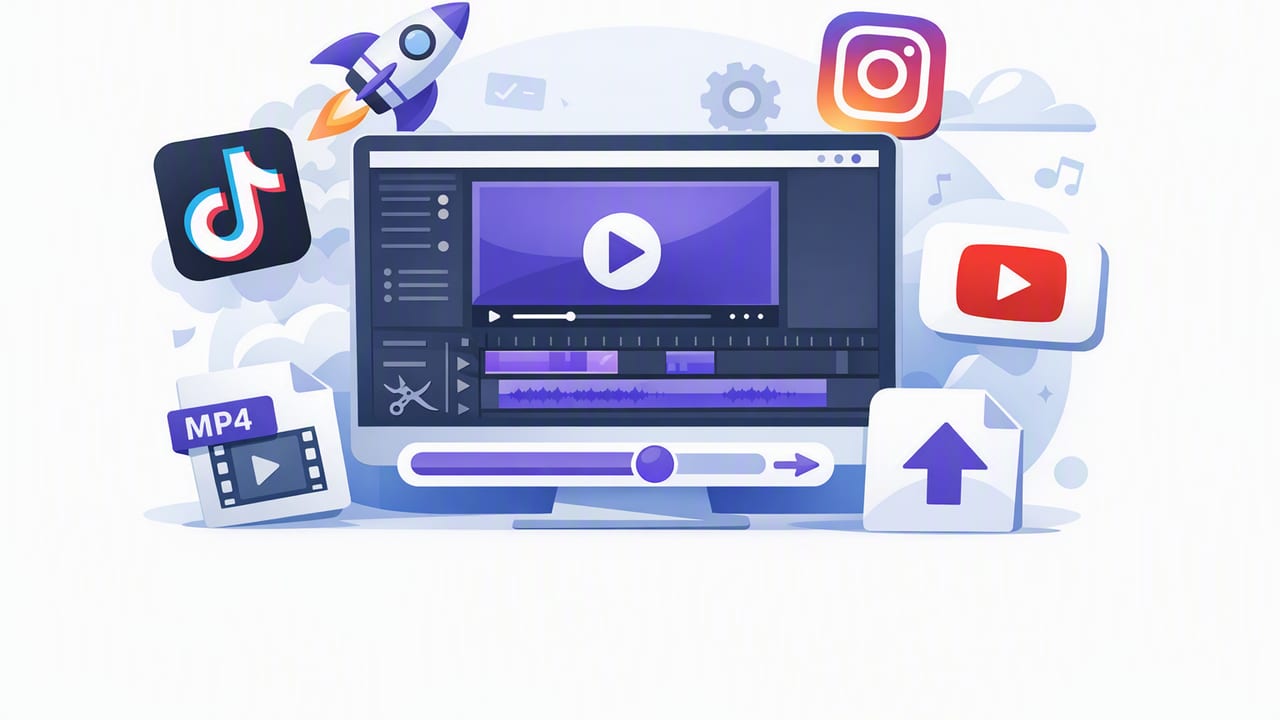
Creator checklist for aspect ratio, 4K settings, subtitles, audio levels, and export presets to post cleanly on TikTok, Instagram, and YouTube.
Learn how to choose a privacy focused teleprompter app and build a secure iPhone script-to-video workflow with captions, 4K recording, and clean exports.
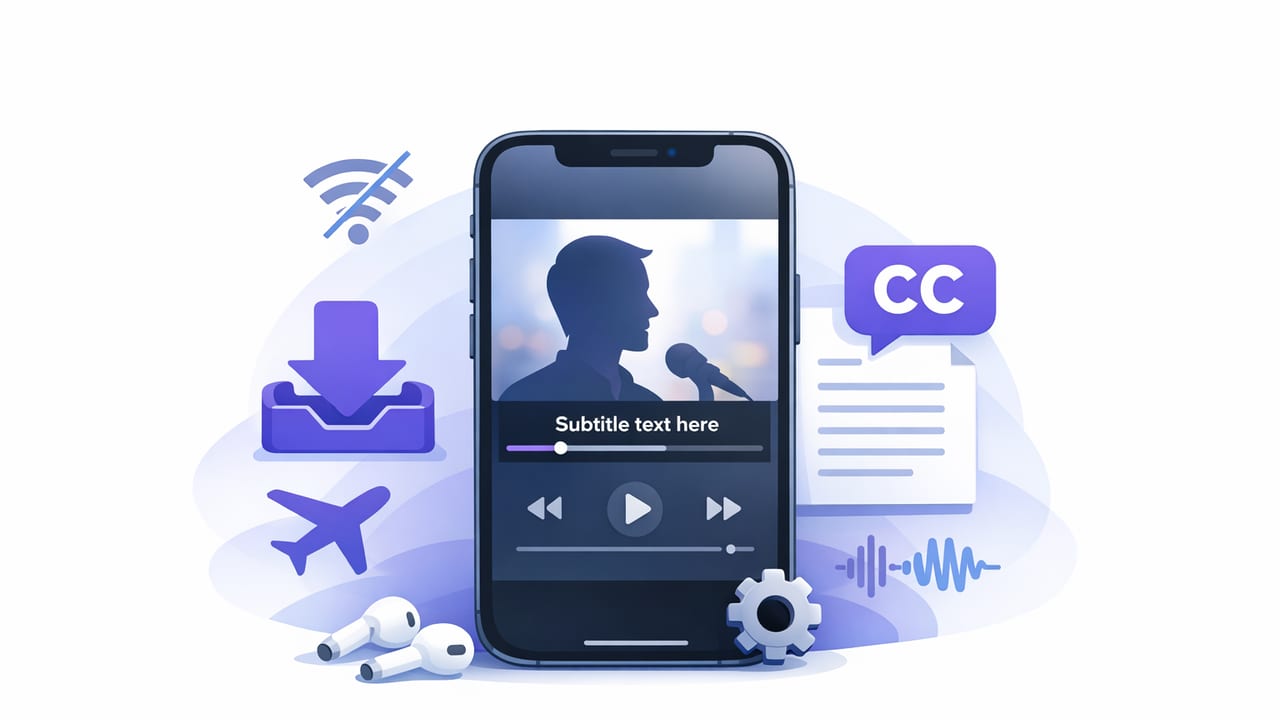
Create accurate captions on iPhone without internet. Learn a privacy-first workflow, settings, formats, and export tips for TikTok, IG, YouTube.
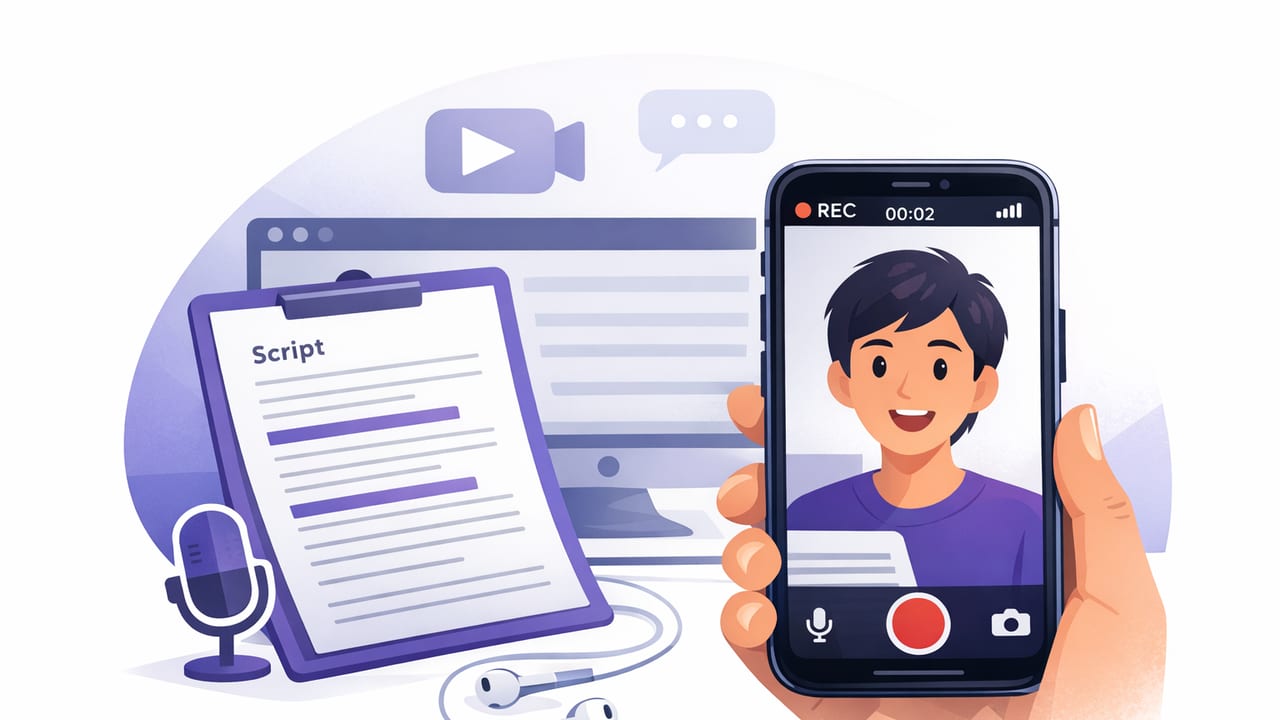
Learn how to record video while reading a script on iPhone with teleprompter setup, pacing tips, audio settings, and a repeatable creator workflow.
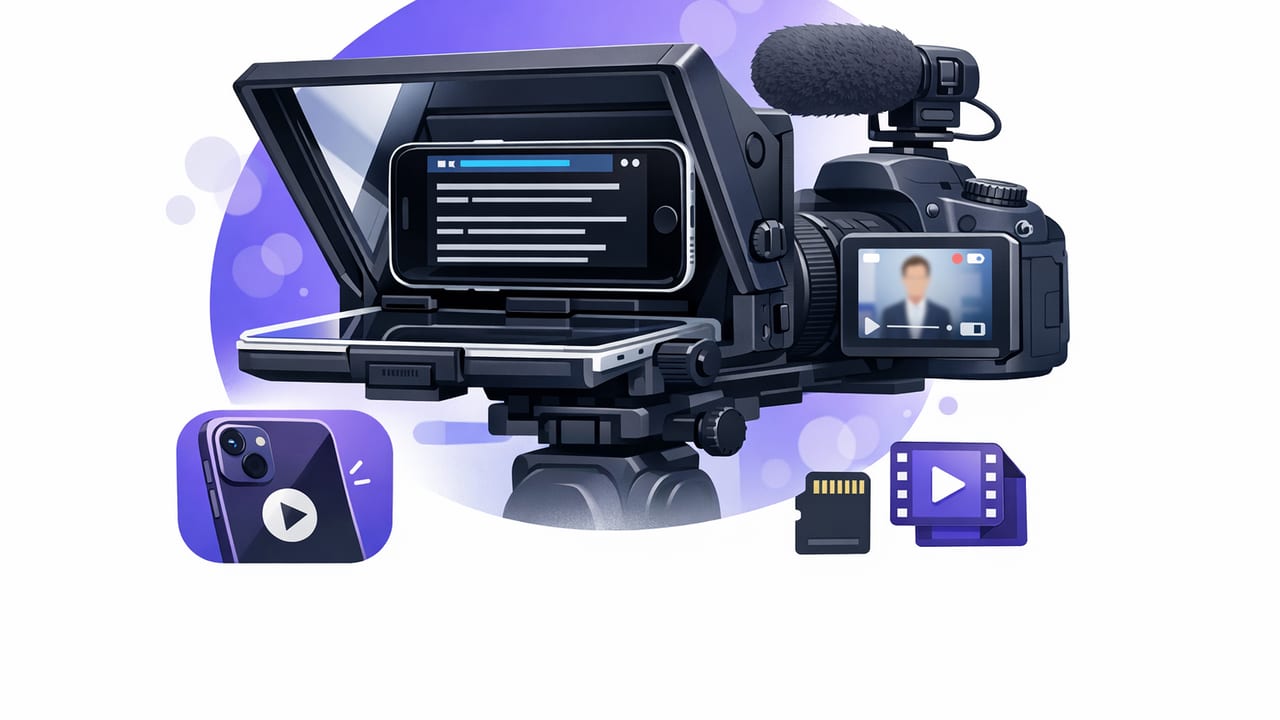
Set up an iPhone teleprompter with camera recording: script format, pacing, audio, subtitles, and export settings for TikTok, IG, and YouTube.
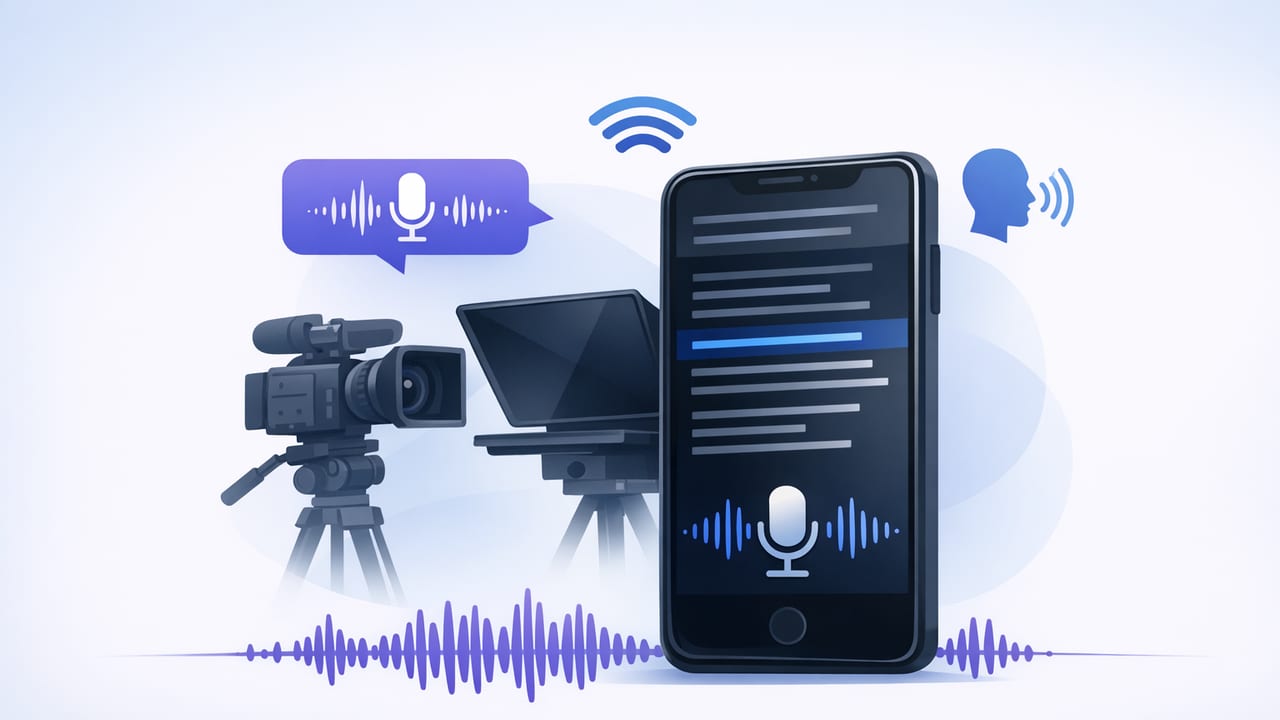
Learn how to use a teleprompter app with voice tracking on iPhone for natural eye contact, smooth pacing, 4K recording, and fast captions.
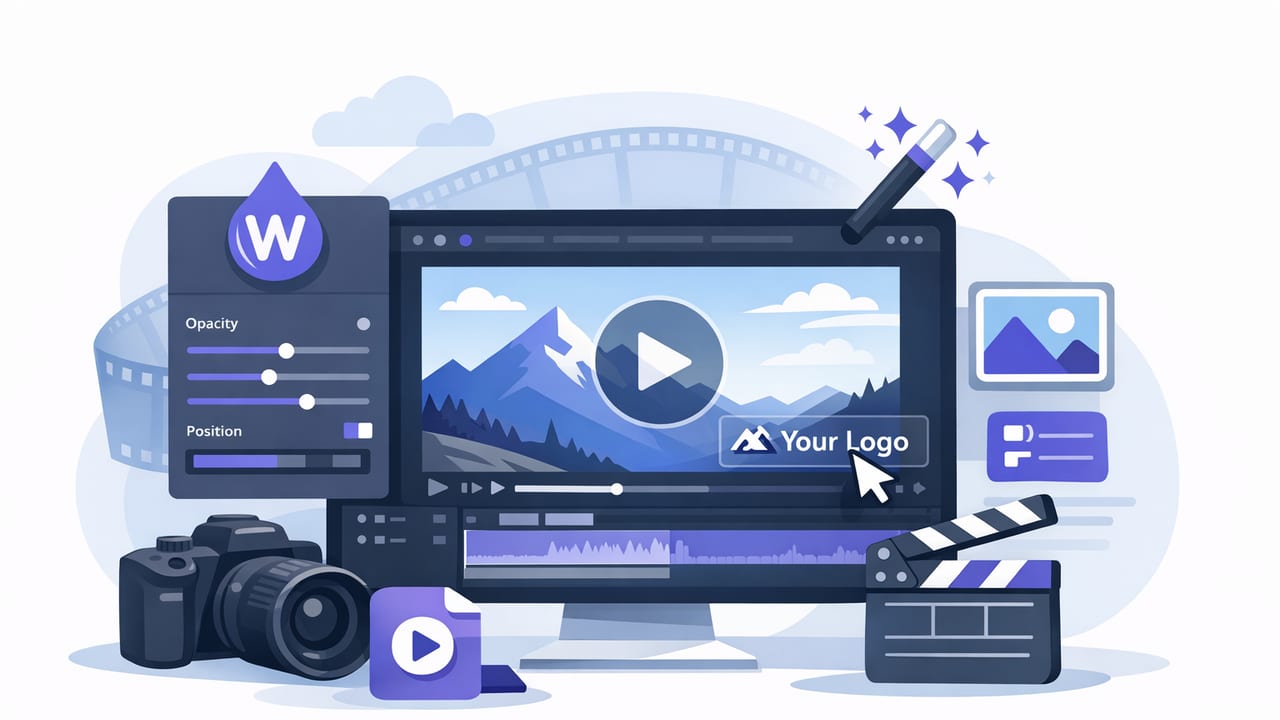
Learn how to add or remove watermarks on iPhone, choose the right style, and export platform-ready videos without sacrificing quality.
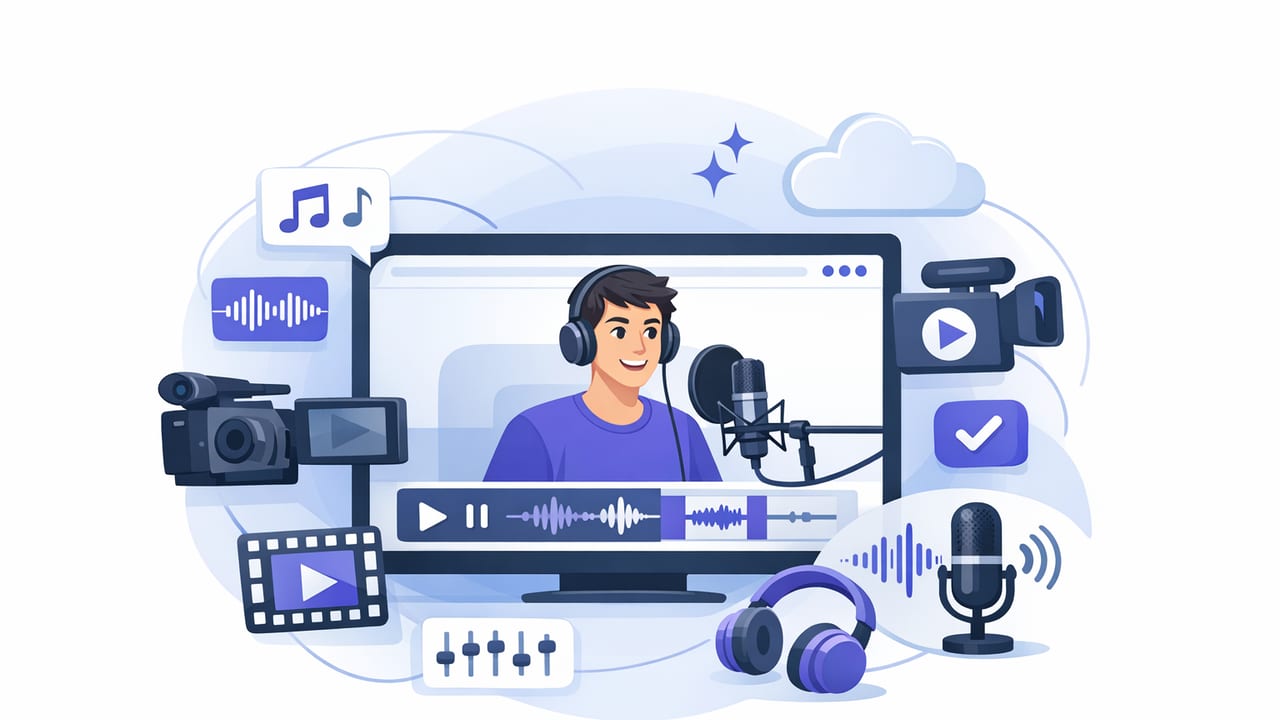
Learn a clean audio video app workflow for iPhone: mic choices, room setup, recording settings, and quick fixes for clear, professional sound.
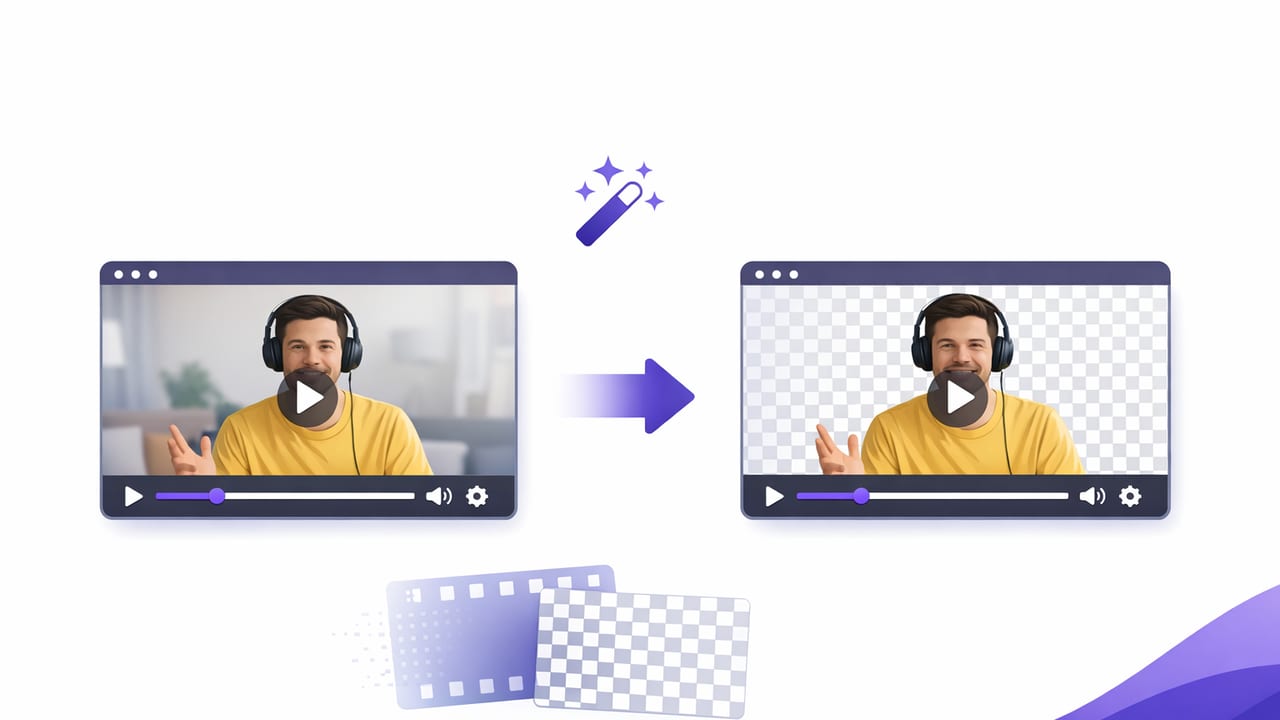
Learn how to use a remove background video app on iPhone: lighting, framing, clean edges, and export settings for TikTok, Reels, and YouTube.
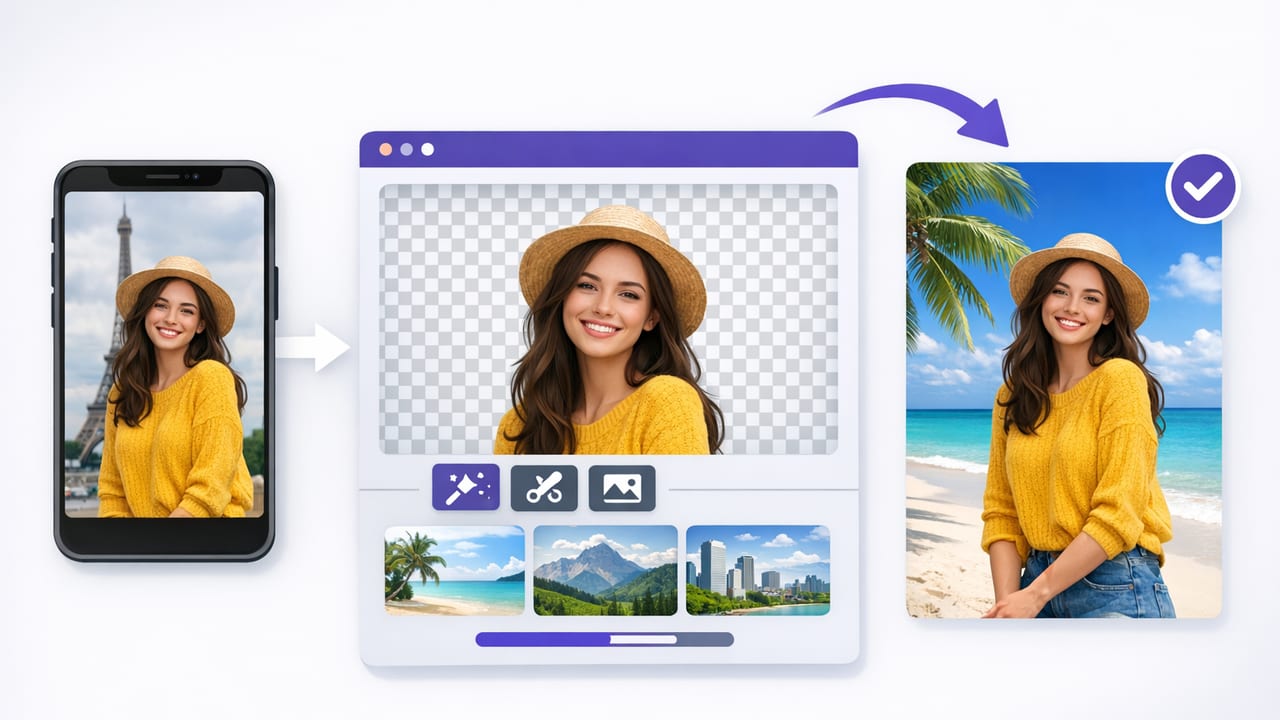
Learn how to use a background replacement app on iPhone for clean, pro videos—setup, lighting, wardrobe, edits, exports, and privacy tips.
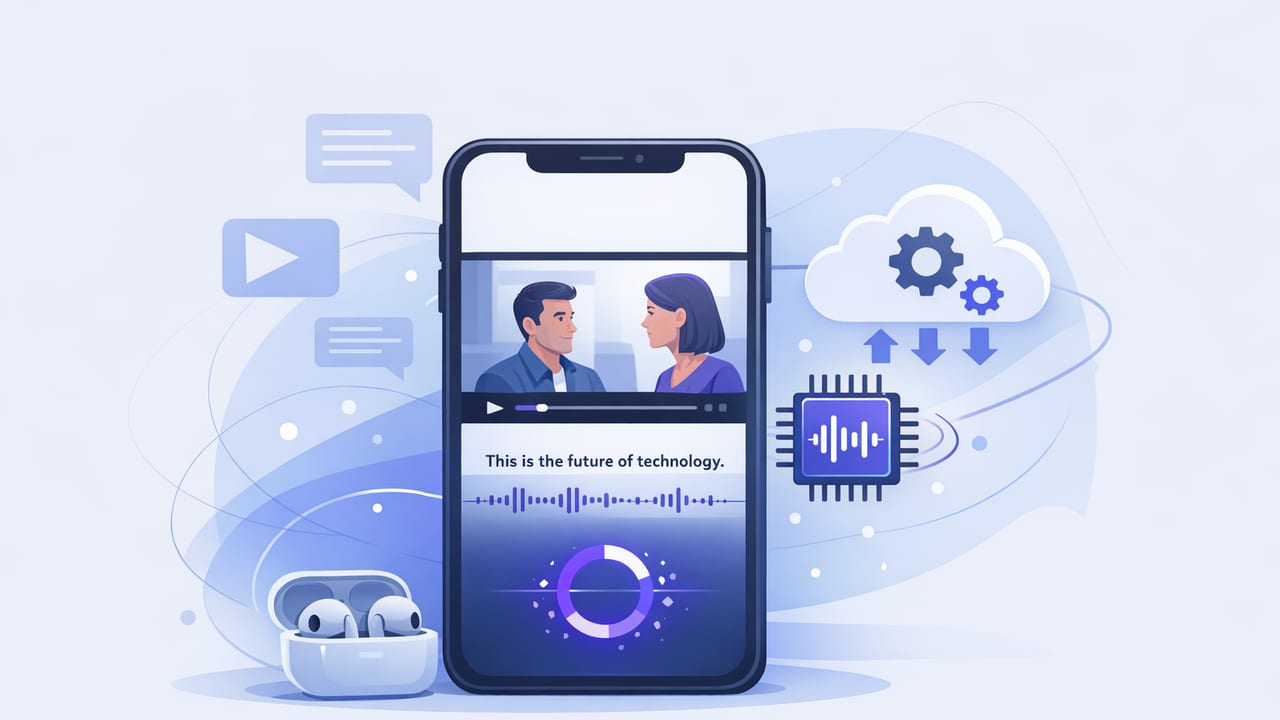
Learn how on device subtitles improve privacy, speed, and accuracy on iPhone—plus a practical workflow for script-to-video captions.
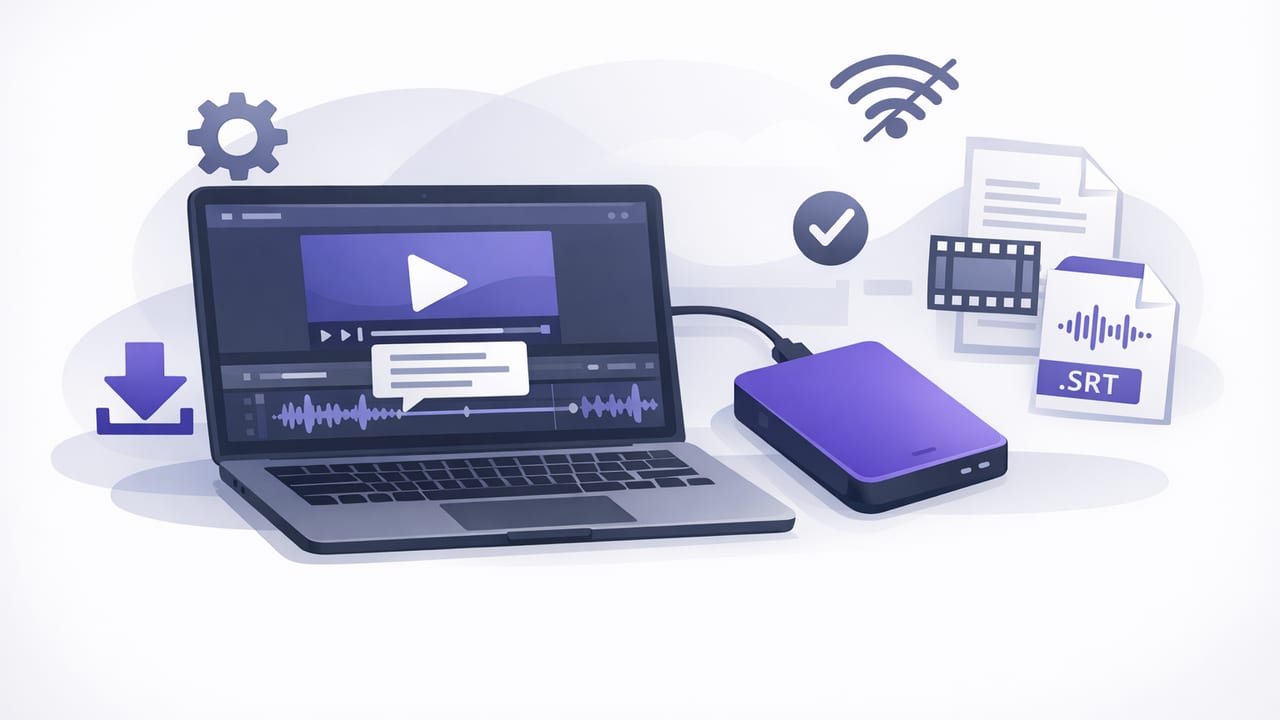
Learn how to generate subtitles offline on iPhone for faster edits, better privacy, and platform-ready exports with a practical workflow.
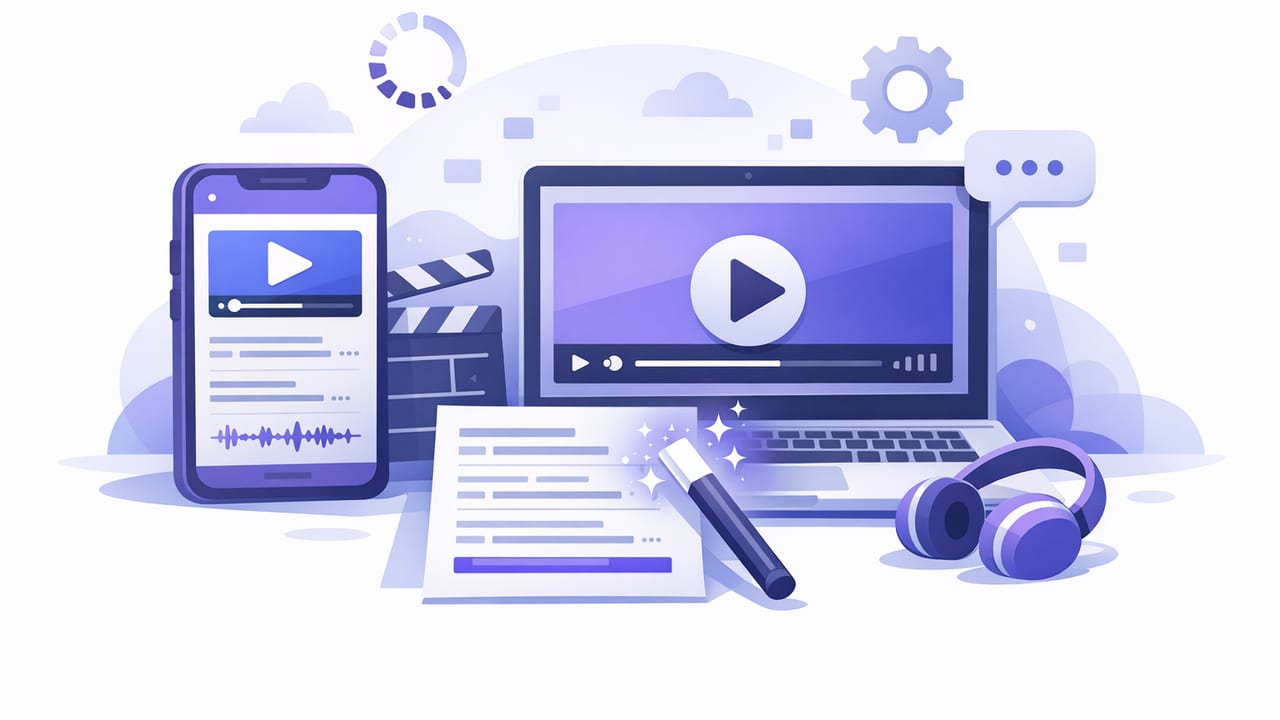
Learn how to use a subtitle generator app on iPhone: offline vs cloud captions, styling tips, SRT basics, and a fast script-to-video workflow.
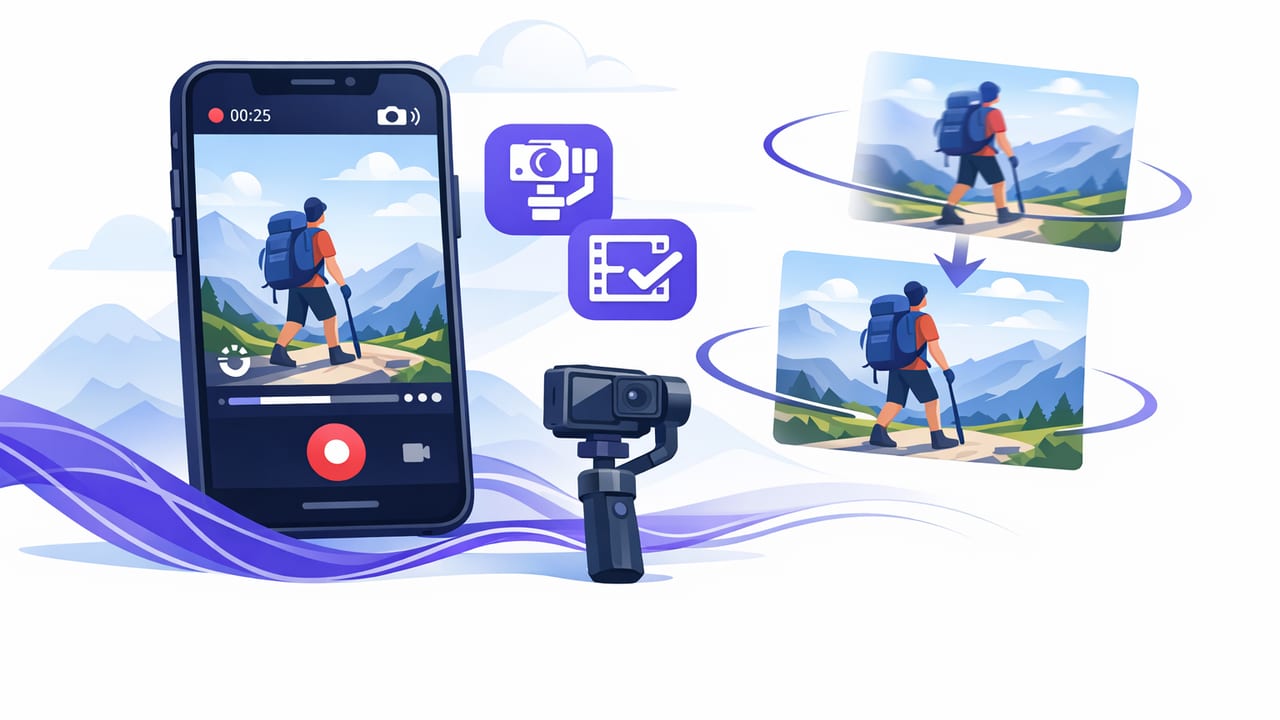
Learn a stabilized iPhone video workflow: setup, framing, audio, teleprompter pacing, and fast edits for shake-free, pro-looking content.
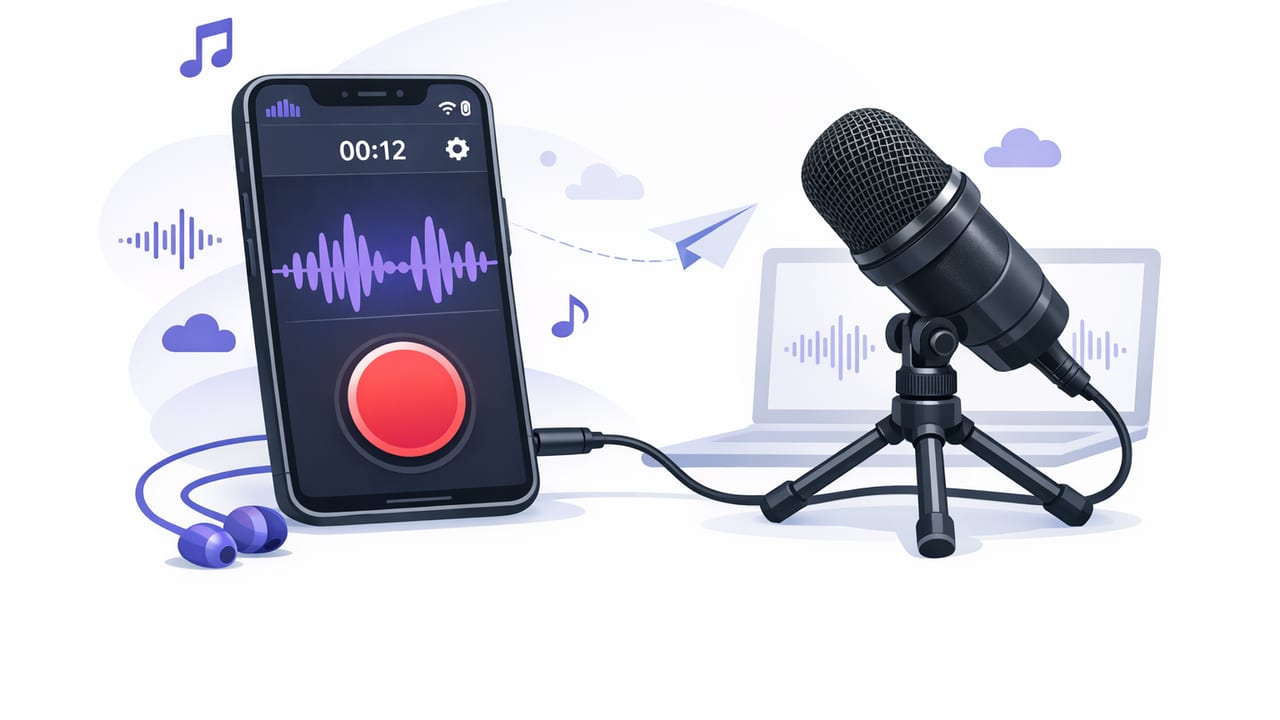
Learn how to use an external mic recording app on iPhone: setup, levels, monitoring, sync, and export for TikTok, Instagram, and YouTube.
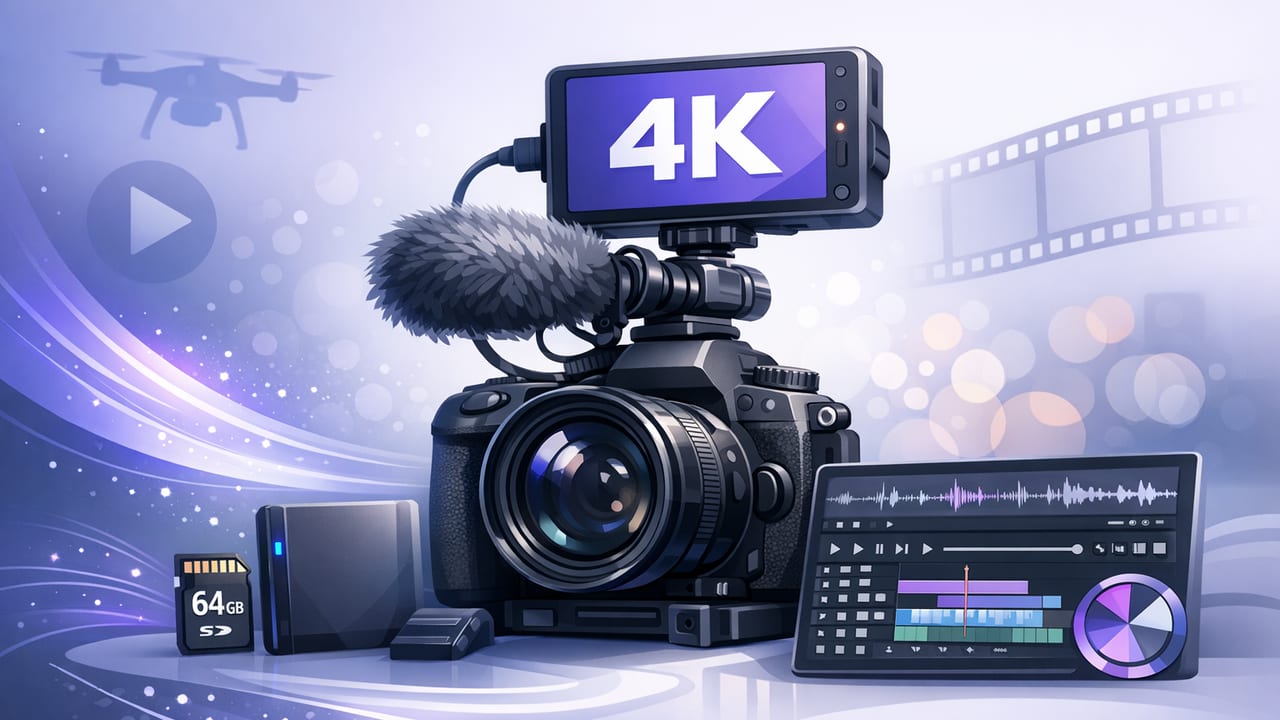
Use your iPhone as a 4K video recorder: the best settings, lighting, audio, stabilization, and a fast script-to-subtitles workflow.
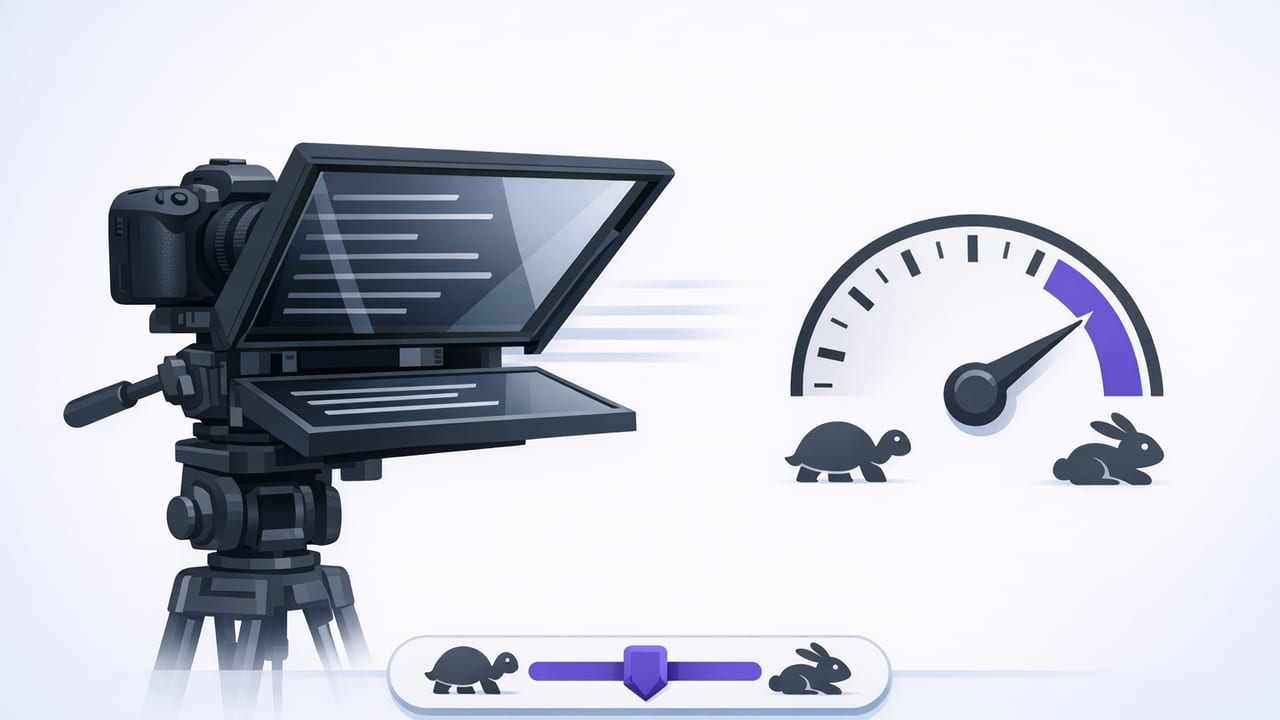
Learn when to use a fixed speed teleprompter, how to set scroll speed by WPM, and get a repeatable iPhone workflow for natural delivery.
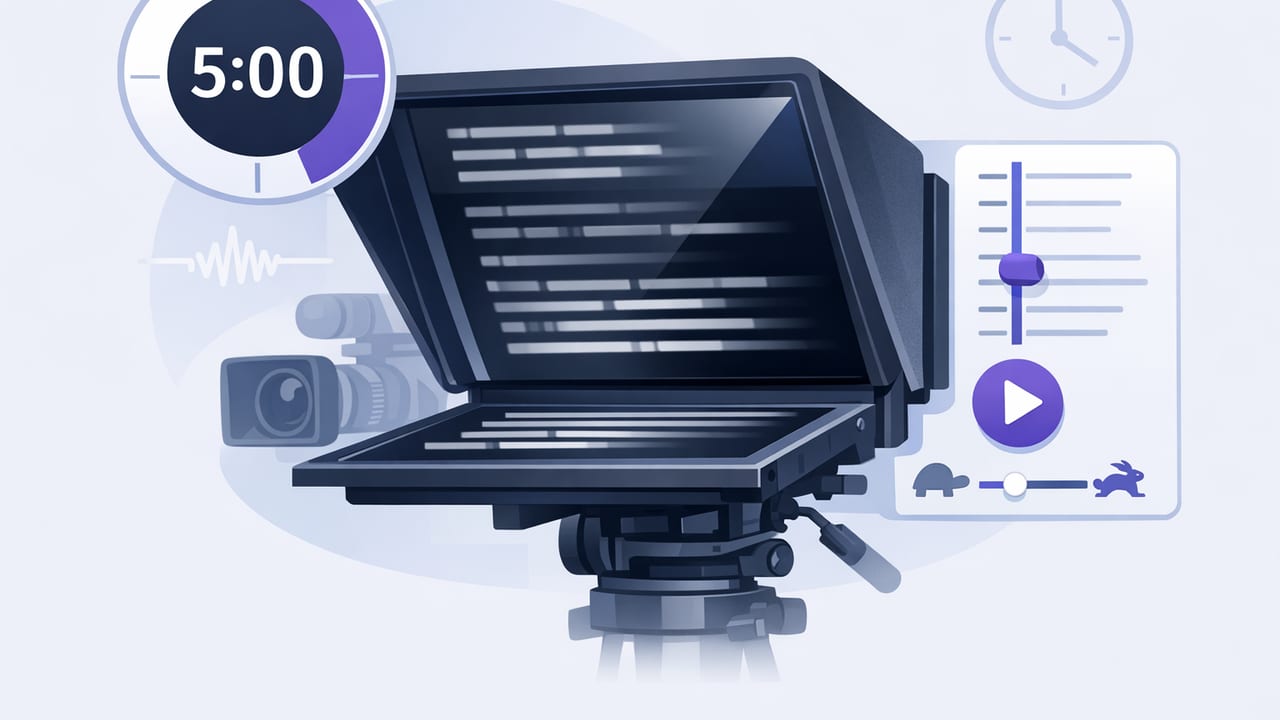
Learn timed scrolling teleprompter pacing: calculate WPM, map beats, rehearse, and record smooth iPhone videos with consistent timing.
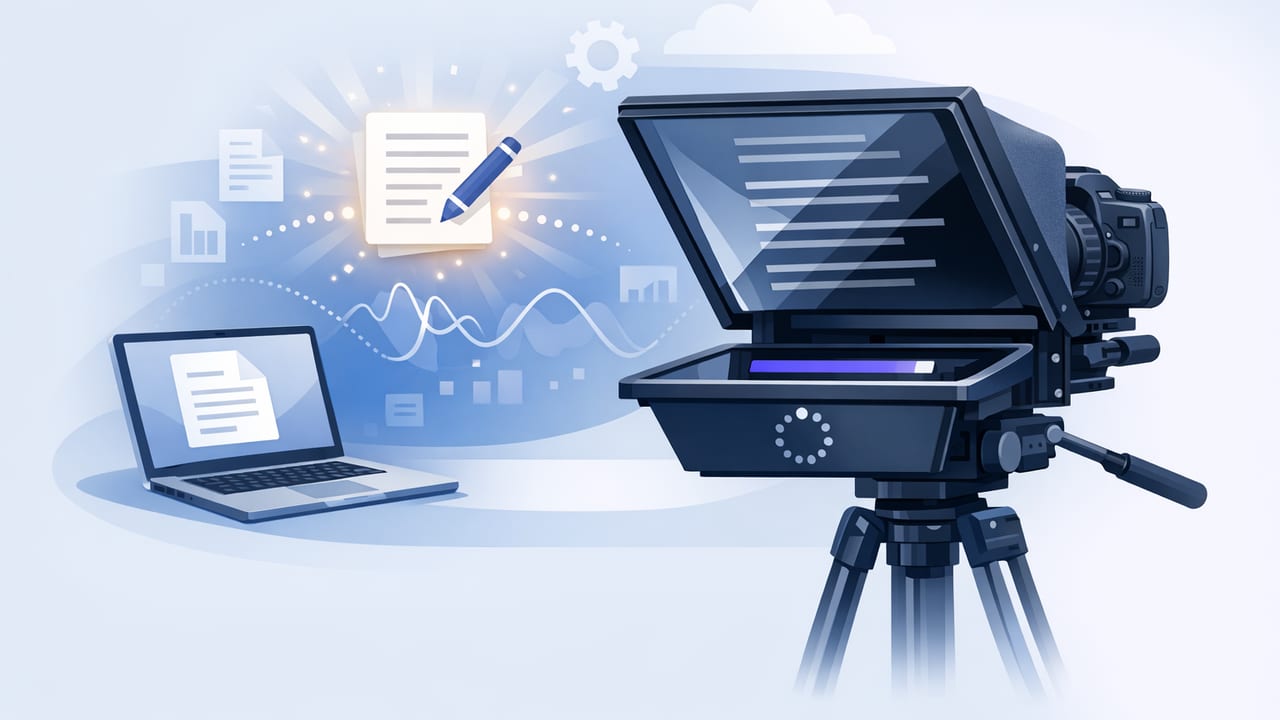
Learn how to set auto scroll teleprompter speed, format scripts, and record polished iPhone videos with eye contact, captions, and clean audio.
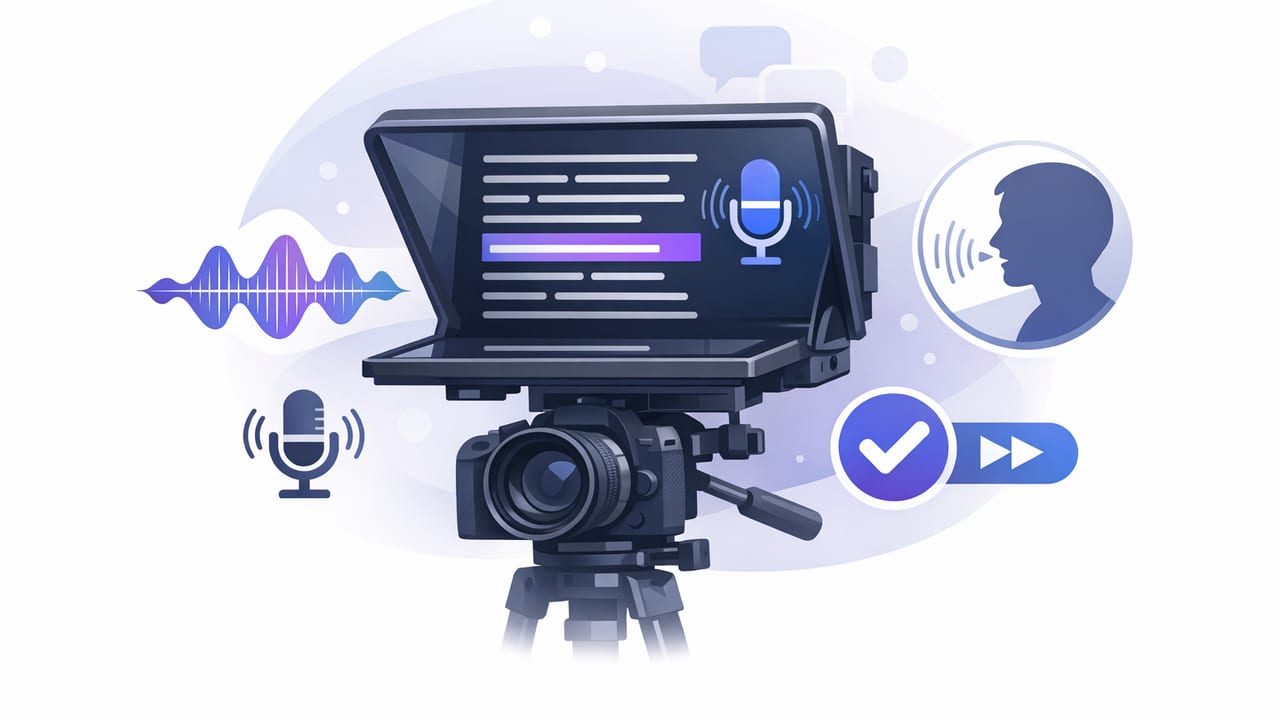
Learn a voice tracking teleprompter workflow for iPhone: better eye contact, natural pacing, fewer retakes, 4K setup, and fast subtitles.
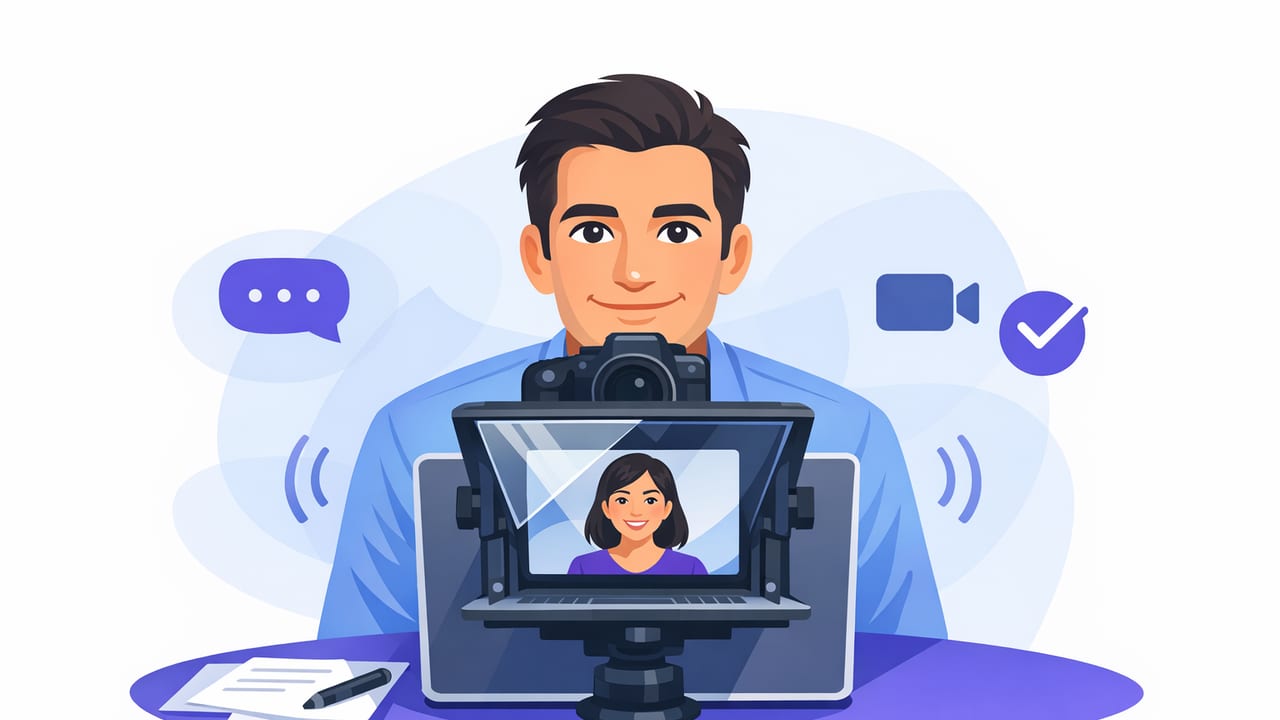
Learn eye contact teleprompter techniques: script formatting, scrolling modes, pacing, setup, and delivery for natural iPhone recordings.
Learn a fast iPhone workflow to turn scripts into polished 4K videos with natural delivery, clean audio, and on-device subtitles.
Learn a creator-friendly workflow for using a script reading app on iPhone: pacing, eye contact, audio, 4K setup, and offline subtitles.
Build a fast iPhone workflow for scripted videos: pro recording settings, teleprompter pacing, clean audio, offline subtitles, and privacy tips.
Pick the right teleprompter app for iPhone with this creator workflow, pacing tips, subtitle checklist, and 4K recording considerations.
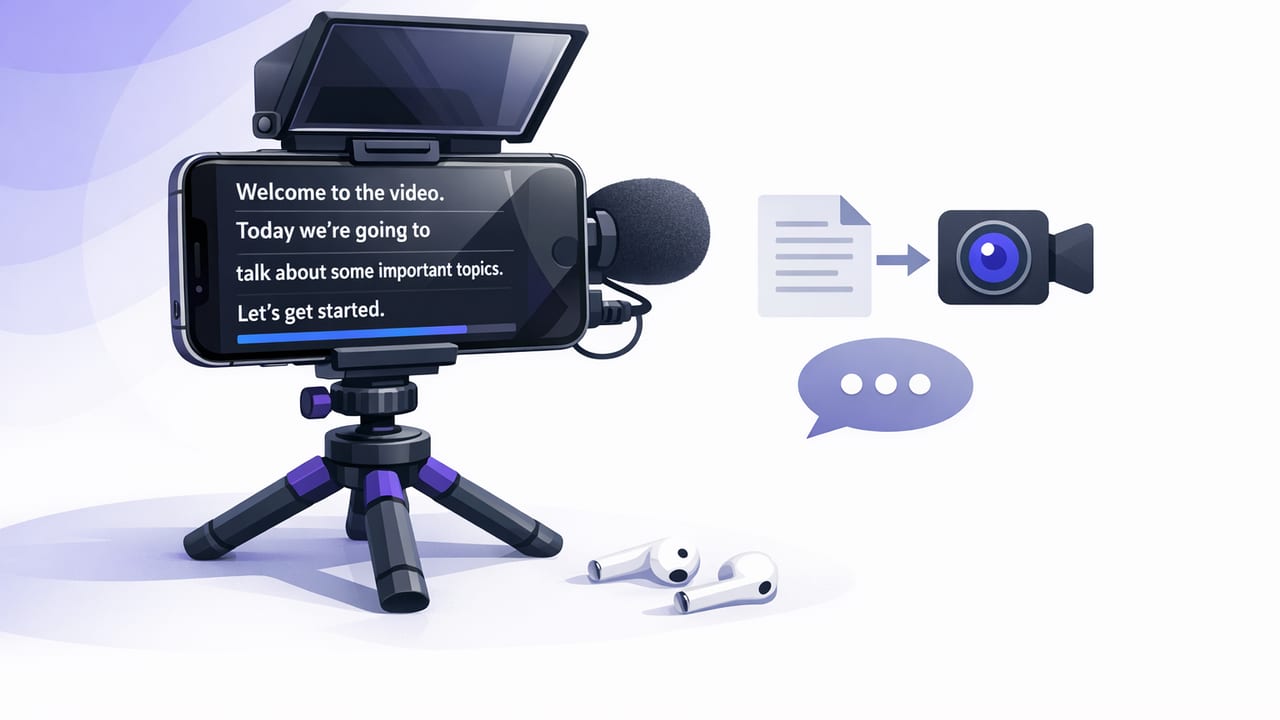
Learn how to choose and use a teleprompter for iPhone—eye contact, pacing, 4K capture, offline subtitles, and a faster script-to-video workflow.
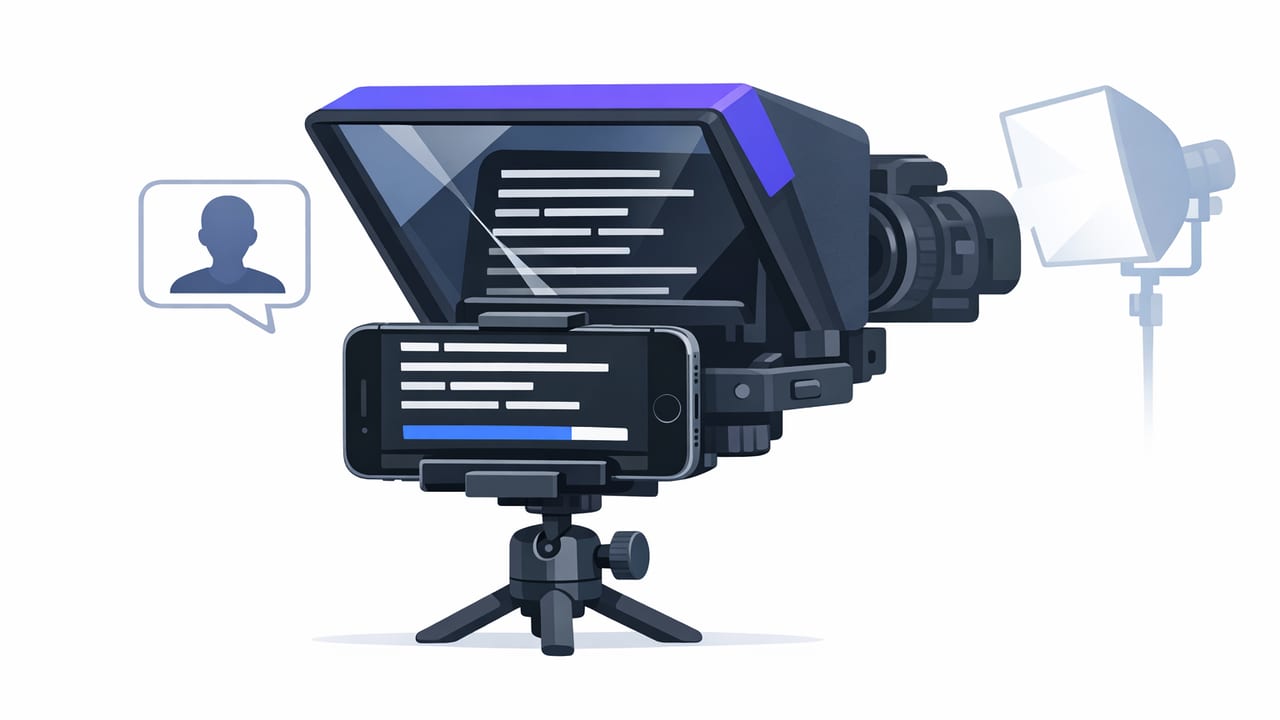
Learn iPhone teleprompter best practices for eye contact, pacing, 4K recording, clean audio, and on-device subtitles—fast, repeatable workflow.
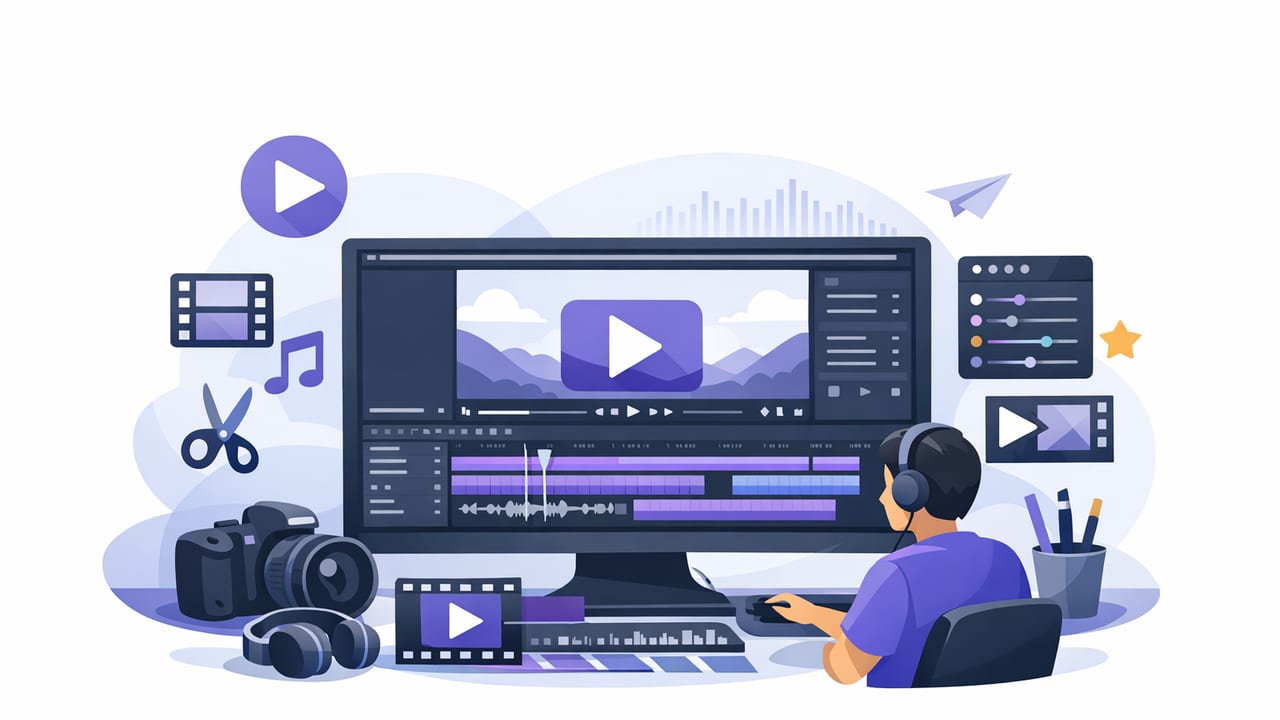
Build a faster iPhone video editor workflow for scripted videos: teleprompter pacing, clean cuts, subtitles, exports, and on-device privacy.
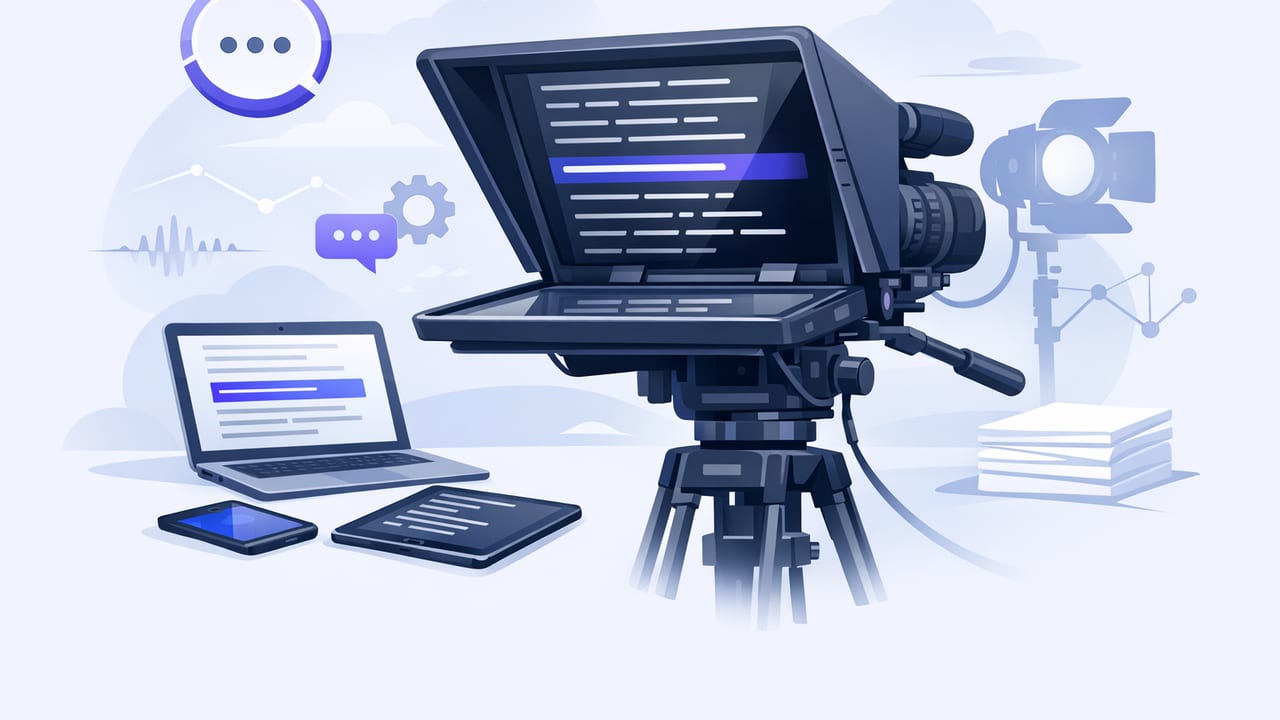
Learn how to write and format a teleprompter script, set the right pace, and record natural iPhone videos with eye contact and clean takes.
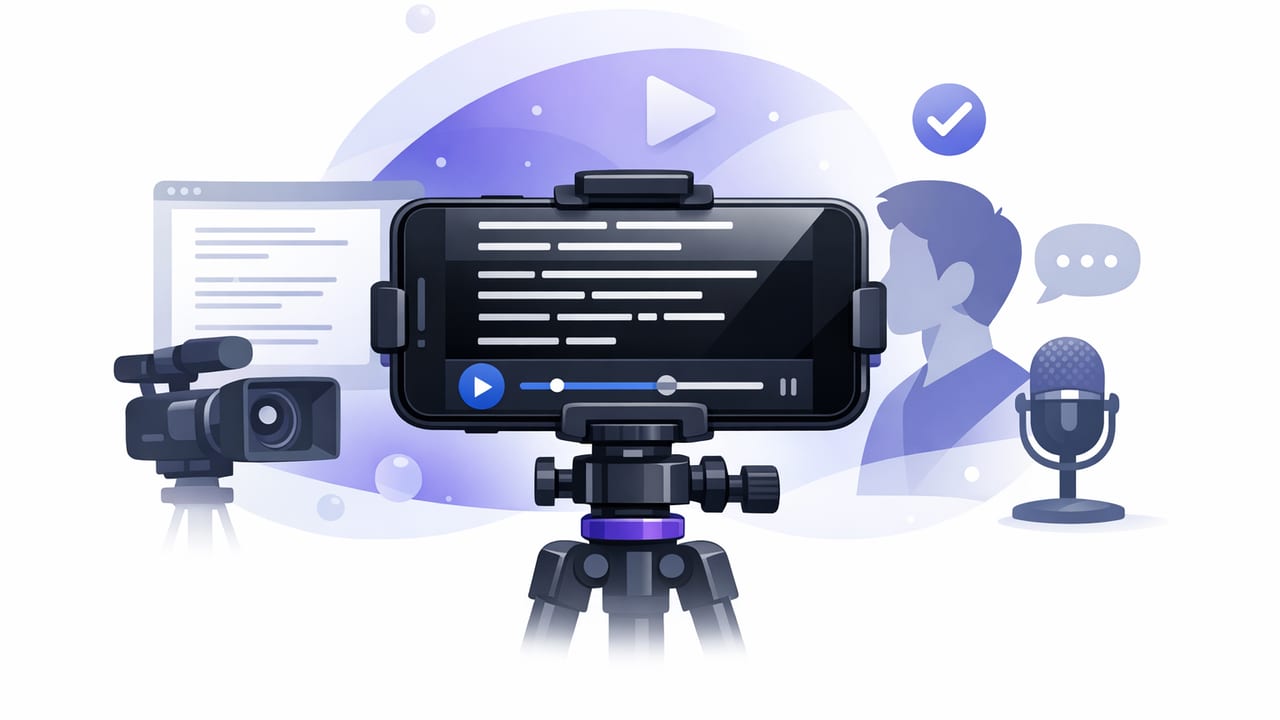
Learn a repeatable teleprompter app workflow: write, format, record, subtitle, and export clean iPhone videos with natural eye contact.
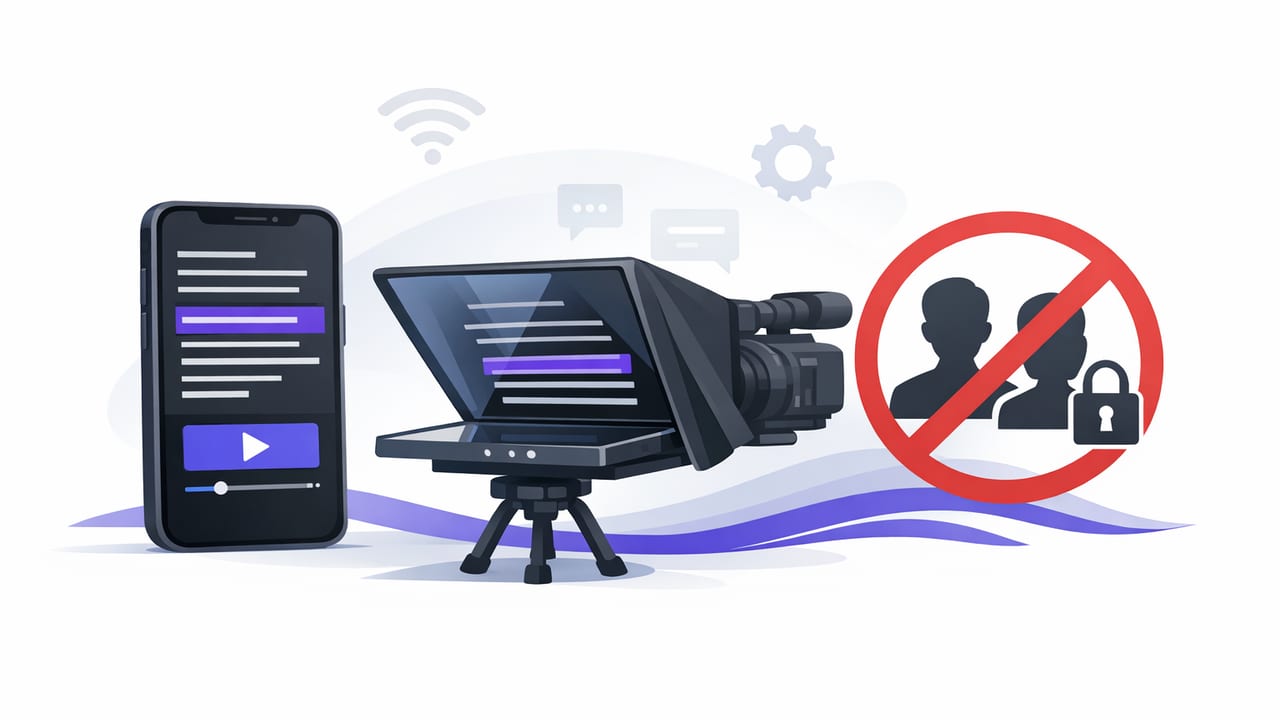
Learn why a no sign up teleprompter app improves privacy, speed, and script-to-video workflow on iPhone—plus setup tips for natural eye contact.
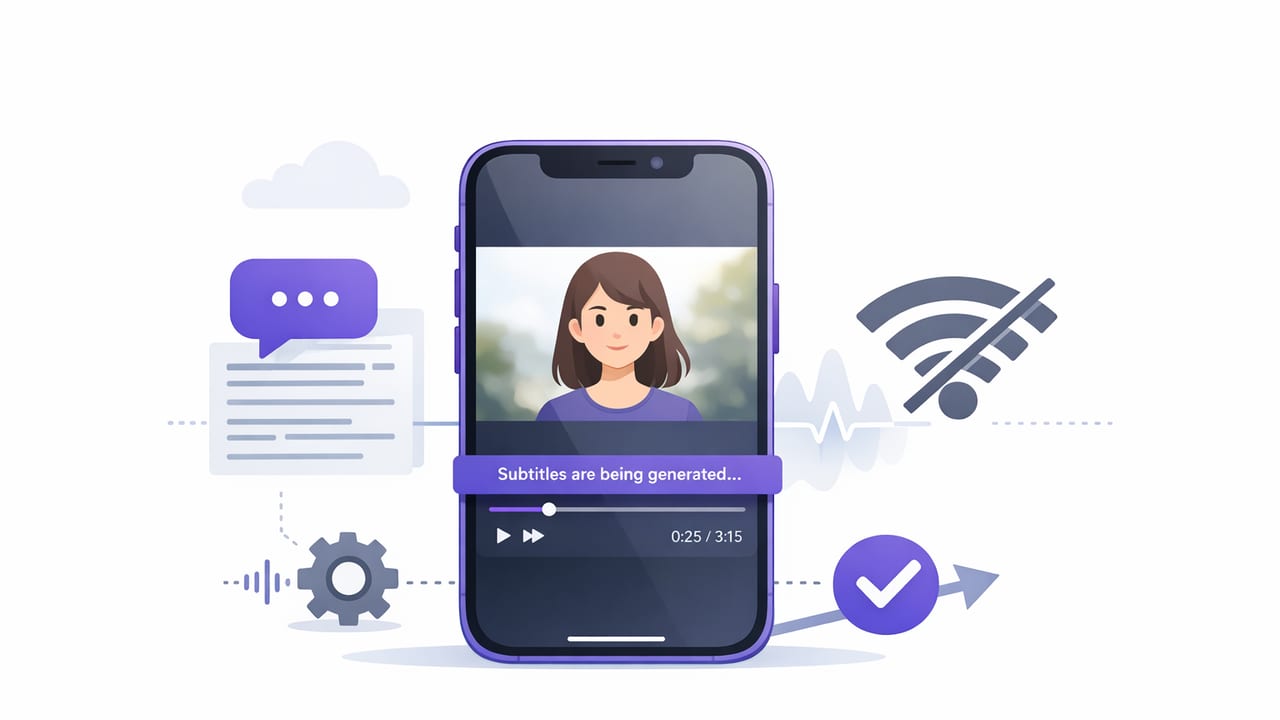
Learn an offline iPhone subtitle workflow: on-device captions, quick edits, platform-safe styling, and private exports for TikTok/IG/YouTube.
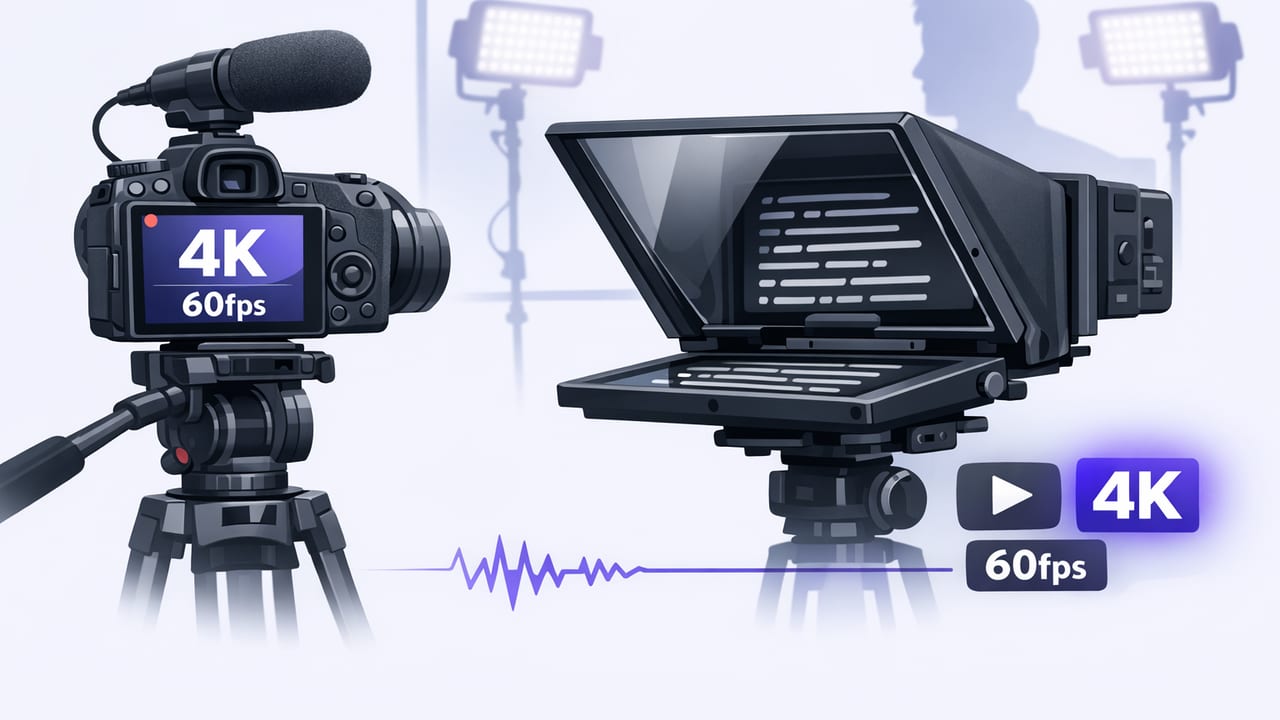
Learn how to record 4K 60fps with teleprompter on iPhone: settings, audio, lighting, storage, heat control, and a repeatable creator workflow.
Master a voice-following iPhone teleprompter workflow: natural delivery, steady eye contact, 4K capture, private on-device subtitles, faster edits.
Learn how to export watermark-free iPhone videos with clean audio, subtitles, and the right settings for TikTok, Reels, and YouTube.
Learn how to get clean, broadcast-ready audio on iPhone: mic setup, noise removal, leveling, and export settings for creators.
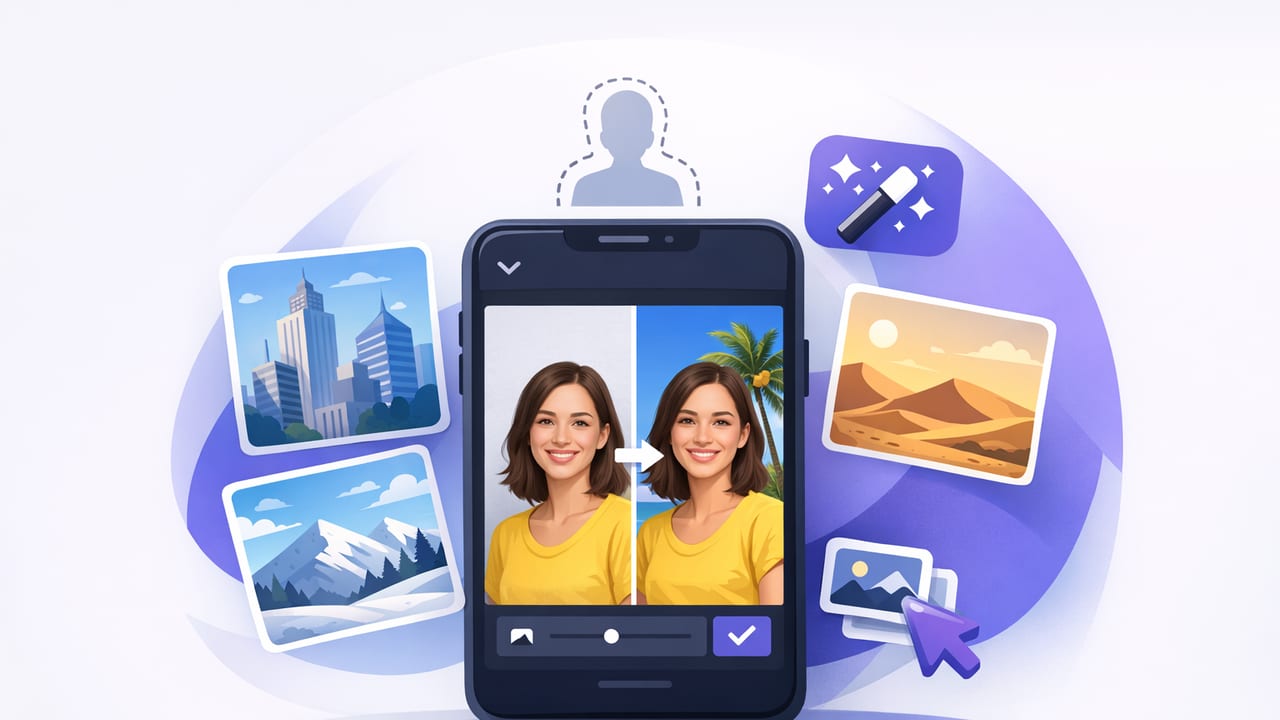
Learn how to use a background replacement app on iPhone for polished videos: lighting, framing, 4K tips, subtitles, and export settings.
Learn iPhone video stabilization methods, settings, and workflows to record smooth scripted videos—without reshoots or shaky handheld takes.
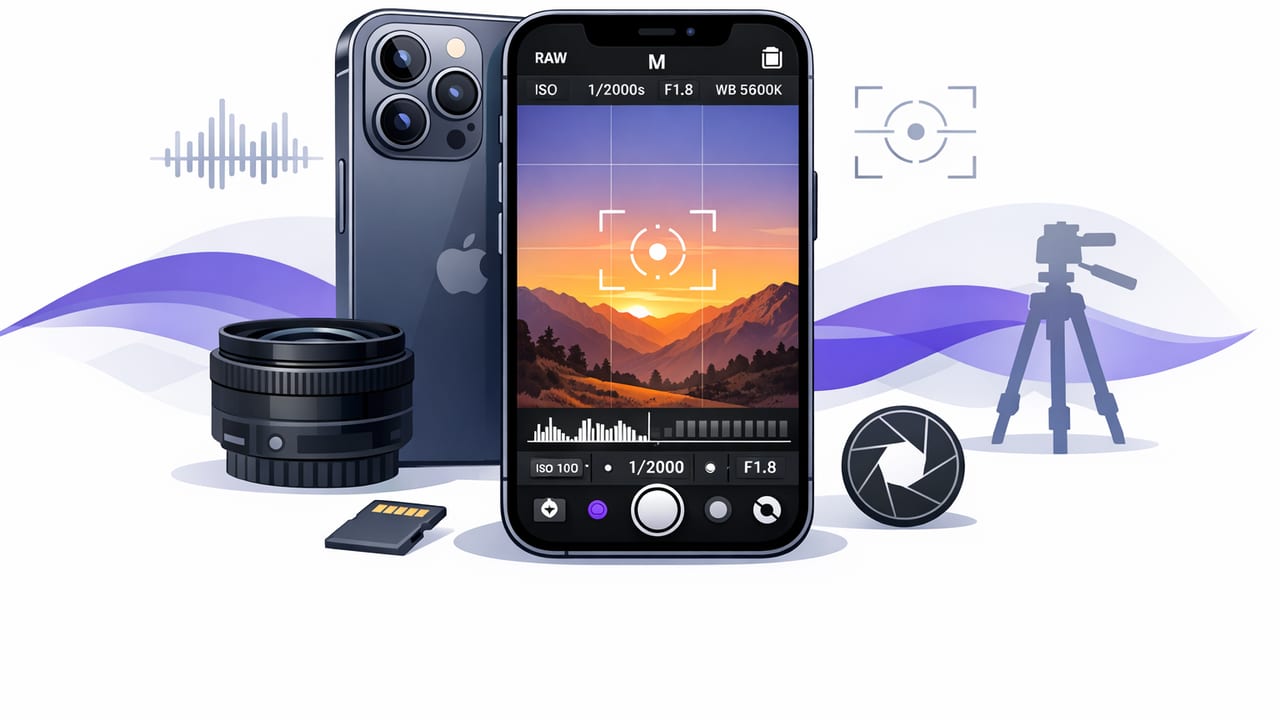
Learn a pro camera app iPhone workflow: 4K settings, audio, stabilization, teleprompter pacing, and subtitle-ready exports for creators.
A practical guide to picking a 4K video recorder app for iPhone: settings, audio, stabilization, subtitles, exports, and a creator workflow.
Learn how an offline subtitles app on iPhone creates private, fast captions—plus a practical workflow for accuracy, style, and platform exports.
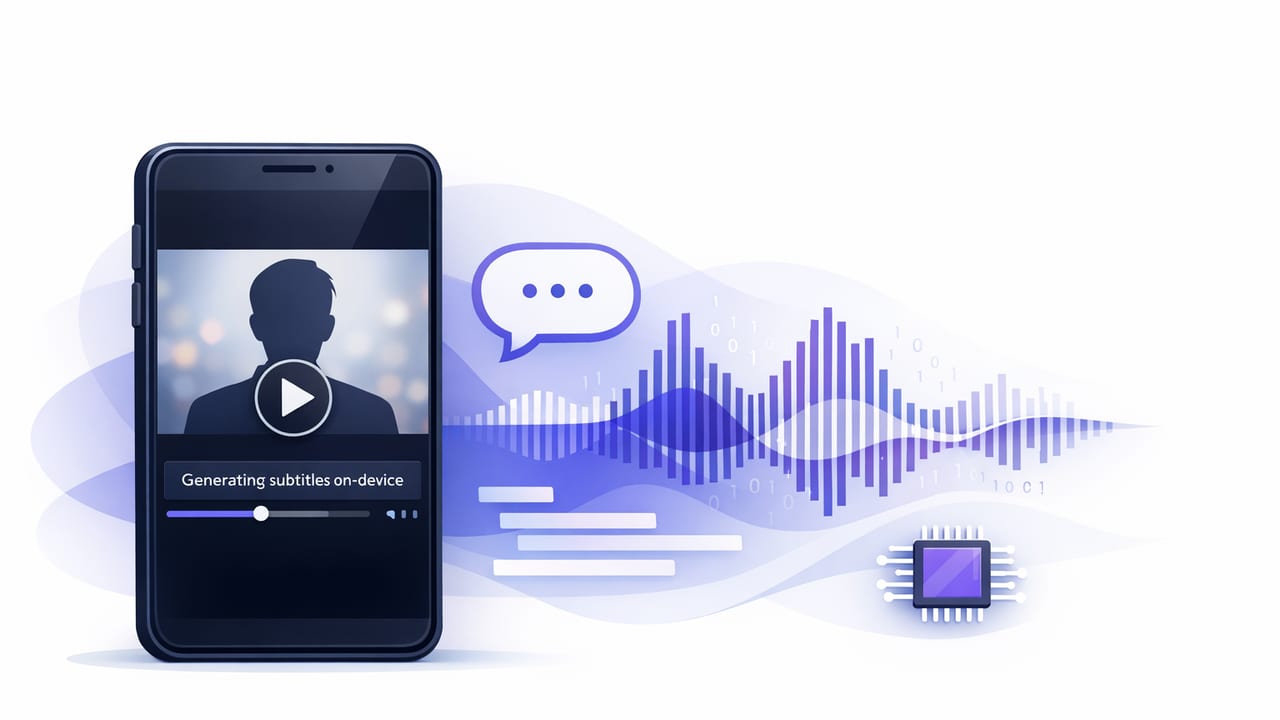
Learn how on-device subtitles improve privacy, speed, and retention—plus a practical iPhone workflow, formats, and accuracy tips.
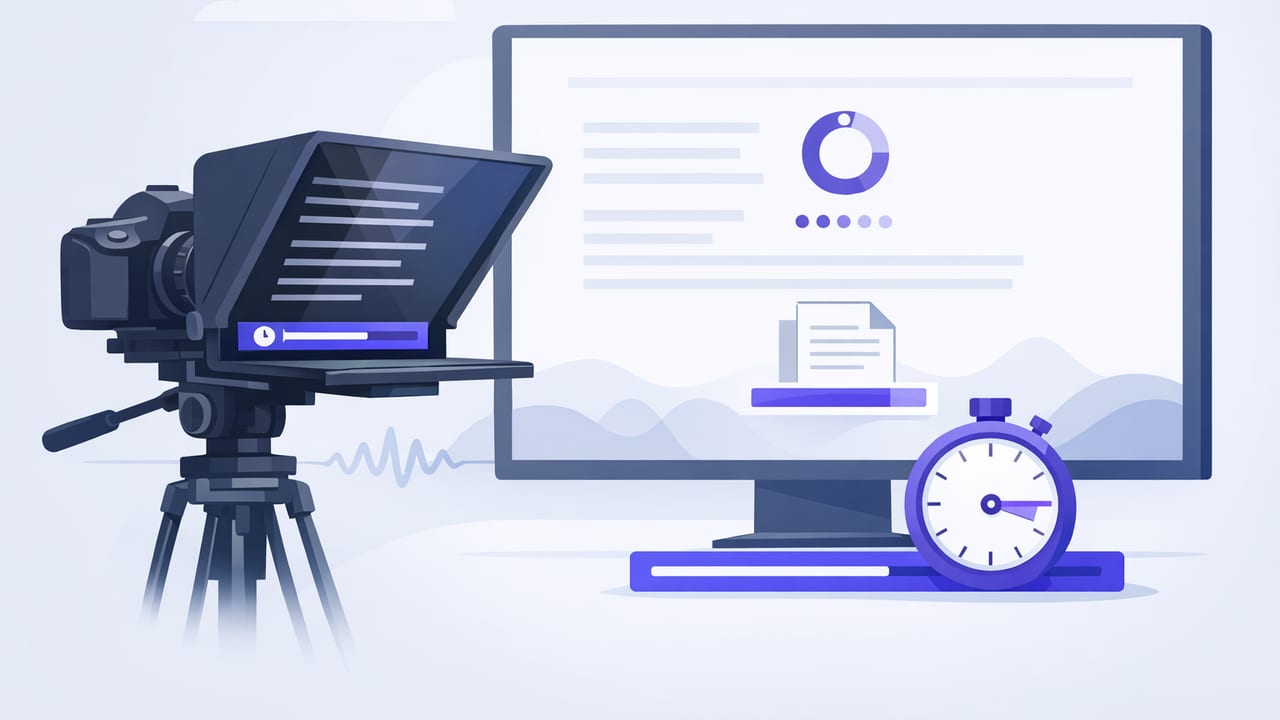
Learn timed scrolling teleprompter pacing: set WPM, match beats, reduce retakes, and record polished iPhone videos with natural eye contact.
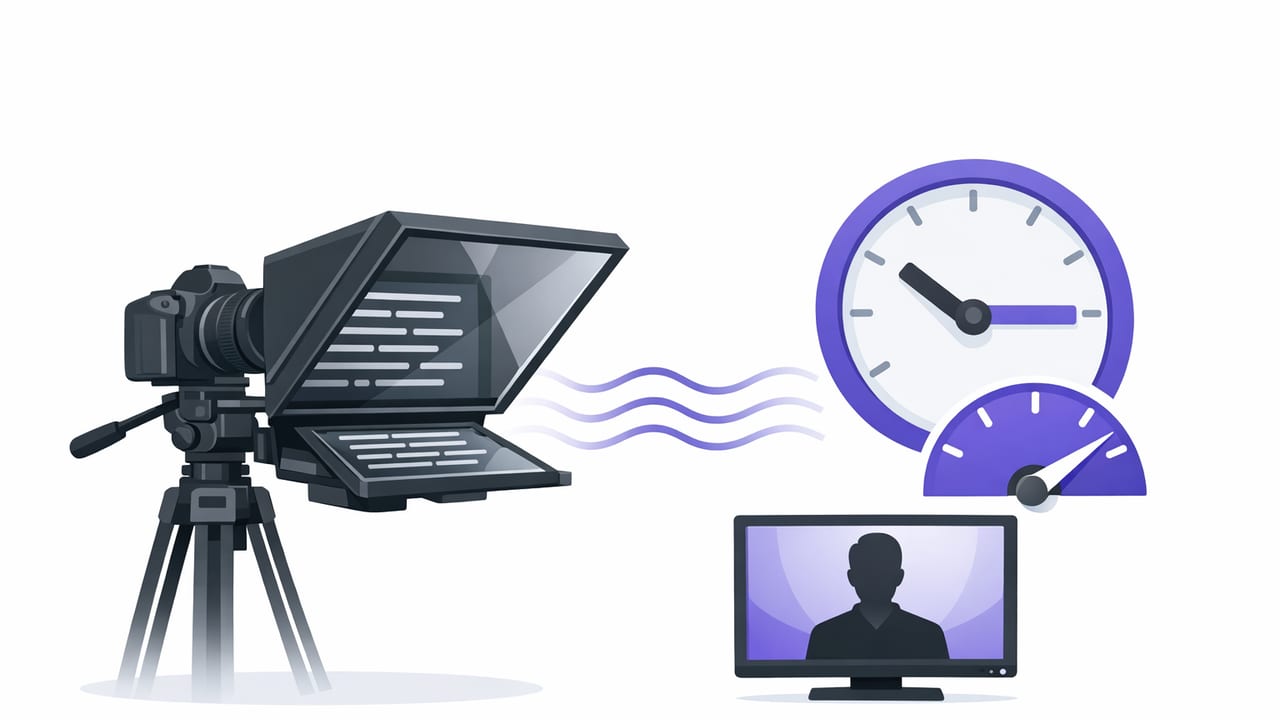
Learn how to set fixed-speed teleprompter scrolling, pace your script, and record polished iPhone videos with fewer takes and better eye contact.
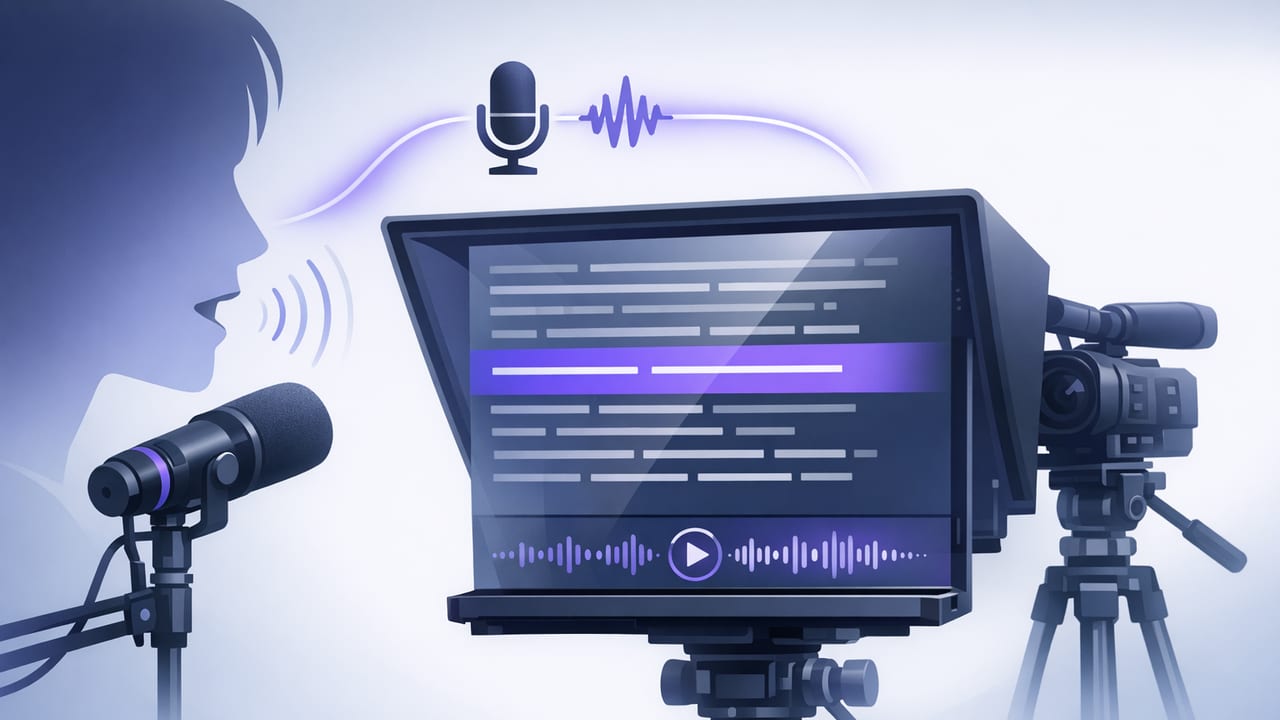
Learn a practical voice-following teleprompter workflow on iPhone: script prep, 4K recording, clean audio, on-device subtitles, and privacy tips.
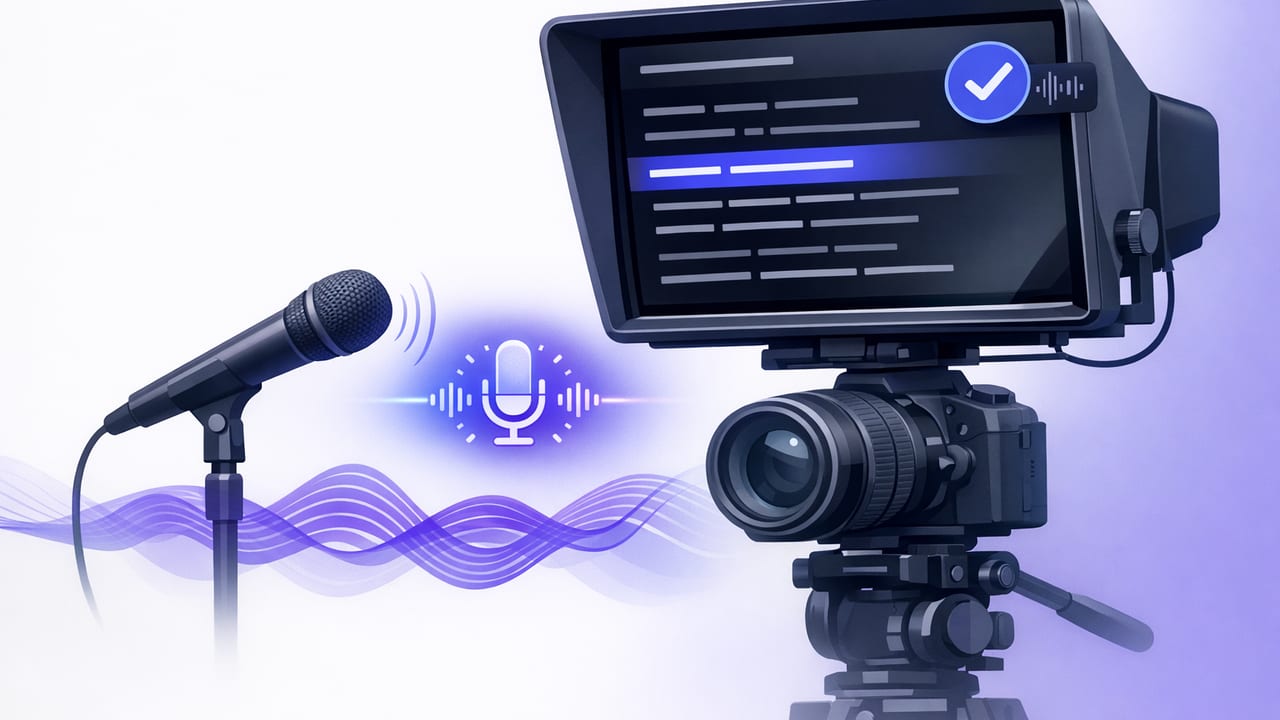
Learn how a voice tracking teleprompter helps creators read scripts naturally on iPhone—plus setup, pacing, subtitles, 4K tips, and privacy.
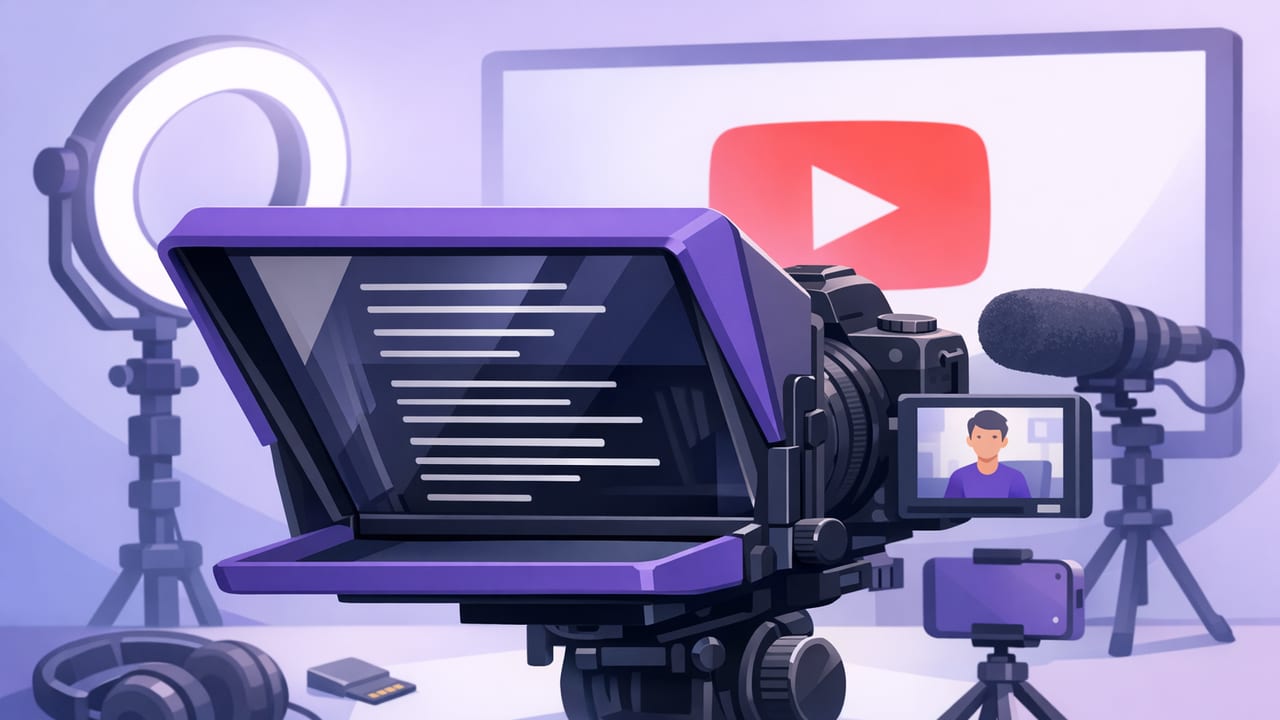
Use an iPhone teleprompter workflow to read scripts naturally, keep eye contact, record in 4K, and add on-device subtitles for YouTube.
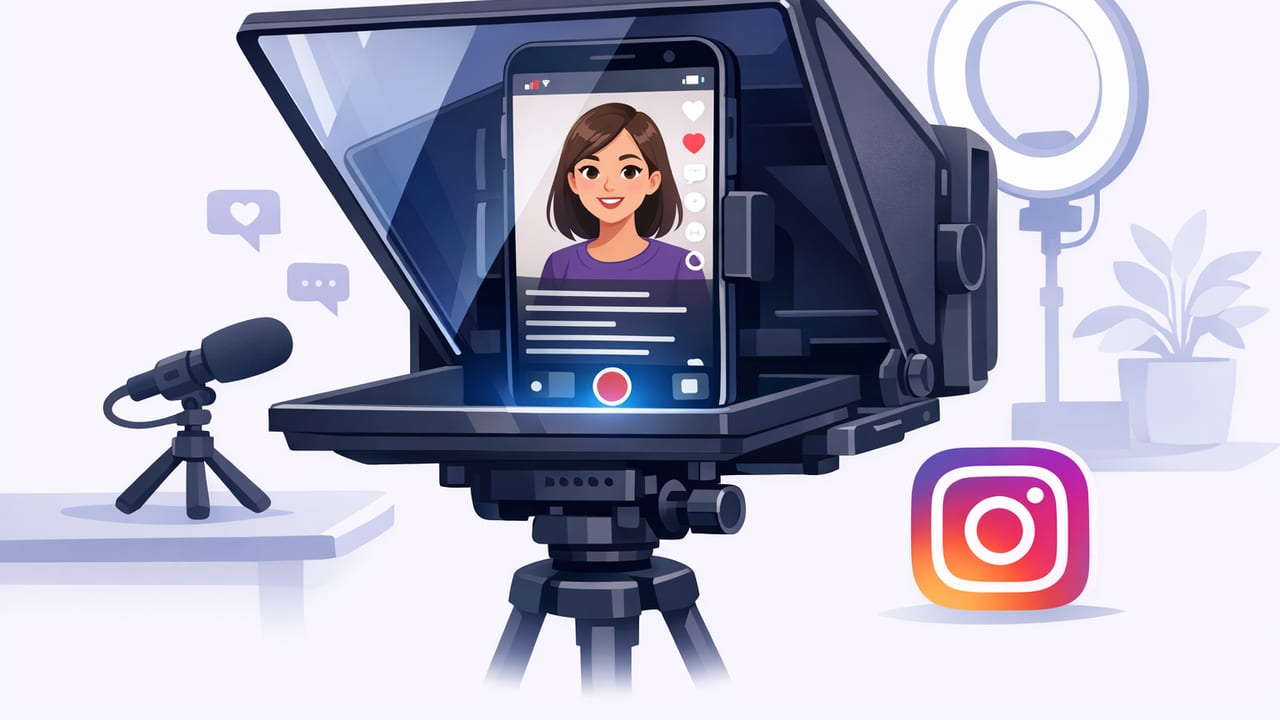
Use an iPhone teleprompter for Instagram with natural eye contact. Learn script formatting, scroll modes, audio, 4K, subtitles, and export settings.
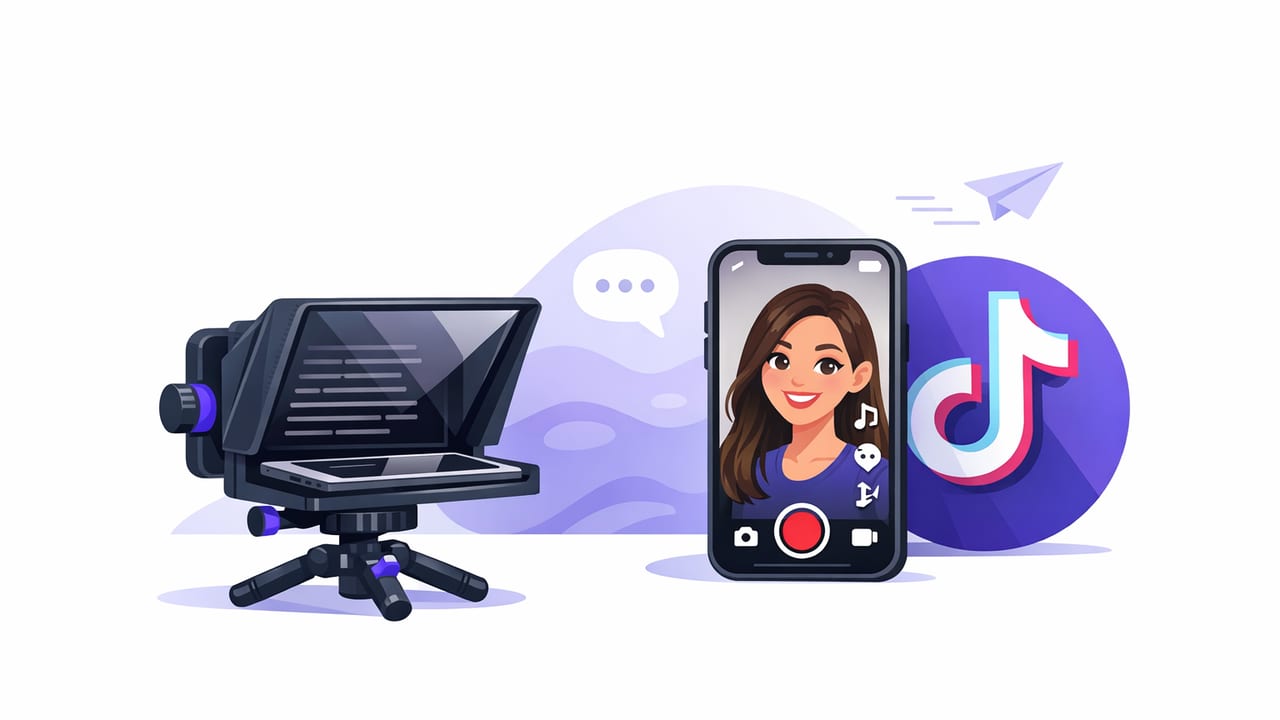
Learn a practical iPhone teleprompter for TikTok workflow: script formatting, scroll modes, 4K setup, audio, subtitles, and export tips.
Set up a teleprompter for iPhone, format scripts, record in 4K, and add private on-device subtitles for TikTok, Reels, and YouTube.
Learn an iPhone teleprompter setup that keeps eye contact, improves delivery, adds subtitles, and exports fast for TikTok, Reels, and YouTube.
Learn what to look for in a caption app: accuracy, offline subtitles, styling, exports for TikTok/IG/YouTube, and a fast creator workflow.
A practical iPhone video editor workflow: teleprompter setup, 4K recording, clean audio, on-device subtitles, and platform-ready exports.
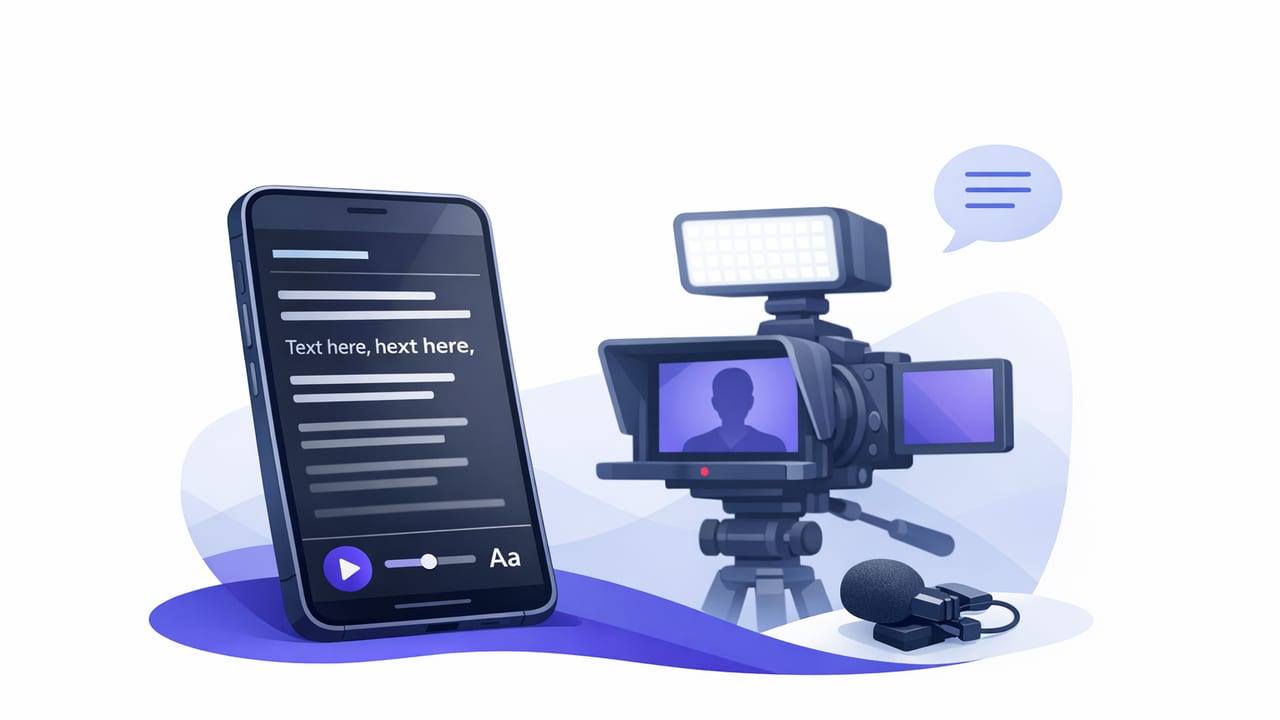
Build a repeatable iPhone teleprompter app workflow: script formatting, scrolling modes, 4K setup, clean audio, subtitles, and fast exports.
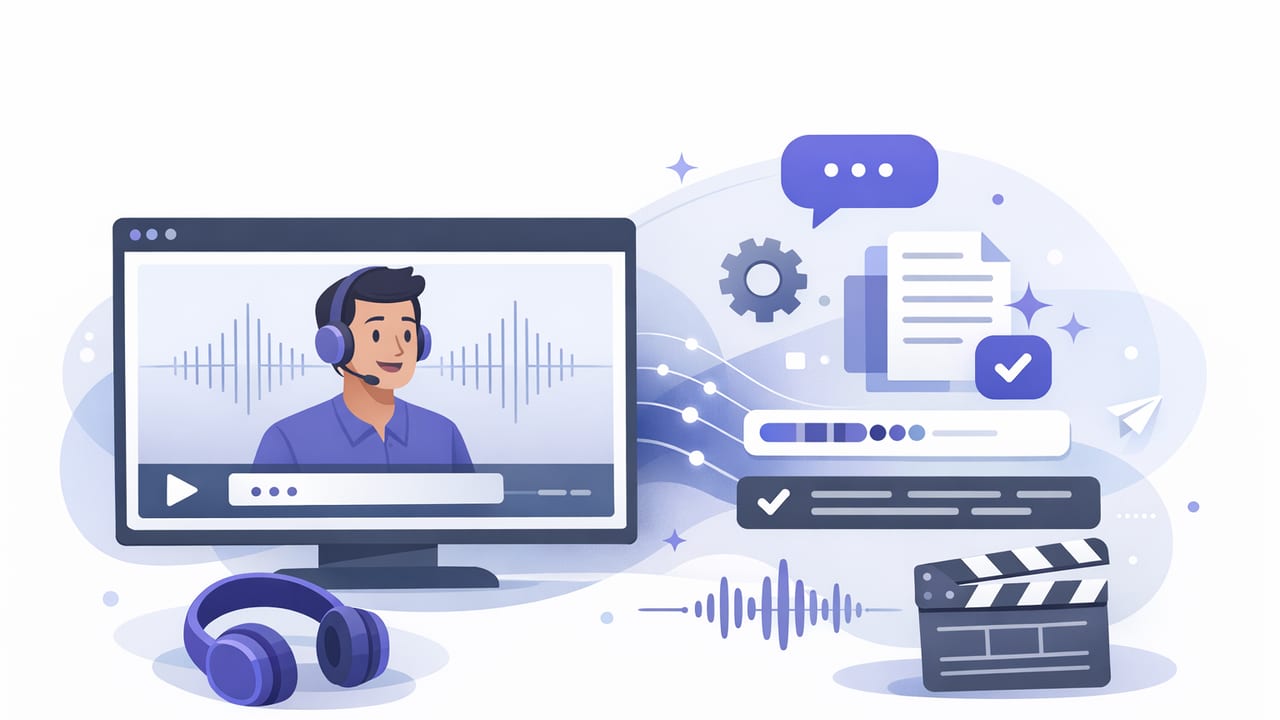
Learn how to write, style, and export subtitles on iPhone—better readability, higher retention, and platform-ready captions for TikTok, Reels, and YouTube.
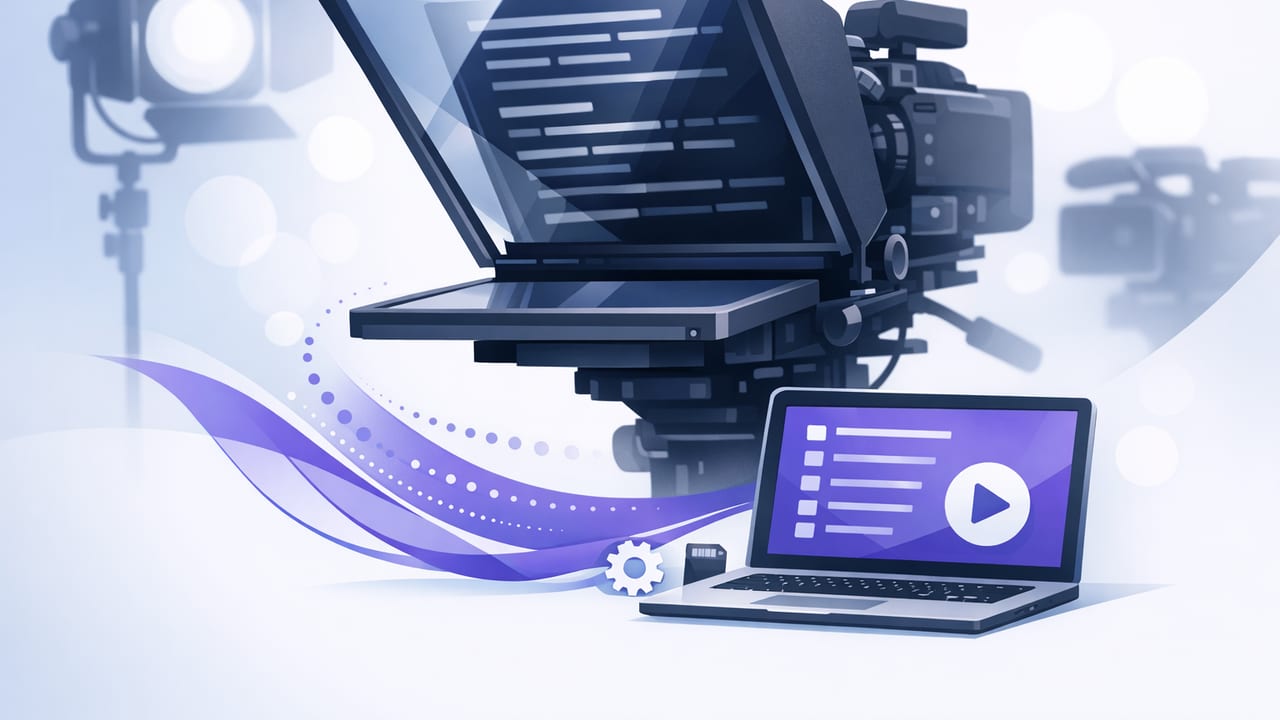
Learn how to use an iPhone autocue for natural delivery, steady eye contact, clean audio, 4K recording, and fast subtitles—without breaking flow.
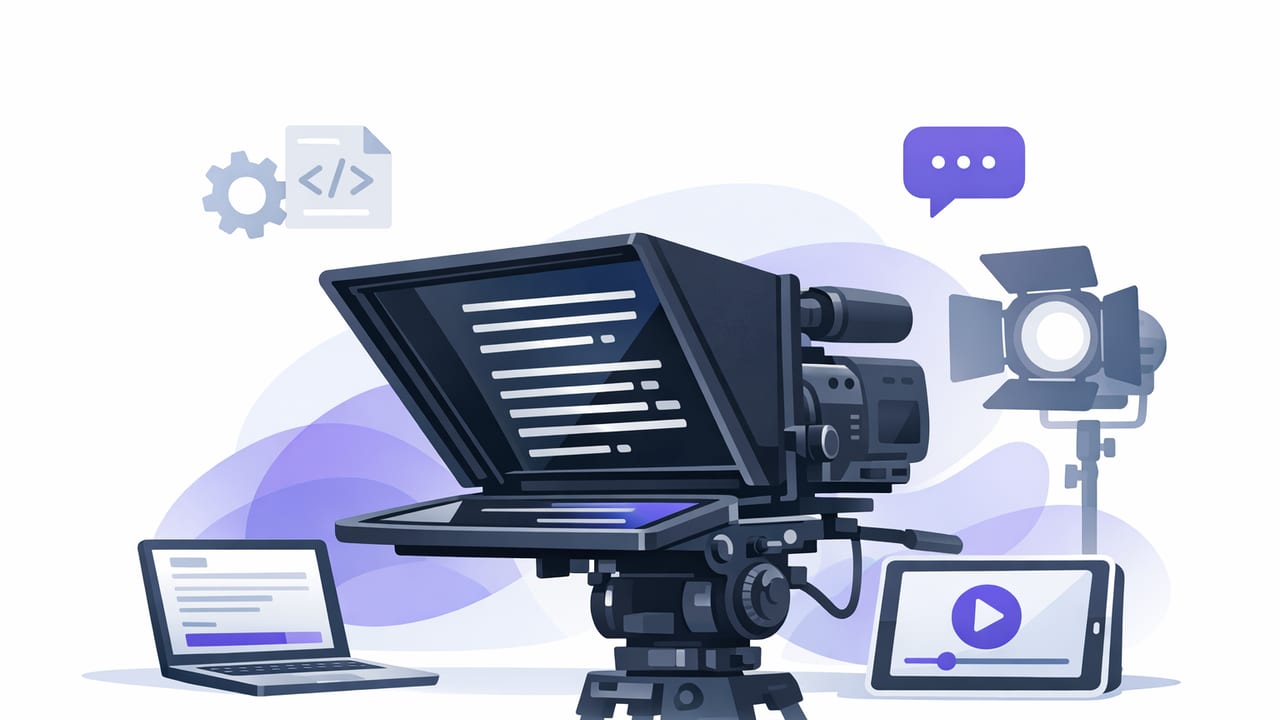
Learn teleprompter script formatting, pacing, and rehearsal tips to sound natural on iPhone—plus templates for faster creator workflows.
Learn how to pick a privacy focused teleprompter app no signup—plus a secure iPhone workflow for scripting, 4K recording, and on-device subtitles.
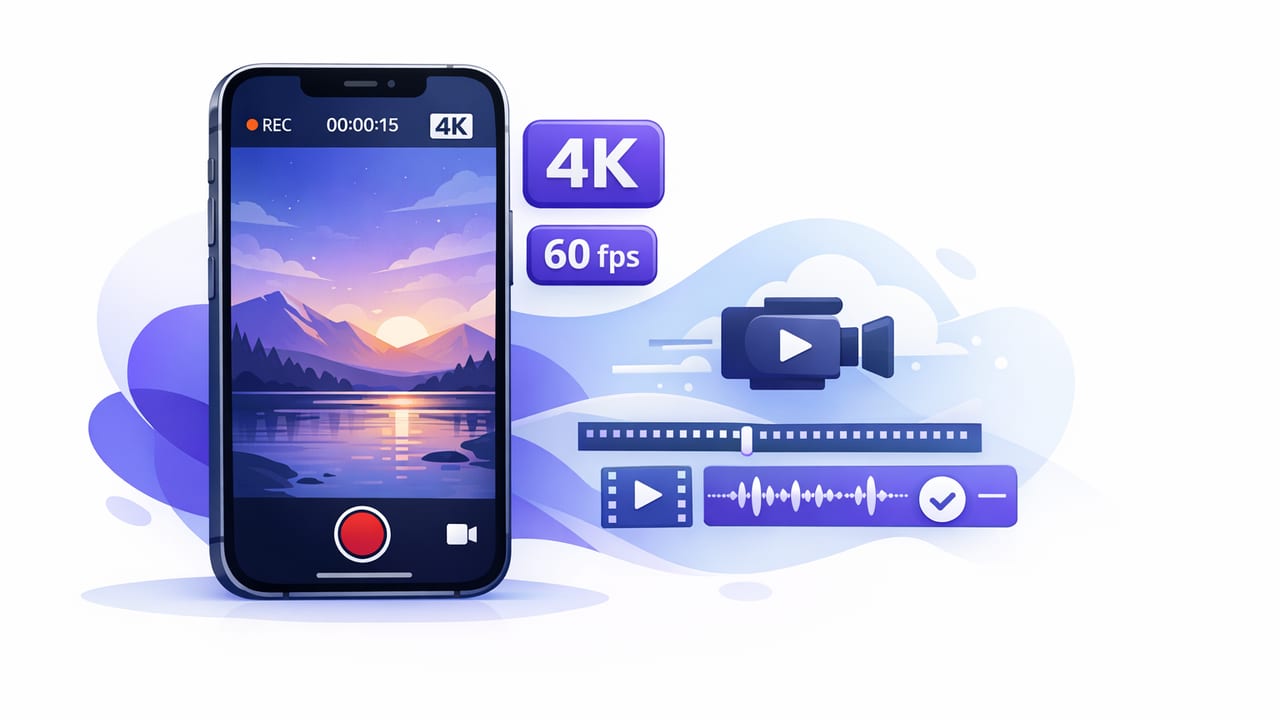
Learn how to record 4K 60fps video on iPhone with a creator-friendly app workflow: settings, audio, stabilization, subtitles, and export.
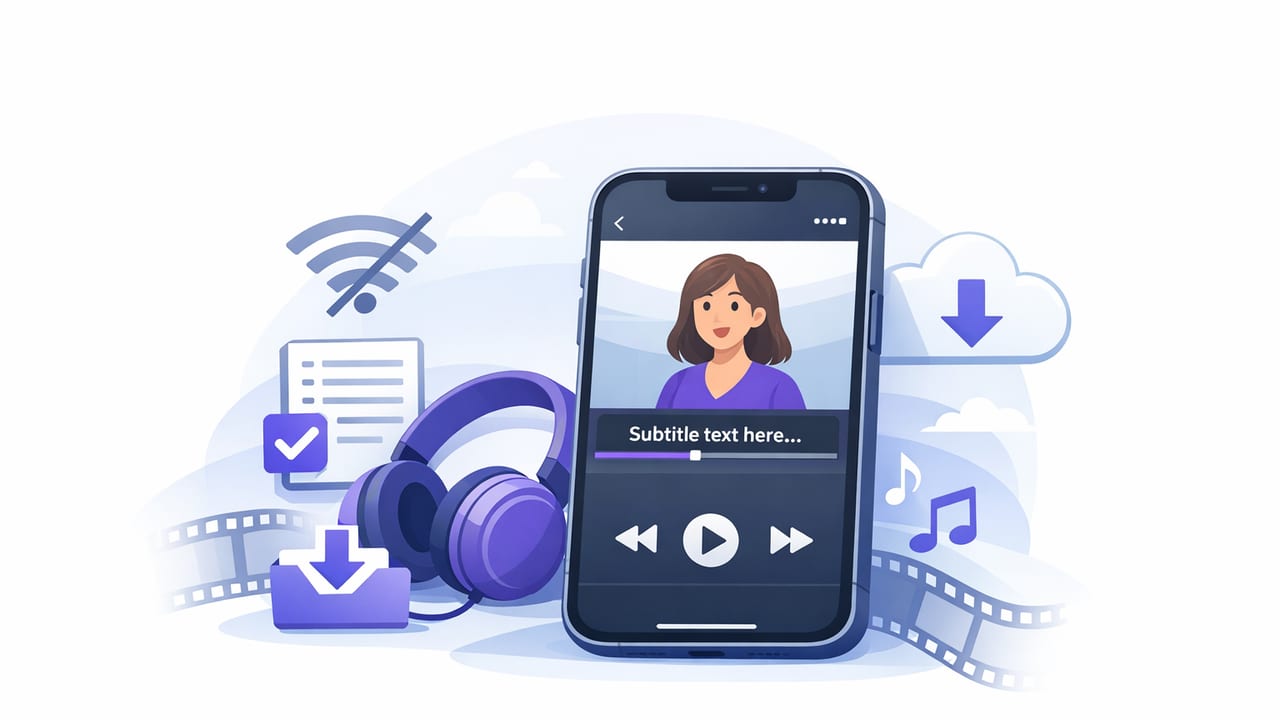
Learn how to generate offline subtitles on iPhone, keep files private, improve accuracy, and export captions for TikTok, Instagram, and YouTube.
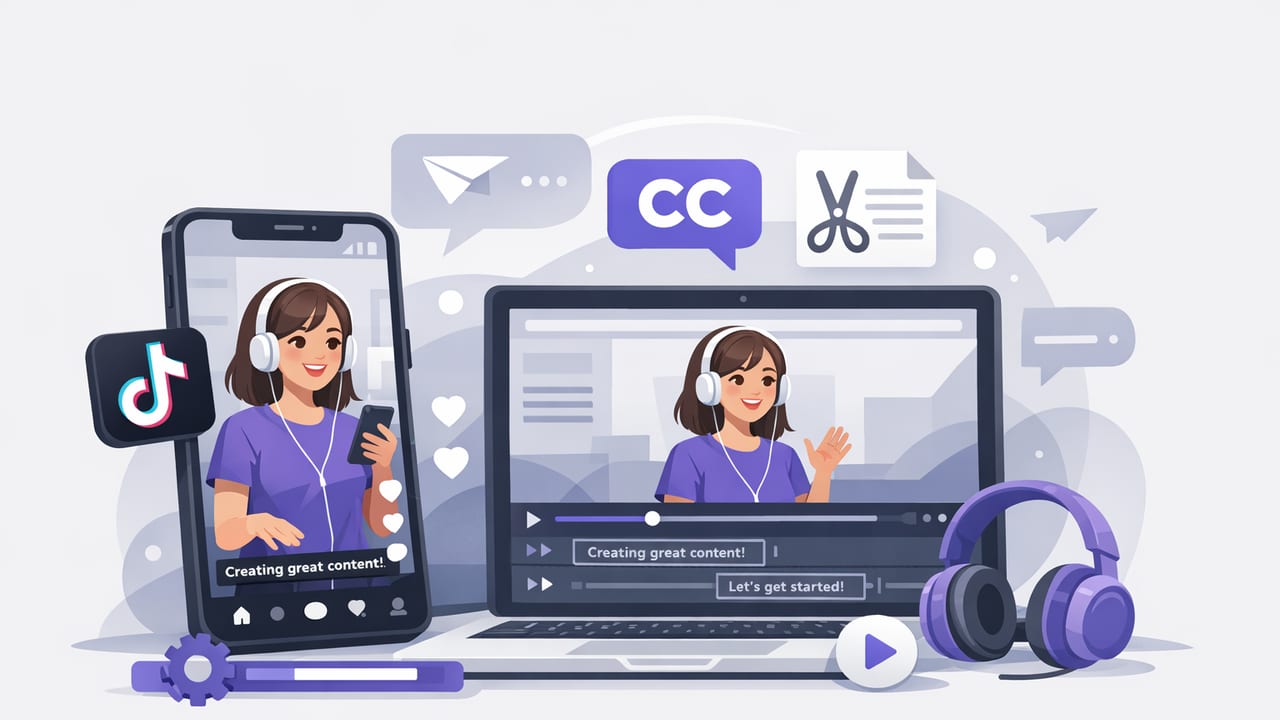
Learn how to create TikTok videos with subtitles on iPhone: script, record, auto-captions, styling, and export settings for higher watch time.
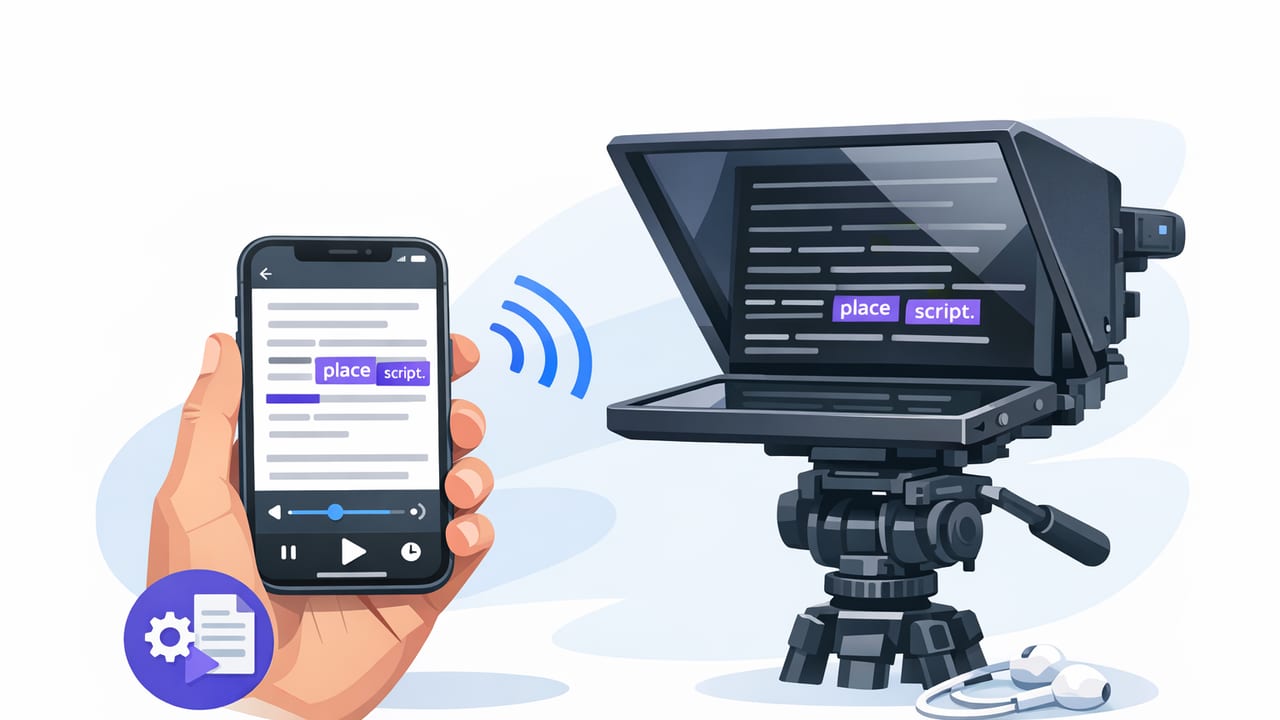
Learn how to use a teleprompter with word highlighting on iPhone for natural eye contact, better pacing, and faster script-to-video workflows.
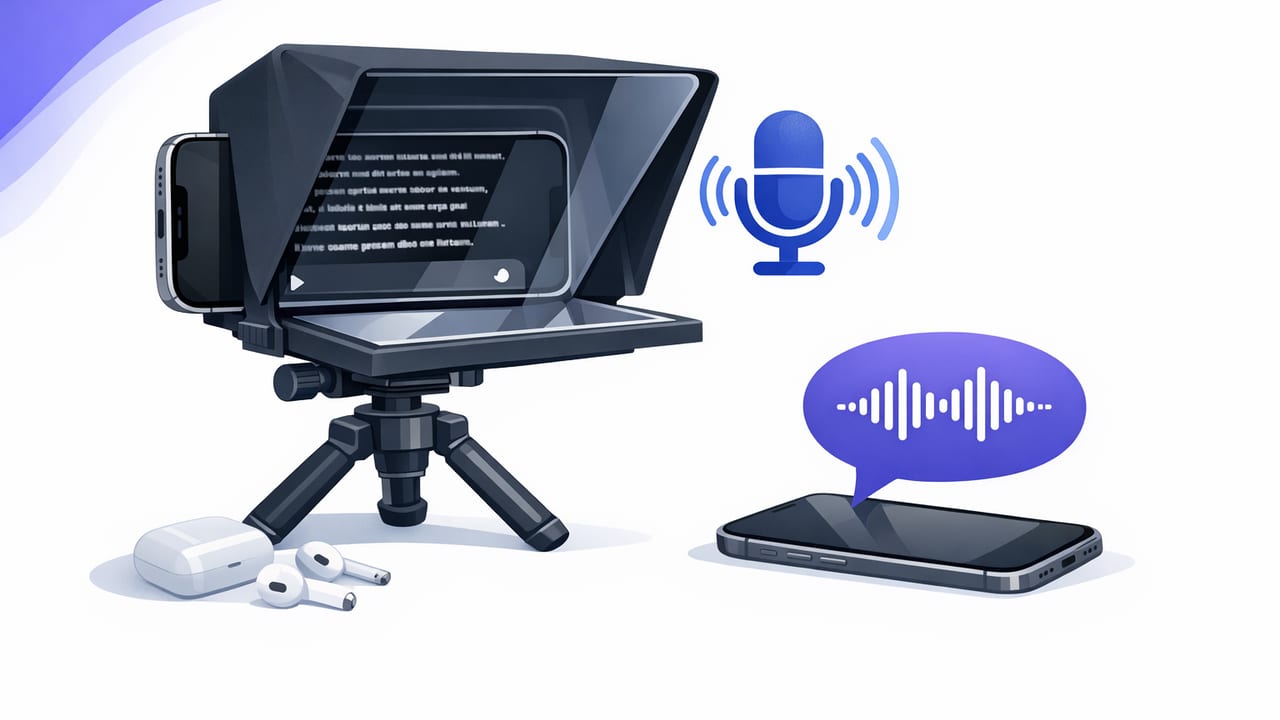
Learn how to set up a voice controlled teleprompter for iPhone for natural delivery, eye contact, cleaner takes, and a faster script-to-video workflow.
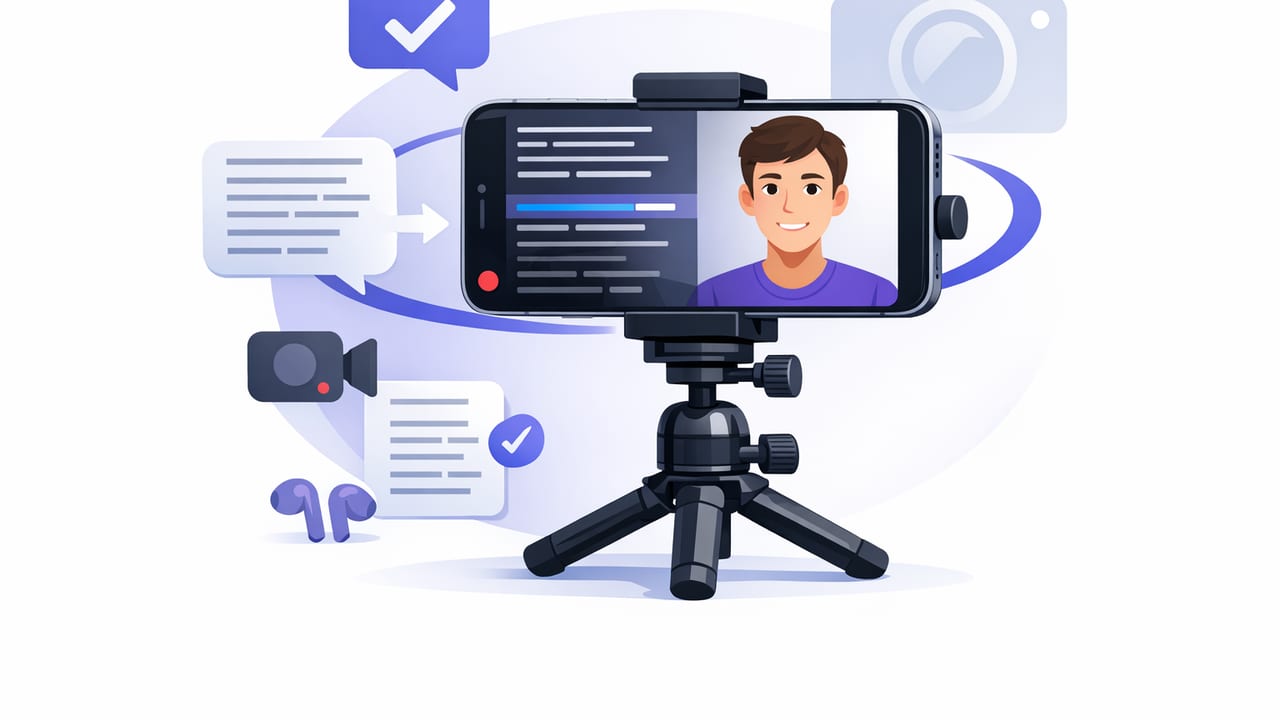
Learn a smooth iPhone teleprompter workflow: setup, script formatting, scrolling modes, 4K audio tips, and subtitles—without losing eye contact.
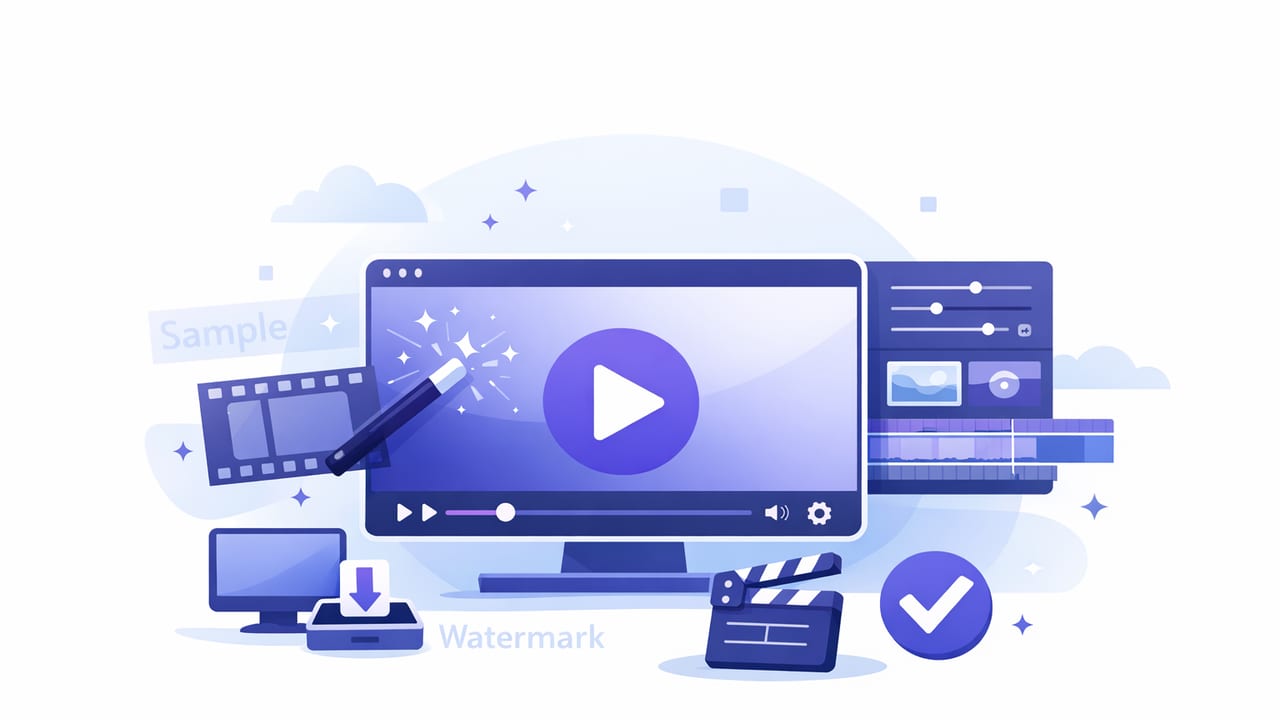
Learn how to create watermark free video on iPhone with clean captions, 4K settings, and export tips for TikTok, Instagram, and YouTube.
A practical iPhone workflow for a social media video editor: script-to-camera, clean audio, fast edits, subtitles, and platform-ready exports.
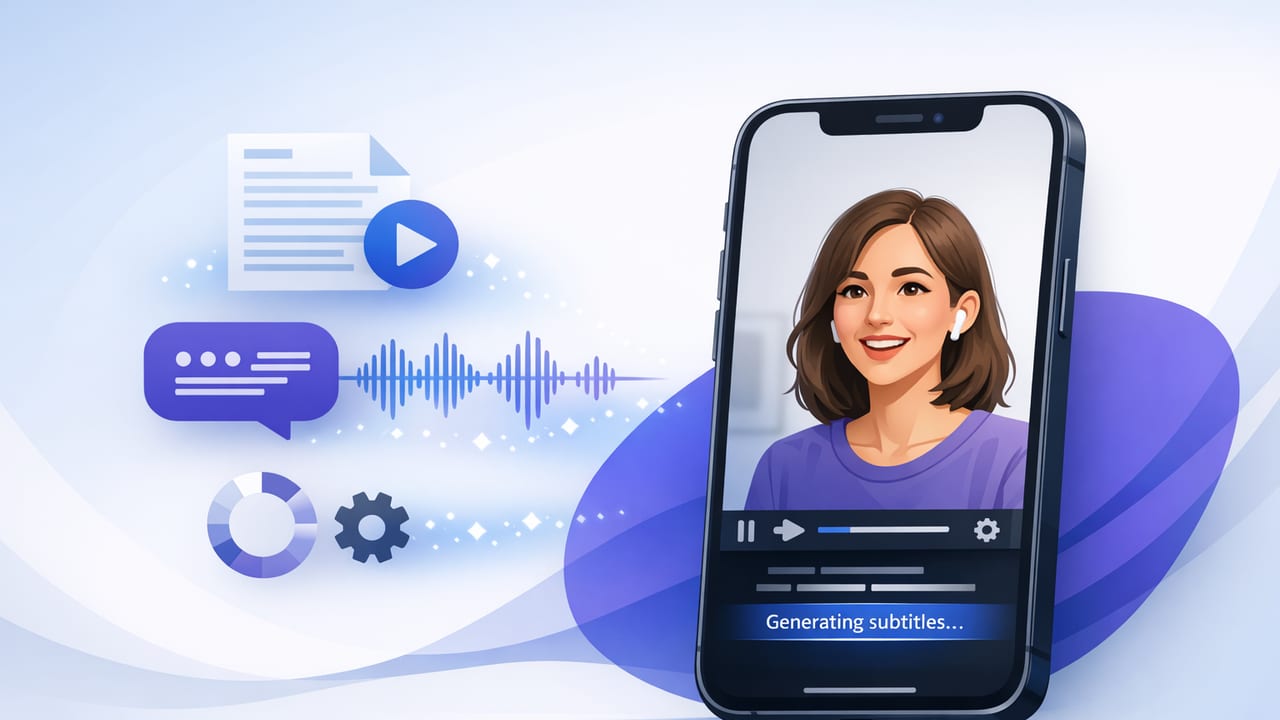
Learn how to add subtitles on iPhone with built-in tools and apps. Get cleaner captions, better accuracy, and exports for TikTok, Reels, and YouTube.
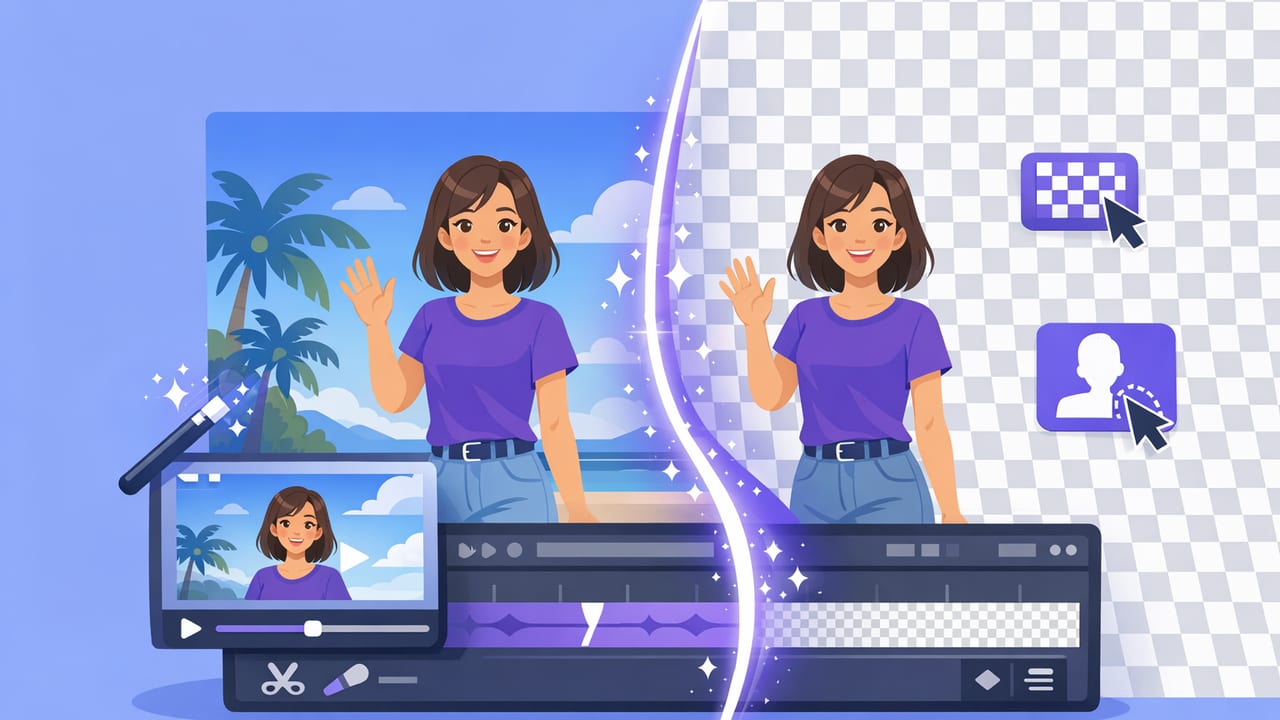
Learn how to create a clean background removal video on iPhone with lighting, framing, and export tips for TikTok, Reels, and YouTube.
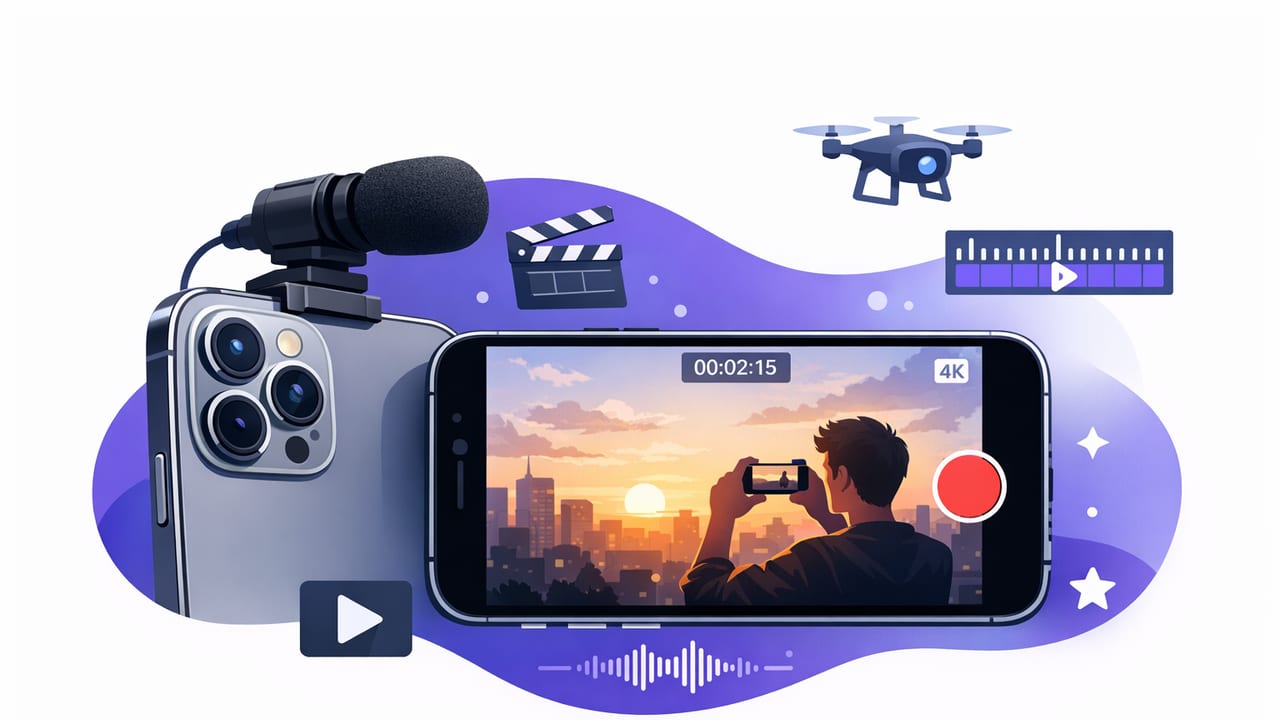
Learn an iPhone pro video workflow: pro camera settings, clean audio, teleprompter scripting, on-device subtitles, and exports for TikTok, Reels, YouTube.
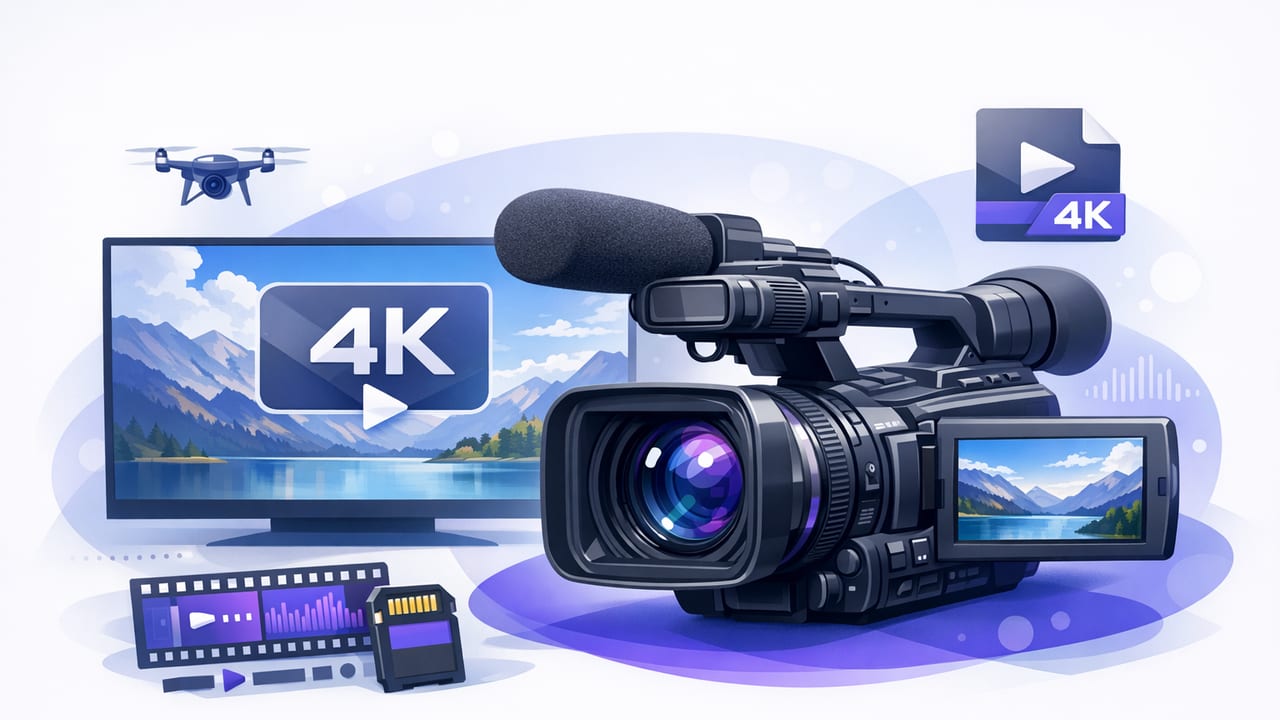
Learn iPhone 4K recording settings, frame rates, codecs, audio, lighting, and a repeatable workflow for sharp, stable, platform-ready videos.
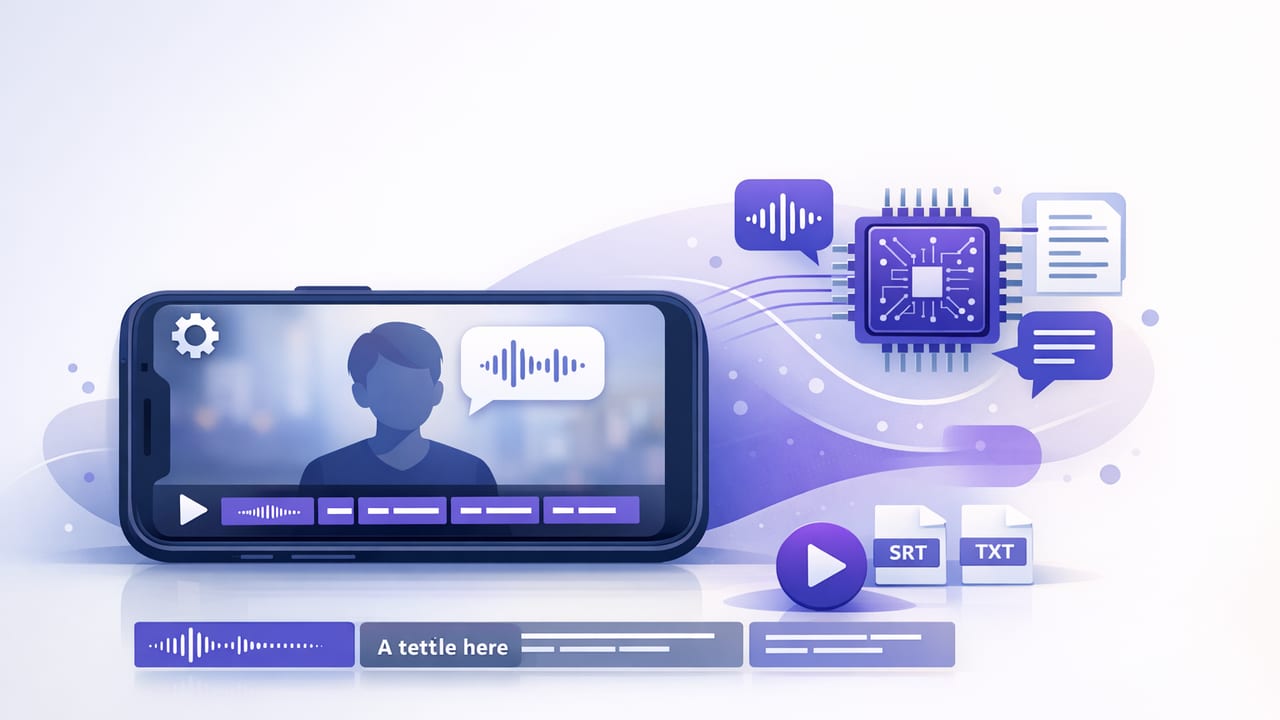
Learn how on device subtitles improve privacy, speed, and accuracy on iPhone—plus a practical script-to-video workflow for creators.
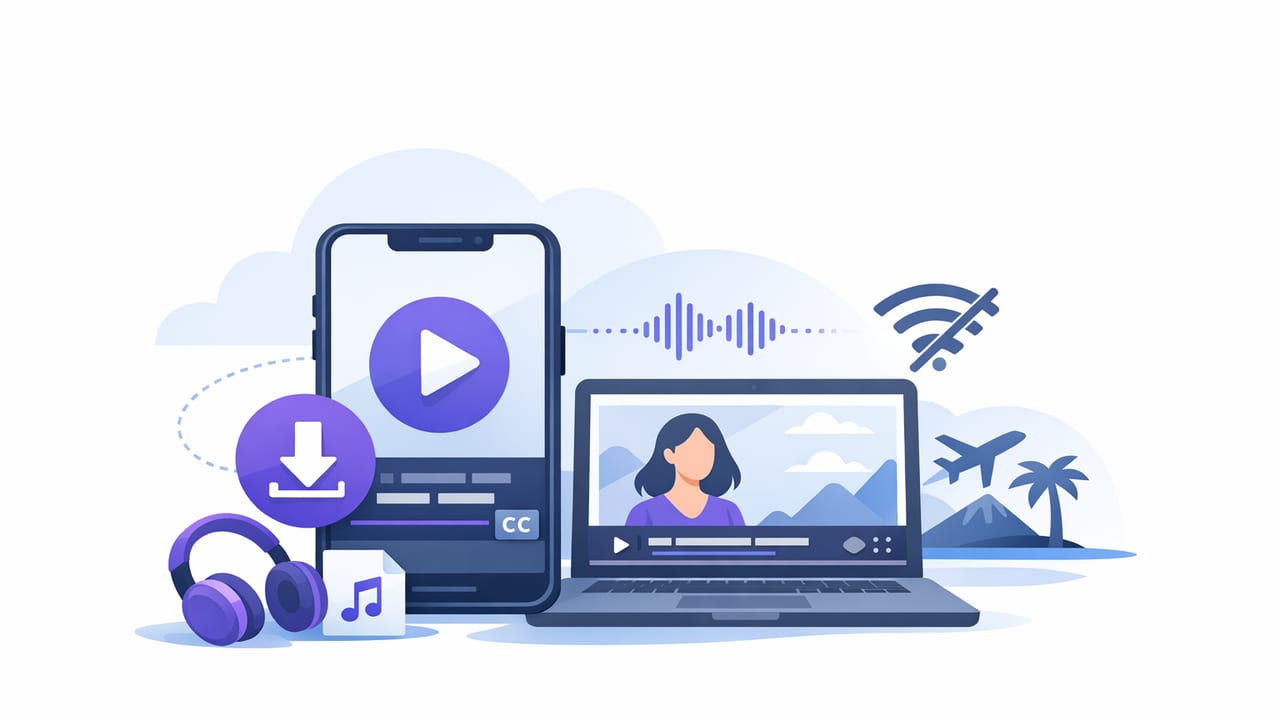
Learn how to use an offline subtitle app on iPhone for fast, private captions—plus accuracy tips, multilingual workflows, and export settings.
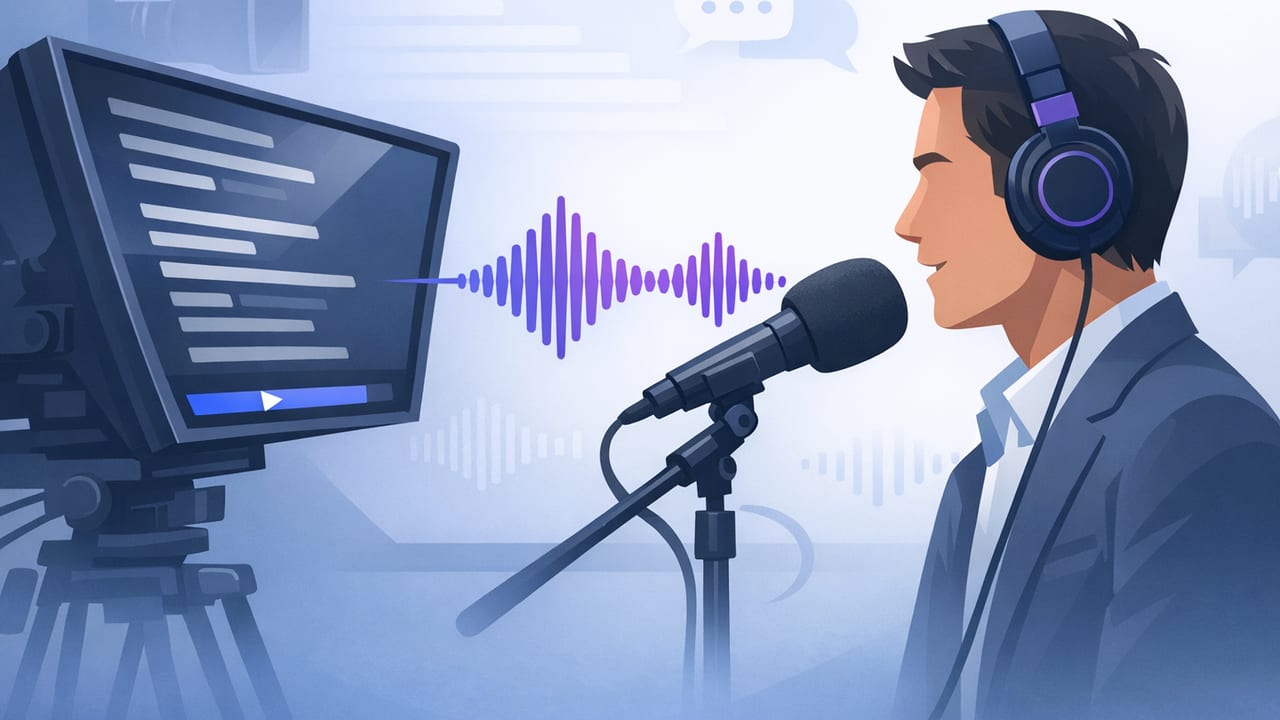
Learn how to set up a voice following teleprompter on iPhone for natural eye contact, smooth scrolling, cleaner audio, and faster script-to-video workflows.
Learn how a prompter with voice tracking improves eye contact, pacing, and one-take scripts on iPhone—plus setup, scripting, and troubleshooting tips.
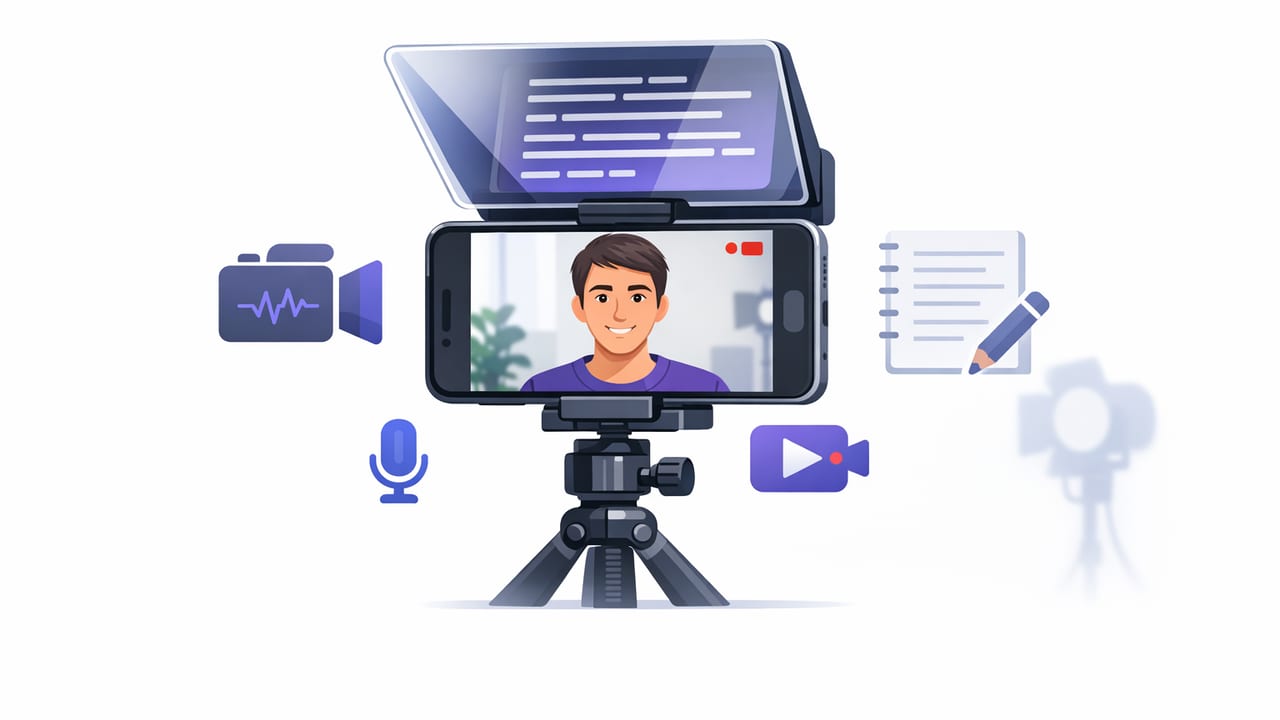
Learn a repeatable teleprompter camera app workflow on iPhone: script, 4K recording, clean audio, offline subtitles, and exports for social.
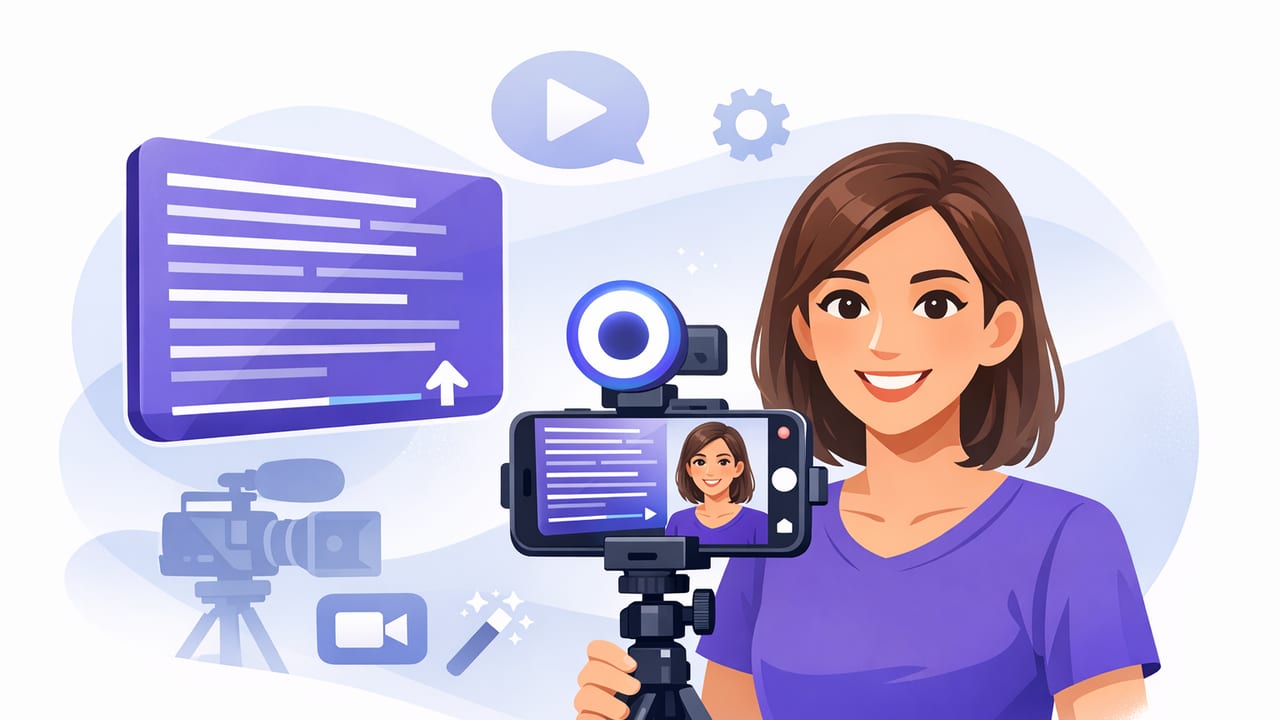
Learn what to look for in a video teleprompter app: scrolling modes, 4K recording, subtitles, editing, privacy, and a creator-friendly workflow.
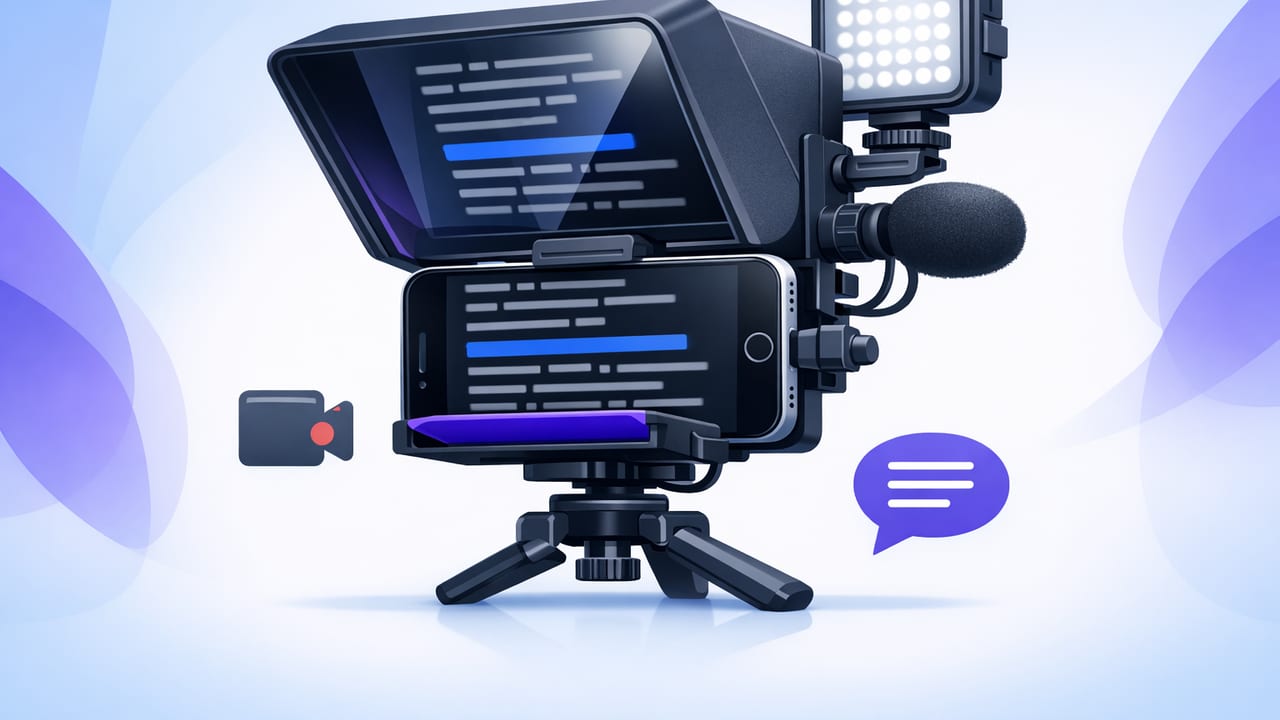
Format scripts, record in 4K with clean audio, keep natural eye contact, and add subtitles using a teleprompter for iPhone.
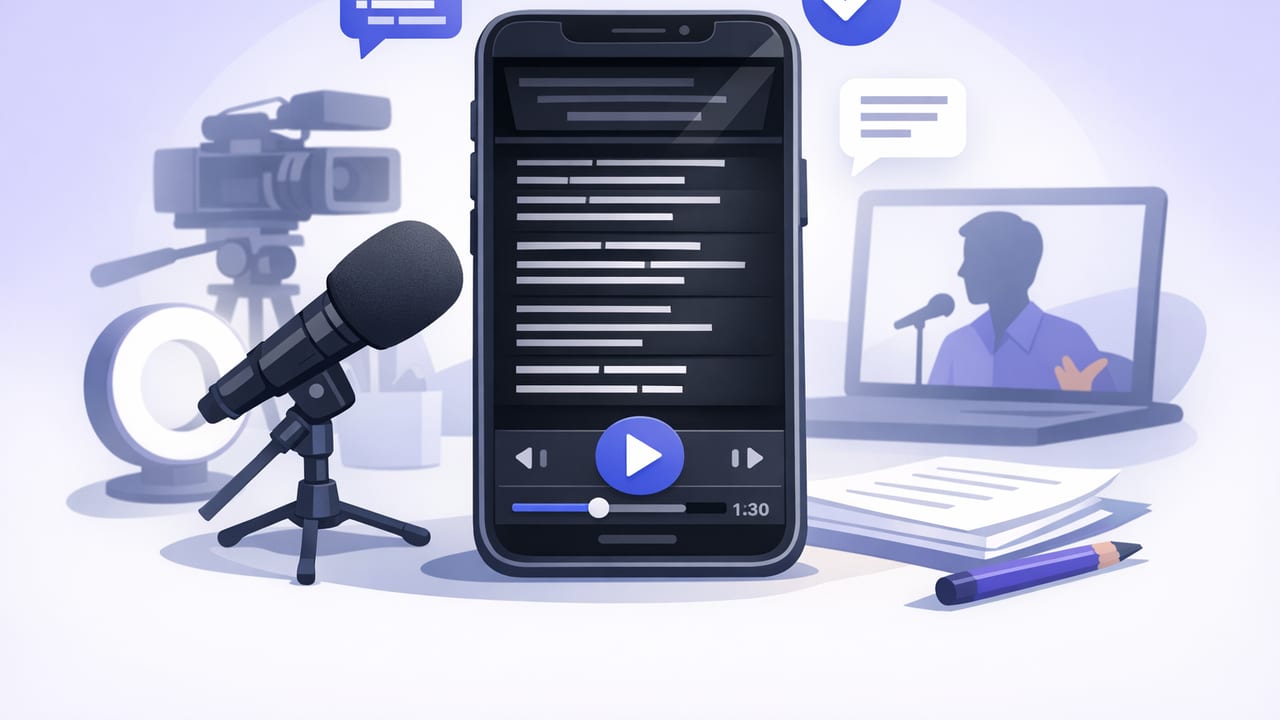
Learn how voice-following, fixed-speed, and timed teleprompter app modes improve pacing, eye contact, and confidence when recording on iPhone.
Use an iPhone script reader for natural eye contact, better pacing, 4K recording, and offline subtitles—without sacrificing privacy.
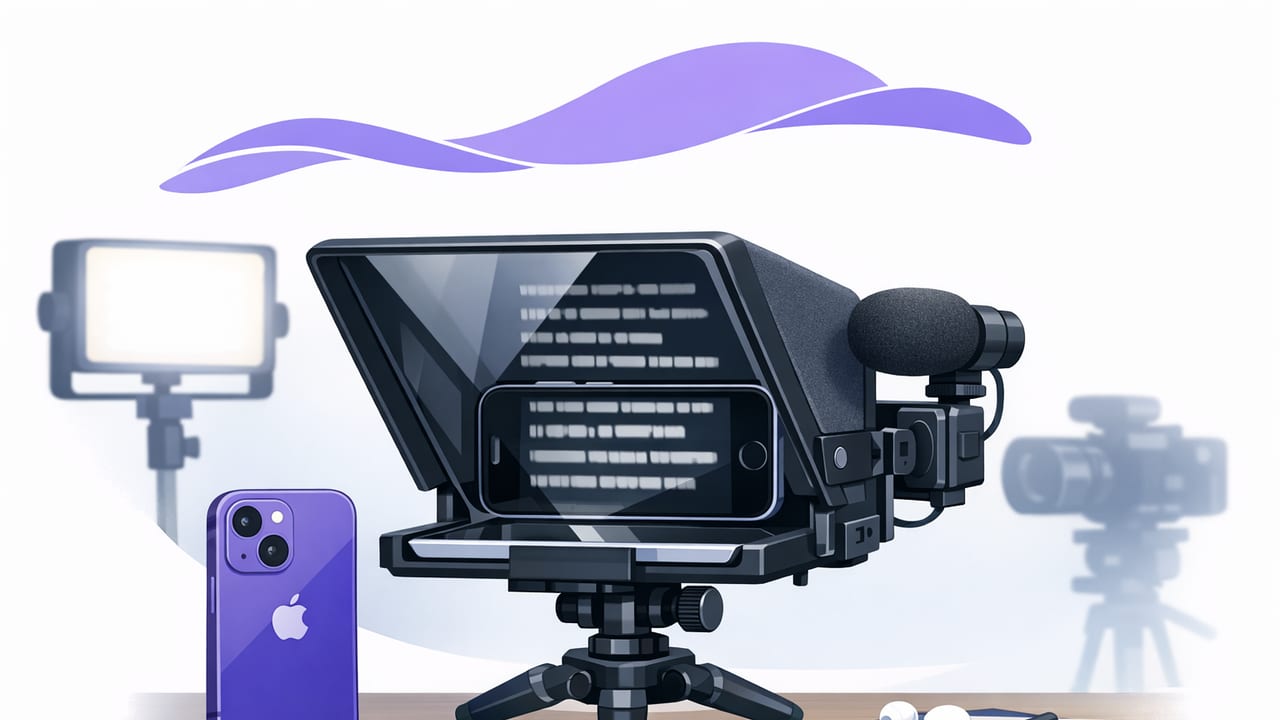
A practical iPhone teleprompter checklist: script formatting, scroll modes, 4K settings, audio, subtitles, privacy, and export tips for creators.
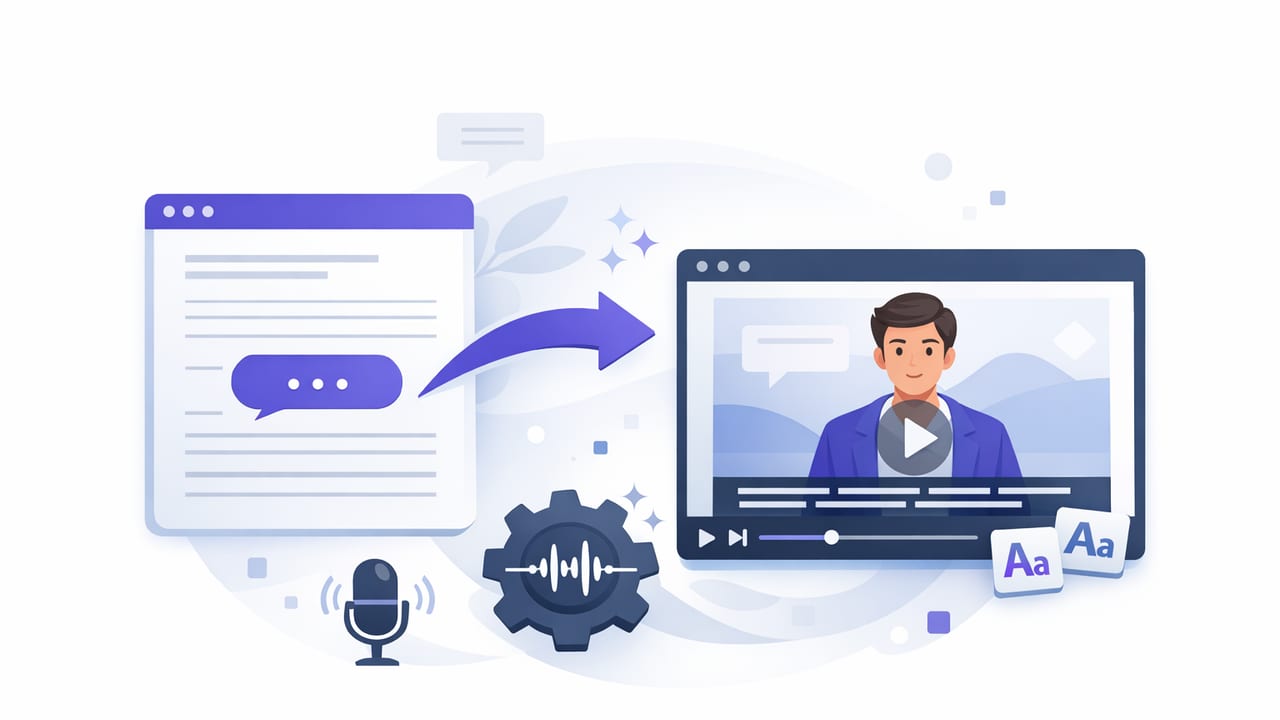
Learn how a subtitle generator works, how to edit captions fast, and how to export platform-ready subtitles—offline and privacy-first on iPhone.
A practical iPhone teleprompter workflow for video creators: script, record in 4K, add offline subtitles, and export for TikTok, Reels, Shorts.
A practical iPhone autocue app workflow: script setup, scrolling modes, 4K recording, clean audio, on-device subtitles, and export settings.
Learn teleprompter script structure, formatting, pacing, and rehearsal tips for natural eye contact and clean takes on iPhone.
Learn how to choose a privacy focused teleprompter app no signup, record 4K takes, add offline subtitles, and keep scripts/videos on your iPhone.
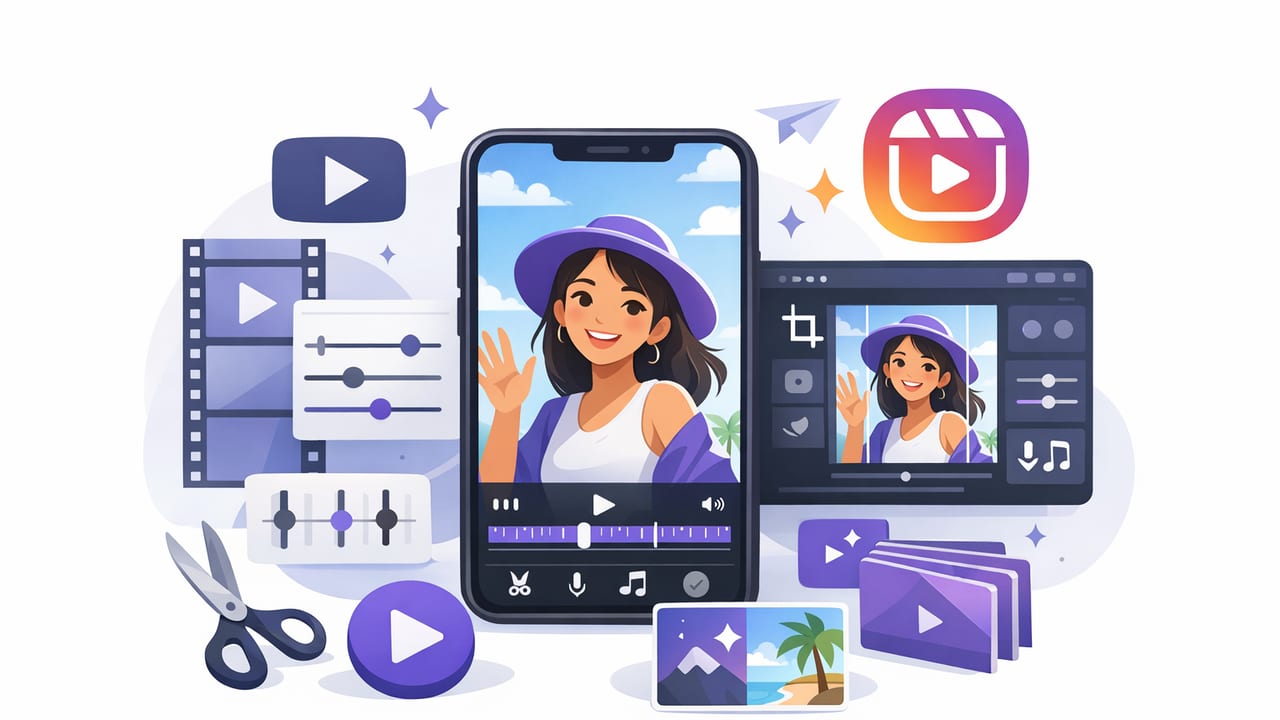
Learn a fast iPhone workflow to edit vertical Reels: trim, resize, captions, audio cleanup, and export settings for crisp uploads.
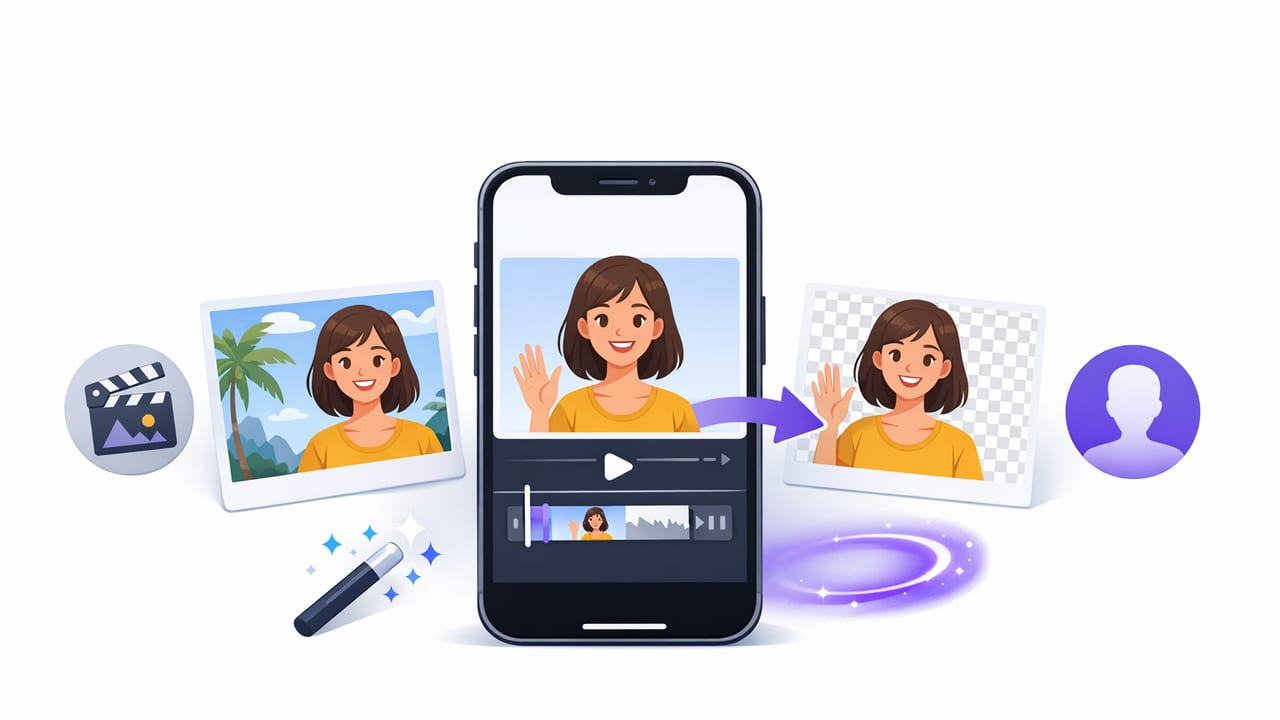
Learn how to remove background from videos on iPhone using AI or green screen, plus filming tips, edge fixes, and export settings.
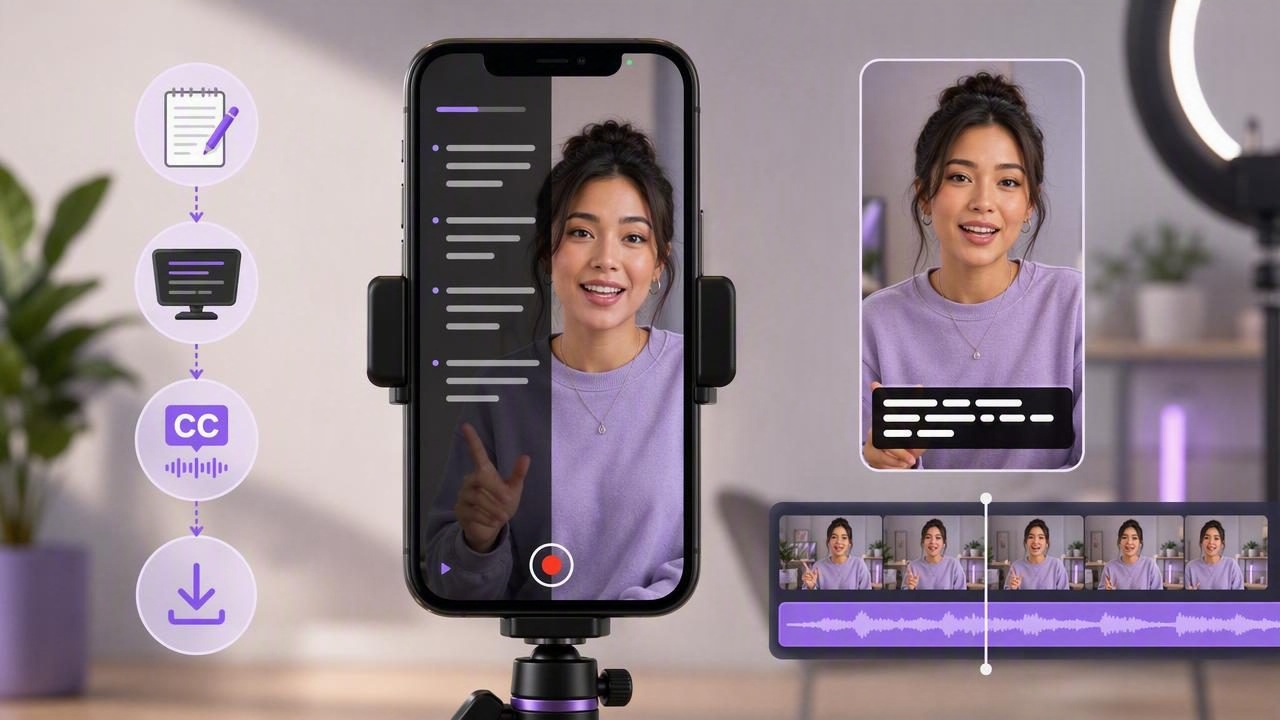
A practical iPhone workflow for TikTok: write tighter scripts, read naturally on-camera, add captions offline, and export crisp vertical video.
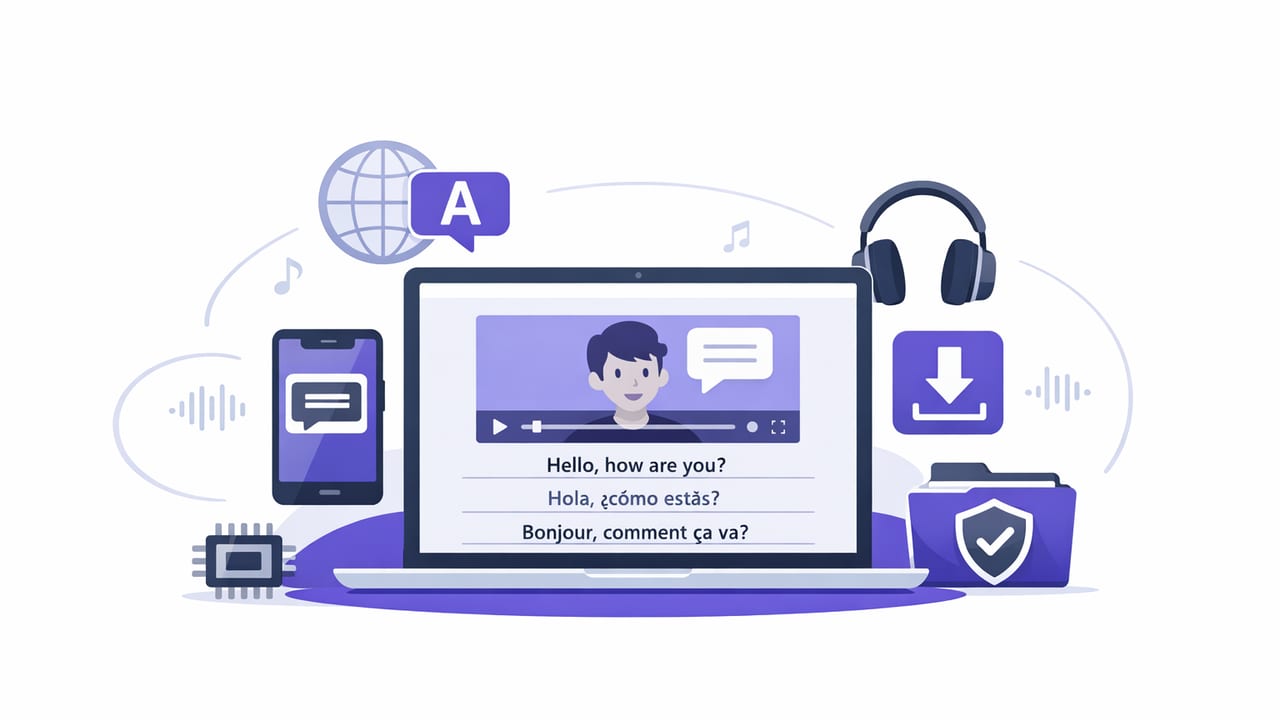
Learn how to add subtitles in multiple languages offline on iPhone, with a practical creator workflow, SRT tips, styling, and export settings.
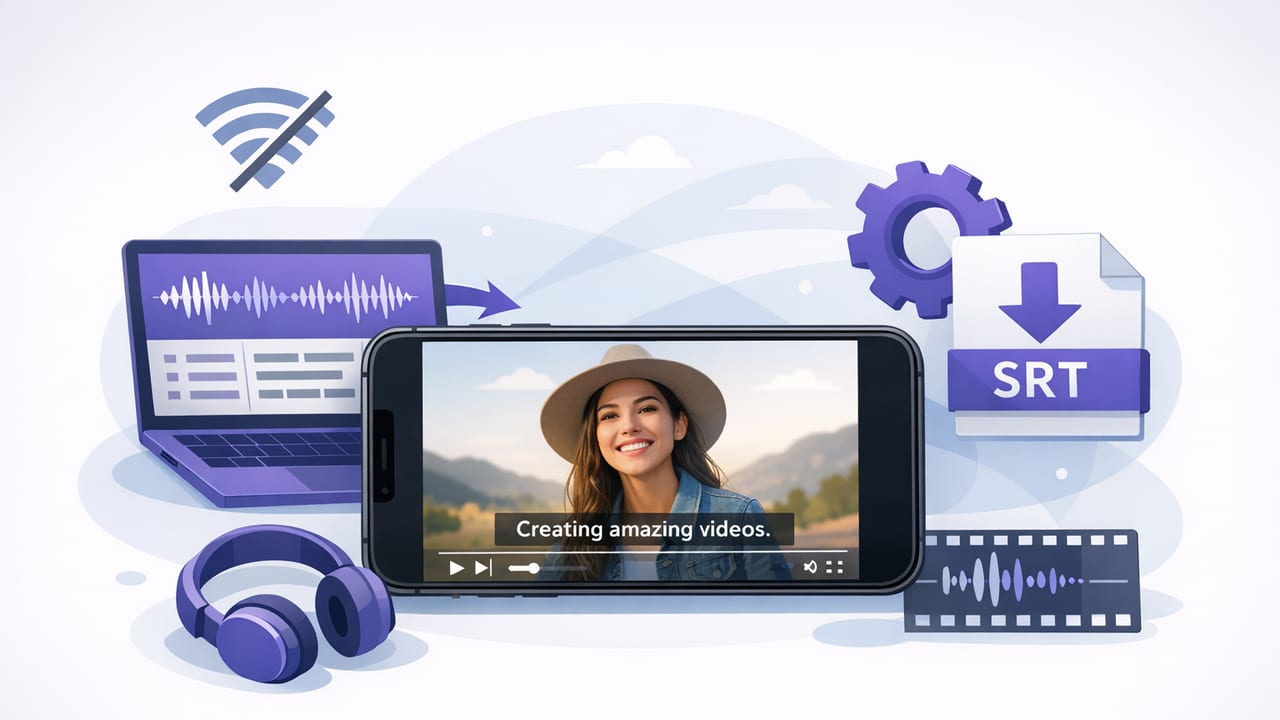
Learn a fast, private offline subtitle workflow on iPhone—accuracy tips, styling, exports, and a sample SRT you can reuse.
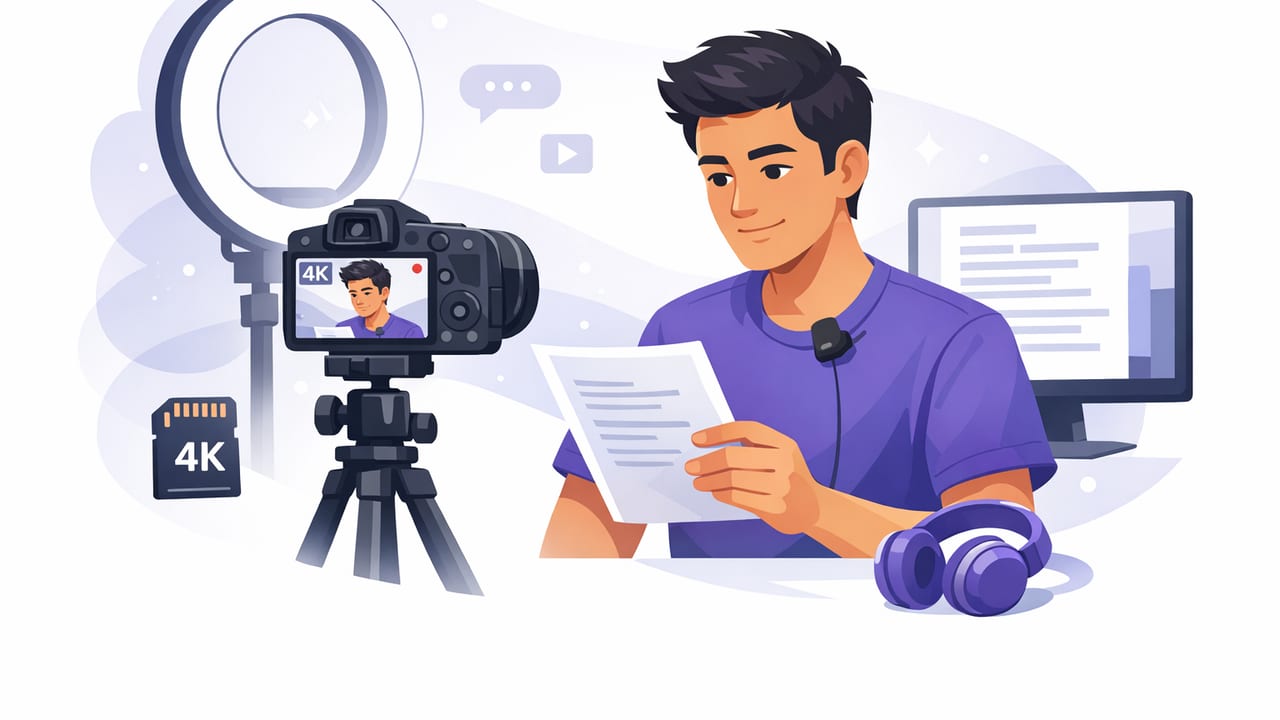
Learn how to record 4K video while reading a script on iPhone with natural eye contact, clean audio, captions, and a fast creator workflow.
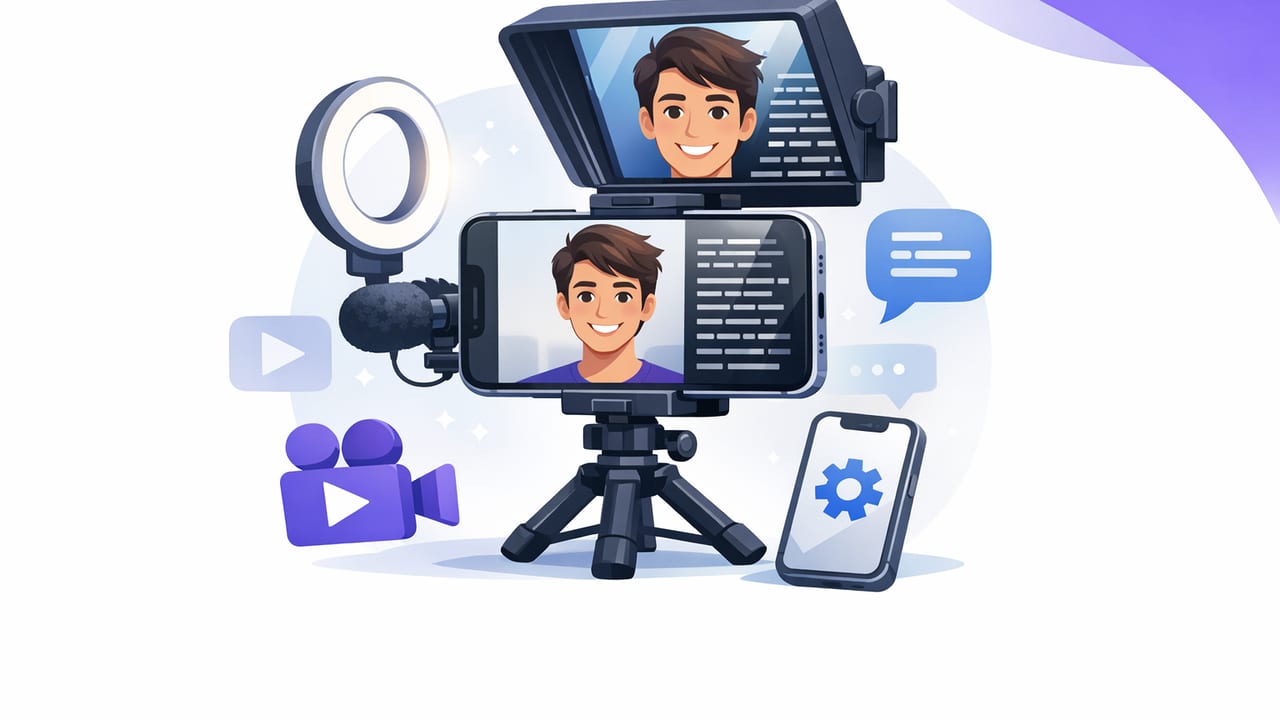
A practical workflow for scripted selfie videos with an iPhone teleprompter app: eye contact, audio, captions, 4K recording, and exports.
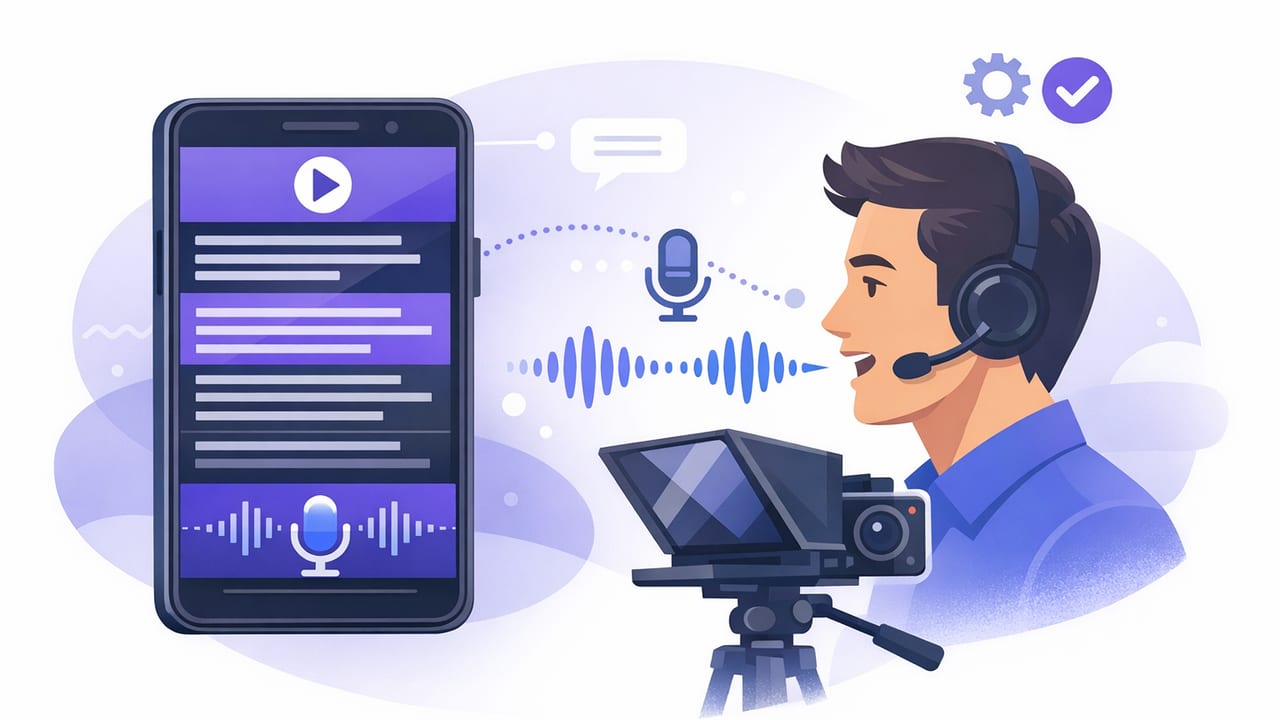
Learn a creator-ready workflow using a teleprompter app that follows your voice for natural eye contact, faster takes, and cleaner scripted videos.
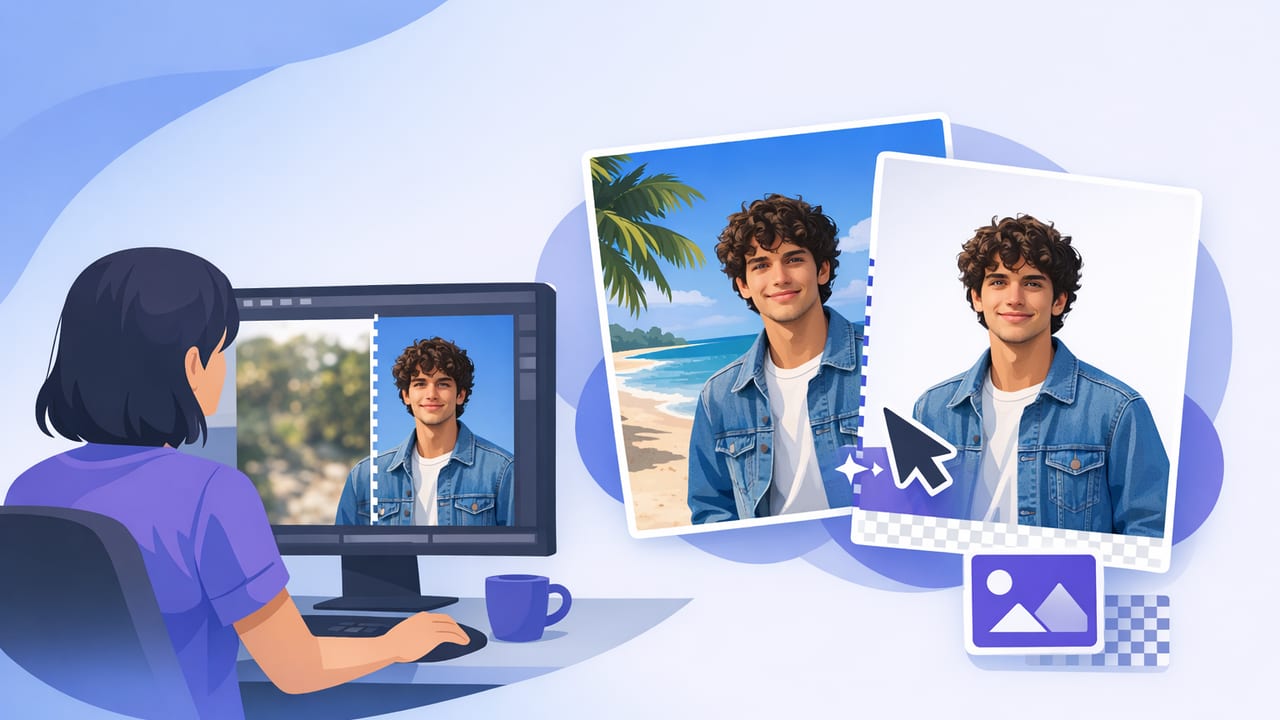
Learn background replacement on iPhone with reliable methods, lighting tips, and a fast script-to-video workflow for clean, natural results.
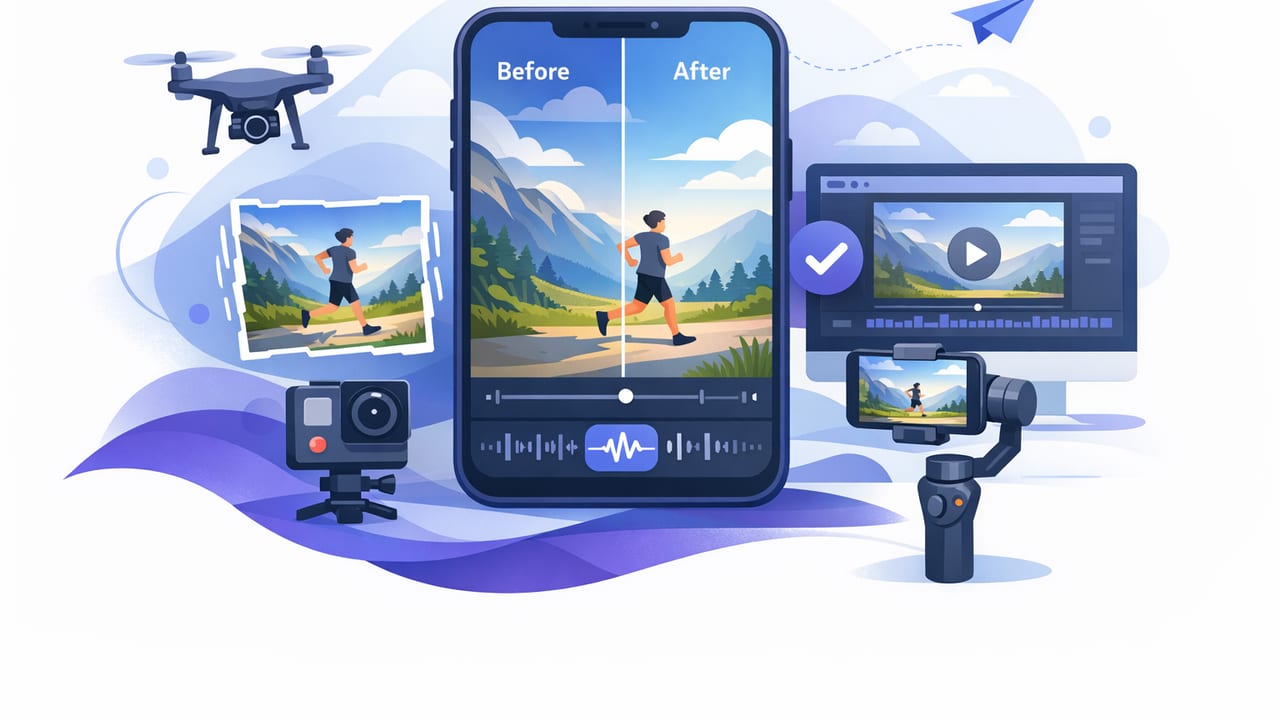
Learn how a video stabilization app and smart shooting habits reduce shake on iPhone—plus settings, gear, and editing tips for creators.
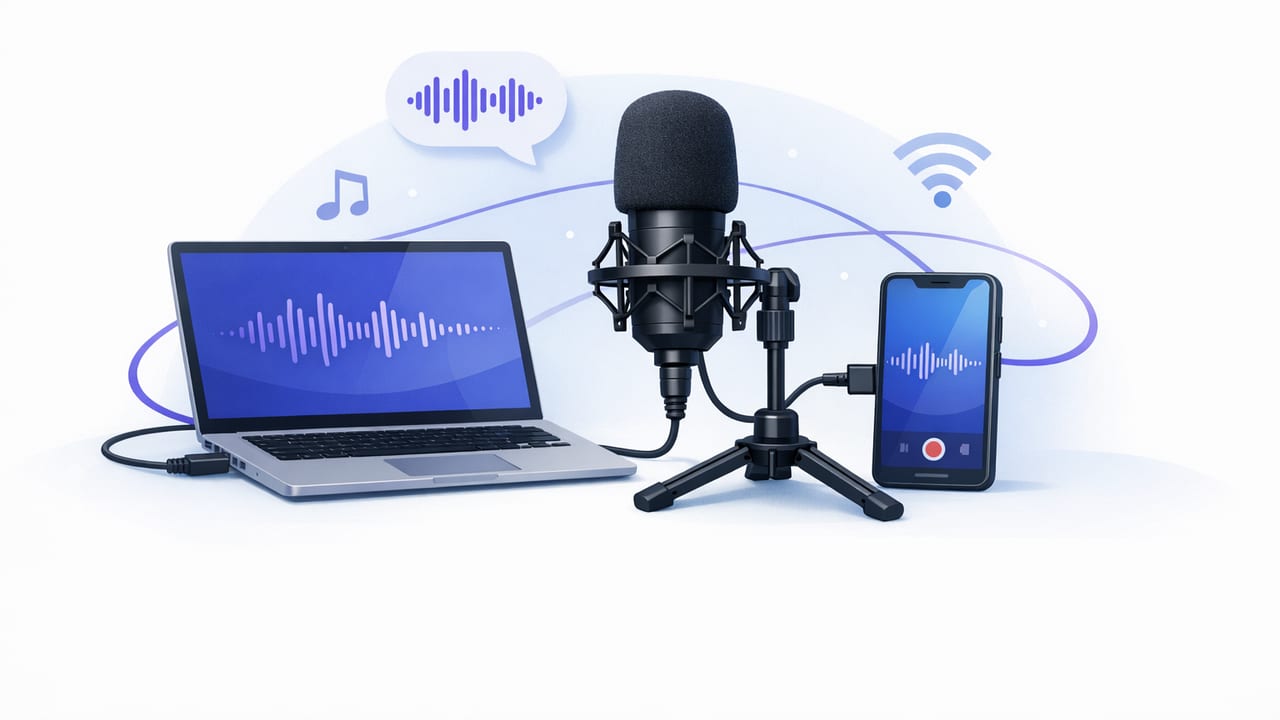
Learn external mic support on iPhone: adapters, settings, monitoring, and fixes to record clear dialogue for videos, reels, and shorts.
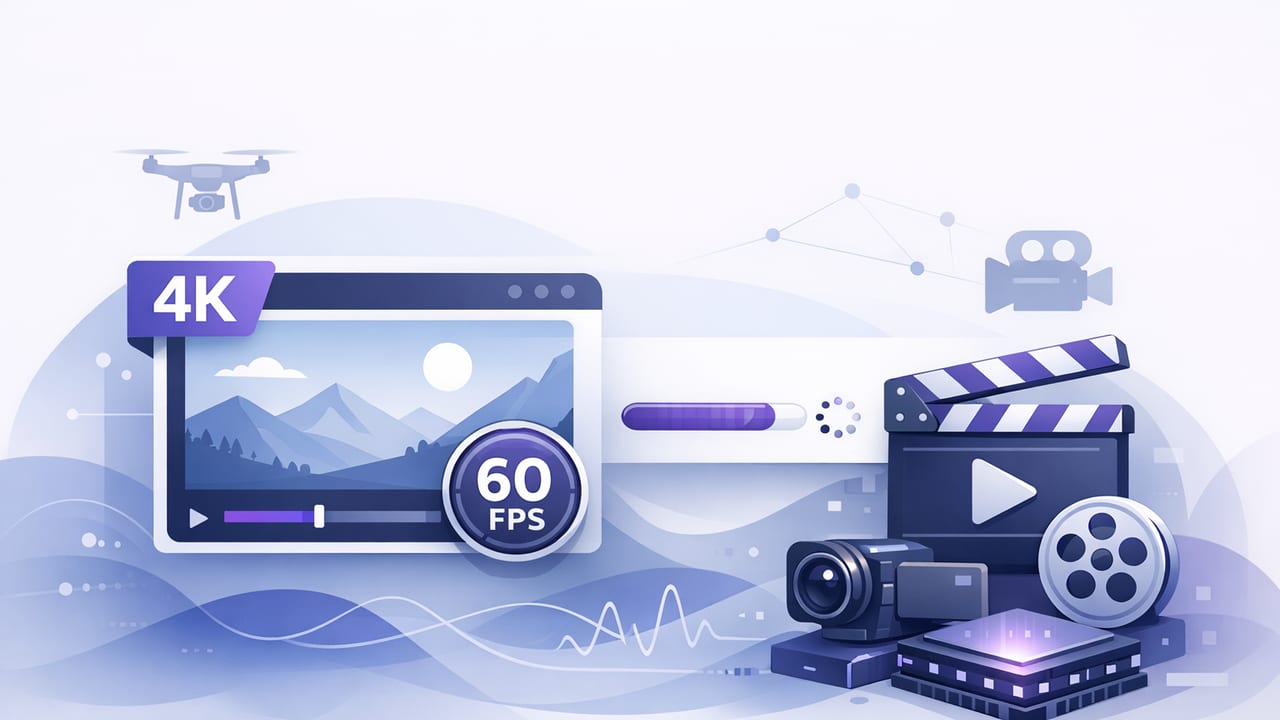
Learn the best iPhone settings and workflow for 4k 60fps video: lighting, audio, storage, stabilization, subtitles, and export tips.
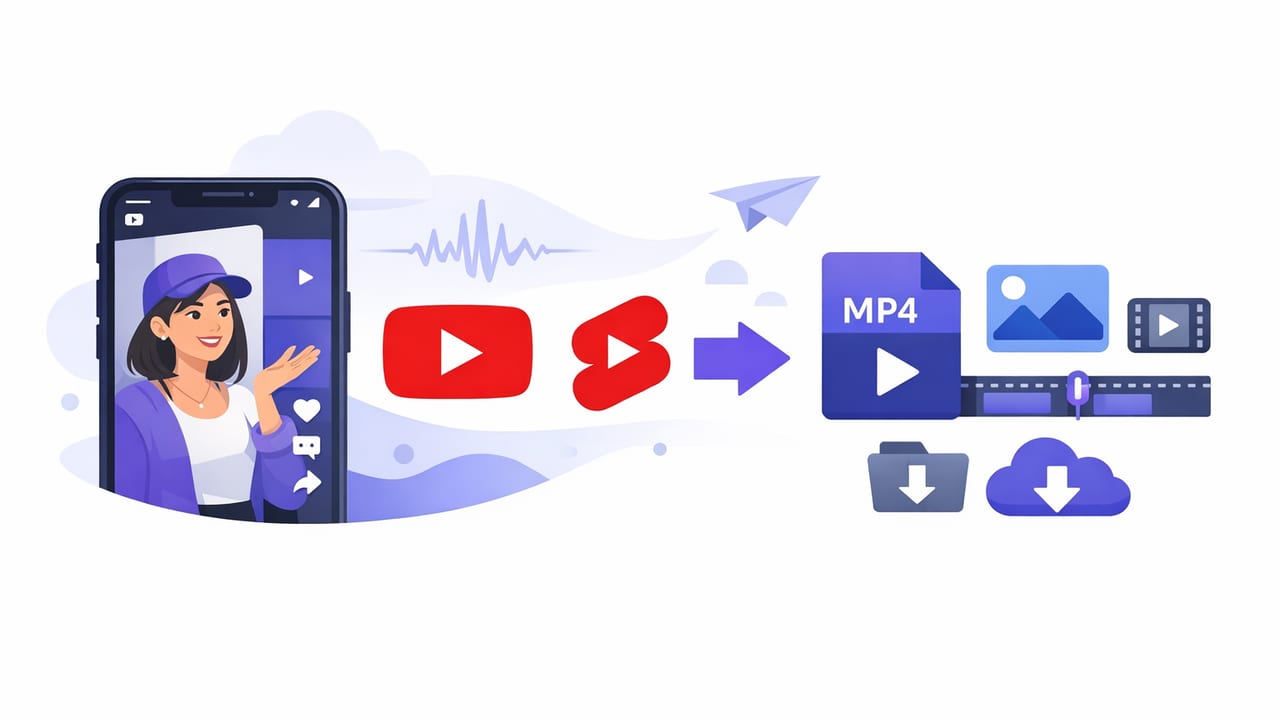
Learn the best YouTube Shorts export settings on iPhone for crisp 9:16 video, clean audio, subtitles, and fast uploads—without quality loss.
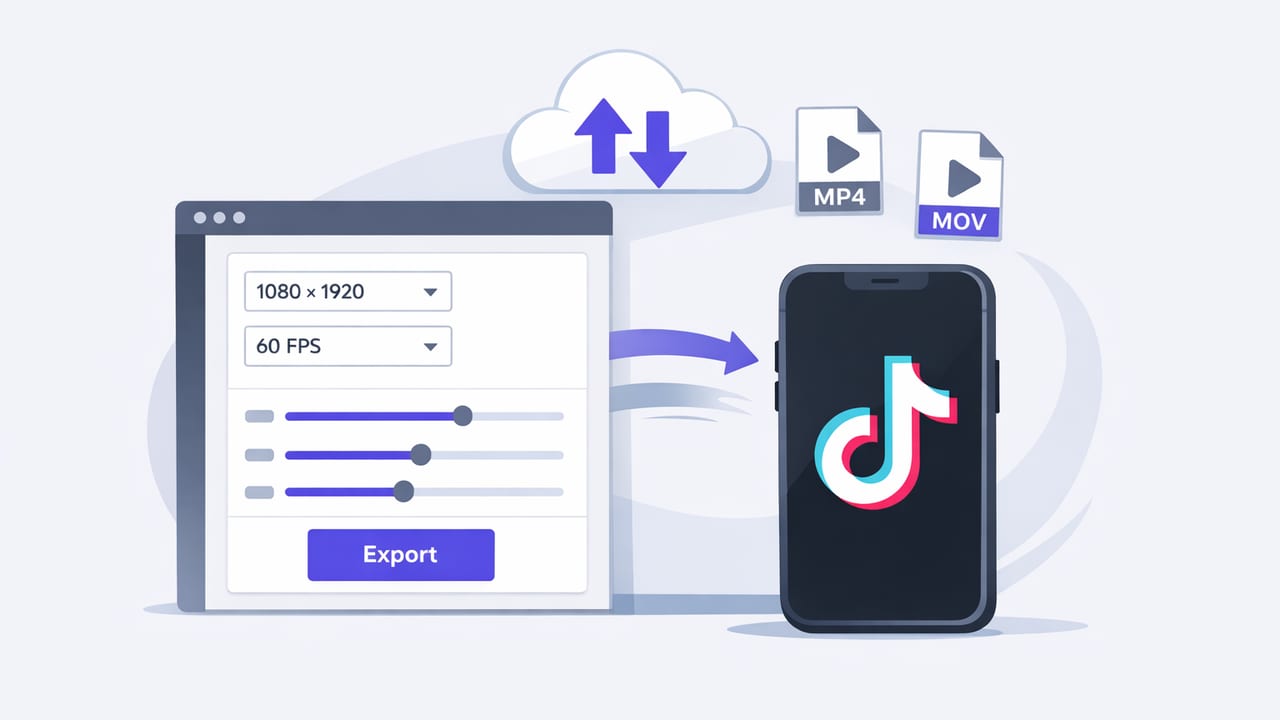
Build a reliable TikTok export preset on iPhone: resolution, bitrate, FPS, captions, audio, safe zones, and upload checks for sharp videos.
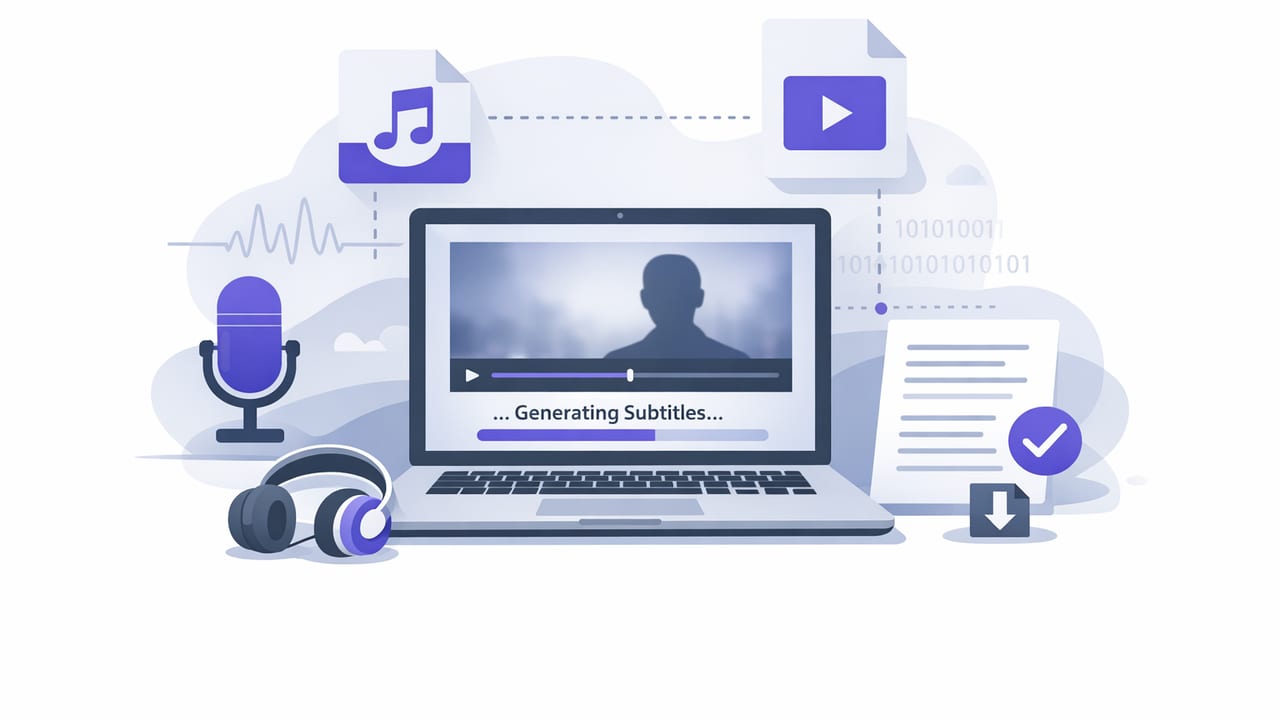
Learn how to create offline subtitles on iPhone for faster edits, better accessibility, and privacy—plus tips for styling and exports.
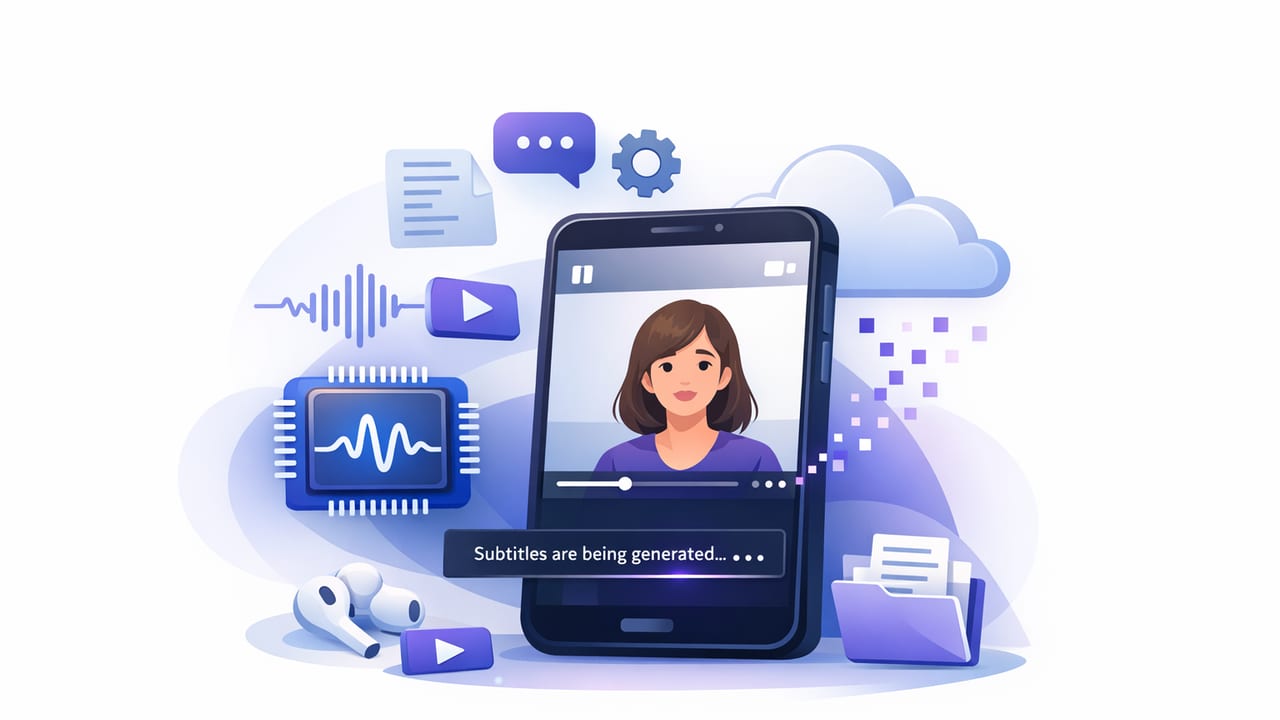
Learn a clean iPhone workflow for on device subtitles—private, accurate captions, better retention, and multilingual exports without cloud uploads.
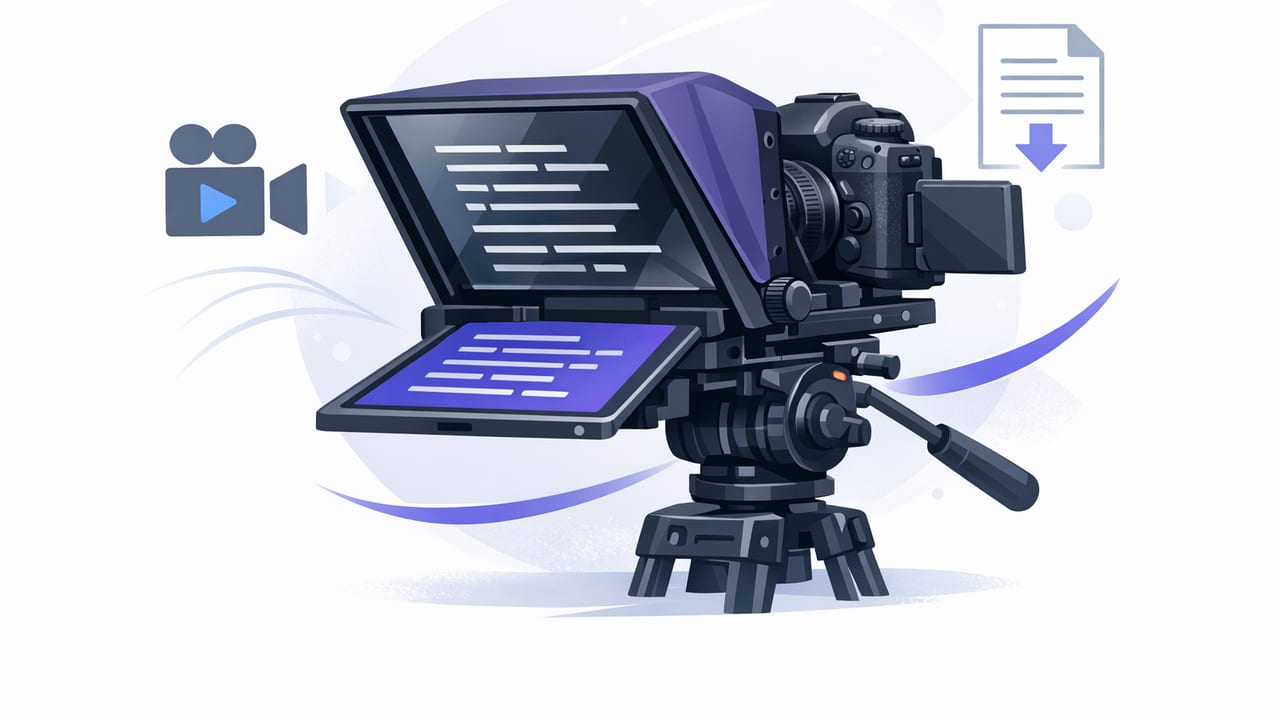
Learn how to use a camera teleprompter on iPhone for smooth delivery, eye contact, 4K video, clean audio, and faster scripted workflows.
Learn how to use a script reader app on iPhone for natural delivery, clean audio, 4K video, subtitles, and a faster creator workflow.
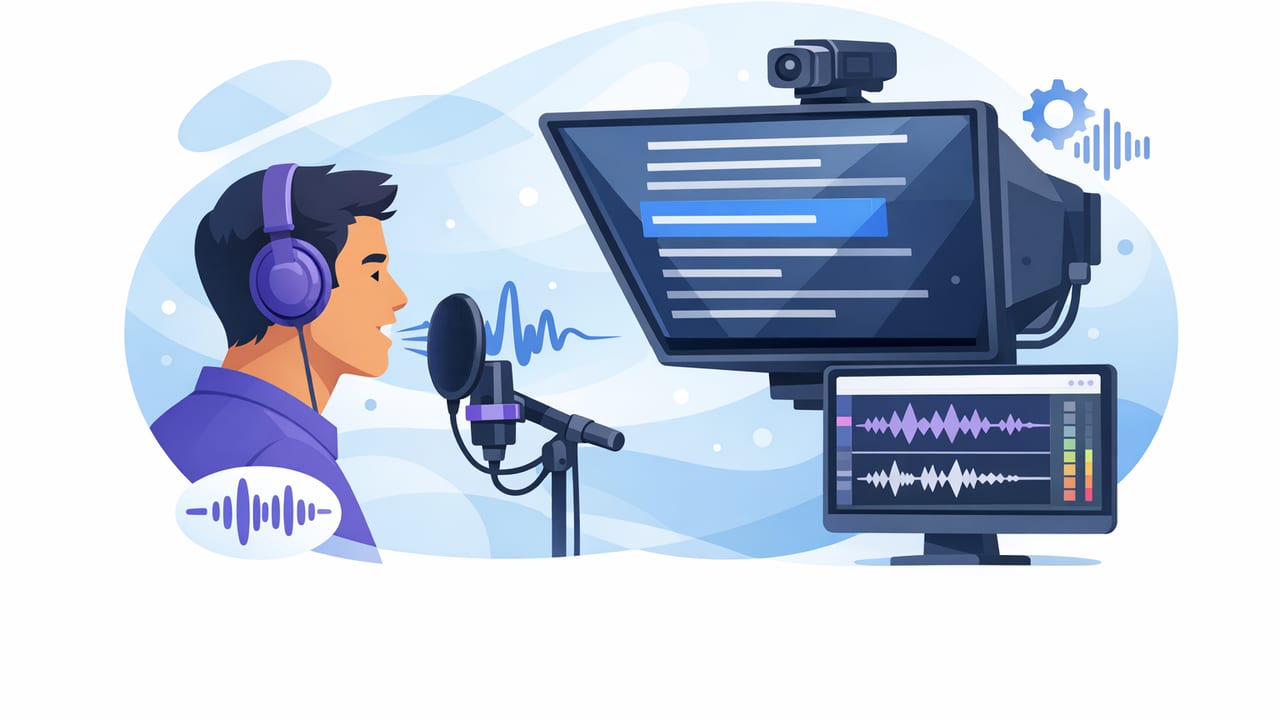
Learn how to use a voice following teleprompter for natural pacing, clean eye contact, and faster iPhone scripted videos—plus troubleshooting tips.
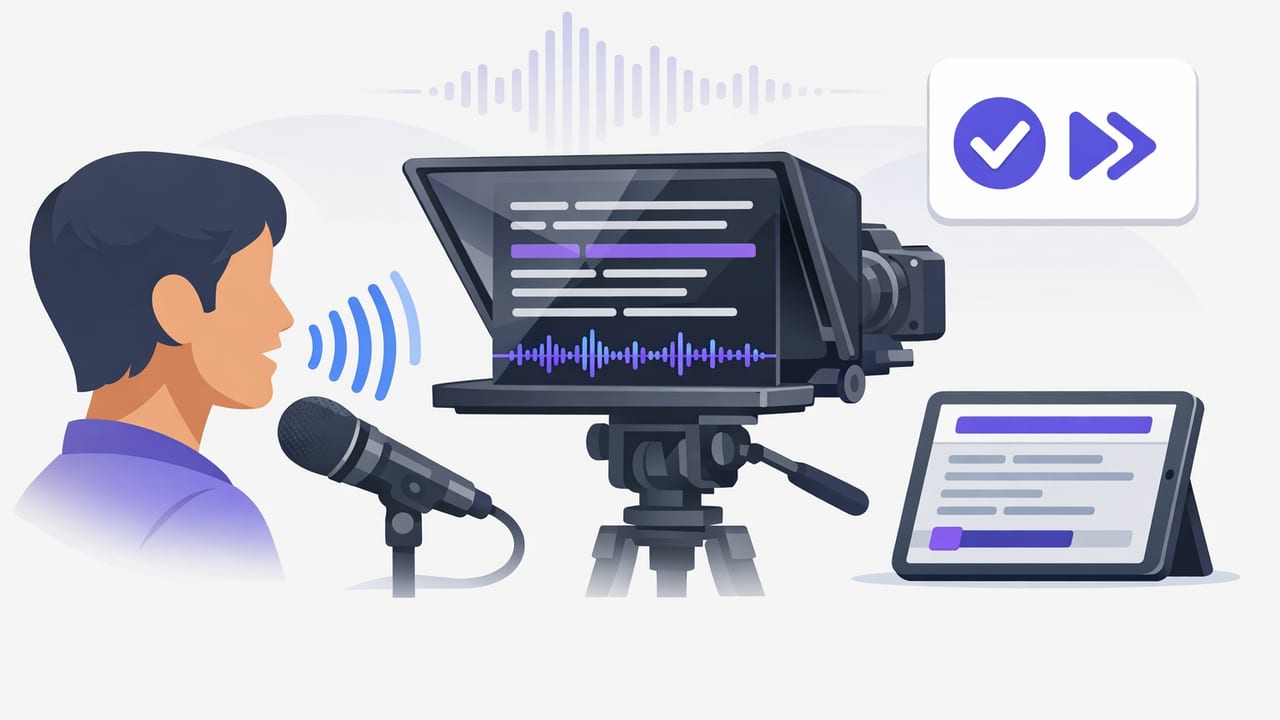
Learn a practical voice tracking teleprompter workflow on iPhone: setup, pacing, script formatting, subtitles, and a faster script-to-video process.
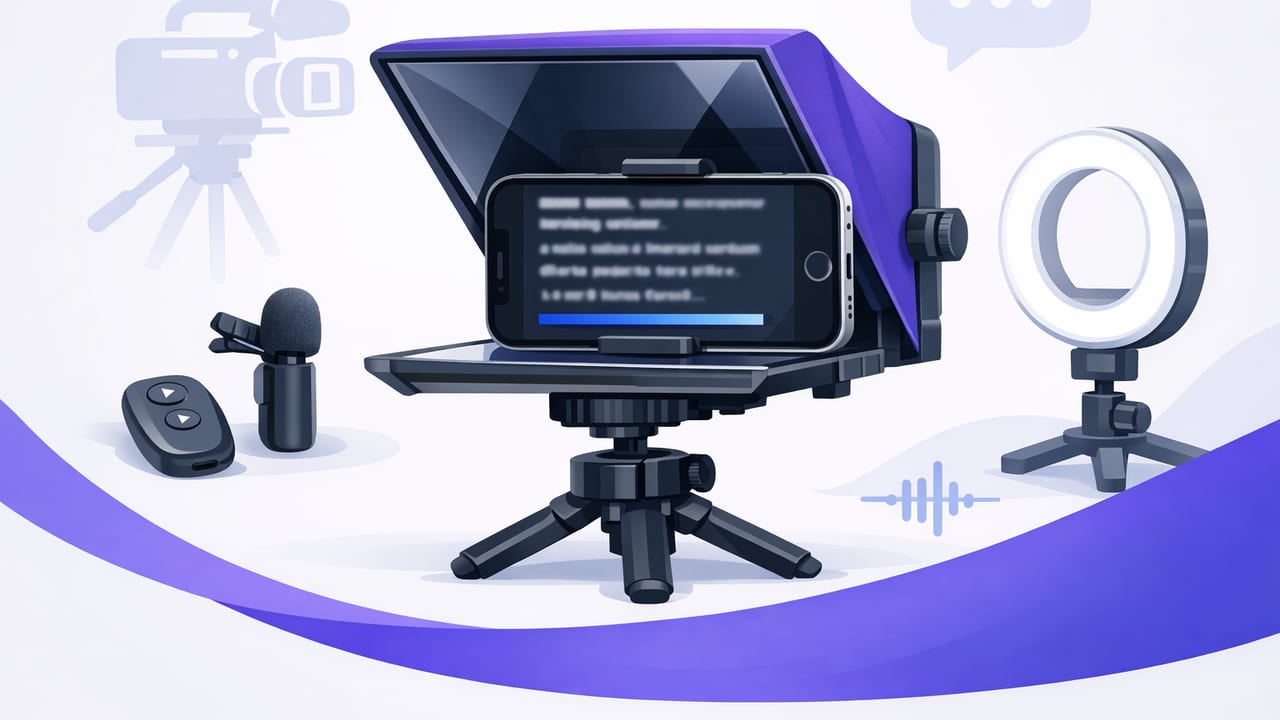
Set up a teleprompter for iPhone with natural eye contact, clean audio, and fast takes. A practical workflow for creators and pros.
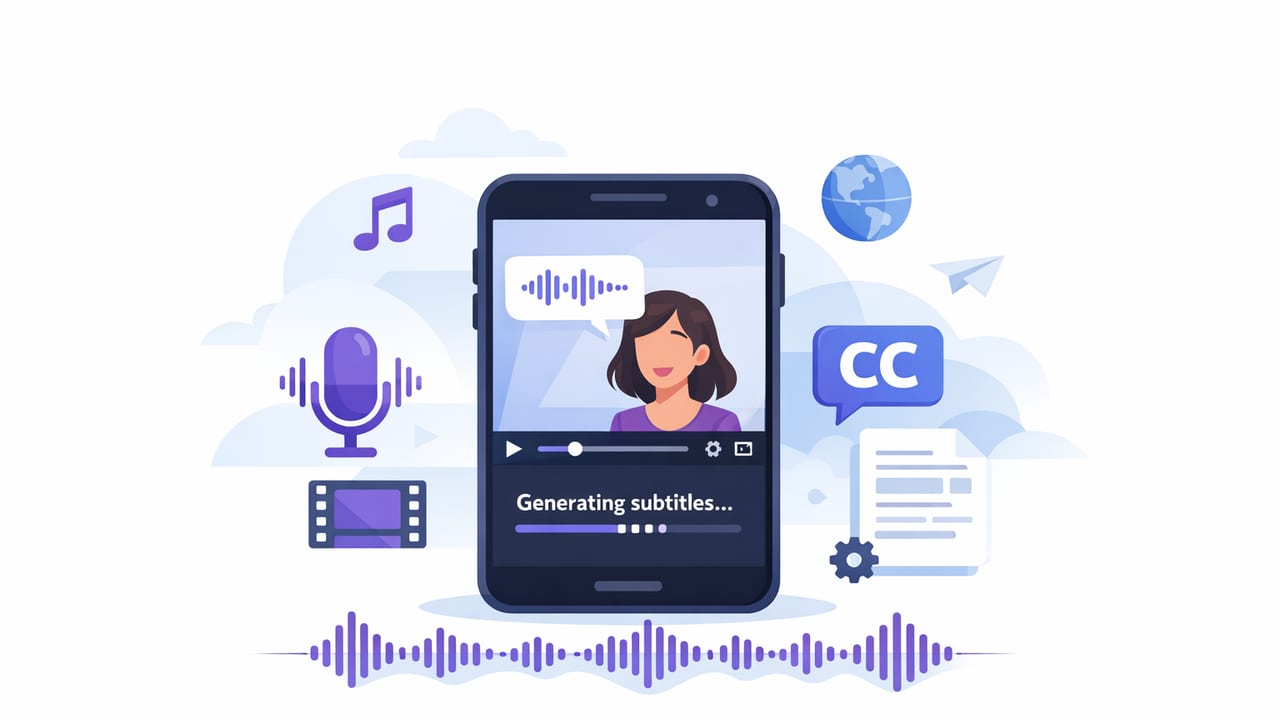
Learn a fast iPhone workflow for creating clean, readable subtitles—plus styling rules, exports, and accessibility tips for every platform.
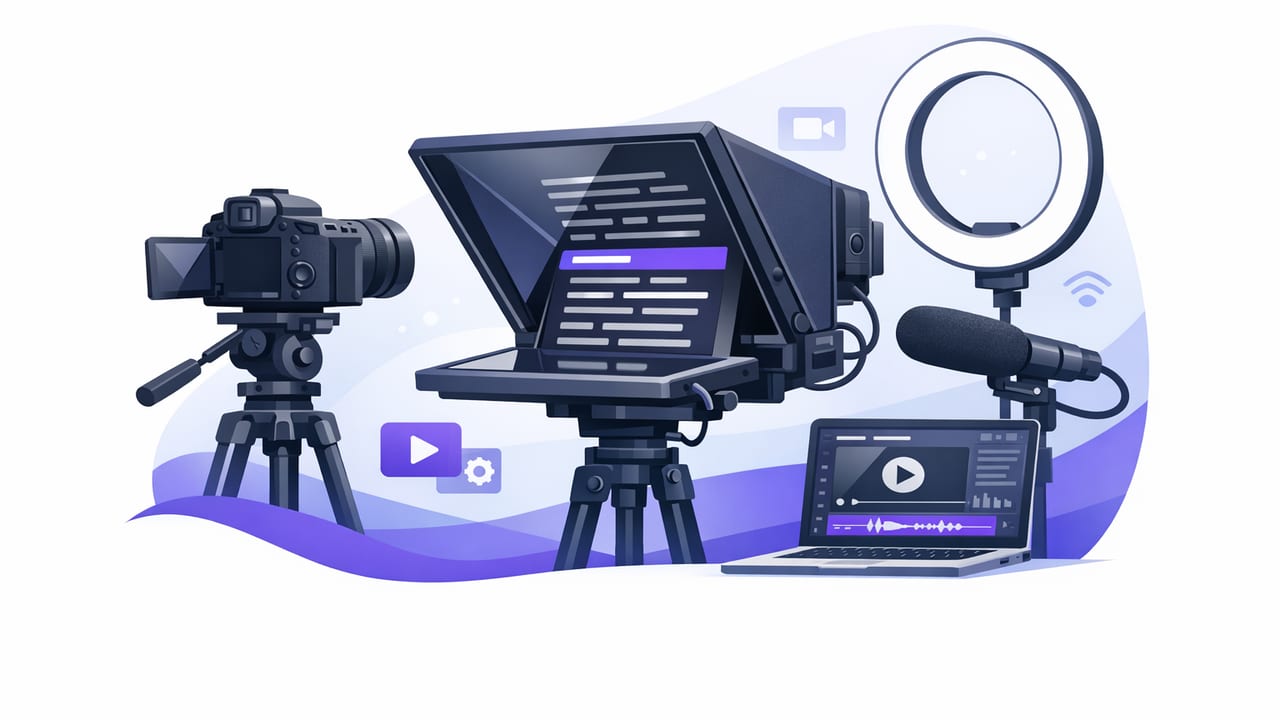
Learn a complete video teleprompter workflow for iPhone: scripting, scrolling modes, 4K setup, audio, subtitles, exports, and privacy-first tips.
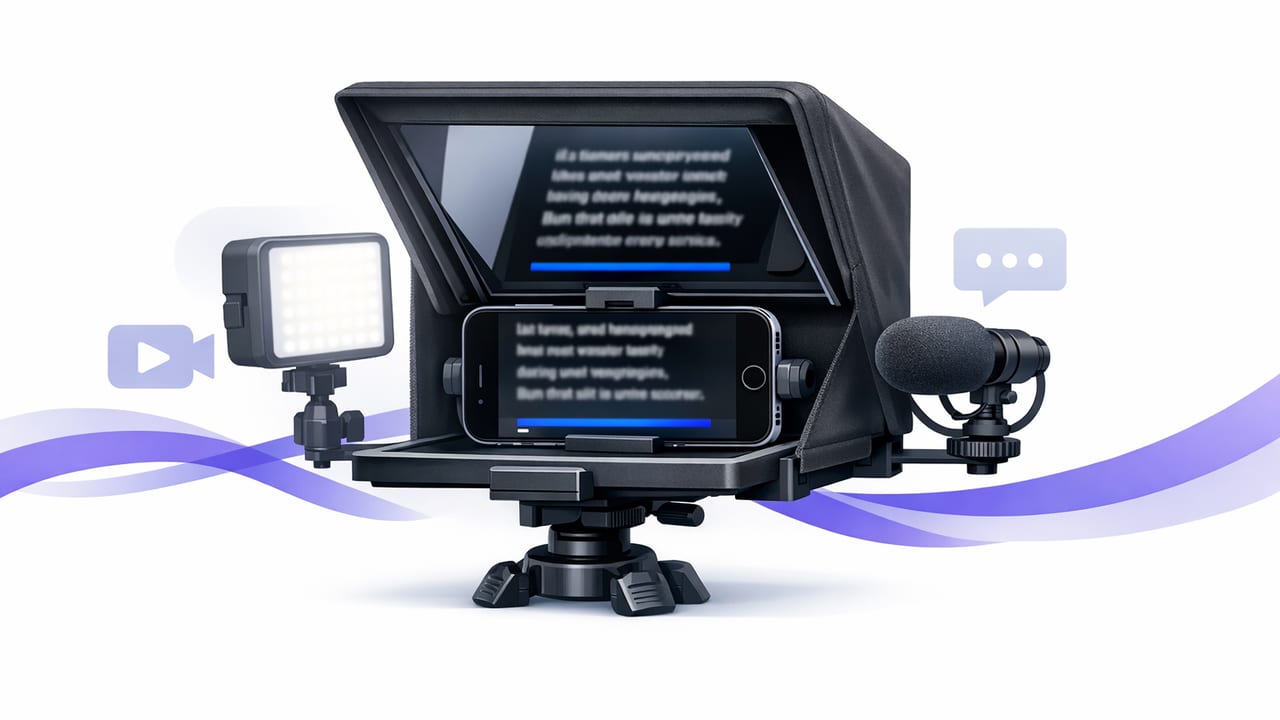
A practical iPhone teleprompter workflow: script setup, scroll speed, 4K recording, clean audio, offline subtitles, and exports for Shorts/Reels/TikTok.
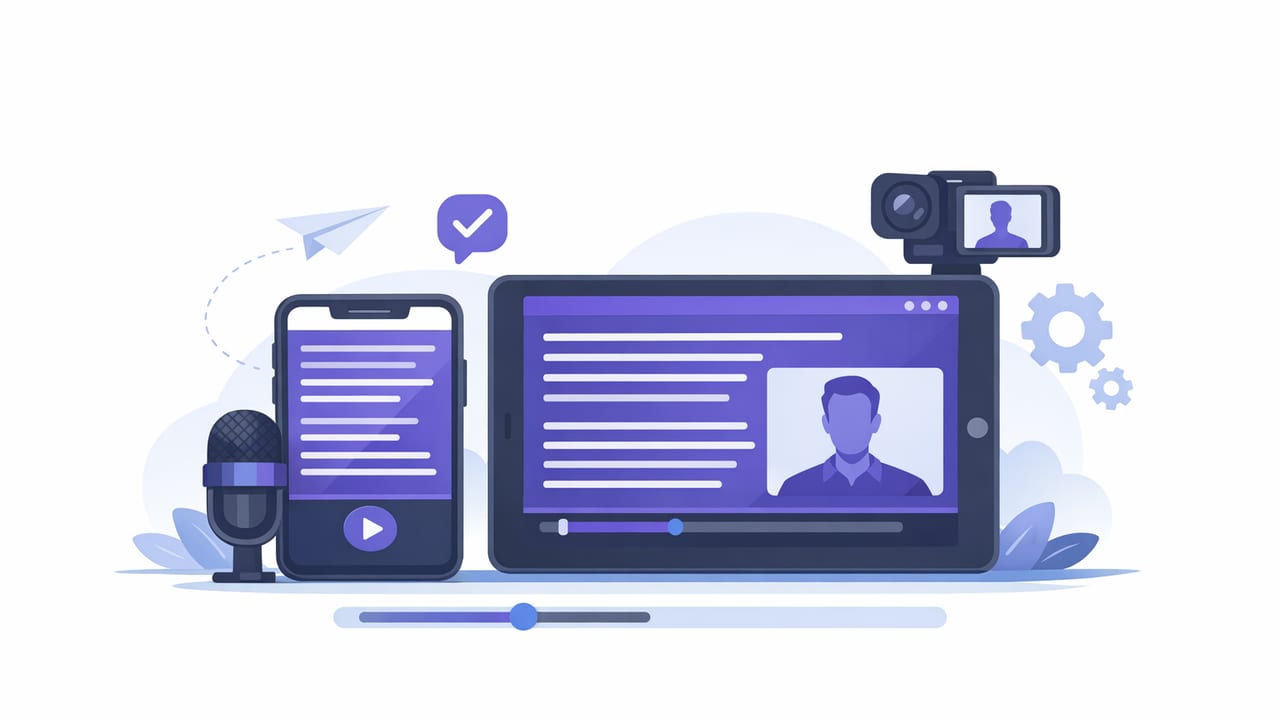
Learn how to pick the right teleprompter app for iPhone, set up scripts, record in 4K, keep eye contact, and export with subtitles.
Learn how to use an autocue on iPhone for natural delivery, 4K video, clean audio, on-device subtitles, and a fast creator workflow.
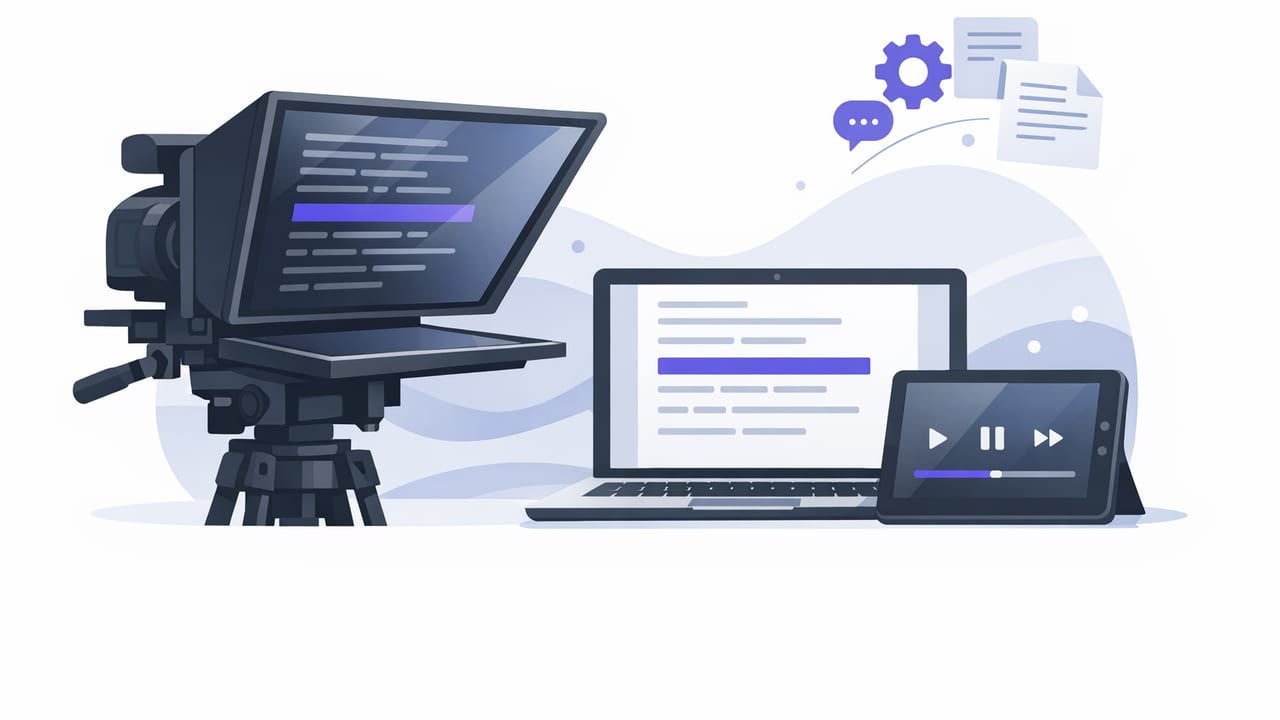
Learn teleprompter script formatting, pacing, and iPhone setup tips to sound natural, keep eye contact, and speed up your script-to-video workflow.
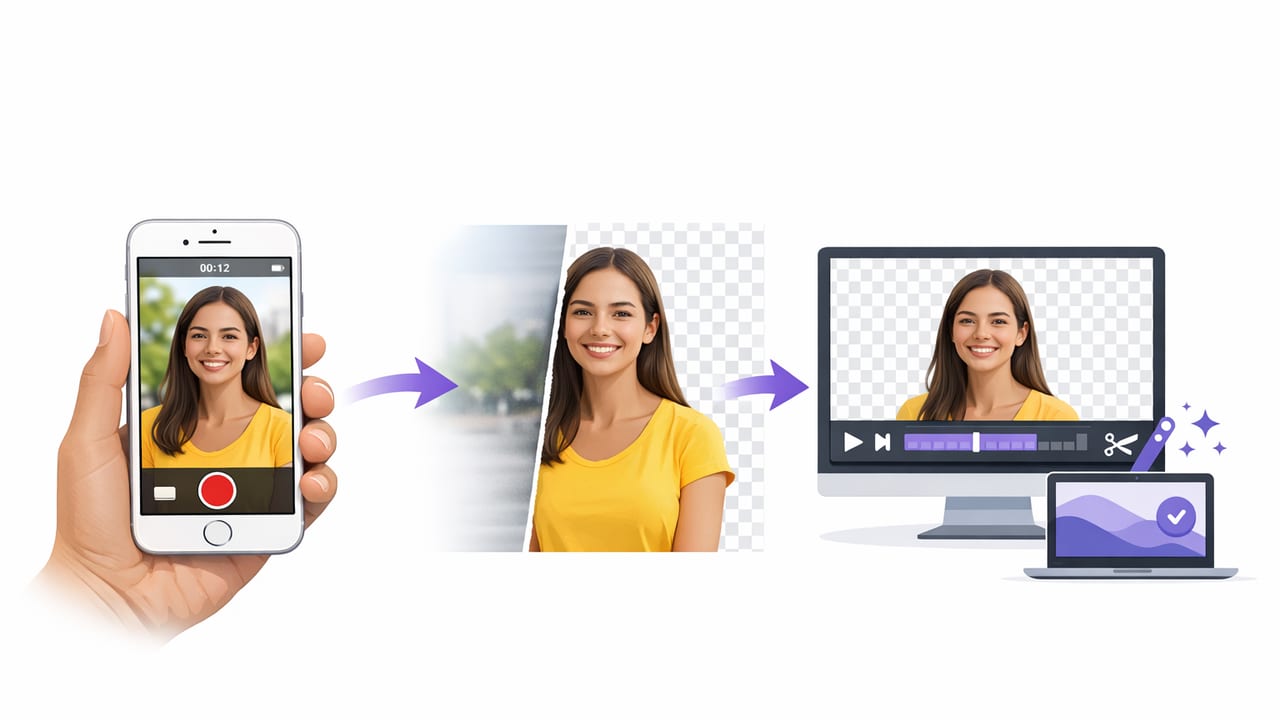
Learn how to remove background in iPhone videos with clean edges using green screen, AI cutouts, or portrait effects—plus fixes for common issues.
Build a privacy-first iPhone teleprompter workflow with offline scripts, local subtitles, and secure exports—no sign-up, no cloud, no compromises.
A practical iPhone workflow to edit vertical videos for TikTok and Reels: framing, cuts, captions, audio, color, and export settings.
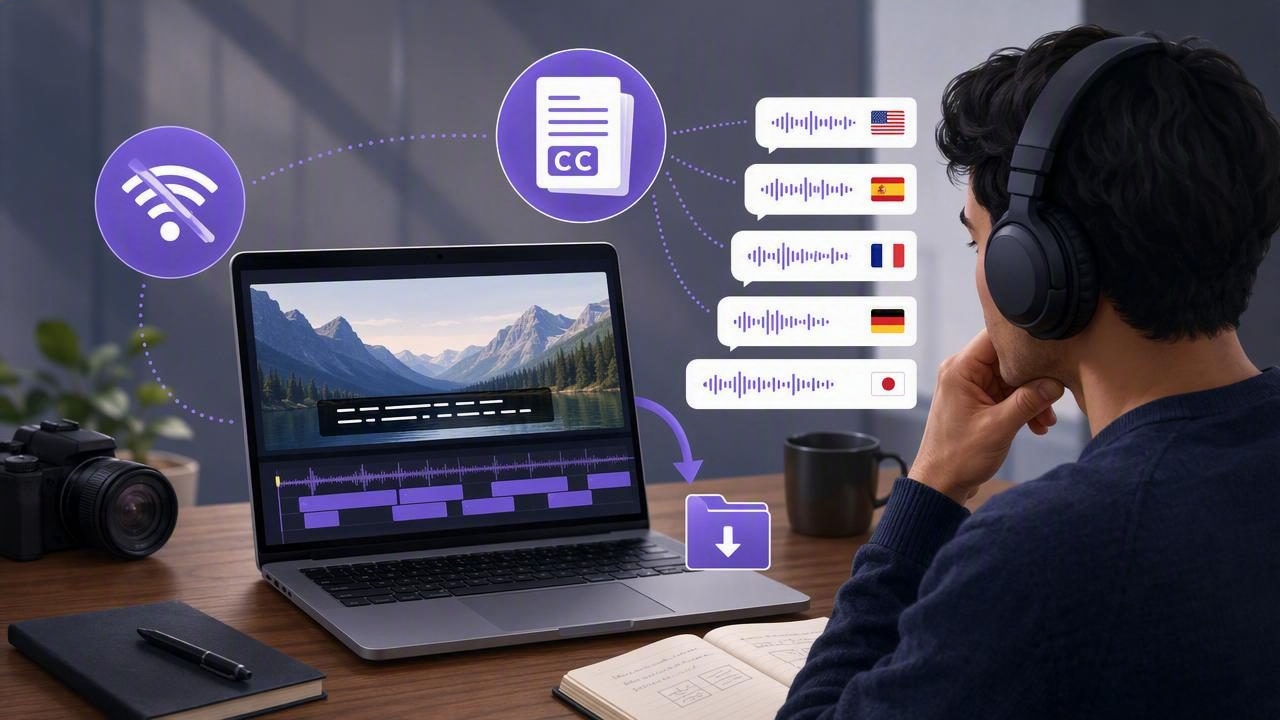
Learn how to generate subtitles in multiple languages offline—privacy-first, accurate captions, formatting tips, and export-ready workflows.
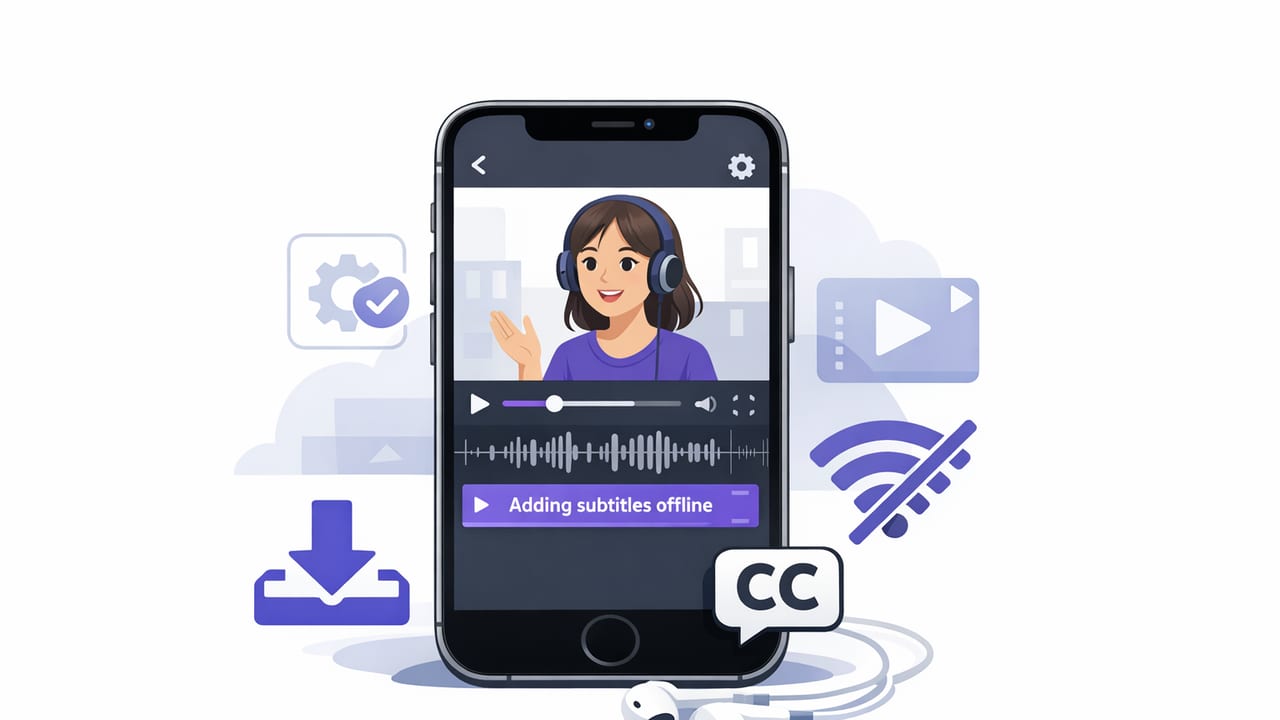
Learn how to add subtitles offline on iPhone: prep audio, generate accurate captions, style them, and export for TikTok, Reels, and YouTube—privately.
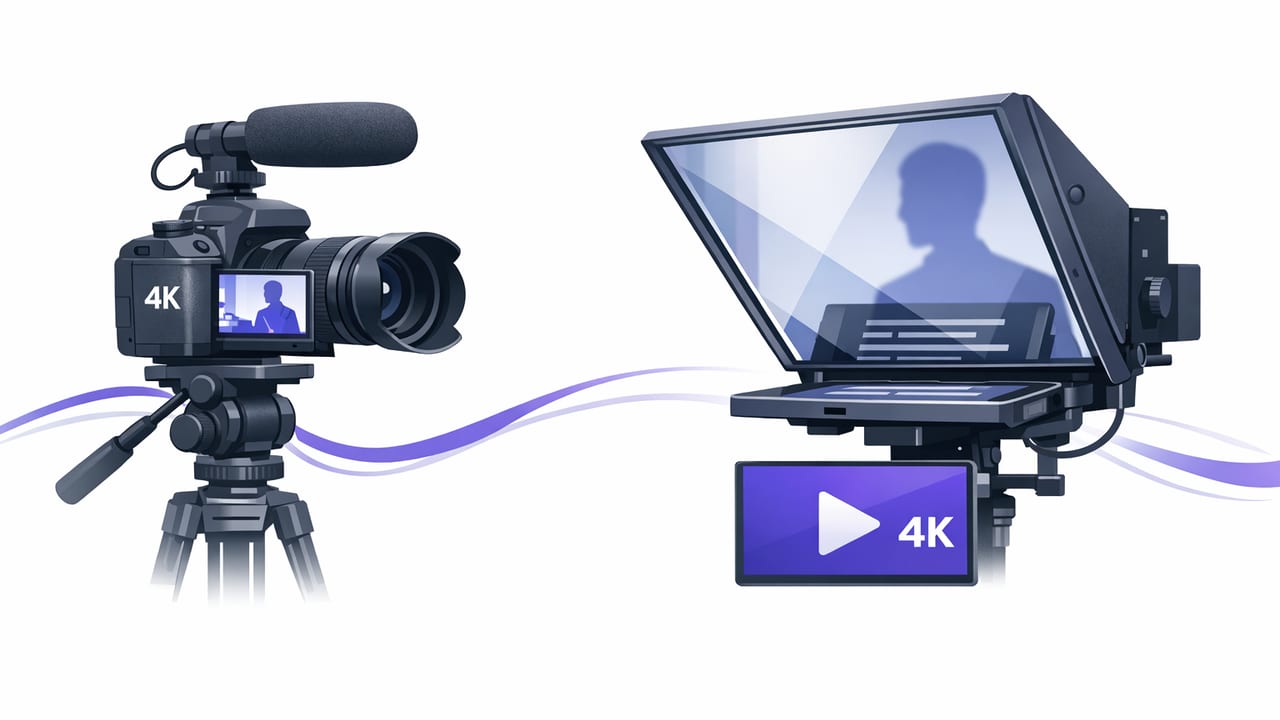
Learn how to record 4K video with a teleprompter on iPhone—settings, audio, lighting, subtitles, and a fast creator workflow.
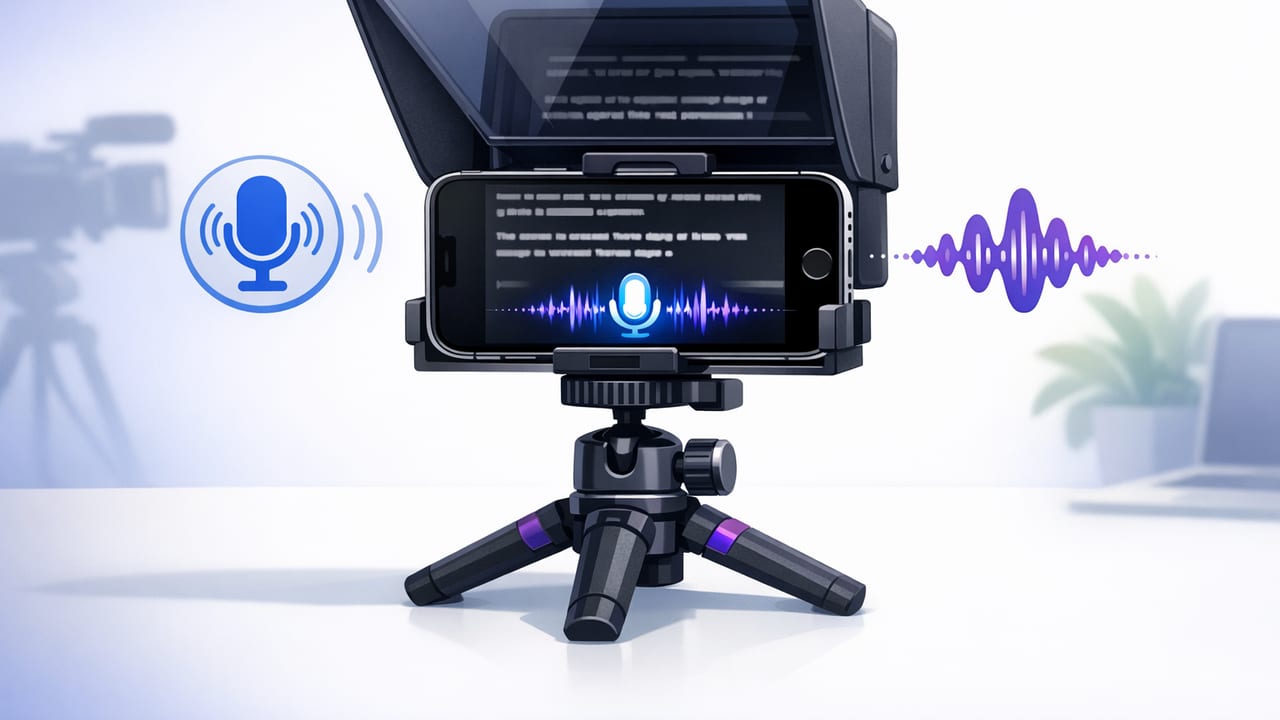
Learn how to use a teleprompter with voice tracking on iPhone for natural delivery, clean takes, and faster script-to-video workflow.
Learn how to read a script while looking at camera on iPhone with simple setup, script formatting, scrolling tips, and delivery tricks.
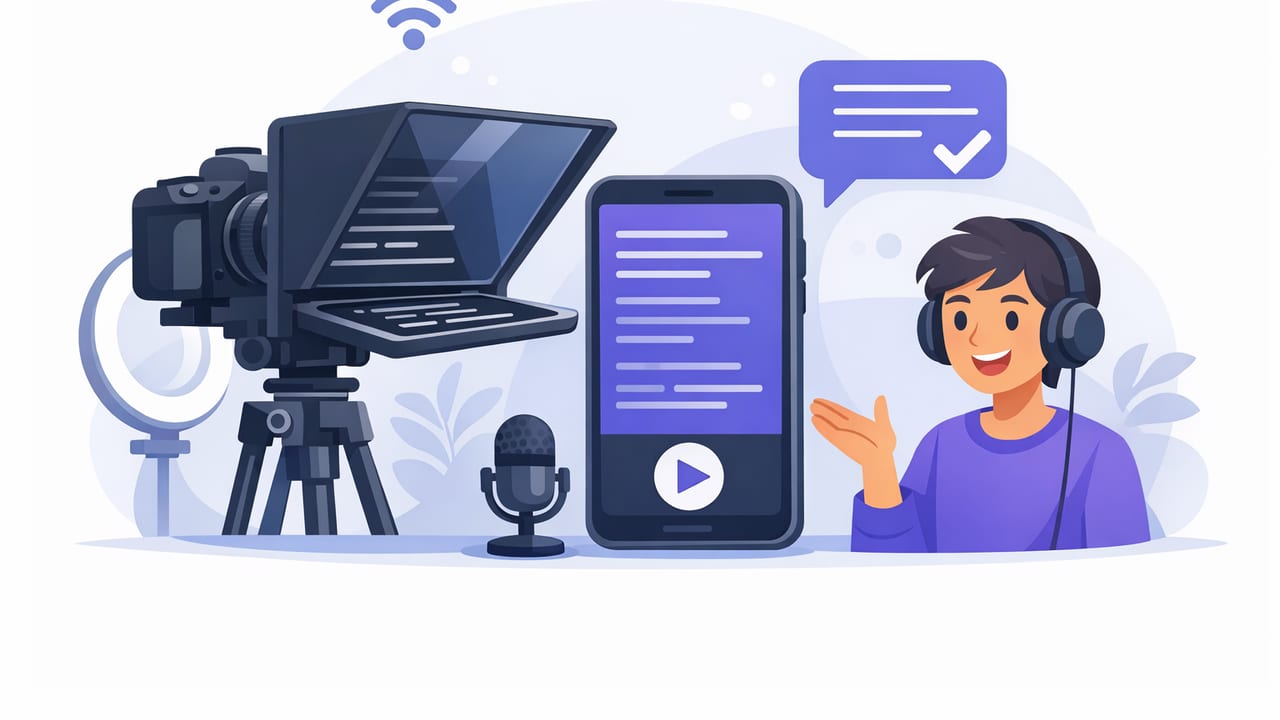
Learn a teleprompter app for content creators workflow: write natural scripts, format for iPhone, nail eye contact, record clean 4K, and caption fast.
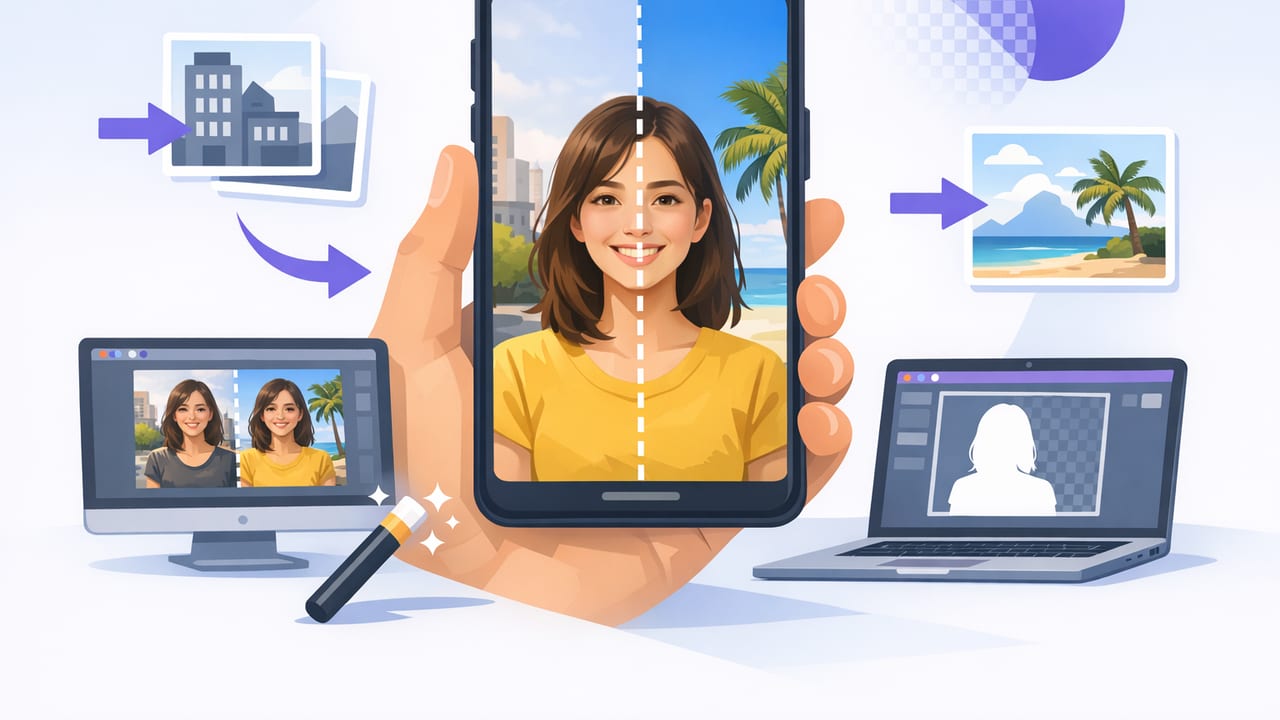
Learn how to use a background replacement app on iPhone for crisp edges, better lighting, 4K recording, subtitles, and a faster creator workflow.
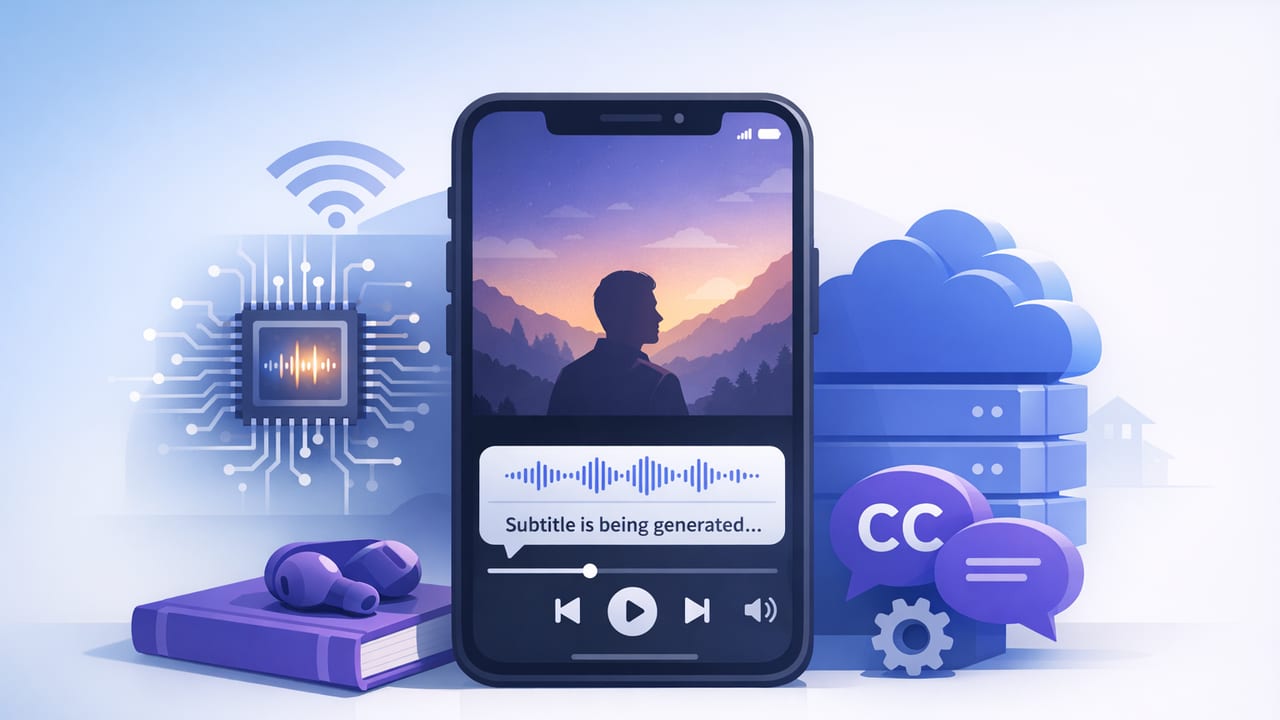
Learn how on-device subtitles on iPhone improve accuracy, privacy, and speed—plus a practical workflow for clean captions on every platform.
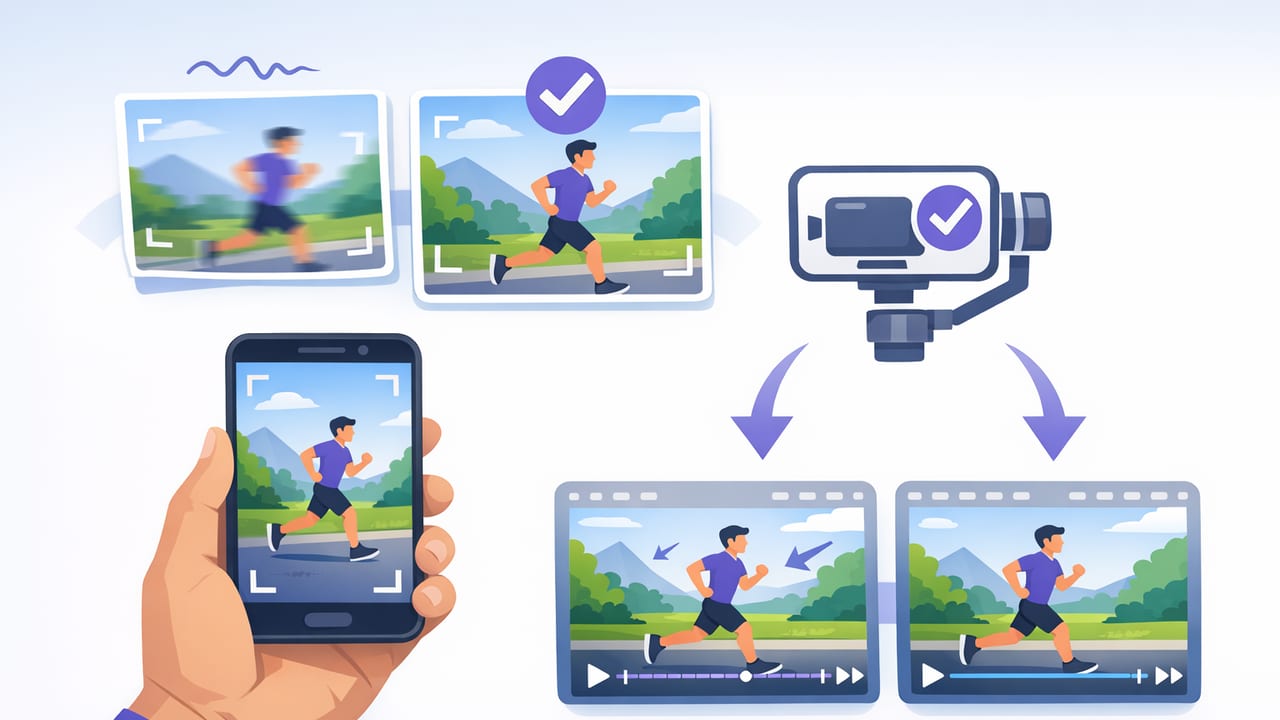
Learn stabilized video recording on iPhone: settings, gear, movement tips, and a repeatable workflow for smooth scripted content.
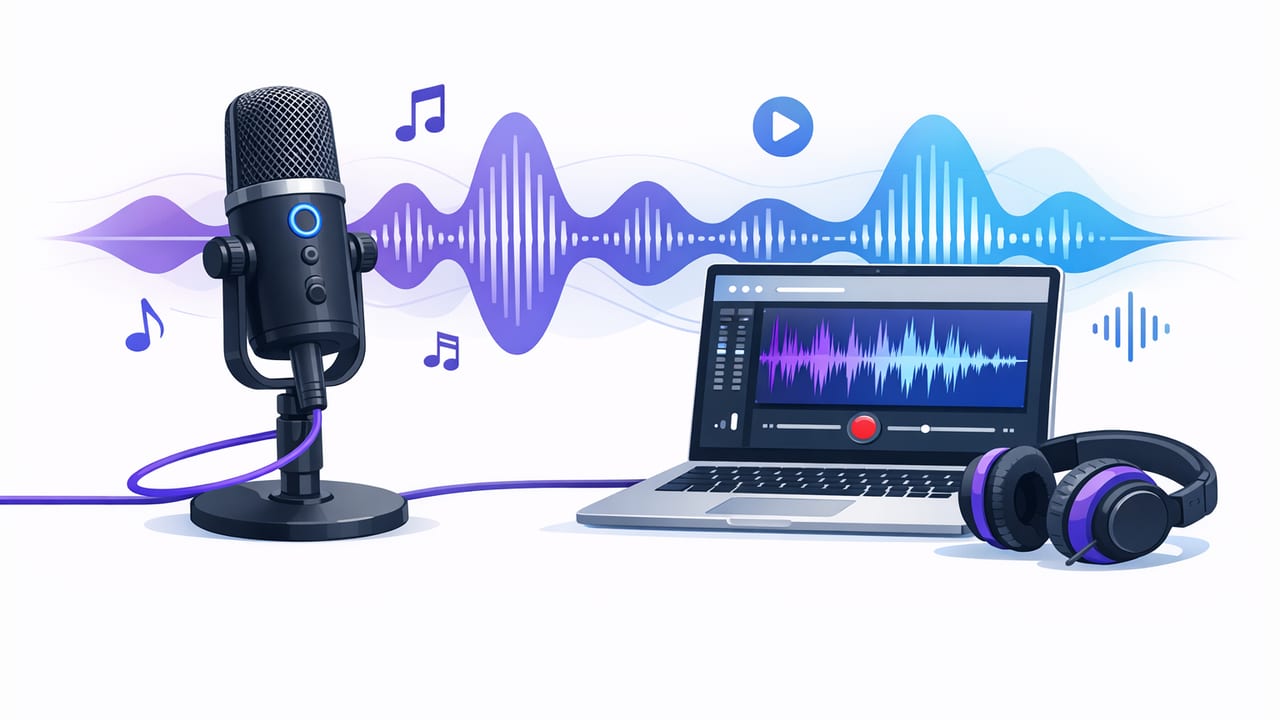
A practical guide to external mic recording on iPhone: mics, adapters, settings, monitoring, and troubleshooting for crisp scripted videos.
Master 4k video recording on iPhone: frame rate, exposure, audio, lighting, teleprompter tips, subtitles, and a clean creator workflow.
Export YouTube Shorts from iPhone with the right size, FPS, bitrate, audio, and captions—plus a checklist to avoid blurry uploads.
Learn the best Instagram Reels exporter settings for iPhone: 9:16, 1080p/4K, bitrate, audio, subtitles, and a fast creator workflow.
Export TikTok-ready iPhone videos with the right resolution, FPS, bitrate, captions, and audio—plus a repeatable creator workflow.
Build a repeatable iPhone creator workflow: teleprompter-style scripting, 4K recording, on-device subtitles, clean edits, and exports for every platform.
A practical iPhone script-to-video workflow: teleprompter setup, 4K recording, clean audio, on-device subtitles, and fast exports for social.
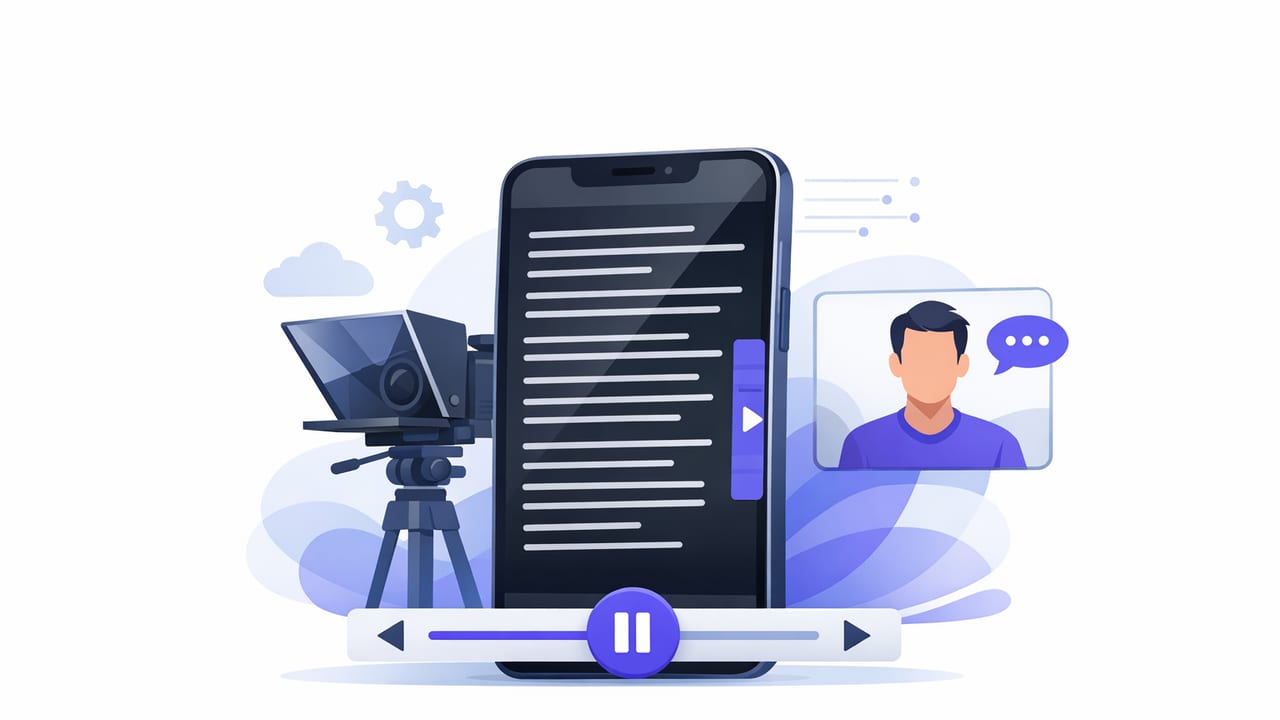
Learn to set speed, format scripts, keep eye contact, and record clean 4K iPhone videos using a scrolling teleprompter app.
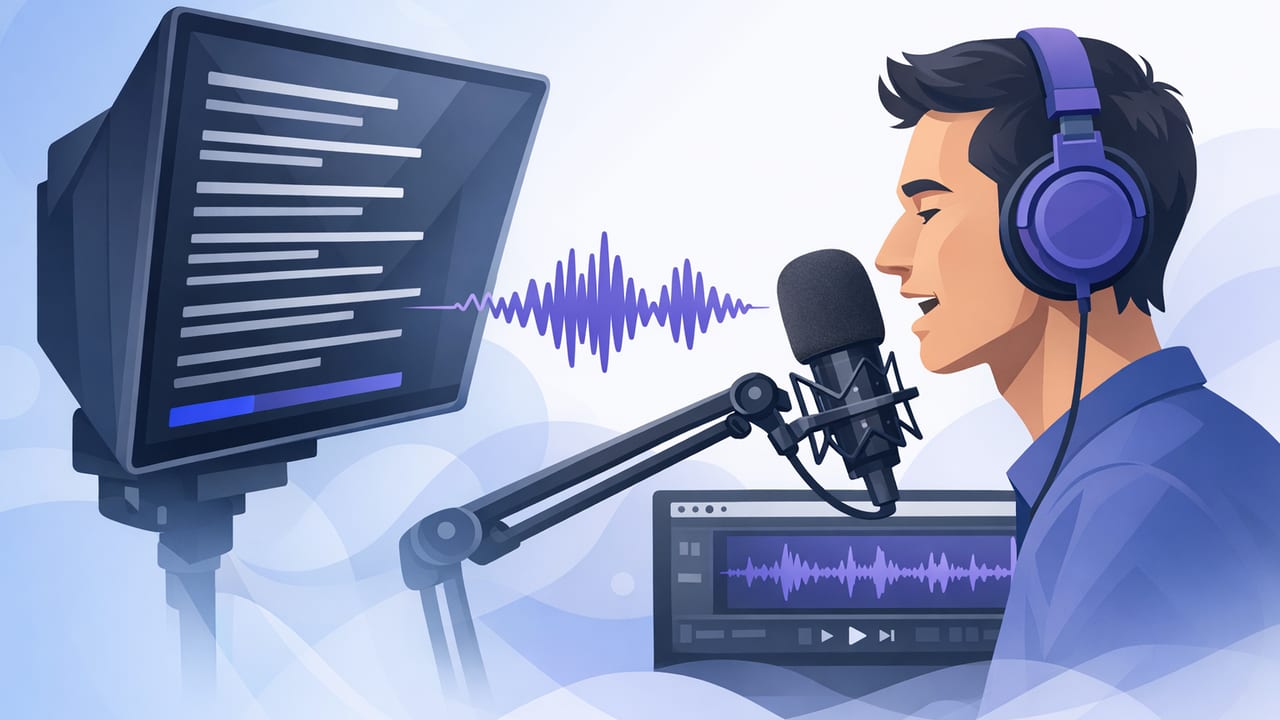
Learn how a voice following teleprompter works, when to use it, and how to record natural, script-led iPhone videos with eye contact.
Learn what to look for in a script reading app on iPhone: teleprompter modes, 4K recording, subtitles, privacy, and a fast creator workflow.
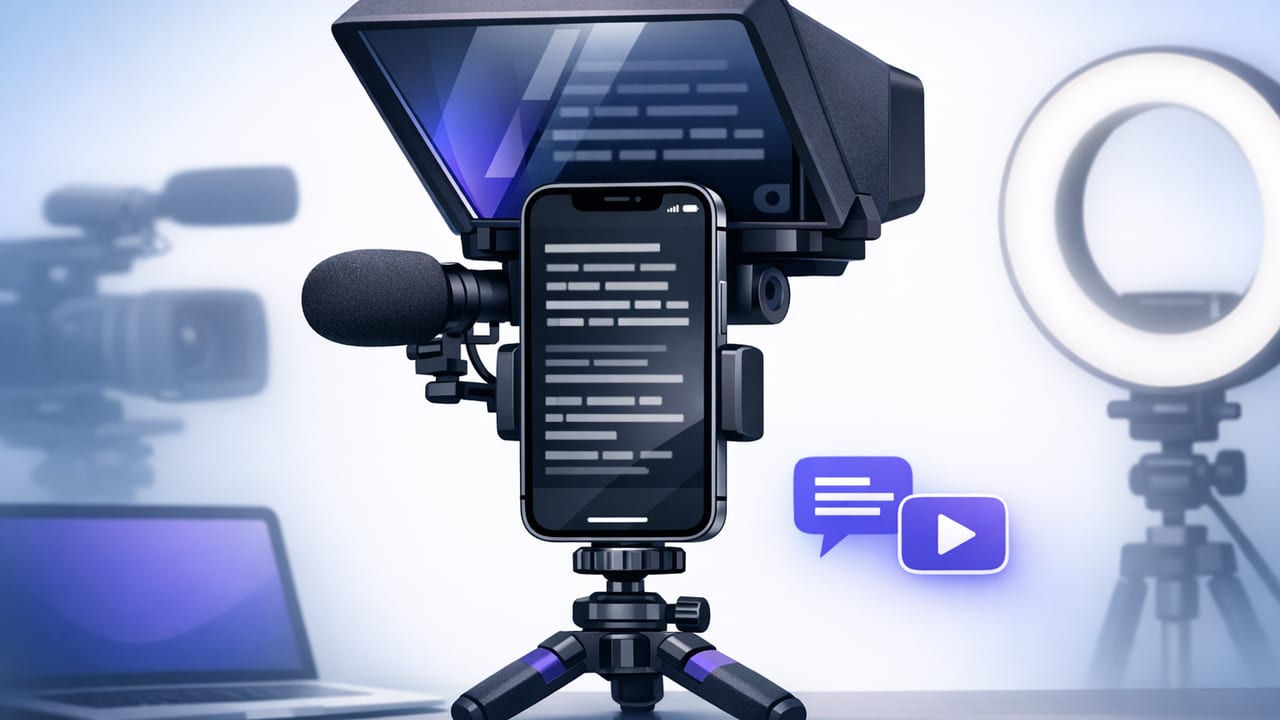
Learn how to use a teleprompter for iPhone to keep eye contact, record crisp 4K, add on-device subtitles, and speed up your creator workflow.
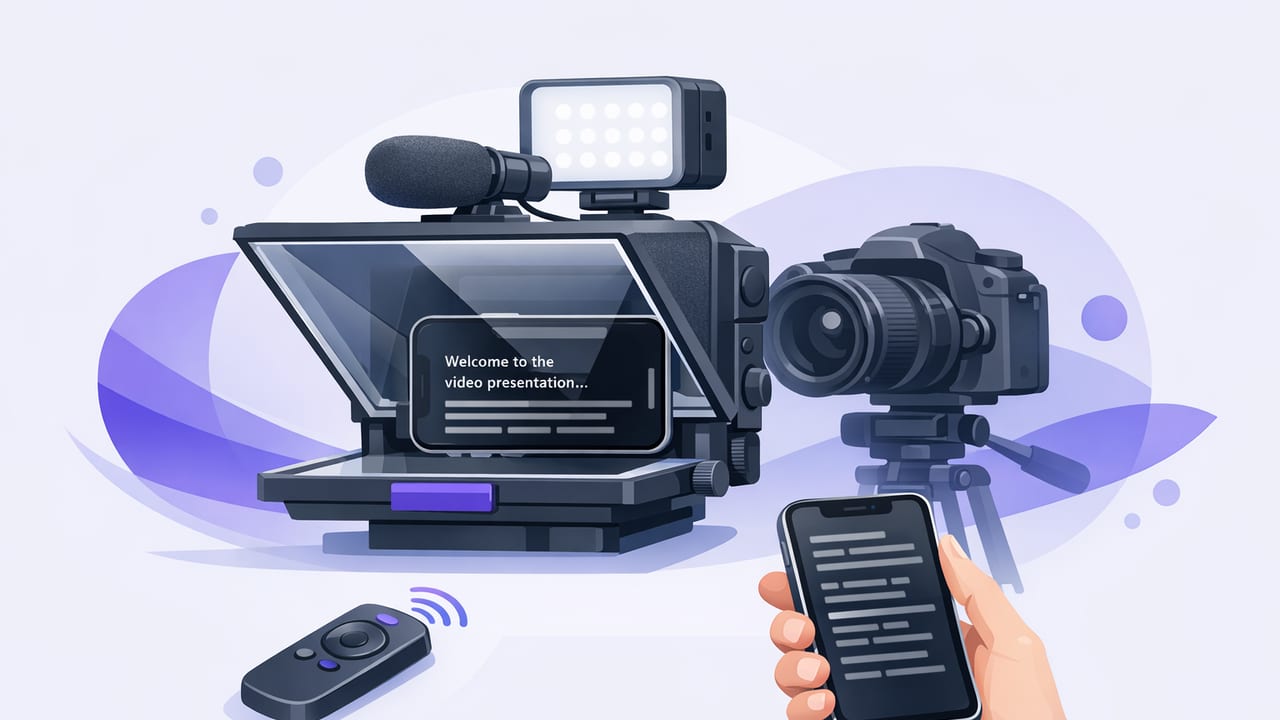
Learn how to use an iPhone teleprompter for natural eye contact, clean audio, 4K video, and fast subtitles—without sacrificing privacy.
A practical iPhone video editor workflow: script + teleprompter recording, clean audio, on-device subtitles, platform exports, and privacy-first tips.
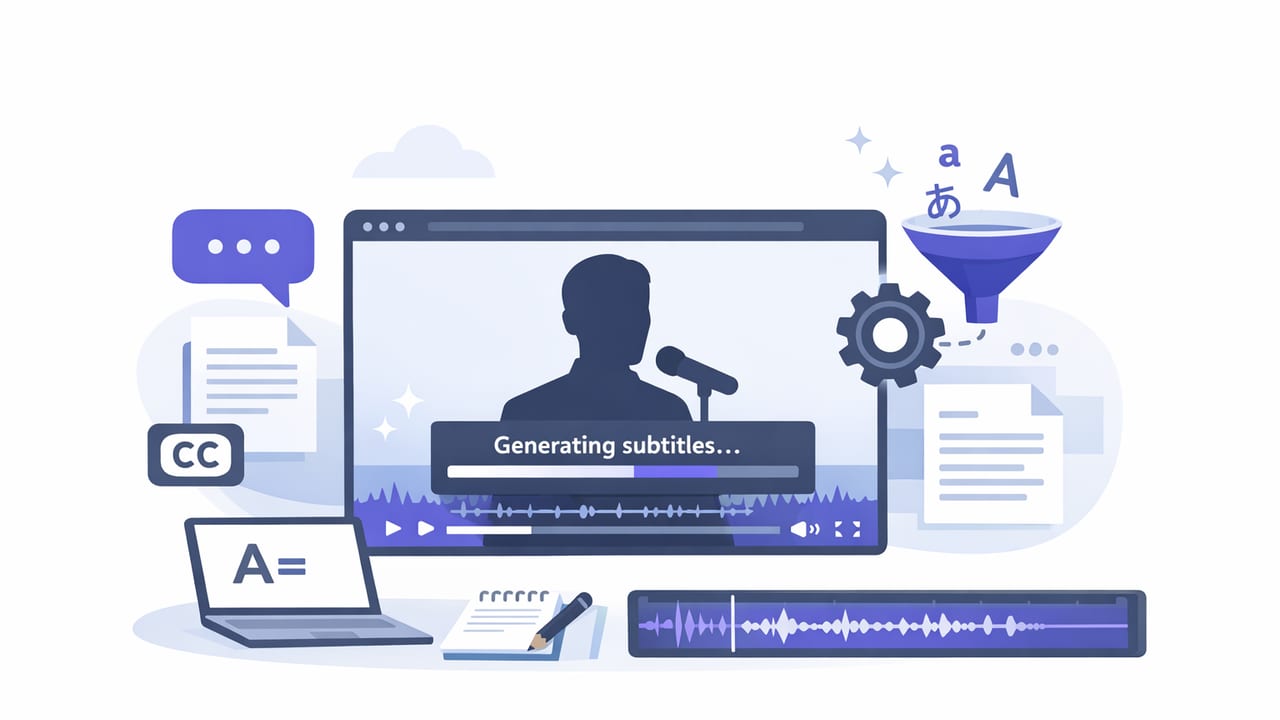
Learn a fast iPhone workflow for accurate subtitles: scripting, recording, auto-captions, styling, exports, and privacy-friendly best practices.
Build an iPhone video recorder workflow: scripts, teleprompter scrolling, 4K audio, on-device subtitles, privacy-first exports for social.
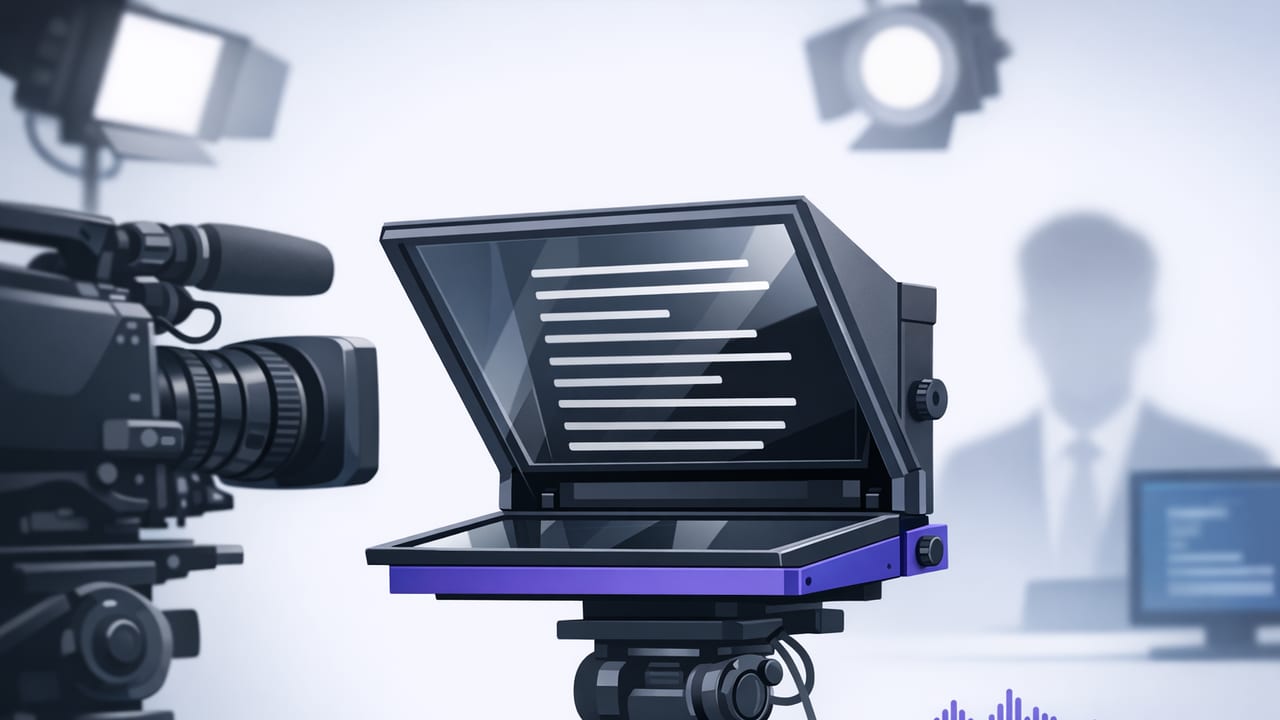
Use an iPhone autocue to read naturally, keep eye contact, record in 4K, add on-device subtitles, and streamline your script-to-video workflow.
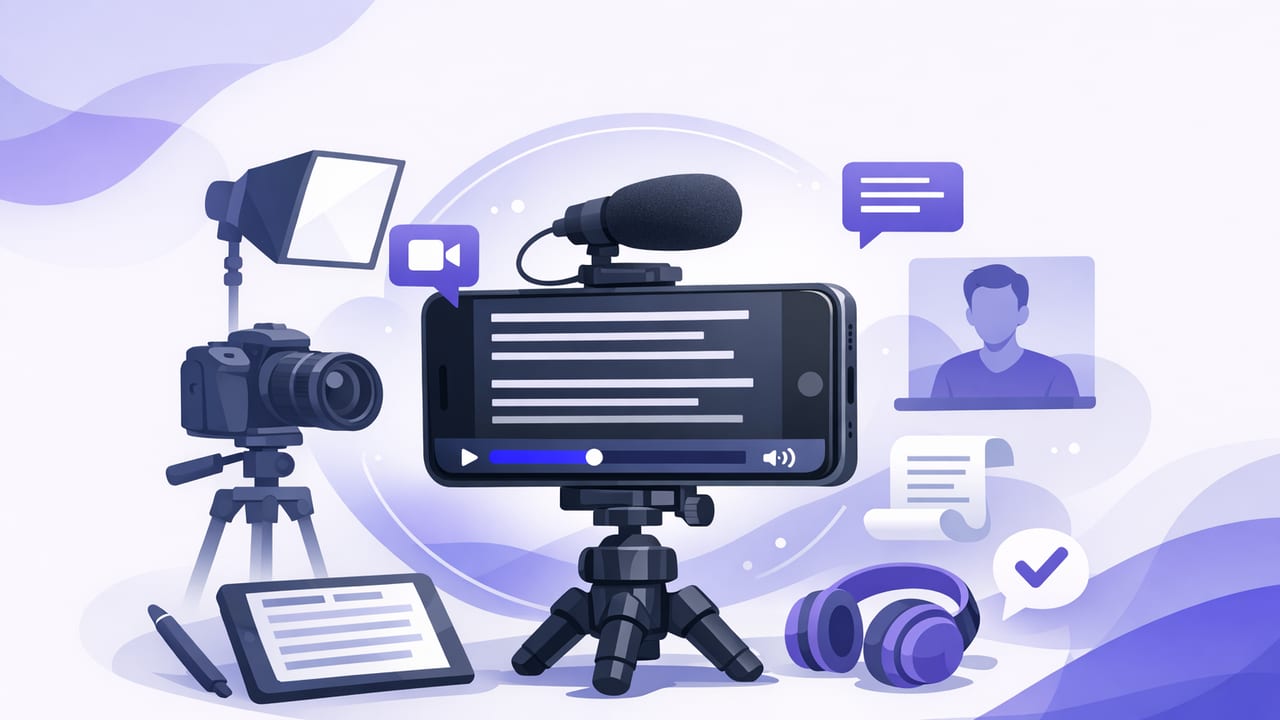
Learn how to use a teleprompter app on iPhone to read scripts naturally, record in 4K, add subtitles, and streamline your creator workflow.
Build an iPhone teleprompter workflow: script formatting, scroll modes, 4K setup, on-device subtitles, editing, and export best practices.
Learn how to use an iPhone teleprompter app with voice tracking to read naturally, keep eye contact, add subtitles, and film in 4K.
Learn how an iPhone teleprompter app improves eye contact, speeds filming, supports 4K, adds subtitles on-device, and protects privacy.