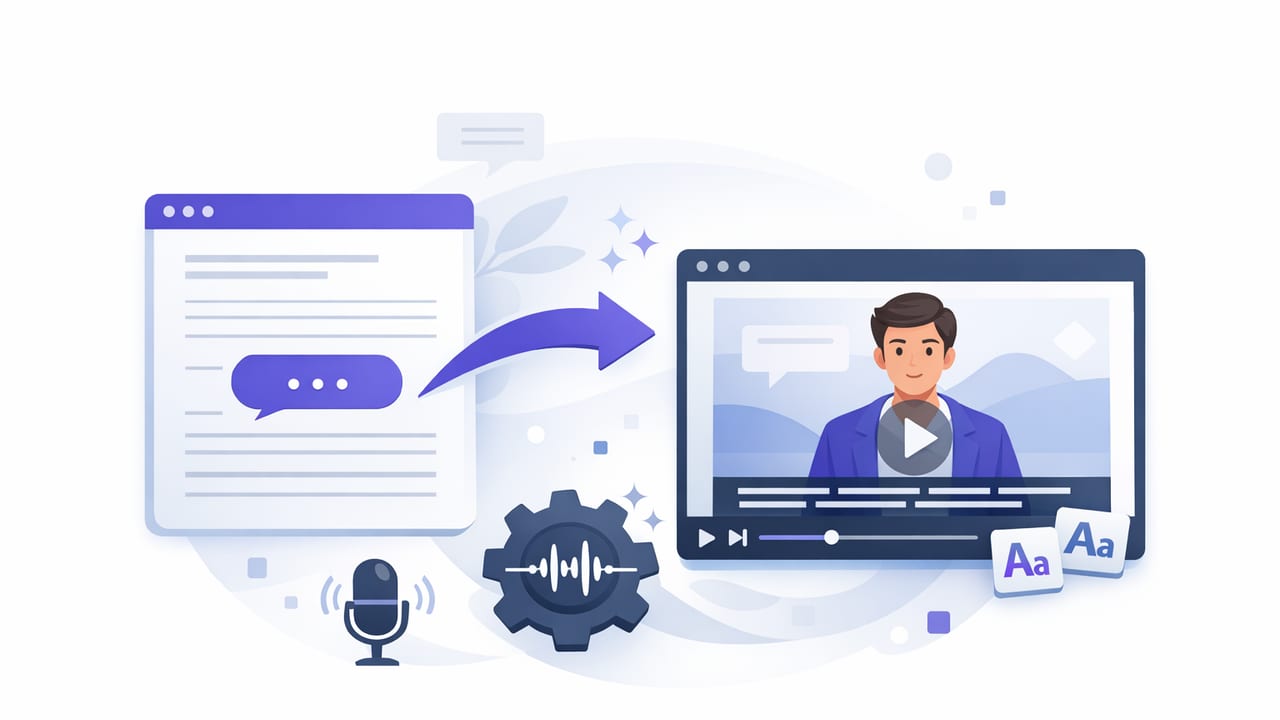
A good subtitle generator can turn a solid video into a high-retention video. Subtitles (also called captions) help viewers understand your message when they can’t use audio, when your audio isn’t perfect, or when your audience speaks different languages. They also improve accessibility and can make your content easier to scan—especially on short-form platforms where people decide in seconds whether to keep watching.
This guide explains how subtitle generators work, how to choose the right approach (including offline options), and a practical iPhone workflow to generate, edit, and export captions that look professional on TikTok, Instagram, YouTube, and beyond.
Why subtitles matter (even when your audio is great)
- Accessibility: Captions support Deaf and hard-of-hearing viewers and make your content more inclusive.
- Comprehension: Fast speech, accents, jargon, and background noise become less of a barrier.
- Higher watch time: Viewers can follow along in silent environments (commuting, workplace, bedtime scrolling).
- Global reach: Multilingual subtitles expand your audience without reshooting.
- Search and reuse: A transcript becomes reusable copy for descriptions, blog posts, and clips.
Subtitles don’t just “add text”—they reduce friction. The easier it is to understand your first 3–5 seconds, the more likely viewers are to stay.
How a subtitle generator works (in plain English)
Most subtitle generators follow the same pipeline:
- Speech detection: The tool isolates speech from your audio track (sometimes with noise reduction).
- Speech-to-text (ASR): Automatic speech recognition converts audio to words.
- Alignment: The tool assigns timestamps to each word or phrase.
- Segmentation: It groups words into readable subtitle lines (usually 1–2 lines per caption).
- Export: Captions are burned in (open captions) or exported as a file (SRT/VTT) for platforms that support uploads.
Where tools differ is accuracy (especially with names and jargon), editing speed, language support, and privacy (cloud processing vs on-device).
Subtitle generator options: manual, cloud, or on-device
| Approach | Best for | Pros | Trade-offs |
|---|---|---|---|
| Manual captions | Short videos, precise branding, sensitive topics | Maximum control, perfect wording | Slow; easy to mistime without tools |
| Cloud subtitle generator | Long-form content, team workflows | Often high accuracy; collaboration features | Requires upload + internet; privacy considerations; ongoing cost |
| On-device subtitle generator | Creators on iPhone who want speed + privacy | No upload; works offline; scripts/videos stay local | Device performance varies; fewer team features |
Choosing the right subtitle generator (checklist)
Use this checklist before committing to a tool or workflow:
- Accuracy on your voice: Test with one representative clip (names, acronyms, product terms).
- Editing UX: Can you tap a word to fix it quickly? Can you adjust timing easily?
- Languages: Support for your audience (and dialects) matters more than raw “language count.”
- Offline capability: Useful for travel, low connectivity, or privacy-first workflows.
- Export formats: Look for SRT and/or WebVTT plus “burned-in” options.
- Platform presets: Vertical video sizing, safe margins, and readability on small screens.
- Privacy: If you work with client scripts, internal info, or minors, prefer on-device processing.
A practical iPhone workflow: record → generate → polish → export
Here’s a creator-friendly workflow that keeps everything fast and repeatable on iPhone.
1) Record for subtitle accuracy (small changes, big results)
- Use a close mic: Lavalier or directional mic reduces errors dramatically.
- Reduce background noise: Fans and cafés cause more mistakes than most people expect.
- Speak in clean phrases: Natural pauses help segmentation and readability.
- Say names clearly: Proper nouns are where generators fail most often.
2) Generate subtitles and review the transcript
After you run your subtitle generator, do a fast “transcript pass” before obsessing over styling:
- Fix the top 10 errors first (names, key numbers, brand terms).
- Scan for dropped words around laughter, breaths, or quick turnarounds.
- Standardize terminology (e.g., “4K/60” vs “4k 60”).
3) Improve readability with caption rules
Readable subtitles aren’t just correct—they’re paced. Use these rules of thumb:
- Keep lines short: Aim for 28–42 characters per line on mobile.
- Two lines max: Three lines can cover faces and UI elements.
- Break on meaning: Split captions at natural pauses, not mid-phrase.
- Avoid filler in captions: Consider removing repeated “um/like” if it hurts clarity (but keep tone if it matters).
- Highlight sparingly: Bold or color emphasis is powerful—don’t overuse it.
4) Time captions to the viewer’s eyes (not just the audio)
Perfect timestamps don’t always feel right. For short-form videos, slight timing tweaks can improve comprehension:
- Lead-in: Show a caption a fraction early if you speak quickly.
- Hold time: Keep key lines on screen long enough to read comfortably.
- Cut-friendly: If you jump-cut sentences, verify the subtitle doesn’t linger into the next shot.
Open captions vs SRT: what should you export?
Your export choice affects flexibility and how platforms treat your captions.
- Open captions (burned-in): Text is part of the video image. Best when you want consistent style everywhere and guaranteed visibility.
- SRT/WebVTT: Separate caption files. Best when you want platform controls, multiple languages, or accessibility toggles.
Many creators do both: burn in captions for short-form platforms, and upload SRT/VTT for long-form (or for accessibility compliance).
What an SRT file looks like
If you ever need to hand-edit or spot-check timing, here’s the structure:
1
00:00:01,000 --> 00:00:03,200
Today I’m showing you a fast caption workflow.

2
00:00:03,200 --> 00:00:05,600
It starts with clean audio and a subtitle generator.
Multilingual subtitles: two reliable approaches
To reach viewers in multiple languages, you generally have two paths:
Approach A: Generate in the spoken language, then translate
- Best for: Clear source audio and stable phrasing
- Tip: Fix names and terms before translation so they propagate correctly.
Approach B: Separate subtitle tracks per language
- Best for: YouTube-style platforms that support multiple caption uploads
- Tip: Keep a master glossary (product names, acronyms) to maintain consistency across languages.
Styling subtitles for vertical video (so they don’t hurt retention)
On iPhone-shot vertical video, subtitles must compete with faces, hand gestures, and on-screen UI. Use these best practices:
- Safe placement: Avoid bottom-edge collisions with app UI; keep margins consistent.
- High contrast: Use a subtle background box or shadow for readability on bright scenes.
- Consistent typography: One font, one weight, and a predictable position builds trust.
- Keyword emphasis: Highlight 1–3 words per sentence (your hook, benefit, or callout).
Accuracy troubleshooting: why captions go wrong
- Noise + reverb: Large rooms and reflective walls reduce recognition accuracy.
- Crosstalk: Music, other speakers, or street noise can produce random words.
- Fast edits: Jump cuts can create timing drift if captions aren’t re-aligned.
- Special terms: Product names, acronyms, and non-dictionary words need manual correction.
If you’re repeatedly fixing the same terms, create a simple “caption glossary” note on your phone and copy/paste corrections to stay consistent.
Privacy and offline captions: when it matters most
Many subtitle generators work by uploading audio/video to cloud servers. That can be fine for public content, but it’s not always ideal. An on-device subtitle generator is worth prioritizing when:
- You work with client scripts or unreleased product info.
- You record in private environments (homes, schools, workplaces).
- You travel or shoot where internet is unreliable.
- You prefer a workflow with no accounts and minimal data exposure.
Quick pre-publish checklist (60 seconds)
- Are names, numbers, and key claims correct?
- Do captions cover important visuals or UI elements?
- Is any caption on screen too briefly to read?
- Is punctuation helping pacing (not cluttering lines)?
- Is your export correct (burned-in vs SRT/VTT) for the target platform?
Putting it all together
A subtitle generator is most powerful when it’s part of a repeatable workflow: record clean audio, generate captions quickly, polish for readability, and export in the right format for each platform. If you prioritize speed, mobile-first editing, and keeping scripts and videos on your phone, an iPhone tool with offline subtitle generation can be a strong fit—apps like CueCam include on-device subtitles alongside recording and editing features.
