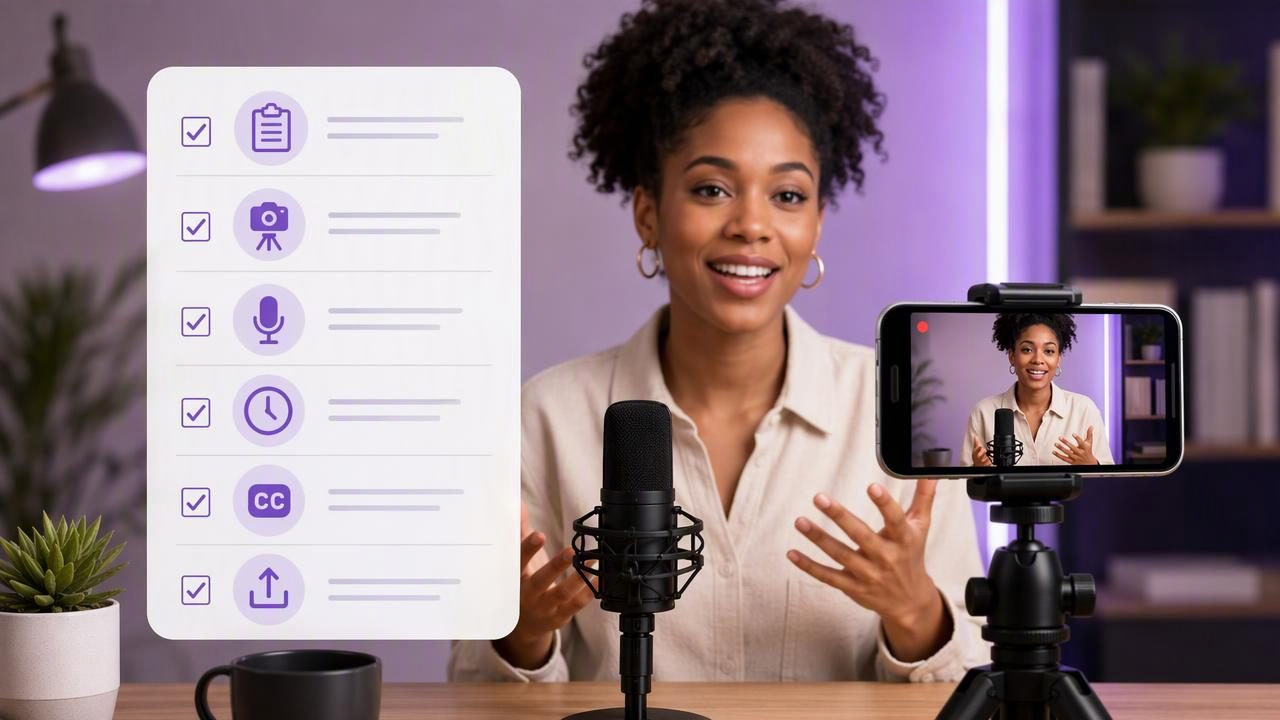
A podcast introduction has a demanding job: it must establish who you are, explain why the episode matters, and give viewers a reason to keep watching. When you are filming that introduction on an iPhone, a clear checklist helps you avoid common issues such as drifting eye contact, uneven audio, rushed delivery, or a long recording session that produces no usable take.
This guide explains how to film a podcast introduction efficiently with an all-in-one video app workflow. It focuses on the decisions that affect the final result most: a concise script, thoughtful camera placement, a realistic reading pace, a short audio test, and captions that support viewers watching without sound.
What a Strong Podcast Introduction Needs
Your introduction does not need to summarize every point in the episode. In fact, trying to do too much is one of the easiest ways to create a flat, overlong opening. A useful video podcast intro generally answers four questions in the first 30 to 60 seconds:
- Who is speaking? State your name, show name, or role when relevant.
- What is this episode about? Name one specific topic, problem, or guest.
- Why should someone care? Give a practical outcome or compelling question.
- What should viewers expect next? Transition naturally into the episode.
For example, an introduction for a business podcast could promise a focused outcome instead of a broad claim:
Welcome to The Practical Founder. I'm Maya Chen.

Today, we're discussing how early-stage teams can run better customer interviews without leading their prospects. You'll hear three questions that reveal what buyers actually need, plus the mistakes that make feedback less useful.

Let's get into it.
This script is short, specific, and easy to deliver conversationally. It also gives you natural places to pause, which makes editing and captioning easier later.
Podcast Introduction Filming Checklist
Use this checklist before pressing record. It is designed for a solo creator filming a direct-to-camera podcast opening, but the same principles apply if you are recording a guest introduction, episode teaser, or social clip.
| Checklist item | What to check | Why it matters |
|---|---|---|
| Script length | Aim for roughly 75 to 150 words for a concise opening. | A shorter intro is easier to deliver with energy and less likely to lose viewers. |
| Camera position | Place the iPhone at or slightly above eye level. | This creates a more natural, confident on-camera angle. |
| Framing | Leave modest headroom and keep your eyes near the upper third of the frame. | Balanced framing looks intentional across podcast and social platforms. |
| Lighting | Face a soft window or a consistent front light. | Good light helps viewers see facial expressions and improves perceived video quality. |
| Audio test | Record 10 seconds and listen with headphones if possible. | You can catch room echo, traffic, clothing noise, and level problems before a full take. |
| Reading pace | Read aloud once before recording and mark pauses. | A paced script sounds more conversational than a rushed one. |
Write for Speech, Not for a Page
A podcast script should support your voice rather than force you into a formal reading style. Written sentences often become awkward on camera because they are too long, dense, or packed with qualifiers. Break your copy into short thought units. Use contractions where they fit your natural voice. Replace vague phrases with concrete nouns and verbs.
For instance, this line may be accurate but difficult to say smoothly:
“In this episode, we will explore a variety of considerations that may influence an organization’s approach to customer discovery.”
A more natural spoken version is:
“Today, we’re looking at what makes customer interviews useful—and what can quietly derail them.”
Read every line aloud before filming. If you run out of breath, stumble repeatedly, or would never say the phrase in conversation, revise it. Mark a slash (/) where you want to pause and bold the words you want to emphasize. These visual cues can make a script easier to follow while recording.
Set Up the iPhone for Comfortable Eye Contact
Direct-to-camera podcast intros work best when viewers feel you are speaking to them rather than looking just above or beside them. Put the phone on a stable tripod, stand, or secure support. Avoid holding it by hand for a scripted introduction unless a casual, moving style is deliberate; small movements can make reading and reviewing the take harder.
Place the lens close to your eyeline. If you are reading a script, position the text as near to the camera as your setup allows. The farther your eyes travel away from the lens, the more noticeable that movement can become. Keep the phone high enough that you are not looking down at it, but do not place it so high that it creates an unnatural angle.
Before recording, lock in a simple frame:
- Stand or sit where you can maintain a comfortable posture.
- Frame from about mid-chest upward for a typical talking-head intro.
- Check that bright windows, clutter, or moving objects are not distracting behind you.
- Leave room around your face if you plan to crop for vertical and horizontal versions later.
If your app offers 4K recording, choose it when you need extra room to crop or reframe and your available storage supports it. Higher resolution does not solve poor lighting or soft focus, so prioritize the basics first.
Do a Short Audio Test Before the Full Take
Viewers may forgive a minor framing imperfection, but they often leave when dialogue is difficult to hear. Record a brief test in the exact position and voice level you will use for the introduction. Say the first two lines of your script, then stop and listen back.
Listen for these issues:
- Echo from bare walls, windows, or hard surfaces
- Air conditioning, appliances, traffic, or computer fan noise
- Buzzing caused by cables or nearby electronics
- Clothing, jewelry, or hand noise near the microphone
- Speech that sounds too quiet, distorted, or inconsistent
Move closer to a softer space, close a window, turn off a noisy appliance, or change your position if needed. If you use an external microphone, verify that the iPhone and recording app recognize it before beginning. Compatibility and available audio controls can vary by device, operating system, and equipment, so a real test is more reliable than assuming a connection is active.
Choose a Reading Pace That Sounds Like You
Most people speed up when they see a recording timer. That can make a podcast introduction feel tense, especially when a script is scrolling. Start slower than you think you need to. Pause briefly after your opening line, after the episode promise, and before your transition into the main content.
A practical pace for a 100-word intro is often around 40 to 55 seconds, depending on your delivery and pauses. Do not chase an exact number. Instead, aim for clarity: each sentence should have time to land.
If you use voice-following text, speak clearly and keep your script formatted in short paragraphs. If you use fixed-speed or timed scrolling, rehearse once and adjust the pace before filming. Voice tracking and caption features may have device and language constraints, so check their behavior with your actual script rather than building your recording plan around an untested setting.
Record in Short, Usable Takes
You do not need to deliver an entire introduction perfectly in one attempt. Record two or three complete takes, then one or two pickup lines for any sentence that felt weak. Keep your body position, lighting, and camera framing consistent so the clips match if you need to trim them together.
After each take, review only the essentials:
- Did you maintain natural eye contact?
- Could you hear every word clearly?
- Did the opening sentence sound confident?
- Did you state the topic and viewer benefit quickly?
- Was there a clean pause before the episode begins?
Choose the take with the clearest message, not necessarily the one with the fewest tiny imperfections. A small breath or natural pause usually feels more human than a delivery that is technically flawless but stiff.
Add Subtitles With Intent
Subtitles make a podcast introduction easier to follow in quiet environments, noisy commutes, and autoplay feeds. They can also reinforce key terms such as a guest’s name, a technical topic, or the episode’s central promise. Review automatically generated captions before publishing, especially for names, acronyms, industry jargon, and numbers.
Keep captions readable by using a legible size, sufficient contrast, and short line breaks. Avoid placing them over important facial features or visual details. If you will post a vertical excerpt, preview it in a vertical frame; subtitles that look balanced in a landscape podcast video may sit too low in a short-form crop.
On-device captioning can be useful for creators who prefer to keep scripts and recordings on their phone, but available languages and results can vary. Always review the final text rather than treating automatic subtitles as a finished transcript.
A Practical All-in-One Video App Workflow
An all-in-one video app can reduce the handoffs between writing, reading, recording, trimming, resizing, and adding captions. The benefit is not that it guarantees a better performance. The benefit is that you can keep your attention on the message and make fewer avoidable setup changes.
For a script-led iPhone workflow, it helps to use a tool that lets you read close to the camera while recording, then review and make simple finishing edits in the same place. If that is the workflow you need, CueCam’s guide to recording video while reading a script explains the basic setup for filming without relying on memorization.
Before publishing, watch the introduction once with sound and once muted. If the episode topic is clear in both versions, your audio, pacing, and subtitles are doing their job. A dependable checklist turns this small opening segment into a repeatable part of your podcast production process.
