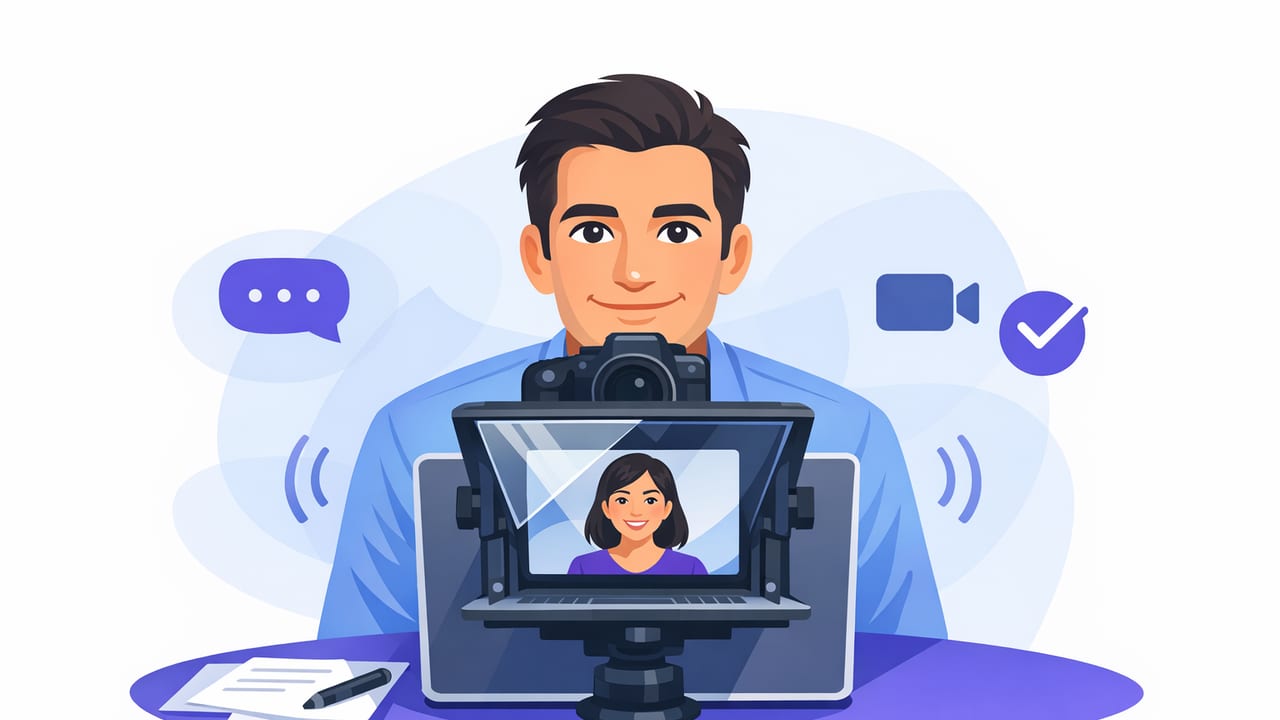
Nothing makes a scripted video feel more “real” than steady, confident eye contact. Yet reading a script often creates a tell: darting eyes, stiff cadence, or a subtle “reading voice.” The goal of an eye contact teleprompter workflow isn’t to hide that you prepared—it’s to help you deliver your message with the same presence you’d have in a conversation.
This guide walks through a practical, iPhone-friendly process: how to write scripts that sound like you, choose a scrolling method that matches your delivery, position your phone for natural gaze, and keep your pace and energy consistent. You’ll also find a checklist, common mistakes, and a simple script template you can reuse.
Why eye contact changes how your video performs
Viewers decide in seconds whether to trust you and keep watching. Eye contact is one of the fastest credibility signals because it implies confidence, clarity, and connection. In creator content (tutorials, product explanations, thought leadership), strong eye contact also:
- Reduces cognitive friction for the viewer—your message feels easier to follow.
- Improves perceived authenticity even when reading a script.
- Increases retention because your delivery feels directed at the viewer, not “to the page.”
Start with a script that is easy to read on camera
Most “teleprompter eyes” problems begin in the script. If your wording is too dense, too formal, or too long per sentence, your eyes will race to keep up—especially on a phone screen.
Script rules that make eye contact easier
- Write like you speak. Use contractions and short clauses.
- One idea per line. Line breaks create natural pauses and prevent scanning.
- Front-load the point. Put the headline first, then support it.
- Use “breath punctuation.” Add commas where you actually breathe.
- Mark emphasis. Capitalize 1–2 key words per paragraph (sparingly).
A reusable teleprompter script template
This format keeps your eyes moving smoothly and gives you built-in pauses. Paste it into your notes or script editor and customize.
[HOOK — 1 sentence]

[WHO THIS IS FOR]
If you’re struggling with ____ ,
this will fix it.

[MAIN POINT #1]
Here’s the key:
____.

[EXAMPLE]
For example,
____.

[MAIN POINT #2]
Do this next:
____.

[CALL TO ACTION]
If you want a quick checklist,
I’ll summarize it at the end.
Choose the right scrolling mode for your delivery
On iPhone, teleprompter apps typically offer three approaches: voice-following (the text tracks your speech), fixed-speed (constant scroll), and timed (scroll to a set duration). The best option depends on whether you speak consistently or improvise.
| Mode | Best for | Eye contact benefit | Watch out for |
|---|---|---|---|
| Voice-following | Creators who ad-lib, pause, or emphasize | Reduces panic-speed reading and lets you breathe naturally | Requires clear audio; mumbling can desync |
| Fixed-speed | Highly practiced scripts and consistent cadence | Very smooth eye movement if speed is dialed in | Easy to drift off pace under pressure |
| Timed | Videos with strict length (ads, segments, reels) | Helps you hit time targets without rushing at the end | Doesn’t adapt when you pause for emphasis |
If your main goal is natural delivery, start with voice-following. If your main goal is exact pacing, start with timed. Fixed-speed is ideal once you’ve done a few reps and know your cadence.
Set up your iPhone so your gaze looks like eye contact
Even with a great script, camera placement determines whether the viewer experiences “eye contact” or “looking slightly off.” On phones, tiny angles matter.
Positioning essentials
- Get the lens at eye level. A low camera forces you to look down, which breaks connection.
- Bring the script as close to the lens as possible. The closer the text is to the lens, the more “direct” your gaze appears.
- Use a comfortable reading distance. Too close = eye strain; too far = squinting and scanning.
- Lock your framing. If you keep re-centering yourself, your eyes will wander.
Text layout tips that reduce eye darting
- Bigger font than you think. Large text slows your eye movement and improves steadiness.
- Increase line spacing. Crowded lines cause scanning.
- Keep line length short. Shorter lines mean less left-to-right travel.
- Use a highlight bar. Following a single line minimizes jumps.
Dial in pace without sounding like you’re reading
The “teleprompter voice” is usually a pacing problem. When you’re trying to keep up with moving text, you flatten your tone and compress pauses. Fixing pace is mostly about building intentional space.
Use micro-pauses strategically
Add pauses where a viewer needs time to absorb the idea:
- After the hook (let it land).
- Before a key term or definition.
- After an example (to signal the takeaway).
A practical pacing method: the “beat” system
When practicing, mark your script with beats. One beat is a short pause; two beats is a longer pause. It creates rhythm and keeps your eyes from racing.
This is the mistake most people make. [beat]
They speed up when the script starts moving. [beat]
Instead, slow down on the important line. [beat][beat]
Record clean audio to make voice-following scroll reliably
If you use voice-following, audio quality affects how accurately the text tracks your speech. Even if you’re not using voice-following, clean audio improves viewer trust and reduces the need for re-takes.
Quick audio checklist
- Use an external mic when possible (wired or wireless lav).
- Reduce room reflections: record near curtains, rugs, or soft furniture.
- Keep mic distance consistent to avoid volume jumps.
- Do a 10-second test recording and listen back on headphones.
Make your delivery look conversational (even when scripted)
The secret to an invisible teleprompter isn’t perfect reading—it’s controlled naturalness. You want small, human variations while staying on message.
Techniques that keep you present
- Smile on the first line. It warms your tone and relaxes facial muscles.
- Gesture on keywords. Light hand movement reduces stiffness.
- End sentences decisively. Avoid trailing off while your eyes search for the next line.
- Look “through” the lens. Imagine talking to a friend behind the camera, not reading text.
Tip: If your eyes feel jumpy, your text is probably too small, too fast, or too wide. Fix the layout before blaming your delivery.
Common eye contact teleprompter mistakes (and how to fix them fast)
1) Scrolling too fast
Symptom: You rush, your tone flattens, and you miss emphasis.
Fix: Slow the scroll by 10–20% and increase font size. Add more line breaks.
2) Overwriting (scripts that are too dense)
Symptom: You sound formal and breathe at odd points.
Fix: Cut 15–30% of words. Replace long sentences with two short ones.
3) Text too far from the lens
Symptom: Viewers feel you’re looking slightly off-camera.
Fix: Move the text closer to the camera area (or use a layout that centers the reading zone near the lens).
4) No practice run
Symptom: Frequent resets and visible searching for the next line.
Fix: Do one silent scroll-through, then one spoken rehearsal at 80% energy, then record.
A simple workflow: script-to-video with subtitles on iPhone
If you’re building a repeatable creator workflow, this sequence keeps quality high without adding friction:
- Outline in bullets (hook, 2–3 points, close).
- Convert bullets to short lines that match your speaking voice.
- Choose scrolling mode (voice-following for flexible delivery; timed for strict length).
- Record in 4K if you plan to crop (talking-head to reels, shorts, and long-form).
- Generate subtitles and quickly correct names/terms.
- Export platform-specific versions (9:16, 1:1, 16:9) to avoid re-editing later.
Mini checklist: your next take
- Lens at eye level
- Large font + extra line spacing
- Short lines (one idea per line)
- Scroll speed tested with a 10-second rehearsal
- Marked beats for pauses
- Clean audio test recorded and reviewed
Putting it all together
Strong eye contact isn’t about staring—it’s about giving the viewer a stable point of connection while your words flow naturally. When your script is formatted for speaking, your scrolling method matches your cadence, and your iPhone setup keeps text close to the lens, the teleprompter disappears. What remains is clarity, confidence, and a message that feels direct.
If you’re looking for an iPhone teleprompter workflow that supports voice-following, 4K recording, and on-device subtitles with a privacy-first approach, an app like CueCam can fit neatly into this process.
