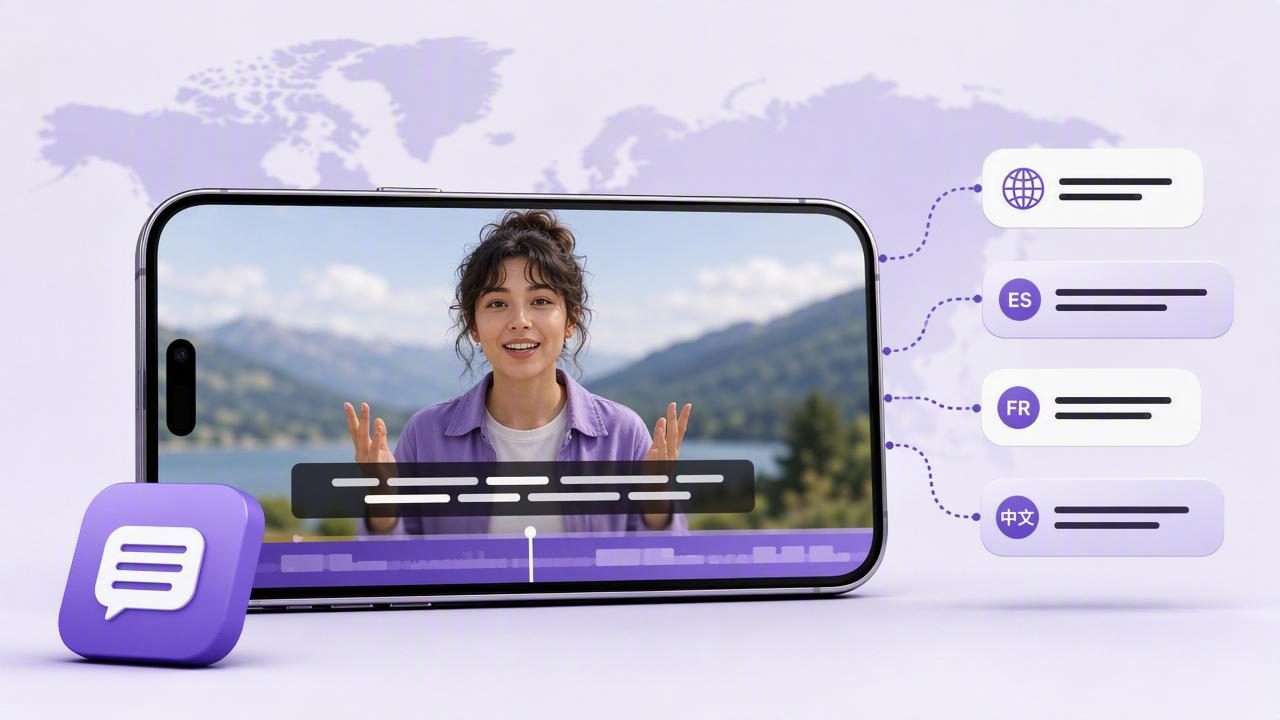
Adding subtitles in multiple languages can help your video reach viewers who speak different languages, watch with sound off, or need written support to follow the message. For creators recording on an iPhone, multilingual subtitles are especially useful for tutorials, product explainers, online lessons, social videos, and customer updates.
However, successful multilingual captioning is more than pressing an automatic-caption button. Your spoken script must be clear enough to transcribe, your original subtitles need careful review, and every translated version should preserve the intended meaning. A small error in the source captions can become a much larger problem once it appears in several languages.
This guide explains a practical iPhone workflow for creating, checking, and publishing multilingual subtitles without losing accuracy, readability, or viewer trust.
Why subtitles in multiple languages matter
Subtitles make video content easier to consume in many common situations. Someone may be watching on public transport without headphones, following a tutorial in a noisy room, or learning in a language that is not their first language. Captions give those viewers another way to understand your message.
Adding translations broadens that benefit. Instead of recording the same video repeatedly in different languages, you can create one strong original recording and produce subtitle versions for the audiences you want to serve.
- Improved accessibility: Written dialogue supports viewers who are deaf or hard of hearing.
- More flexible viewing: Captions help people understand videos when audio is unavailable or inconvenient.
- Clearer instruction: Tutorials, demonstrations, and educational clips become easier to pause and follow.
- Wider audience potential: Translated subtitle files can make a video more useful to viewers in other language communities.
- More reusable content: One well-planned recording can support several localized publishing versions.
Multilingual subtitles do not automatically make content appropriate for every market. Local references, jokes, measurements, dates, examples, and calls to action may still require adaptation. Treat subtitles as part of localization, not as a replacement for it.
Start with a subtitle-friendly video script
Good captions begin before you record. A dense, improvised explanation with long sentences, acronyms, and unclear terminology is difficult for viewers to read and difficult for any transcription system to interpret correctly. A concise script makes the recording more natural and the captions more reliable.
Write the way you speak, but keep each idea focused. Explain one action at a time, introduce specialized terms before using abbreviations, and avoid placing critical information only in fast speech.
Use short, complete phrases
For example, this sentence is hard to caption and translate cleanly:
“Once you get into the dashboard you can basically adjust those settings, depending on what plan you have, and then you should be good to go.”
A clearer script would be:
“Open Settings. Choose your plan. Then select the options you want to update.”
The revised version is easier to say, easier to subtitle, and less likely to create ambiguity in translation.
Write names and technical terms exactly
Make a list of names, product terms, place names, industry abbreviations, and uncommon words before recording. If you say “API,” “SaaS,” or a brand name, check how you want it displayed in the original subtitle track. Automated transcription can mishear terms that sound similar, especially when there is background noise or a regional accent.
This list also gives translators useful context. A word such as “session,” “channel,” or “lead” can have several meanings depending on the topic. Define the intended meaning before translating it.
Record for accurate captions, not just attractive footage
Video quality matters, but audio clarity has the largest effect on subtitle accuracy. An iPhone can record sharp footage, including high-resolution video on supported devices, yet clear speech is still essential for a usable transcription.
Before the full recording, make a short 10- to 15-second audio test. Play it back through headphones if possible and listen for room echo, traffic, fan noise, clothing movement, or words that sound muffled.
| Recording factor | Why it affects subtitles | Practical adjustment |
|---|---|---|
| Speaking pace | Fast delivery creates dense caption lines. | Pause briefly between major points. |
| Background noise | Noise can be mistaken for speech or hide words. | Record in a quieter location when possible. |
| Distance from microphone | Speech may sound quiet or echoey from too far away. | Keep a consistent distance while recording. |
| Pronunciation | Unclear terms can produce transcription errors. | Say names, numbers, and acronyms deliberately. |
| Multiple speakers | Overlapping voices are difficult to caption. | Let one person finish before the next starts. |
If you are reading a script, position the text close to the camera lens. Looking far to the side or downward can make eye contact feel less natural, while rushing to keep up with scrolling can reduce clarity. Choose a reading pace that lets you articulate each phrase comfortably.
Create and review the original-language subtitles first
Your original subtitle track is the source for every translated version. Review it carefully before you translate anything. This step protects the message, reduces repeated editing, and helps ensure that timing remains consistent across languages.
- Generate or enter the first caption track. Use the language spoken in the video.
- Watch the full video with sound on. Compare every subtitle line with what was actually said.
- Correct names, numbers, and punctuation. These details are frequently important in tutorials and business videos.
- Check timing. Captions should appear when the relevant words are spoken, not several seconds early or late.
- Break long captions into readable units. Viewers need time to read while watching the visuals.
- Watch once with sound off. If the story still makes sense, the captions are doing their job.
Do not assume automatically generated captions are final. Speech recognition can be useful for creating a draft, but it may have device, language, accent, audio-quality, and vocabulary limitations. Human review remains important, particularly for public-facing, instructional, legal, medical, or customer-facing content.
Translate meaning, not individual words
Once the original subtitles are accurate, create translations. The goal is not to duplicate every word mechanically. The goal is to give viewers in the target language the same clear instruction, message, and tone.
Consider this example from a short iPhone tutorial:
“Tap Export, choose vertical video, and save the final version before posting.”
A direct translation may be understandable, but the translated language may use a longer phrase for “vertical video” or “final version.” That can make the subtitle too long for the available screen time. In that case, simplify without changing the instruction:
“Choose Export. Select vertical format. Save before posting.”
This approach gives translators room to use natural phrasing and gives viewers a better reading experience.
Keep a translation reference sheet
For recurring content, maintain a simple glossary with approved translations for repeated terms. Include words such as “subscribe,” “download,” “save,” “link in bio,” “lesson,” “template,” or “support.” Consistent terminology makes a series of videos feel more professional and reduces confusion for returning viewers.
Also document words that should not be translated, such as product names, menu labels, file extensions, or exact button text. If viewers need to tap a button labeled “Settings,” replacing it with a translated phrase may make the instruction harder to follow.
Format multilingual subtitles for mobile screens
Most social and educational videos are watched on phones. Subtitle formatting should therefore prioritize readability on a small screen rather than fitting the greatest possible number of words into each caption.
- Use a legible font with strong contrast against the video.
- Keep subtitles away from platform controls, captions, and lower-third graphics.
- Limit each caption to one or two short lines where practical.
- Leave enough time for viewers to read each subtitle comfortably.
- Avoid covering a demonstration, face, button, chart, or key visual detail.
- Preview every language version on a phone before publishing.
Language length varies. A short English phrase may require more characters in German, French, Portuguese, or another language. Some languages also use writing systems with different line-breaking conventions. Do not force every translation into the exact same visual layout as the original; adjust timing and line breaks when needed.
Choose the right publishing approach
There are two common ways to publish subtitles in multiple languages: burned-in captions and selectable subtitle tracks. The best option depends on the destination platform and how viewers will access the video.
| Method | Best for | Important consideration |
|---|---|---|
| Burned-in subtitles | Short social posts and videos where captions must always be visible. | You may need a separate video export for each language. |
| Selectable subtitle tracks | Longer videos and platforms that support viewer language choices. | Support, upload steps, and available languages vary by platform. |
For a short vertical video, burned-in captions can be the simplest choice because viewers see them immediately. For a longer course lesson, selectable tracks may reduce duplicate exports and let viewers choose their preferred language. Always check the current subtitle requirements of the platform where you plan to publish.
A practical multilingual subtitle workflow
Suppose you are creating a 60-second video that explains how to organize a weekly content plan. Your primary audience speaks English, and you also want versions for Spanish and French viewers.
- Write a 130- to 150-word English script with short instructions.
- Record a clean take at a steady speaking pace after a short audio test.
- Create English subtitles and correct every planning term, date, and number.
- Translate the approved English captions into Spanish and French using your glossary.
- Review each translation with a fluent speaker when accuracy matters.
- Adjust line breaks and caption duration for the longer translated phrases.
- Export separate captioned versions or add subtitle tracks, based on the publishing platform.
- Watch each final version on a phone with audio off before posting.
This process may take longer than publishing a single-language video, but it avoids a common problem: discovering a translation issue only after the video has been shared.
Common mistakes to avoid
- Translating before correcting the source captions: Errors multiply across every language.
- Using one caption layout for every language: Text length and reading patterns differ.
- Ignoring cultural context: Examples, humor, and idioms may not carry over directly.
- Captioning fast speech word for word: Viewers cannot read dense text at high speed.
- Publishing without a mobile preview: Captions that look fine on a desktop may be too small or hidden on a phone.
- Assuming automation is always accurate: Review remains necessary when details matter.
Build multilingual subtitles into your creator workflow
The most reliable way to produce subtitles in multiple languages is to plan for them from the first draft. Write clearly, record clean audio, verify the original captions, translate with context, and preview every final version where your audience will watch it.
For iPhone creators who read scripts on camera, a teleprompter workflow can make delivery easier to pace and review. CueCam’s guide to recording video while reading a script offers a useful starting point for organizing that part of the process.
Clear spoken delivery and carefully reviewed captions work together: one helps viewers hear your message, while the other helps more people understand it in the language and viewing environment that suits them.
