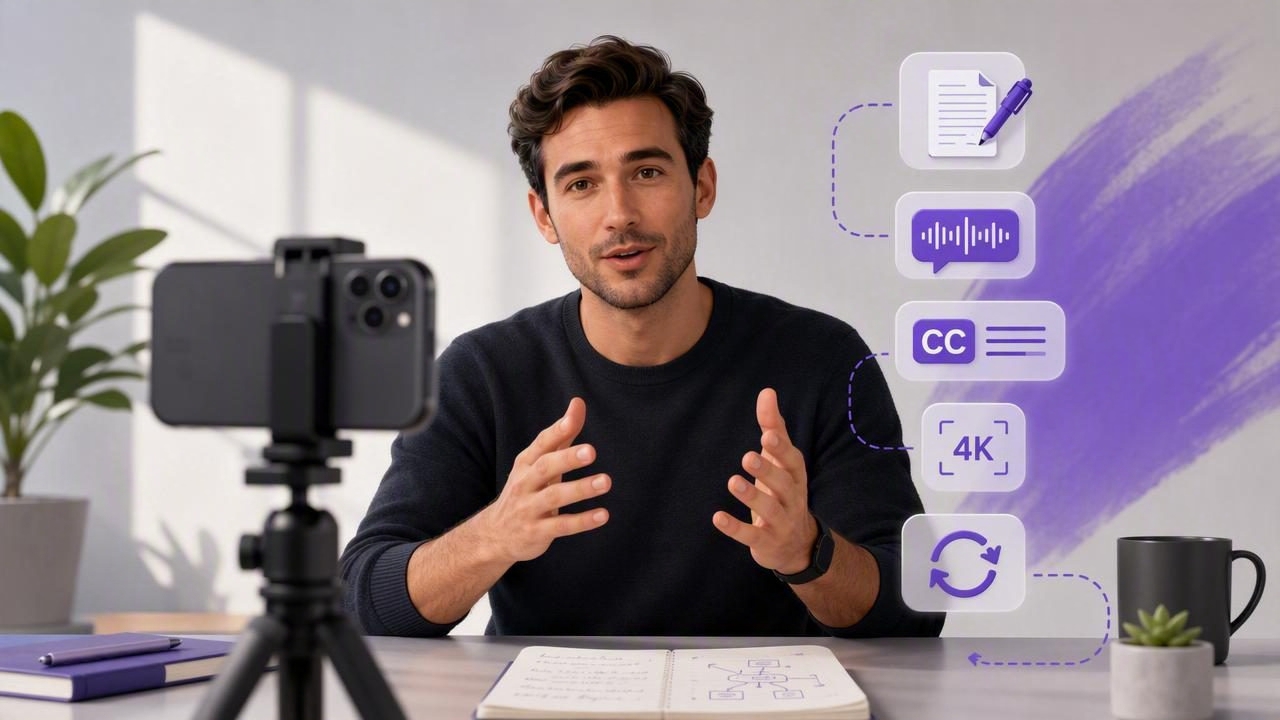
Startup founders are increasingly the face of their companies. Whether you are explaining a product launch, sharing a customer insight, recruiting talent, or building credibility on LinkedIn, video gives your message a human voice. Yet many founders delay recording because it feels complicated: there is a script to remember, lighting to set up, audio to manage, and editing to finish.
This creator video recorder guide for startup founders makes the process simpler. You do not need a studio, a production crew, or hours of post-production to create useful videos. With an iPhone, a clear message, and a repeatable script-to-video workflow, you can record professional-looking content consistently while keeping your attention on building the business.
Why Founder-Led Video Works
People connect with people before they connect with brands. A concise video from a founder can make a complex idea easier to trust because viewers can hear the conviction, context, and personality behind the company. This is especially valuable when your product is new or your market needs education.
Founder videos can support several business goals at once:
- Product education: Explain how a feature solves a real customer problem.
- Thought leadership: Share an informed perspective on an industry change.
- Customer trust: Communicate milestones, product decisions, and company values directly.
- Hiring: Give prospective candidates a sense of the people and mission behind the role.
- Sales enablement: Turn frequently answered questions into short, reusable videos.
The goal is not to sound like a polished television presenter. The goal is to be clear, credible, and easy to understand. A practical recording workflow reduces friction so you can focus on that message.
Start With One Clear Video Objective
A common founder mistake is trying to say everything in one recording. A strong short-form video usually has one audience, one problem, and one desired next step. Before opening the camera, write down the answer to this question: What should a viewer understand, feel, or do after watching?
For example, instead of creating a broad video about your new software platform, narrow the message:
- “Here is how our new dashboard helps operations teams spot delays earlier.”
- “Here are three lessons from talking to our first 100 customers.”
- “We are hiring a founding designer, and this is the problem they will help solve.”
This focus also makes scripting easier. A 45- to 90-second video is often enough for a social post, product update, or email embed. Longer explanations can be divided into a series, helping you create more content from the same core topic.
Use a Founder-Friendly Script Structure
A script is not a restriction; it is a tool for speaking with confidence. It prevents rambling, removes filler phrases, and helps you record multiple takes quickly. For founder content, use conversational language rather than formal marketing copy.
The Simple Hook-Problem-Insight-Action Framework
- Hook: Open with a surprising fact, a familiar frustration, or a direct promise.
- Problem: Name the issue your target viewer recognizes.
- Insight: Explain the useful lesson, process, or solution.
- Action: Tell viewers what to do next, such as comment, try a feature, or read a resource.
Here is a short example for a SaaS founder:
“Most customer-support teams do not have a ticket-volume problem. They have a context problem. Agents spend too long searching across tools before they can answer. We built our latest update to bring that context into one view. If your team is dealing with slow response times, take a look at the workflow in the demo below.”
Read your draft aloud before recording. If a sentence feels unnatural to say, simplify it. Shorter sentences are easier to deliver, easier to subtitle, and easier for viewers to follow on a small screen.
Set Up Your iPhone Video Recorder for Quality
Your iPhone is capable of recording highly detailed video, but good results depend on a few deliberate choices. Prioritize stable framing, clean audio, and useful lighting before worrying about advanced cinematic effects.
| Element | Recommended Setup | Why It Matters |
|---|---|---|
| Resolution | 4K when you may crop or repurpose footage | Gives you detail for edits and multiple aspect ratios |
| Frame rate | 30 fps for most talking-head content | Looks natural and keeps file sizes manageable |
| Camera | Use the rear camera when practical | Usually provides stronger image quality than the front camera |
| Orientation | Vertical for Reels, Shorts, and TikTok; horizontal for presentations | Matches the viewing environment |
| Audio | Use an external microphone in noisy spaces | Clear speech often matters more than image quality |
| Stability | Use a tripod or stable mount | Prevents distracting handheld movement |
For most founder videos, 4K recording at 30 frames per second is a sensible default. It provides flexibility if you later crop a horizontal recording into vertical clips. However, if storage space is limited or your content only needs fast social delivery, 1080p can still look excellent.
Lighting and Framing Basics
Face a window or soft light source rather than standing with bright light behind you. Backlighting can make your face look dark, even with a modern phone camera. Position the lens near eye level and leave a small amount of space above your head. A clean, relevant background—such as an office, product workspace, or neutral wall—keeps attention on your message.
Keep the camera lens clean. It sounds obvious, but fingerprints can noticeably reduce contrast and sharpness. Before every recording session, wipe the lens with a soft microfiber cloth.
Maintain Eye Contact With a Teleprompter
Looking away from the lens to read notes can make a founder video feel less direct. A teleprompter places your script close to the camera, helping you maintain natural eye contact while delivering structured points. This is particularly useful for launch announcements, investor-facing updates, technical explanations, and any video where accuracy matters.
Choose a scrolling method that fits your delivery style:
- Voice-following tracking: The text advances as you speak, allowing room for natural pauses.
- Fixed-speed scrolling: Useful when you have rehearsed the script and prefer a steady pace.
- Timed scrolling: Helpful for tightly planned videos with a target duration.
Use large text, short lines, and generous spacing. Avoid reading word-for-word with a flat cadence. Instead, treat the script as guided speech: pause after important ideas, emphasize key words, and allow yourself to sound like a real person.
Record Efficiently: The Three-Take Method
Founders do not need endless retakes. A reliable system is to record three deliberate versions of each script:
- Take one: Deliver the full script without stopping, even if it is imperfect.
- Take two: Improve pacing, energy, and any sentence that felt awkward.
- Take three: Make a final version with a slightly different opening or call to action.
This approach prevents perfectionism and gives you choices during editing. If you stumble near the end of an otherwise strong take, pause for two seconds, restart the sentence, and continue. You can trim the mistake later instead of beginning again.
For longer videos, record in sections. Capture the hook, then each main point, then the closing. Segmenting makes it easier to correct a single line and repurpose individual clips later.
Add Subtitles for Accessible, High-Retention Video
Subtitles are essential to a modern creator workflow. Many people watch social videos without sound, especially during commutes, at work, or in public settings. Captions help viewers understand your message immediately and also improve accessibility for people who are deaf or hard of hearing.
When adding subtitles, review the transcription before exporting. Brand names, product terminology, acronyms, and customer names may need manual corrections. Keep caption styling readable: choose high contrast, avoid placing text too close to the bottom edge, and limit each line to a digestible length.
On-device subtitle generation can be especially useful for founders handling sensitive product roadmaps, customer stories, or internal announcements. A privacy-focused workflow keeps scripts, raw takes, and transcriptions under your control rather than requiring them to be uploaded to a third-party service.
Edit for Clarity, Not Complexity
The best edits remove distractions and strengthen the message. Trim the first second or two if you are reaching for the record button, remove long pauses, and cut repeated phrases. For a simple talking-head video, that may be all you need.
If you want more visual variety, add supporting footage that illustrates the point: a screen recording of the feature you mention, a customer workflow, a product close-up, or a relevant slide. Make sure these additions clarify rather than overwhelm your main message.
Export for the Platform
- LinkedIn: Vertical or square videos work well for mobile-first viewing; keep the opening direct.
- Instagram Reels and TikTok: Export in 9:16 vertical format, with subtitles placed safely above interface elements.
- YouTube Shorts: Use 9:16 vertical video and a concise title that matches the viewer’s search intent.
- Website or product demo: A horizontal 16:9 format may be better when showing software screens or slides.
Save a clean master file before creating platform-specific versions. This gives you flexibility to resize, add a new call to action, or reuse the material in a future campaign.
Build a Repeatable Weekly Founder Video Workflow
Consistency matters more than attempting a major production once per quarter. Reserve a recurring 60- to 90-minute block each week to outline, script, and batch-record several short videos. A simple routine might look like this:
- Collect customer questions, sales objections, and product updates throughout the week.
- Select three topics with clear audience value.
- Draft a short script for each topic using the same framework.
- Set up your iPhone, microphone, lighting, and teleprompter once.
- Record three takes per topic, then trim and subtitle the best versions.
- Schedule posts and track which hooks, subjects, and formats earn responses.
Over time, your videos become a library of reusable sales, recruiting, support, and marketing assets. The process gets faster because you no longer need to decide how to create content from scratch every time.
Final Checklist Before You Publish
- Is the first sentence clear enough to stop a scrolling viewer?
- Does the video focus on one central point?
- Is your face well lit and your audio easy to hear?
- Are subtitles accurate, readable, and correctly positioned?
- Does the aspect ratio fit the destination platform?
- Is there a relevant, low-pressure next step for the viewer?
A capable iPhone teleprompter and video creation app such as CueCam can bring scripting, 4K recording, on-device subtitles, and simple edits into one private workflow. But the most important ingredient is still your perspective: speak clearly about the problems you understand better than anyone else, and your founder videos will have something valuable to say.
