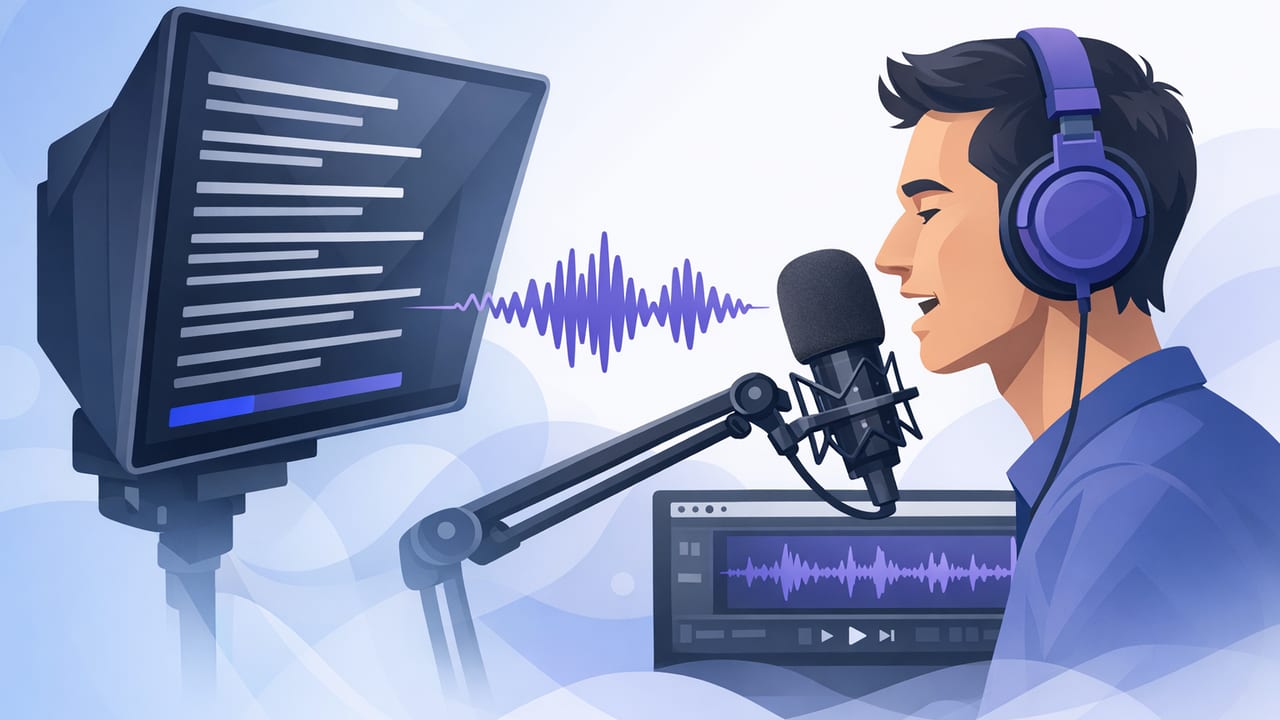
Scripted video is the fastest path to clear messaging—but it often comes with a tradeoff: you either memorize (time-consuming), glance down at notes (breaks eye contact), or read at a fixed pace (sounds robotic). A voice following teleprompter changes the equation by letting the script move with your speaking pace, so you can deliver naturally while keeping your eyes near the lens.
This guide explains what voice-following actually does, when it’s the best choice (and when it isn’t), and a practical iPhone workflow for recording clean, confident takes—especially for creators making tutorials, talking-head content, product demos, and educational clips.
What is a voice following teleprompter?
A voice following teleprompter is a script display that tracks your spoken words and advances the text as you talk. Instead of forcing you to match a fixed scrolling speed, it tries to match you. If you pause, it pauses. If you speed up, it advances faster. This helps you keep a conversational cadence while still reading accurate wording.
Most iPhone teleprompter apps offer a few scrolling modes. Voice-following is one of them—and it’s particularly useful for creators who vary their pace naturally or who prefer to speak in full, complete sentences without memorizing.
How voice-following works (in plain English)
While implementations differ, voice-following typically works like this:
- Microphone input captures your speech during recording (or rehearsal).
- On-device speech recognition (or a similar matching system) compares what you say to your script text.
- The teleprompter highlights or “locks onto” the current word/line and advances as it detects you’ve moved forward.
Because voice-following is essentially “matching,” it works best when your script is close to what you plan to say. It doesn’t require you to read every word perfectly, but large ad-libs, skipped sentences, or frequent re-ordering can cause it to lose your place.
Key idea: Voice-following isn’t about sounding robotic; it’s about keeping control of your pace while maintaining eye contact.
Voice-following vs fixed-speed vs timed scrolling
Choosing the right mode matters. Here’s a quick comparison for creator workflows:
| Mode | Best for | Pros | Watch-outs |
|---|---|---|---|
| Voice following | Talking head, tutorials, sales scripts, creators who pause/thinking aloud | Natural pacing, fewer retakes, less “racing the scroll” | Can lose place if you heavily improvise or skip chunks |
| Fixed-speed | Short reads, practiced scripts, consistent cadence | Simple, predictable, no mic dependency | Forces your pace; can create monotone delivery |
| Timed | Exact duration requirements (ads, broadcast segments, reels with precise timing) | Great for hitting a target length | Less forgiving if you stumble or pause |
When a voice following teleprompter is the right choice
1) You want a conversational tone but accurate wording
Explainers, coaching, and product education often need specific phrasing (benefits, steps, disclaimers) without sounding like you’re reading. Voice-following supports a relaxed delivery while keeping you aligned with your script.
2) Your pacing is inconsistent (and that’s okay)
Many creators speed up during easy sections and slow down on technical parts. Fixed scrolling penalizes that. Voice-following accommodates natural tempo changes.
3) You’re doing one-take workflows
If your goal is to record, trim, subtitle, and publish quickly, fewer restarts matter. Voice-following reduces the “wait—I’m ahead of the text” problem that causes stop-start takes.
4) You’re prioritizing on-device privacy
Some creator workflows require scripts to stay local (client work, internal comms, sensitive topics). Many modern iPhone tools can perform key tasks on-device, reducing the need to upload scripts or audio for matching and subtitles.
When voice-following may not be ideal
- Heavy improvisation: If you plan to riff, reorder ideas, or skip sections, a fixed-speed (or simple notes) may be smoother.
- Noisy environments: Loud rooms or wind can reduce tracking accuracy. Use an external mic or choose fixed-speed.
- Multiple speakers: If someone off-camera talks, the teleprompter can advance incorrectly.
- Very short scripts: For a 10–15 second hook, fixed-speed or manual swipe can be faster than setting up voice-follow.
How to set up a voice-following iPhone teleprompter (creator workflow)
Step 1: Write a “speakable” script
Voice-following works best when the text matches what you’ll say. That doesn’t mean formal writing—it means spoken writing. Use contractions, simpler sentences, and natural transitions.
- One idea per sentence (especially for mobile audiences).
- Front-load clarity: your point should be obvious in the first line.
- Mark emphasis with bold or ALL CAPS sparingly so you don’t over-act.
Step 2: Format for teleprompter readability
Good formatting reduces eye movement and keeps you near the lens. A practical pattern is short lines with clear pauses:
HOOK (1 line)

Problem (1–2 lines)

Step 1 (1–2 lines)
Step 2 (1–2 lines)
Step 3 (1–2 lines)

Close + CTA (1–2 lines)
If you’re adding on-screen captions later, this structure also maps cleanly to subtitle segments.
Step 3: Optimize your iPhone recording setup
- Camera: Use the rear camera when possible for higher quality.
- Resolution: 4K is helpful for cropping to vertical and horizontal from one take.
- Stability: Tripod or stable surface; enable stabilization if your setup supports it.
- Audio: External mic (wired or wireless) improves both sound and voice-follow accuracy.
- Lighting: Face a window or soft light; consistent exposure reduces “flicker” in edits.
Step 4: Calibrate voice-following before you record
Take 15–30 seconds to “train” your delivery to the script:
- Do one slow rehearsal to confirm the teleprompter is tracking correctly.
- Check that your mic is chosen correctly (especially if you use Bluetooth/wireless).
- Set comfortable text size and line spacing to minimize eye darting.
- Adjust the prompt window position so your gaze stays close to the lens.
Step 5: Record in sections (without breaking flow)
For longer scripts, record in logical blocks (hook, steps, close). Voice-following helps you pause naturally at section boundaries. If you need to redo a line, pause, reset your place, and continue—then trim in edit.
Practical tips to sound natural while reading
Use “breath punctuation”
Write pauses where you would breathe. Dashes, ellipses, or a blank line can remind you to slow down. This also reduces filler words.
Keep your eyes stable
Even with a teleprompter, the goal is minimal eye travel. Increase font size, shorten line length, and keep the active line near the camera. The less your eyes move, the more “direct” your delivery feels.
Speak slightly slower than you think
Mobile viewers process fast, but not too fast. A slightly slower pace improves authority and gives subtitles time to be read comfortably.
Don’t fight small mistakes
If you stumble, pause for one beat and restart the sentence. That pause creates a clean cut point. Trying to “save” a messy line often costs more time in editing.
Troubleshooting: when voice-following loses your place
- You skipped a sentence: Manually scroll back to the nearest heading or restart at the last clean line.
- Background noise advanced the script: Move to a quieter space, get closer to the mic, or switch to fixed-speed for that session.
- You’re ad-libbing too much: Rewrite the script to match how you naturally speak, or add “optional” lines in parentheses you can ignore.
- Pronunciation differences: Spell tricky names phonetically in the script (e.g., “kai-RO-prac-tor”).
Fast post-production: subtitles and exports that match platforms
Once you have a clean take, the fastest workflow is:
- Trim mistakes and long pauses.
- Resize to the target aspect ratio (9:16 for Shorts/Reels/TikTok, 16:9 for YouTube).
- Generate subtitles and quickly proofread names/terms.
- Export at high quality, then upload natively to the platform.
Creators who care about privacy often prefer on-device subtitle generation so audio and scripts don’t leave the phone. It’s also faster when you’re working on the go or without reliable internet.
Checklist: a repeatable voice-following teleprompter routine
- Script in spoken language (short sentences, clear beats).
- Format for readability (short lines, whitespace, headings).
- Set audio first (external mic if possible).
- Rehearse 20 seconds to confirm tracking.
- Record in sections, pause for clean edits.
- Subtitle + export for the platform’s aspect ratio.
Closing thoughts
A voice following teleprompter is most valuable when you want the clarity of a script without the stiffness of fixed scrolling. Pair it with readable formatting, good audio, and a section-based recording approach, and you can consistently produce natural, polished iPhone videos—often in a single take.
If you’re looking for an iPhone teleprompter workflow that combines voice-following, 4K recording, on-device subtitles, and privacy-first design, an app like CueCam is one option to explore.
