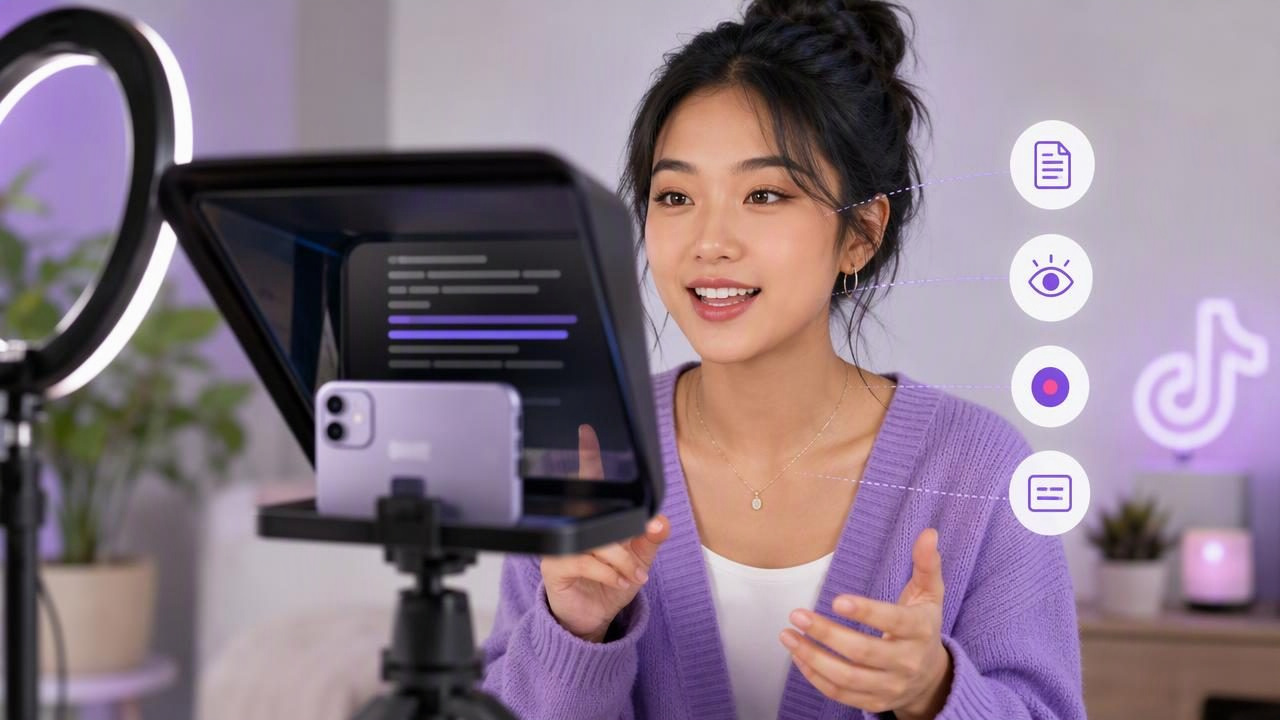
Creating TikTok videos is often less about having the perfect idea and more about delivering that idea clearly in the first few seconds. When you forget a line, look away from the lens, or rush through a call to action, even a useful video can feel less polished. An iPhone teleprompter app guide for TikTok creators can help solve those practical problems by making it easier to read a script while recording directly on your phone.
A teleprompter is not only for long speeches or formal presentations. It can be useful for short product explainers, educational clips, talking-head videos, story-based content, affiliate recommendations, tutorials, and recurring series. The goal is not to sound like you are reading. The goal is to make your delivery more consistent while keeping your attention close to the camera lens.
This guide explains how to prepare TikTok scripts, set up your iPhone, choose a scrolling method, record naturally, and add captions without turning a short video into an overly complicated production.
Why TikTok Creators Use an iPhone Teleprompter
TikTok rewards clarity. Viewers decide quickly whether to keep watching, so a strong opening, understandable pacing, and a clear message matter. Memorizing every word can work for a 10-second clip, but it becomes harder when your content includes multiple steps, specific product details, statistics, or a detailed explanation.
An iPhone teleprompter app can support your workflow by keeping the script close to the camera. Instead of repeatedly looking down at notes, you can read line by line while maintaining more natural-looking eye contact.
- More consistent hooks: Start each take with the same clear opening.
- Fewer missed details: Keep names, steps, prices, disclaimers, or instructions in your script.
- Faster retakes: Restart from a section instead of memorizing the entire video again.
- Clearer calls to action: Deliver your final instruction without losing your place.
- Better batch recording: Prepare several scripts and record them in one session.
A teleprompter does not guarantee an engaging TikTok. Your hook, framing, voice, and editing still matter. It simply removes some of the friction between writing a useful script and delivering it on camera.
Start With a TikTok Script Built for Speaking
The best teleprompter scripts are written for the ear, not for a blog post. TikTok viewers respond better to direct, conversational language than long sentences filled with background information. Write the way you would explain the idea to one person.
For most talking-head videos, organize the script into four parts:
- Hook: Give viewers a reason to stop scrolling.
- Promise: State what they will learn, see, or gain.
- Value: Explain the tip, process, comparison, or story.
- Call to action: Tell viewers what to do next, if appropriate.
A practical 35-second script example
Imagine you create content for small business owners and want to share a filming tip. A script could look like this:
Hook: “If your TikTok videos sound rushed, this simple change can help.”
Promise: “Write your key points before you press record.”
Value: “Keep your first sentence short, explain one idea at a time, and leave a small pause between sections. Those pauses make trimming easier and help viewers follow what you are saying.”
Call to action: “Save this for your next filming day.”
This is easier to read than a dense paragraph because each thought is separate. On a teleprompter, use line breaks generously. A new line can remind you to pause, change emphasis, or take a breath.
Format Your Script for Easier Reading
Script formatting affects delivery. If the text is too small, too wide, or arranged in long blocks, you may move your eyes noticeably across the screen. That movement can make it look as if you are reading, even when the text is close to the lens.
Use these formatting principles before recording:
- Keep sentences short, ideally one main idea per sentence.
- Break longer thoughts into two or three lines.
- Use plain language instead of jargon when possible.
- Write numbers in the form you naturally say aloud.
- Add cues such as [pause], [show screen], or [hold product up].
- Put your strongest phrase near the top of the screen, close to the camera area.
For example, instead of writing “Implement a strategically optimized content production workflow,” write “Plan three videos before you start filming.” The second version is easier to say, easier to understand, and more suitable for a vertical video.
Set Up Your iPhone for Natural Eye Contact
Your camera placement has as much influence on eye contact as the teleprompter itself. Position your iPhone at roughly eye level. If it sits too low, viewers may see you looking downward. If it is too high, your face can appear angled upward and less conversational.
| Setup element | Recommended approach | Why it matters |
|---|---|---|
| Phone height | Place the camera near eye level. | Helps your gaze appear more direct. |
| Distance | Start around arm's length away. | Leaves room for a natural head-and-shoulders frame. |
| Orientation | Record vertically for standard TikTok posts. | Matches the platform's primary viewing format. |
| Lighting | Face a window or soft front light. | Makes your face easier to see without harsh shadows. |
| Background | Choose a tidy, non-distracting setting. | Keeps attention on your message. |
Keep the script text as close as possible to the camera lens. Larger text can be easier to read, but overly large text may force you to scroll more frequently. Test a few sizes and choose the smallest size you can read comfortably without squinting.
Choose the Right Scrolling Pace
A common mistake is setting the teleprompter too fast because you want the video to feel energetic. Fast talking is not the same as confident talking. If you race through a script, viewers may miss the point and captions may become harder to follow.
There are three practical ways to control script movement:
- Fixed-speed scrolling: Useful when you have rehearsed the script and speak at a steady pace.
- Timed scrolling: Useful when you know the planned length of your video and want the script to finish around a target time.
- Voice-following tracking: Useful when your speaking pace changes, such as when you pause for emphasis or demonstrate an item.
Each method has limitations. Fixed speed can get ahead of you if you pause. Timed scrolling depends on your reading pace matching the planned duration. Voice-following tools may be affected by unclear speech, background noise, language support, or device conditions. Always record a short test rather than assuming a scrolling mode will match your delivery perfectly.
Do a 20-Second Audio and Framing Test
Before recording a full batch of TikToks, make one short test clip. Read the hook and first two lines of your script. Then watch it with the sound on and check four things:
- Can you hear every word clearly?
- Does your gaze stay close to the camera?
- Is the text moving at a comfortable pace?
- Is your face evenly lit and fully in frame?
This test is especially important if you are using an external microphone, recording near traffic, or filming in a room with echo. Do not rely on how audio sounds while you are in the room. Listen back through headphones if possible. If your voice sounds distant, move closer to the phone, reduce room noise, or adjust your recording environment before filming every take.
Record in Sections Instead of Chasing One Perfect Take
For a 30- to 60-second TikTok, you do not have to deliver everything in one uninterrupted recording. Breaking your script into sections can make your delivery calmer and simplify retakes.
A useful structure is:
- Clip 1: Hook
- Clip 2: First key point
- Clip 3: Second key point or demonstration
- Clip 4: Call to action
Pause for one or two seconds before and after each section. Those quiet moments give you room to trim the clip later. They also reduce the pressure to restart an entire video when you miss one word near the end.
If you do record one continuous take, keep going after a mistake when practical. Pause, repeat the sentence cleanly, and continue. During editing, you can remove the first attempt. This approach often saves time compared with restarting from the beginning.
Add Captions That Support, Not Repeat, Your Video
Subtitles make spoken content more accessible and can help viewers follow along in sound-sensitive environments. However, captions should remain easy to scan. Long lines, tiny text, and captions placed over your face can make a video feel crowded.
For cleaner TikTok captions:
- Keep caption lines brief.
- Place captions away from the bottom interface area when possible.
- Check that important words are transcribed correctly.
- Review names, numbers, acronyms, and product terms manually.
- Use visual emphasis sparingly so the message remains readable.
Automatic subtitles can save time, but they may misread fast speech, uncommon names, multiple speakers, accents, or noisy recordings. Treat generated captions as a draft that needs review, especially when accuracy is important.
Build a Repeatable Script-to-Video Workflow
A simple repeatable process is more useful than a complicated setup you avoid using. Try this workflow for your next filming session:
- Write three to five short TikTok scripts around one topic.
- Format each script with clear line breaks and pauses.
- Set your iPhone at eye level in vertical orientation.
- Record a brief pacing, framing, and audio test.
- Film each script in sections or as one take with intentional pauses.
- Trim mistakes, add captions, and review the final text.
- Watch once with sound and once without sound before posting.
For creators who want an iPhone-based way to read a script while recording, CueCam's guide to recording video while reading a script provides additional setup guidance. Whichever tool you use, focus first on readable scripts, comfortable pacing, clear audio, and a camera position that keeps your eyes close to the lens.
Final Takeaway
An iPhone teleprompter can help TikTok creators communicate more clearly without relying on perfect memorization. Keep your script conversational, test your scrolling pace, place the phone at eye level, and leave room for editing. With a little preparation, you can spend less time restarting takes and more time making videos that are easier for viewers to understand and remember.
