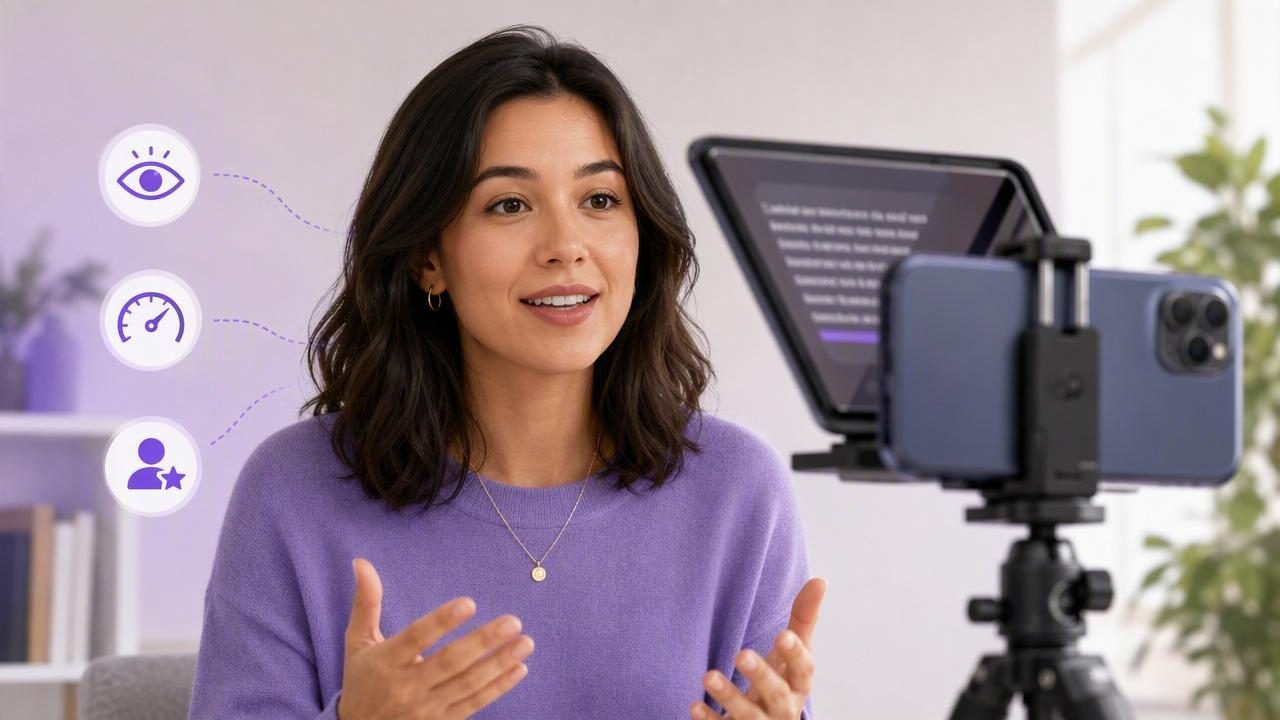
Recording a polished video from a script can be harder than it looks. You may know exactly what you want to say, but the moment you press record, it is easy to forget key points, lose your place, or start sounding overly rehearsed. A teleprompter app helps solve those problems by placing your script close to the iPhone camera, allowing you to speak with more consistency while maintaining natural-looking eye contact.
Whether you create tutorials, product demos, social media videos, sales messages, online lessons, or internal company updates, a teleprompter can make your script-to-video process faster and less stressful. The key is not simply reading words from a screen. It is learning how to prepare a script, set a comfortable pace, and deliver each line as if you are speaking to one person.
This guide explains how to use an iPhone teleprompter app effectively, avoid common delivery mistakes, and build a repeatable recording workflow.
Why Use a Teleprompter App for iPhone Video?
A teleprompter app displays a script while you record. Instead of trying to memorize every sentence or repeatedly looking away at notes, you can follow your message directly beside the camera lens. This is especially helpful for creators who need to record regularly but do not have the time to memorize long scripts.
The biggest benefits include:
- Better eye contact: Your gaze stays closer to the camera, helping viewers feel that you are speaking directly to them.
- Fewer retakes: A visible script reduces missed details, awkward pauses, and forgotten calls to action.
- More consistent messaging: You can use approved wording for tutorials, brand announcements, or client-facing videos.
- Faster production: A reliable script reduces the time spent improvising, recording, and correcting mistakes.
- More confidence on camera: You do not need to rely entirely on memory, especially when covering technical or sensitive topics.
A teleprompter is not only for formal presentations. It is a useful creator workflow tool for short-form vertical clips, YouTube intros, educational explainers, talking-head videos, and polished social posts.
Start With a Script Written for Speaking
The quality of your teleprompter recording starts before you open the app. A written article, sales page, or presentation deck usually does not sound natural when read aloud word for word. Scripts for video need shorter sentences, clear transitions, and conversational language.
Write as you speak. Read every paragraph aloud during the drafting process. If a sentence feels difficult to say in one breath, break it into two sentences.
Use a Simple Script Structure
For most creator videos, a straightforward structure keeps the message focused:
- Hook: Open with the problem, result, or question that matters to the viewer.
- Context: Briefly explain why the topic is important.
- Main points: Cover two to five actionable ideas.
- Summary: Reinforce the main takeaway.
- Call to action: Tell the viewer what to do next, if relevant.
For example, instead of opening with, “Today, I would like to discuss several considerations regarding improving the quality of your mobile video production,” try:
“Want your iPhone videos to look more professional? Start with these three recording adjustments.”
The second version is shorter, clearer, and easier to deliver naturally while a script scrolls.
Format Your Script for Easy Reading
Script formatting affects delivery more than many creators expect. A dense wall of text encourages rushing and makes it harder to recover if you lose your place. Use line breaks generously and make important words visually easy to spot.
- Keep paragraphs to one or two sentences.
- Put one idea on each line when possible.
- Use punctuation to mark natural pauses.
- Highlight names, numbers, and technical terms that need emphasis.
- Add delivery notes such as [pause], [smile], or [show screen recording].
Set Up Your iPhone Before Recording
Good teleprompter delivery will not compensate for poor lighting, weak audio, or an unstable frame. Spend a few minutes setting up your recording environment before pressing record.
| Setup Area | Recommended Approach | Why It Matters |
|---|---|---|
| Camera height | Place the iPhone at eye level. | Creates a more flattering, direct-to-viewer angle. |
| Lighting | Face a window or use soft light in front of you. | Prevents dark eyes and harsh shadows. |
| Audio | Record in a quiet room or connect an external microphone. | Clear audio improves perceived video quality. |
| Background | Choose a clean, uncluttered background. | Keeps attention on your message. |
| Framing | Leave modest headroom and center your face. | Provides flexibility for vertical and horizontal edits. |
If you are recording a vertical video for Reels, Shorts, or TikTok, frame yourself in the middle of a 9:16 composition. Leave enough room around your shoulders and head so captions, platform buttons, or later cropping do not cover your face.
Choose the Right Scrolling Method
Most teleprompter apps offer more than one way to move through a script. The best choice depends on your speaking style, the length of the video, and how predictable your delivery is.
Voice-Following Scrolling
Voice-following scrolling tracks your speech and advances as you talk. It is often ideal for creators who want room to pause, emphasize a phrase, or explain a point more naturally. Rather than forcing yourself to match a moving script, the script adapts more closely to your rhythm.
This mode can be especially useful for educational videos, product walk-throughs, or any script with changing pace. Speak clearly, avoid talking over background noise, and test recognition before your final take.
Fixed-Speed Scrolling
Fixed-speed scrolling moves at a set pace. It works well when your delivery is practiced and your script has a consistent rhythm. This option is useful for short announcements, intros, and repeatable formats where you already know your average speaking speed.
The risk is setting the speed too high. If you chase the words, your voice may sound tense. Start slower than you think you need, then increase the rate in small increments.
Timed Scrolling
Timed scrolling is helpful when your video must fit a specific duration, such as a 30-second ad, a one-minute social post, or a pre-planned presentation segment. Time your script during rehearsal, then set the scroll to match that target.
For reference, a relaxed speaking rate is commonly around 120 to 150 words per minute. The actual pace varies based on your audience, subject, and number of pauses.
How to Sound Natural While Reading
The most common teleprompter concern is sounding like you are reading. Fortunately, natural delivery is a skill that improves quickly with a few practical adjustments.
Look at the Lens, Not the Text
Your script should appear close to the camera lens, but your goal is still to connect with the lens itself. Think of the camera as one specific viewer. When you reach an important point, deliberately direct your attention toward the lens for a moment rather than scanning the entire screen.
Use Pauses on Purpose
New users often rush because they are afraid of falling behind the scroll. Natural speakers pause after key ideas. A brief pause gives viewers time to process what you said and gives editors a cleaner place to cut.
Add pauses after:
- A question or opening hook
- A key statistic or claim
- Each numbered step
- A transition to a new section
- Your final call to action
Speak in Thought Groups
Do not treat every word as equally important. Group a sentence into meaningful phrases and emphasize the words that carry the message. For instance, in the sentence, “You can record clearer tutorials by improving your audio before you improve your camera,” emphasize clearer tutorials, audio, and camera.
This approach makes the script feel like a conversation rather than narration.
Record in Sections
You do not need one flawless take from beginning to end. In fact, recording in sections is often the more efficient option. Record the hook first, then each main point, then the conclusion. If you make a mistake, pause, repeat the sentence, and continue.
Short sections provide several advantages:
- Less pressure to deliver a perfect long take
- Easier editing and trimming
- More energy in each section
- Simple opportunities to change framing or add B-roll
Common Teleprompter Mistakes to Avoid
Even a well-written script can feel unnatural if the setup or delivery is wrong. Watch for these frequent issues:
- Text is too small: Increasing font size reduces eye movement and makes reading easier.
- Scroll speed is too fast: Slow down before you try to speak faster.
- Script is too formal: Rewrite long, complex language into conversational phrases.
- No rehearsal: Read through the script at least once to identify awkward wording.
- Monotone delivery: Vary your pace, volume, facial expression, and emphasis.
- Trying to fix every mistake immediately: Pause, restart the sentence, and keep going. You can trim later.
Add Captions and Finish the Video
Once you have recorded your video, editing should support the message rather than overcomplicate it. Trim false starts, remove long pauses, and keep the strongest delivery of each section. If you recorded in 4K, you may have more flexibility to crop or reframe for different platforms while retaining detail.
Captions are also an important finishing step. Many viewers watch social video with sound off, while others use captions for accessibility or comprehension. Review automatically generated subtitles carefully, especially names, technical vocabulary, and brand terms. Break long captions into readable lines, and keep them away from platform interface elements.
For a private, mobile-first workflow, an iPhone teleprompter app such as CueCam can combine scripted recording, on-device subtitles, and practical editing tools without requiring your scripts and recordings to leave your phone.
Make Teleprompter Recording a Repeatable Habit
The best teleprompter workflow is one you can repeat. Create a script template, save preferred text size and scrolling settings, and use the same basic camera setup whenever possible. Over time, you will spend less energy worrying about delivery and more energy improving your ideas.
A teleprompter app should not make you sound scripted. Used well, it gives you enough structure to speak clearly, stay on message, and show up on camera with confidence.
