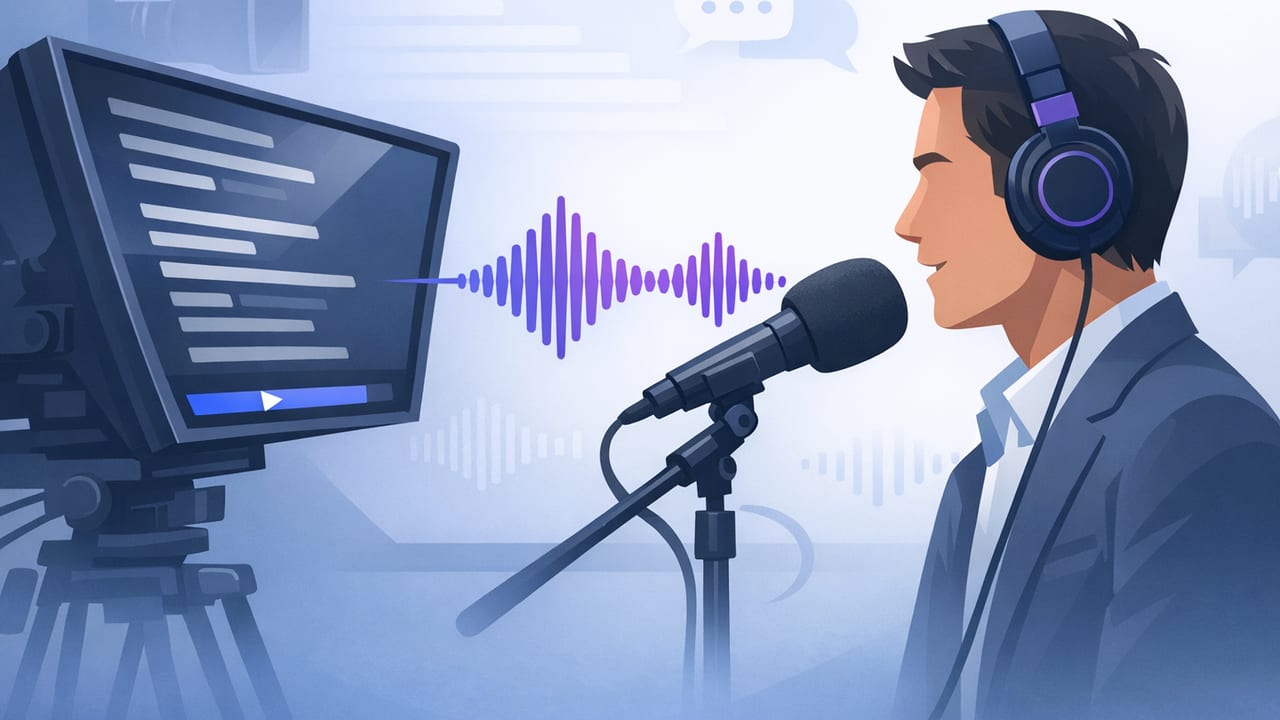
A voice following teleprompter is one of the simplest ways to record scripted video that still feels natural: the text scrolls as you speak, so you can keep steady eye contact with the camera while staying on-message. For iPhone creators, this can reduce retakes, speed up your workflow, and make longer talking-head videos easier—especially when you’re balancing delivery, framing, lighting, and sound.
This guide focuses on the practical side: how to set up voice following reliably, how to format scripts so they’re easy to read out loud, and how to troubleshoot the most common “why is it drifting?” problems. The goal isn’t robotic perfection—it’s a smooth read that sounds like you.
How voice-following teleprompter scrolling actually works
Most voice-follow systems listen to your speech and try to keep the highlighted word (or current line) aligned with what you’re saying. That means accuracy depends on three things:
- Audio clarity: how cleanly your voice is captured (mic choice, distance, room echo).
- Script predictability: whether the text matches what you actually say.
- Pacing stability: whether you pause, ad-lib, or restart frequently.
If any one of these is inconsistent, the teleprompter can jump ahead, lag behind, or lose your place. The good news: a few setup and script habits solve most issues.
Best iPhone setup for voice-following accuracy
1) Choose the right microphone path
Your iPhone’s built-in mic can work, but voice following performs best when speech is clear and consistent. Consider:
- Lavalier mic: steady distance from mouth, great for minimizing room echo.
- Shotgun mic: good for seated setups; keep it close and aimed correctly.
- Wireless mic: convenient for standing delivery and consistent levels.
Keep input levels healthy—if your voice is too quiet or peaking/distorting, word detection becomes less reliable.
2) Control your recording environment
- Reduce reverb: soft furnishings, curtains, rugs, and a smaller room help.
- Lower background noise: fans, AC, traffic, and keyboards can cause mis-tracking.
- Maintain a consistent distance: stepping back mid-sentence changes tone and volume.
3) Set your camera framing before you touch the script
Voice-following is easiest when you’re not constantly shifting your position. Lock in:
- Lens choice: front camera for selfie delivery; rear camera for best quality.
- Eye line: keep the text close to the lens position to preserve eye contact.
- Stability: tripod or stable mount; enable stabilization if available.
Teleprompter display settings that make reading look natural
The most “natural” delivery is usually the one with fewer eye movements and fewer line breaks mid-thought. Optimize these settings:
- Font size: big enough to read without squinting, small enough to avoid frequent line jumps.
- Line spacing: slightly wider spacing reduces rereading the same line.
- Margins: keep text centered near the camera lens area.
- Highlight style: subtle highlighting helps tracking without distracting your eyes.
- Mirror mode: only if you’re using a reflective teleprompter glass setup.
Delivery tip: Aim your gaze at the lens, not the words. Let the text be your peripheral guide.
Script formatting that improves voice-following (and your delivery)
A voice following teleprompter is most accurate when the script is written the way you’ll actually speak. If you tend to paraphrase, write a “spoken” script—not a written essay.
Write for breath and emphasis
- Short sentences: fewer run-ons means fewer tracking errors when you pause.
- One idea per paragraph: helps you recover your place if you restart.
- Use contractions: “you’re” and “it’s” sound more natural than “you are” and “it is” (unless you’re going formal).
Add optional cues (without clutter)
Simple, consistent cues help you avoid awkward pauses. Here’s a clean cue style you can copy:
[PAUSE]
Say the hook clearly.

[EMPHASIZE] This is the key point.

(If you stumble, restart from the previous line.)
Keep cues brief. Too many brackets can cause you to read the cues out loud—or distract your eye flow.
Match the script to what you’ll actually say
Voice-following struggles when you frequently add extra words, skip phrases, or swap synonyms. If you like to improvise, try one of these approaches:
- Bullet teleprompter: write prompts instead of full sentences (best for confident speakers).
- Hybrid script: full sentences for technical parts, bullets for transitions.
- Full script: best for legal/compliance, brand statements, or exact wording.
Voice-follow vs fixed speed vs timed: when to use what
Voice following is great for conversational delivery, but it’s not always the best mode for every video type. Here’s a quick comparison:
| Mode | Best for | Watch out for |
|---|---|---|
| Voice following | Talking head, tutorials, casual scripts, one-take reads | Background noise, heavy ad-libbing, inconsistent mic distance |
| Fixed speed | Highly rehearsed reads, consistent pacing, short announcements | Forces you to chase the text if you pause or emphasize |
| Timed scrolling | Precise runtime (ads, segments, events), multi-speaker cues | Requires timing practice and stable delivery |
Troubleshooting a voice following teleprompter
If your teleprompter “drifts,” jumps, or lags, it’s usually one of a few fixable causes. Use this table as a fast diagnostic:
| Problem | Likely cause | Fix |
|---|---|---|
| Scrolling jumps ahead | Background noise or echoes being interpreted as speech | Move to a quieter room, add soft furnishings, use a closer mic |
| Scrolling lags behind | Low input volume or muffled audio | Increase mic gain, get mic closer, avoid covering the mic |
| Loses place after a pause | Long silence or restart from a different line | Use shorter paragraphs, restart from a clear sentence boundary |
| Mis-tracks on names/brands | Uncommon words or abbreviations | Spell phonetically (e.g., “SaaS” → “sass”), add commas to slow down |
| Tracking breaks when you turn your head | Voice changes when off-axis to mic | Keep face oriented forward; use a lav mic for consistent pickup |
Quick calibration routine (60 seconds)
- Read the first two sentences twice before recording to settle your pace.
- Check for plosives (“p” and “b” pops). Angle the mic slightly off-center.
- Decide your restart rule: if you stumble, restart from the previous sentence, not mid-line.
Workflow: from script to recorded video to subtitles
Voice following speeds up recording, but the real time-saver is a consistent end-to-end workflow. A practical sequence for iPhone creators:
- Draft your script (spoken tone, short paragraphs).
- Format for teleprompter readability (line breaks, emphasis cues).
- Record in high quality (ideally 4K if you plan to crop for vertical and horizontal variants).
- Do a light edit: trim mistakes, tighten pauses, and keep pacing snappy.
- Generate subtitles to improve retention and accessibility—especially for social feeds where sound may be off.
- Export in the right aspect ratio for TikTok/Reels/Shorts or YouTube.
Why on-device subtitles matter
Subtitles are a huge part of the modern creator workflow. If your subtitles can be generated on-device, you reduce upload time, avoid sending drafts to a server, and keep sensitive scripts or client work more private. This is especially relevant for product demos, internal comms, and client testimonials.
Practical delivery techniques that look less “teleprompted”
- Use micro-pauses at punctuation: commas and periods help voice-following and make your speech sound intentional.
- Underline one word per sentence (mentally) as your emphasis anchor.
- Smile on transitions: it changes your tone and makes cut points easier to hide.
- Don’t fear a second take: two clean takes beat one take with constant micro-stumbles.
Mini checklist: your next voice-follow recording
- Quiet room, reduced echo
- Mic positioned for consistent volume
- Text aligned close to the lens
- Font size and spacing set for minimal eye movement
- Script written in spoken language (not essay language)
- Plan where you’ll pause and where you’ll restart if you stumble
- Record in high resolution if you’ll repurpose across platforms
- Add subtitles and export in the right aspect ratio
Closing thoughts
A voice following teleprompter works best when you treat it like a partner: give it clean audio, a script that matches your real speech, and a layout that keeps your eyes near the lens. Once those fundamentals are in place, you’ll spend less time fighting scrolling behavior and more time improving the content itself—your hook, clarity, and pacing.
If you’re looking for an iPhone workflow that combines voice-following prompting, high-quality recording, and privacy-friendly on-device processing, apps like CueCam are designed around that script-to-video loop.
