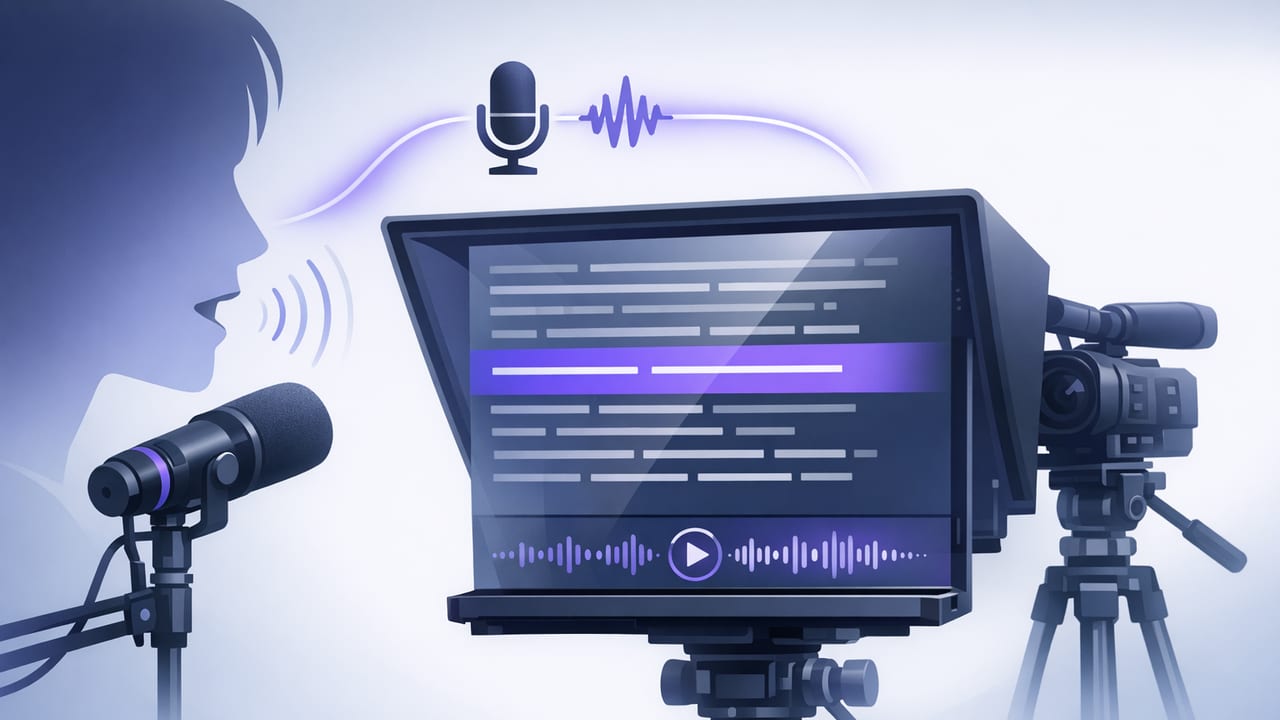
If you’ve ever tried reading a script on your iPhone while recording, you’ve probably hit the same wall: your eyes drift, your pacing feels robotic, and you end up doing take after take. A voice-following teleprompter is designed to solve the most common scripting problem for creators—keeping your delivery natural without memorizing the whole thing or guessing the scroll speed.
This guide walks through a practical, creator-friendly workflow: how voice-following scrolling works, how to prep scripts so they sound conversational, how to record in high quality (including 4K/60), and how to finish with on-device subtitles that respect privacy. The goal: fewer retakes and better eye contact—on an iPhone.
What is a voice-following teleprompter (and why it feels more natural)?
A voice-following teleprompter listens to your speech while you record and advances the script as you talk. Instead of you matching the teleprompter, the teleprompter matches you. When you pause for emphasis, it pauses. When you speed up, it keeps up. When you rephrase slightly, many apps can still keep your place well enough to prevent you from getting lost.
That matters because most “teleprompter stiffness” comes from timing anxiety: you’re worried about being too slow or too fast, so your voice turns into a metronome. Voice-following reduces that pressure and helps you sound like yourself.
Voice-following vs other scrolling modes
| Mode | Best for | Strengths | Watch-outs |
|---|---|---|---|
| Voice-following | Talking-head videos, tutorials, sales pages, product explainers | Natural pacing, fewer retakes, easier emphasis | Needs clear audio input; loud environments can reduce accuracy |
| Fixed-speed | Very consistent reads, practiced scripts, short hooks | Predictable timing; simple setup | Forces your pace; can sound rushed or monotone |
| Timed scrolling | Ads with exact durations, compliance scripts, rehearsed segments | Helps hit a target length | Requires rehearsal; less forgiving if you ad-lib |
The iPhone setup that makes voice-following work well
Voice-following is only as good as the audio it hears. You don’t need a studio, but you do need a predictable signal. Use this checklist to boost accuracy and keep your delivery smooth.
1) Microphone: prioritize clean input
- Quiet room first: turn off fans, close windows, and avoid echo-y spaces.
- External mic if possible: a wired lav or a compact wireless mic improves clarity dramatically.
- Mic placement: keep it close to your mouth but out of frame; avoid clothing rub.
- Monitor levels: if the audio peaks, voice tracking may misread words (and your final audio will suffer).
2) Camera: lock in your look before you roll
- Resolution and frame rate: if your phone supports it and you have enough storage, record in 4K/60 for crisp motion and flexibility in editing.
- Lighting: a soft key light at a 45° angle is often enough; avoid harsh overhead lighting that creates eye shadows.
- Stabilization: tripod or stable support reduces micro-shake (especially important for tight talking-head shots).
- Eye line: keep the script as close to the lens as possible to maintain eye contact.
3) Teleprompter display: optimize for reading at a glance
- Font size: large enough to read comfortably without squinting.
- Line length: shorter lines reduce eye travel and keep you near the lens.
- Highlighting: word or line highlighting can help you re-enter smoothly after a pause.
Script formatting for voice-following (so you don’t sound like you’re reading)
Most “teleprompter voice” is a script problem, not a presenter problem. A voice-following teleprompter can keep you on track, but it won’t automatically make your writing conversational. Try these formatting rules to sound more natural on camera.
Write for speaking, not for reading
- Use contractions: “you’ll” instead of “you will,” “it’s” instead of “it is.”
- Prefer short sentences: 8–14 words is a useful range for spoken clarity.
- One idea per line: it’s easier to deliver with intention and less likely you’ll lose your place.
- Mark emphasis: add italics or bold for key words you must land.
Add breath cues and intentional pauses
Voice-following shines when you speak like a human—pausing, reacting, and letting important points land.
- Use — for a short pause.
- Use [beat] or [pause] for a longer pause.
- Write stage directions you’ll actually follow, like [smile] or [show screenshot].
Example: a teleprompter-friendly script snippet
Today I’m going to show you a simple way to sound confident on camera—
without memorizing your script.

Here’s the trick:
write like you talk.

[beat]

If a sentence feels too long to say in one breath,
split it.

And when you want a point to land—
pause.
Great scripted videos don’t sound unscripted by accident—they’re written to be spoken.
A step-by-step creator workflow (script → record → subtitles → export)
This workflow keeps your process predictable, which makes it easier to create consistently. It also reduces the temptation to “wing it,” which often leads to rambling and heavy editing.
Step 1: Build a tight outline before writing
- Hook: what problem are you solving in the first 3 seconds?
- Promise: what will they be able to do by the end?
- Steps: 3–5 concrete actions or points.
- Close: recap + next step (comment, subscribe, link, etc.).
Step 2: Rehearse for meaning, not memorization
With a voice-following teleprompter, you don’t need to nail every word. Instead:
- Read through once to find awkward phrases and fix them.
- Practice the hook until it feels like something you’d say naturally.
- Decide where you’ll pause, smile, or change tone.
Step 3: Record with voice-following enabled
- Do a 10-second test: confirm the script advances properly and your audio is clean.
- Speak slightly slower than you think: clarity beats speed, and you can cut pauses later.
- If you mess up: pause, breathe, and restart the sentence. Keep rolling; it’s easier to edit one clip than manage multiple takes.
Step 4: Quick edit for pacing
Even strong reads benefit from light cleanup:
- Trim dead space: remove long silences at the start/end and between sections.
- Cut mistakes cleanly: cut on breath or between words to avoid jumpy audio.
- Resize for platform: 9:16 for Reels/TikTok/Shorts, 16:9 for YouTube long-form, 1:1 for some feeds.
Step 5: Generate subtitles (prefer on-device when possible)
Subtitles are a retention tool, not just an accessibility feature. When subtitles are generated on-device, you also get a privacy benefit: your video and script don’t need to be uploaded to a server to be transcribed.
- Accuracy first: fix product names, acronyms, and brand terms.
- Readable style: keep captions to 1–2 lines and avoid tiny fonts.
- Highlight keywords: emphasize important words sparingly for comprehension.
Step 6: Export with platform-specific settings
- Short-form: export in 1080x1920 (or higher if supported), high bitrate, and ensure safe margins for UI overlays.
- YouTube: 4K export if you recorded in 4K; otherwise, 1080p with strong audio is still excellent.
- File naming: include topic + version (e.g., teleprompter-hook-v3) so you can iterate.
Troubleshooting voice-following: common issues and fixes
The script advances too slowly (lags behind my voice)
- Move closer to the mic and reduce background noise.
- Speak with clearer enunciation (especially sentence starts).
- Increase font size and line spacing so you can glance ahead without rushing.
The script advances too fast (skips ahead)
- Lower input gain if your audio is clipping.
- Reduce echo (soft furnishings help) so the app hears fewer reflections.
- Shorten lines and remove filler words from the script.
I lose my place after ad-libbing
- Write “safe landing” lines that bring you back: ‘So here’s the takeaway…’
- Use headings inside the script (e.g., Step 1:, Step 2:) so you can visually re-orient.
- Don’t fear micro-pauses—voice-following is built for them.
Privacy notes: scripts and videos don’t need to leave your iPhone
For many creators—especially those working on client projects, internal demos, healthcare/finance topics, or pre-launch products—privacy is part of the workflow. Look for tools that support on-device processing (like offline subtitles) and minimize data collection. A simple rule of thumb: if you can create, caption, and export without signing in or uploading raw footage, your risk surface is smaller.
Putting it all together
A voice-following teleprompter is most effective when it’s treated as part of a repeatable system: write for spoken delivery, capture clean audio, keep your eye line close to the lens, and finish with readable subtitles. That combination is what consistently produces “one-take” energy—even when you’re using a script.
If you’re looking for an iPhone teleprompter that combines voice-following, high-quality recording, and on-device subtitles in a privacy-focused workflow, you can explore an app like CueCam and see if it fits your process.
