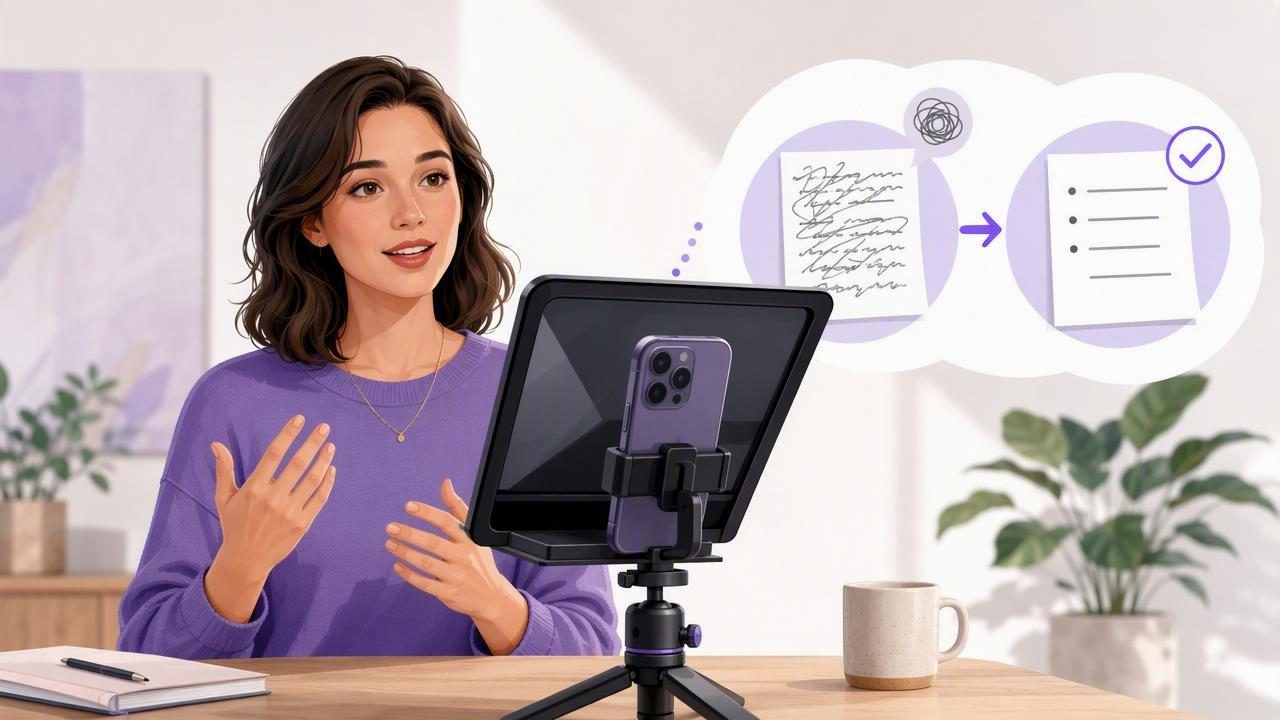
Trying to memorize a full script is one of the biggest reasons video creation feels slow, stressful, and unnatural. You may know your topic well, but the moment you press record, it is easy to lose your place, forget a key point, or spend too much energy trying to recall the next sentence.
Learning how to get fewer memorized lines with video teleprompter tools can change that workflow. Rather than forcing yourself to remember every word, you can use a well-formatted script, smart scrolling, and short recording sections to deliver your message with confidence while keeping natural eye contact with the camera.
This approach is useful for creators, coaches, marketers, educators, founders, and anyone recording videos on an iPhone. It makes script-to-video production more repeatable, reduces retakes, and helps you spend more time improving your message rather than memorizing it.
Why Memorizing Lines Makes Video Recording Harder
Memorization is useful for a short introduction, a live presentation, or a highly rehearsed performance. It is not always the most efficient method for creating regular social videos, tutorials, sales explainers, or course lessons.
When you try to hold an entire script in your head, you are managing several tasks at once:
- Remembering the next line and the order of your points
- Maintaining a relaxed voice and facial expression
- Looking into the lens instead of at notes off-camera
- Controlling pacing, posture, and gestures
- Recovering smoothly if you make a mistake
That mental load often creates the signs of an over-rehearsed video: rushed delivery, flat tone, frequent pauses, and wandering eye contact. A video teleprompter reduces that load by placing your words close to the camera lens. You still need to communicate with personality, but you no longer need to memorize every transition, statistic, or call to action.
Use a Teleprompter to Remember Ideas, Not Every Word
The goal is not to become dependent on reading. The goal is to create a reliable safety net so you can focus on delivering the message. The most natural teleprompter users do not treat the script as a rigid document. They use it as a visible route through their ideas.
A helpful mindset is: memorize the message structure, then use the teleprompter for precision. Know the main point of each section, but let the scrolling text support the details that are easy to forget.
For example, you might remember that a product tutorial needs an opening problem, three steps, and a conclusion. Instead of memorizing the exact wording of all five sections, read the technical instructions, names, numbers, and transitions from the teleprompter. This gives you freedom to sound conversational without leaving out important information.
What You Should Still Memorize
Even with a teleprompter, a small amount of preparation improves your delivery. Try to learn these elements before recording:
- Your opening hook or first sentence
- The central promise of the video
- The key idea behind each section
- Your final call to action
Knowing these anchor points helps you begin and end with more confidence. It also means you can recover naturally if you briefly look away, pause the scroll, or decide to rephrase a sentence.
Write Scripts That Are Easy to Read on Camera
A teleprompter cannot fix a script that was written like a formal article. Video scripts should be written for the ear, not just for the eye. The listener should understand your point the first time they hear it.
Start by shortening long sentences. Replace dense explanations with plain language, and give yourself room to pause. A line that looks polished in a document can sound awkward when spoken aloud.
| Less Natural for Video | More Natural for a Teleprompter |
|---|---|
| It is imperative that creators implement a consistent production methodology. | Here is the simple workflow I use to make videos consistently. |
| There are several considerations that should be evaluated prior to recording. | Before you record, check these three things. |
| The following process will facilitate improved recording performance. | This process helps you record with fewer retakes. |
Format Your Script for Fast Glances
Good formatting is one of the simplest ways to get fewer memorized lines with a video teleprompter. The easier your script is to scan, the less likely you are to lose your place or sound like you are reading.
- Use short paragraphs. Keep each block to one idea or two brief sentences.
- Add deliberate line breaks. A new line can signal a breath, emphasis, or change in thought.
- Highlight important words. Use bold formatting or all caps sparingly for words that need emphasis.
- Write numbers as you say them. For example, write “twenty-five percent” rather than “25%” if that is easier to speak.
- Include stage notes. Brief notes such as “[pause]” or “[show screen]” can guide your performance and editing.
Do not overload the script with detailed directions. Your screen should provide just enough guidance to keep you moving forward.
Choose the Right Scrolling Mode
Scrolling behavior has a major effect on how relaxed you look on camera. If text moves too quickly, you will chase it and rush your words. If it moves too slowly, your delivery may become hesitant and uneven.
Most modern iPhone teleprompter workflows offer more than one way to move text. Each mode suits a different type of speaker and video.
| Scrolling Mode | Best For | Potential Challenge |
|---|---|---|
| Fixed speed | Short, rehearsed scripts and predictable delivery | You must match your speaking pace to the scroll |
| Timed scrolling | Videos with a fixed duration or planned edit points | Requires a realistic estimate of speaking time |
| Voice-following tracking | Conversational delivery, tutorials, and variable pacing | Works best with clear speech and a quiet recording space |
For most people who want fewer memorized lines, voice-following word tracking is the easiest place to begin. The script follows your spoken words, so you can pause, add emphasis, or repeat a sentence without the text running away from you. It feels less like keeping up with a machine and more like having your notes available at the right moment.
Record in Sections Instead of One Perfect Take
You do not need to record a five-minute script in one uninterrupted take. In fact, trying to do so often leads back to unnecessary memorization pressure. Divide longer videos into manageable sections, such as the hook, the first teaching point, the demonstration, and the conclusion.
Recording in sections gives you several practical advantages:
- You only need to focus on the next idea.
- You can redo one section without restarting the whole video.
- You can change your tone or wording after reviewing a clip.
- Editing becomes easier because mistakes are isolated.
- You can add B-roll, screenshots, or subtitles between sections.
For a 60-second social video, you may split the script into three clips: a 10-second hook, a 35-second explanation, and a 15-second close. For a course lesson, record one subsection at a time. This method keeps the performance fresh and prevents small errors from becoming expensive retakes.
Set Up Your iPhone for Better Eye Contact
A teleprompter helps only if the text stays close enough to the lens. When notes are far above, below, or beside the camera, viewers may notice your eyes moving. Use an iPhone teleprompter layout that positions the script near the front camera while leaving your face visible enough to monitor framing.
Before recording, check these basics:
- Place the iPhone at eye level using a tripod or stable mount.
- Use a readable text size without making lines so wide that your eyes travel across the screen.
- Keep the lens clean and use soft lighting facing you.
- Enable stabilization when recording handheld footage.
- Use an external microphone when clean audio matters, especially for interviews or educational content.
If you are creating polished long-form content, recording in 4K can give you more flexibility to crop or reframe later. However, good sound, clear lighting, and natural delivery will usually matter more to viewers than resolution alone.
Practice Without Trying to Sound Perfect
Practice is still valuable, but the purpose changes. Instead of rehearsing until you can recite every line, use one or two read-throughs to find phrases that do not sound like you. Rewrite those phrases in your natural speaking style.
The best teleprompter script is not the one that reads most formally. It is the one you can say with ease.
During your practice read, look for places where you run out of breath, stumble on jargon, or lose energy. Break those sentences apart. Add a question, a pause, or a simple example. This makes the finished video clearer for the audience and easier for you to deliver.
Add Subtitles to Support the Final Message
Once you have reduced memorization pressure and captured a clean take, subtitles are the next important part of the creator workflow. Captions help viewers watch in quiet spaces, follow fast explanations, and understand videos when audio is not available. They also make your key points easier to scan on short-form platforms.
Review auto-generated subtitles before export, especially names, technical terms, prices, and calls to action. Keep subtitle lines brief and place them where they do not cover your face or important visuals. If privacy is a priority, choose tools that generate subtitles on-device so your scripts and recordings do not need to be uploaded to a remote server.
A Simple Repeatable Script-to-Video Workflow
- Outline the video in three to five key points.
- Write a conversational script with short lines and clear pauses.
- Memorize only the hook, section ideas, and closing statement.
- Set a comfortable teleprompter speed or enable voice-following.
- Record one section at a time on your iPhone.
- Trim mistakes, add B-roll where needed, and review the pacing.
- Create accurate subtitles and export in the right format for your platform.
Tools such as CueCam can support this type of private, phone-based workflow by combining teleprompting, iPhone recording, editing, and on-device subtitles in one place.
Final Takeaway
You do not need to memorize an entire script to make a confident video. A teleprompter lets you preserve your key wording, maintain eye contact, and reduce the mental pressure that causes retakes. Write for spoken delivery, use readable formatting, select a scrolling mode that matches your pace, and record in short sections. With that system in place, your videos can feel prepared without sounding rehearsed.
